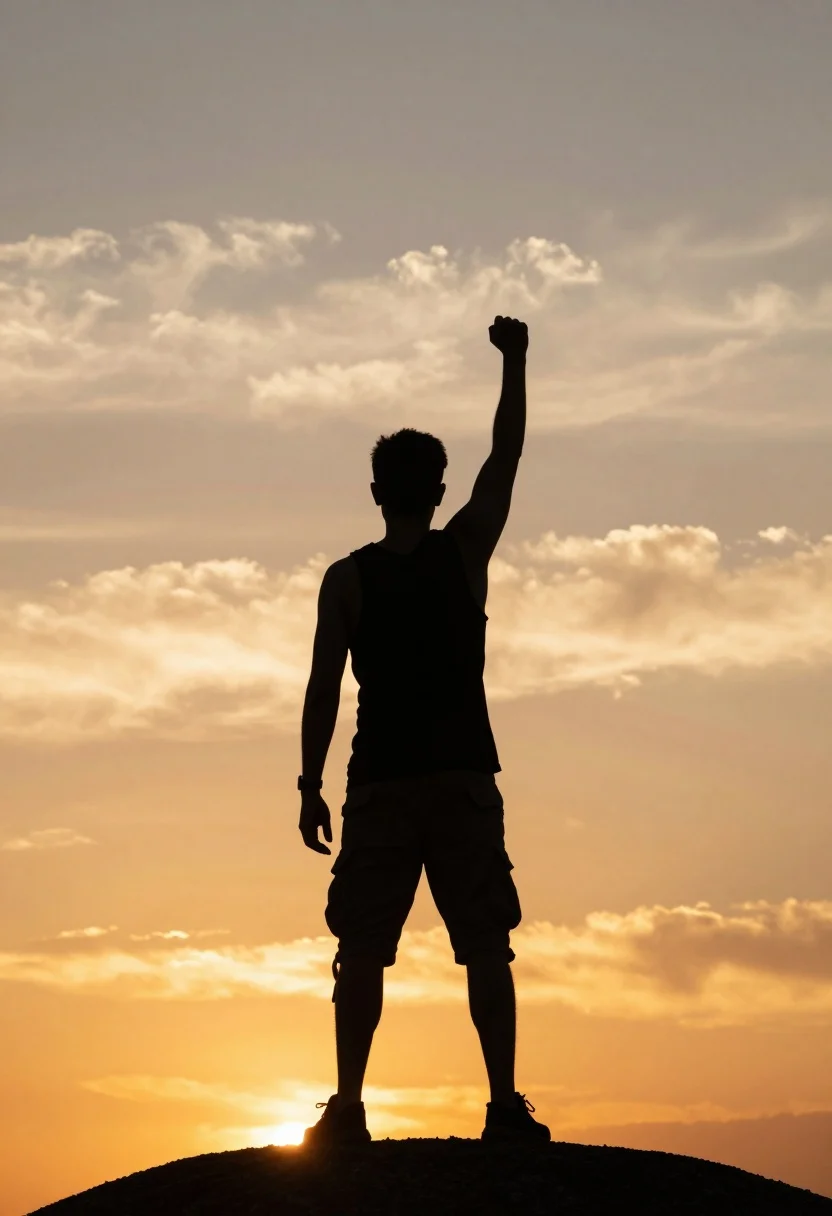
Silhouette of man standing on hill with raised fist against vibrant sunset
Prompt
A silhouette of a man standing on a high point with his right arm raised in a triumphant fist against a vibrant sunset sky.

Subject: A male figure seen from the back wearing a sleeveless tank top and cargo shorts, standing atop a small mound or hill.

Action: The man stands still with his left arm hanging loosely by his side while his right arm is extended straight up with a clenched fist pointing toward the sky.

Environment: An open outdoor setting dominated by a vast sky filled with soft, glowing clouds in shades of yellow and orange.

Camera: A medium shot capturing the full body from head to toe, framed vertically to emphasize the height of the figure against the expansive background.

Lighting: Backlit by the warm glow of a sunset or sunrise, creating a high-contrast silhouette effect where the subject is dark against the bright, golden sky.

Style Details: High contrast photography with a cinematic color palette emphasizing deep shadows and luminous highlights to convey a sense of victory or inspiration.
Description
This prompt is useful for creating motivational poster art, album cover concepts, and dramatic landscape compositions. The combination of 'backlit by the warm glow of a sunset' and specifying a 'high-contrast silhouette effect' ensures the subject reads as a pure shape against the luminous background, which prevents distracting internal details on the figure that would weaken the intended sense of monumental achievement.
Suggestions
- Change 'vibrant sunset sky' to 'deep indigo twilight sky' for a cooler mood.
- Swap 'sleeveless tank top and cargo shorts' for 'minimalist athletic wear' to simplify the silhouette shape.
- Adjust 'medium shot' to 'full body, low angle' to exaggerate the height of the hill.
Category
Tags
Back ViewCasual WearFull BodyHigh AngleMaleMedium ShotNatureRealisticRooftop
Date added
August 5, 2026
Added by
PromptDexter Team
Related Prompts
More prompts with similar categories and tags.
Young man in striped shirt standing in an autumnal forest clearing bokeh

Man standing in green field with outstretched arms facing snow capped mountain
Man sitting on black motorcycle in tall grass with blurred forest background
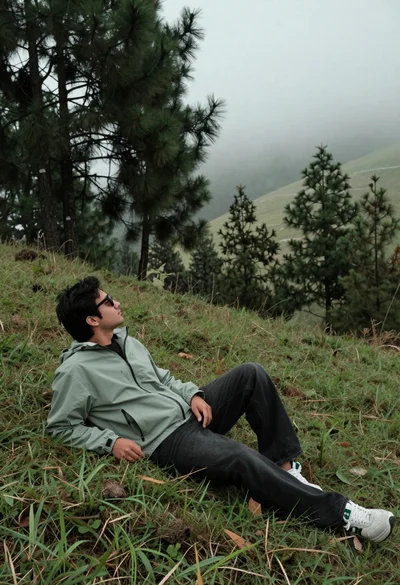
Man reclining on grassy hillside looking up at misty forest landscape
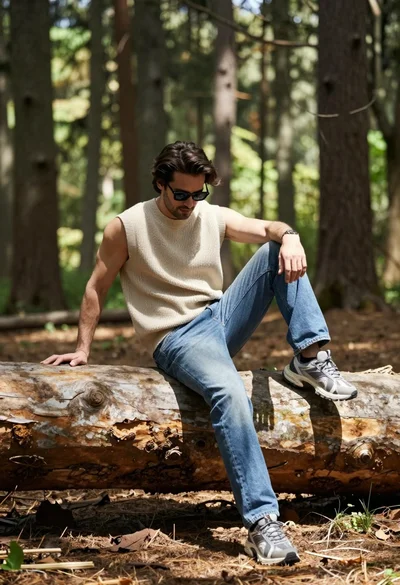
Man sitting casually on fallen log in sun dappled forest setting
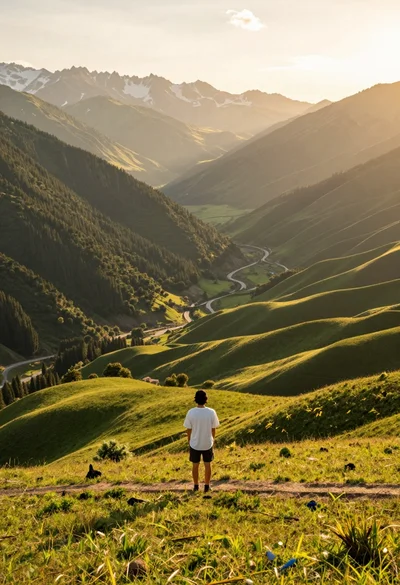
Solitary figure on grassy hill overlooking vast mountain valley at golden hour
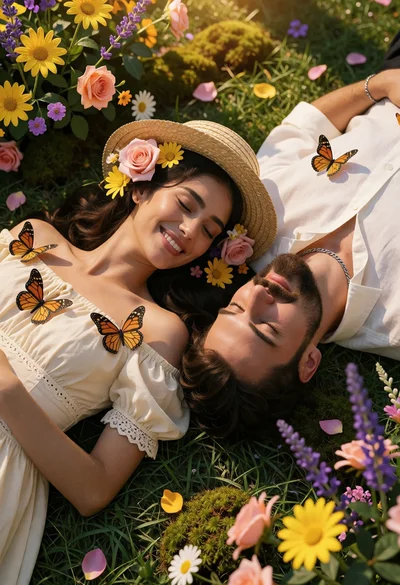
Overhead view of couple on green lawn surrounded by colorful flowers

Man reading book in tall green grass under warm golden sunlight
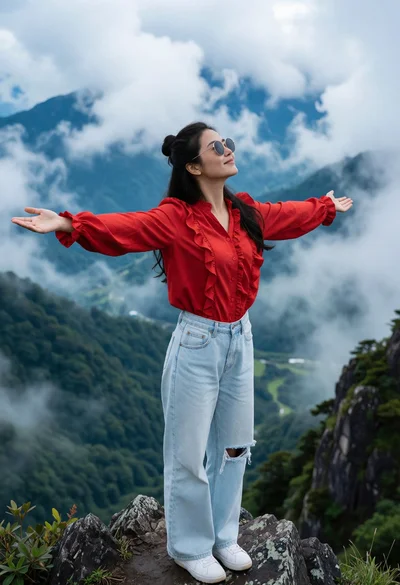
Woman standing triumphantly on mountain peak overlooking misty green valleys
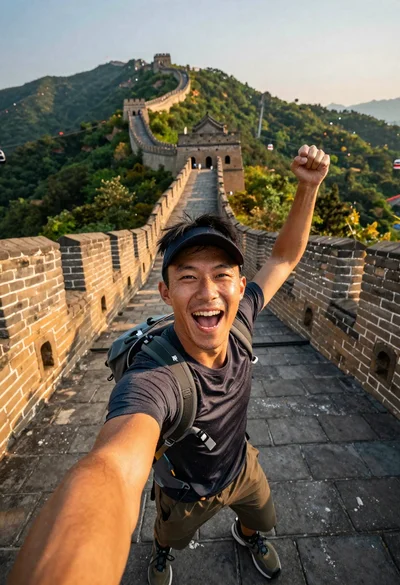
Energetic man taking selfie on great wall at golden hour