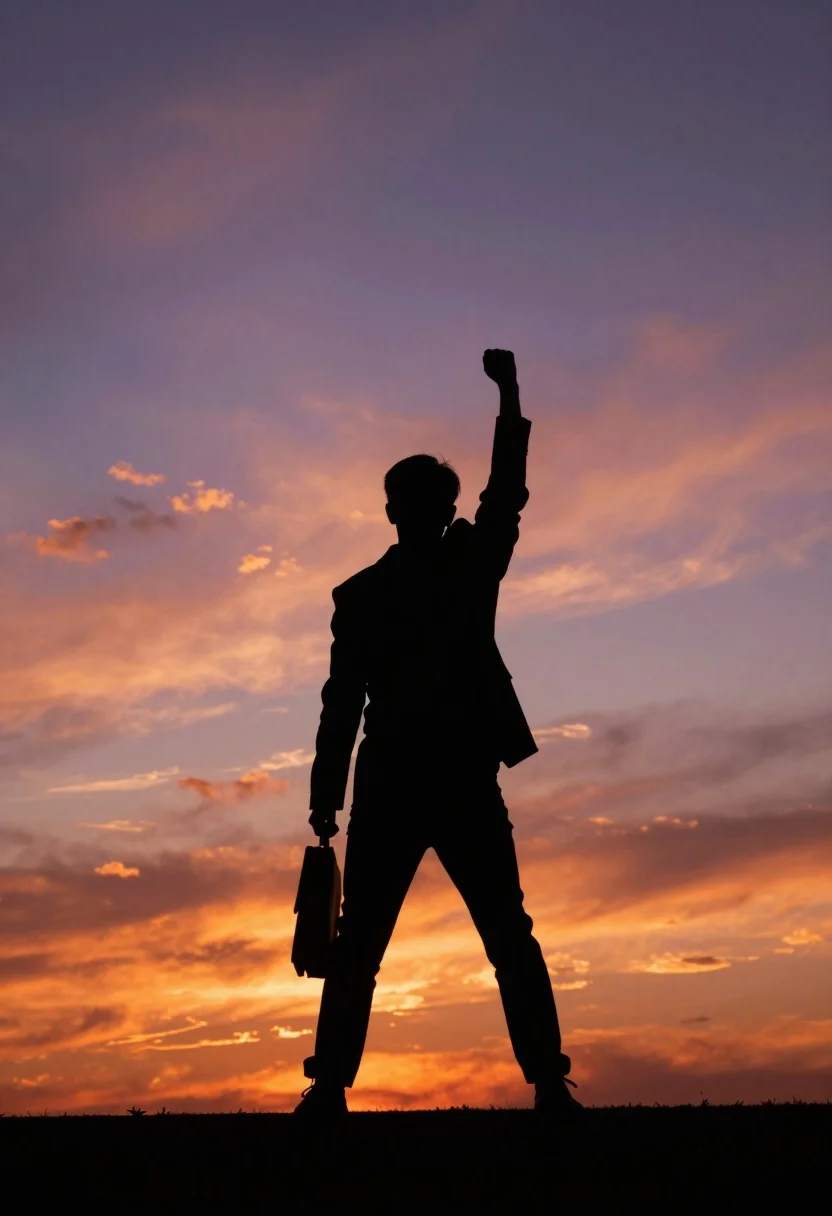
Silhouette of person standing triumphantly against vibrant sunset sky backdrop
Prompt
A silhouette of a person standing triumphantly against a vibrant sunset sky.

Subject: A dark figure wearing a suit jacket and trousers, with one arm raised high in the air holding a fist and the other hand carrying a briefcase.

Action: The figure stands in a dynamic pose with one leg slightly forward, raising an arm upward in a gesture of victory or determination.

Environment: An open outdoor setting dominated by a dramatic sky filled with soft clouds illuminated by warm sunset colors ranging from deep orange to purple and pink.

Camera: A low-angle shot looking up at the figure, emphasizing their height and stature against the vastness of the sky.

Lighting: Strong backlighting creates a high-contrast silhouette effect, with the light source positioned behind the subject to wash out details in shadow while highlighting the edges of the figure.

Style Details: The image features a painterly aesthetic with soft gradients and a dreamy atmosphere that blends the sharp outline of the subject with the fluid textures of the background.
Description
This prompt is useful for creating dramatic movie poster concepts, conceptual art prints, and editorial spreads emphasizing human scale against nature. The combination of 'strong backlighting' to achieve a high-contrast silhouette effect, paired with the 'low-angle shot,' forces the viewer's eye upward, visually amplifying the figure's stature against the 'vibrant sunset sky' while the 'painterly aesthetic' softens any harshness that pure photographic realism might introduce.
Suggestions
- Change 'suit jacket and trousers' to 'flowing cape' for more dramatic movement.
- Swap 'deep orange to purple and pink' for 'indigo and gold' for a cooler, more mysterious feel.
- Add 'cinematic volumetric light rays' to enhance the atmosphere.
Category
Tags
Full BodyLow AngleMaleNatureOutdoorsRealistic
Date added
July 12, 2026
Added by
PromptDexter Team
Related Prompts
More prompts with similar categories and tags.
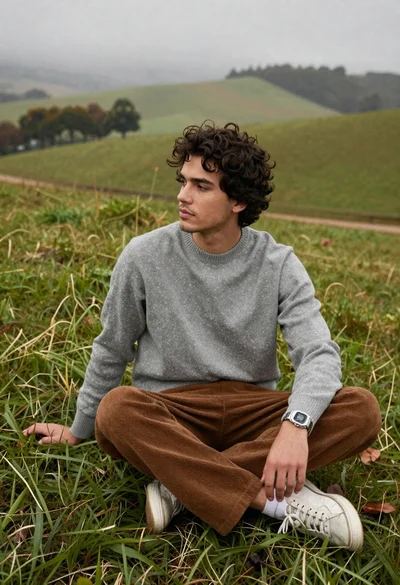
Young man in grey sweater on green hillside overlooking misty distant hills

Lone skier ascending snowy mountain ridge under bright blue sky

Muscular man standing before massive waterfall in lush jungle setting

Solitary hiker silhouette atop mountain peak above sea of clouds at sunrise
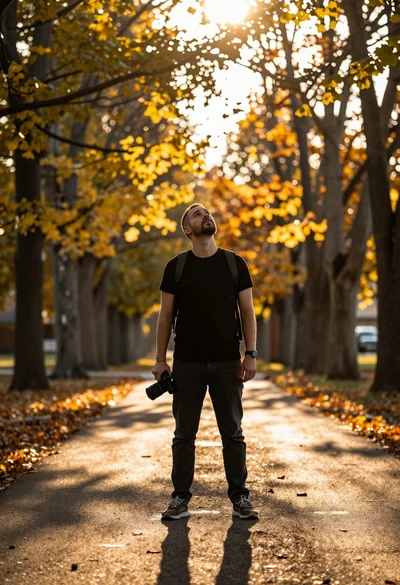
Man standing on tree path looking up at sunlight through autumn leaves

Man standing in green field with outstretched arms facing snow capped mountain
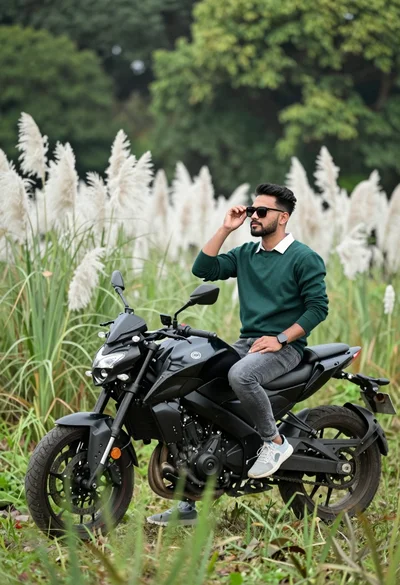
Man sitting on black motorcycle in tall grass with blurred forest background

Couple in white rowboat gazing at each other during vibrant sunset over
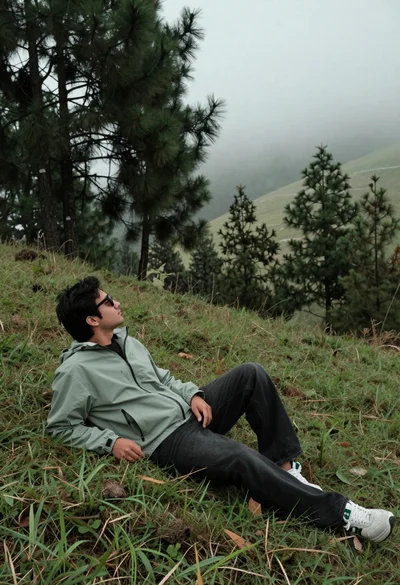
Man reclining on grassy hillside looking up at misty forest landscape
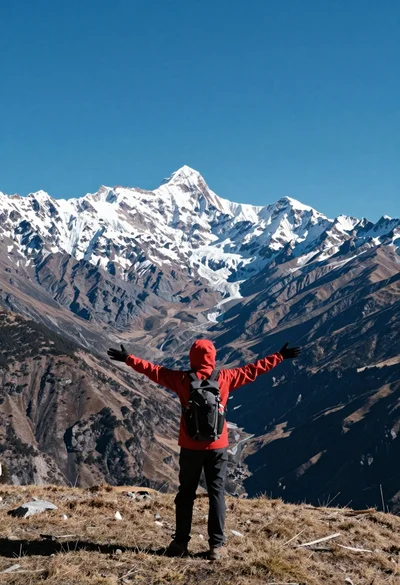
Hiker standing with outstretched arms on grassy ridge facing snowy mountains