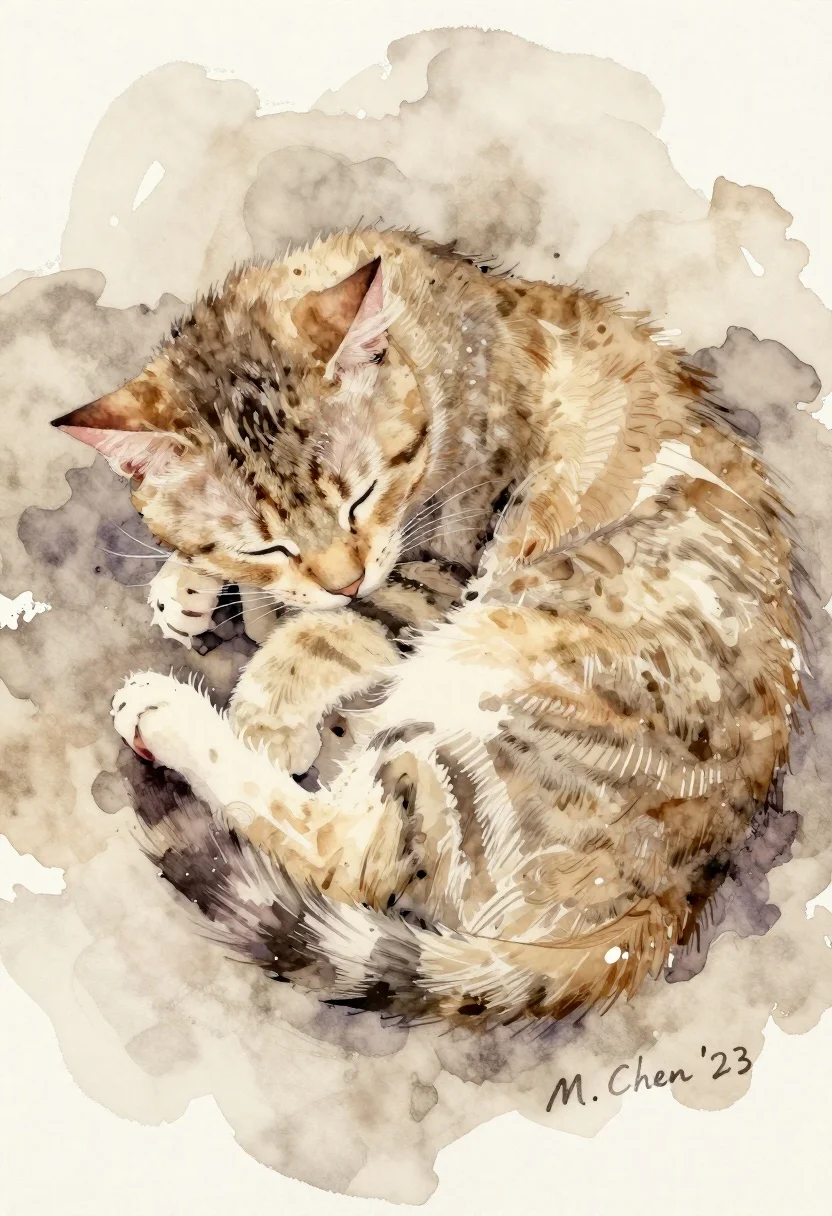
Sleeping tabby cat curled up in beige watercolor wash on textured paper
Prompt
A sleeping cat curled up in a soft, watercolor wash of beige and brown tones.

Subject: A small tabby cat curled into a tight ball, eyes closed in peaceful sleep, with delicate whiskers visible against its fur.

Clothing: None.

Action: The cat is resting peacefully with its head tucked down and paws folded neatly under its body.

Environment: An abstract, fluid background of soft beige and light brown watercolor washes that blend into the white paper texture.

Camera: Close-up framing focusing on the cat's form with a shallow depth of field implied by the loose brushwork.

Lighting: Soft, diffused natural light creating gentle shadows and highlights across the fur without harsh contrast.
Second

Subject: None.

Objects: None.

Interaction: None.

Text/Graphics: A signature reading "M. Chen '23" in the bottom right corner.

Style Details: Traditional watercolor painting with visible paper texture, loose brushstrokes, and a warm, muted color palette.
Description
This prompt is useful for creating delicate nursery wall art, subtle pet portraiture for greeting cards, or fine art prints mimicking traditional illustration styles. The combination of 'soft, watercolor wash' tones with the visible paper texture grounds the image in a tangible, artisanal quality, ensuring the cat appears integrated into the background rather than simply placed upon it.
Suggestions
- Change 'beige and brown tones' to 'sepia and cream washes' for an aged look.
- Add 'gold leaf accents' near the signature for added luxury.
- Modify 'shallow depth of field implied by the loose brushwork' to specify a particular artist's style, like 'in the style of Mary Cassatt'.
Category
Tags
AnimalClose UpTraditinal Art
Date added
June 26, 2026
Added by
PromptDexter Team
Related Prompts
More prompts with similar categories and tags.

Leaf art collage of jerry mouse in running stance on white background

Macro overhead shot of a leaf collage cartoon cat jumping on white

Miniature felt scene of figure rowing boat with rabbit under glowing moon

Miniature felt doll sitting on soft blue hill next to white lamb
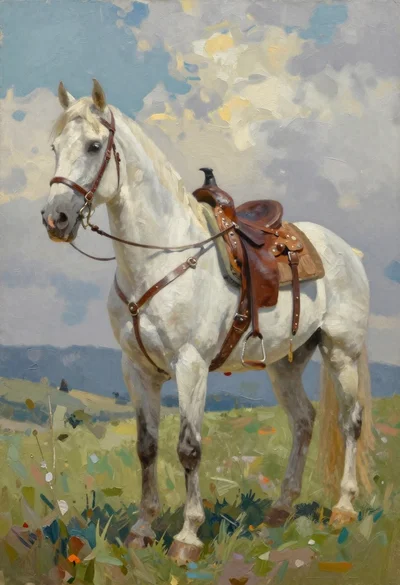
White horse in profile on a grassy hillside
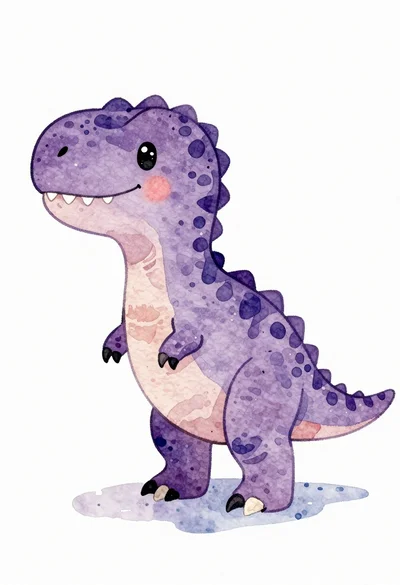
Watercolor illustration of a purple t rex dinosaur
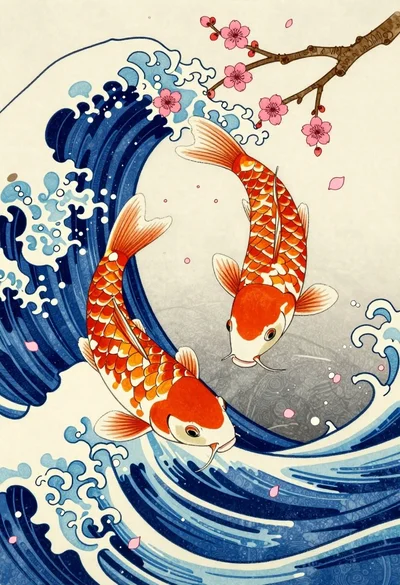
Koi fish swimming through blue wave with cherry blossoms
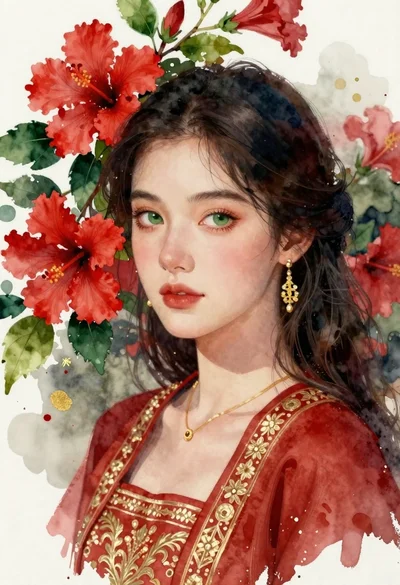
Portrait of young woman with dark hair and green eyes among hibiscus