

Smiling blonde woman in gradient gown on red carpet event
Prompt
A full-length shot of a smiling woman with long blonde wavy hair standing on a red carpet.

Subject: A young woman with fair skin and voluminous blonde hair styled in loose waves cascading over her shoulders. She has a bright, engaging smile showing her teeth and is looking directly at the camera. Her ears are adorned with dangling earrings.

Clothing: She wears a floor-length formal gown featuring a deep V-neckline and a sleeveless bodice. The dress displays a vertical color gradient transitioning from cream and pale yellow at the top to a vibrant coral pink in the middle, fading back to cream at the hem. A wide metallic gold band cinches the waist.

Action: She stands facing forward with her arms relaxed by her sides. Her right hand holds a small, rectangular silver clutch purse against her hip.

Environment: The setting is an indoor red carpet event. Behind her is a white step-and-repeat backdrop covered in repeating logos for "PEOPLE'S CHOICE AWARDS" and "CBS". The floor is covered in a bright red carpet.

Camera: A medium-full shot capturing the subject from head to toe, framed vertically with a shallow depth of field that keeps the subject sharp while slightly blurring the background logos.

Lighting: Bright, professional event lighting illuminates the scene evenly, creating soft highlights on her hair and skin without harsh shadows.

Objects: A small silver glittery clutch held in her right hand.

Text/Graphics: The backdrop features repeating text reading "PEOPLE'S CHOICE AWARDS" in pink and black, alongside the CBS eye logo.

Style Details: High-resolution photography with a polished, glossy aesthetic typical of red carpet press coverage.
Description
This prompt is useful for creating high-end celebrity event coverage, formal portraiture for magazine spreads, and promotional materials for award shows. The combination of 'bright, professional event lighting' ensuring even illumination, the specific 'vertical color gradient transitioning from cream and pale yellow to a vibrant coral pink,' and the 'shallow depth of field' directs all focus onto the subject while allowing the recognizable backdrop logos to provide necessary context without distracting from her smile.
Suggestions
- Change 'vibrant coral pink' to 'deep sapphire blue' for a cooler, more dramatic tone.
- Swap 'medium-full shot' for 'full body shot' to better showcase the gown's length.
- Add 'bokeh effect' to the lighting description for softer background separation.
Category
Tags
BlondeFair SkinFemaleFormal WearFull BodyMedium ShotRealistic
Date added
June 19, 2026
Added by
PromptDexter Team
Related Prompts
More prompts with similar categories and tags.
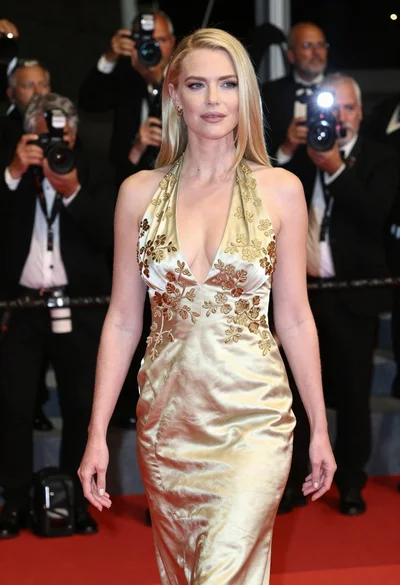
Blonde woman in gold satin gown walking at a red carpet event

Full length shot of woman in dusty pink lace gown at indoor

Blonde woman in seafoam gown looking over shoulder at camera
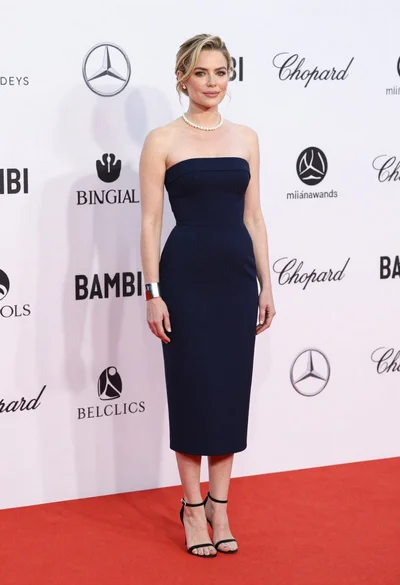
Blonde woman in navy dress on red carpet at formal event
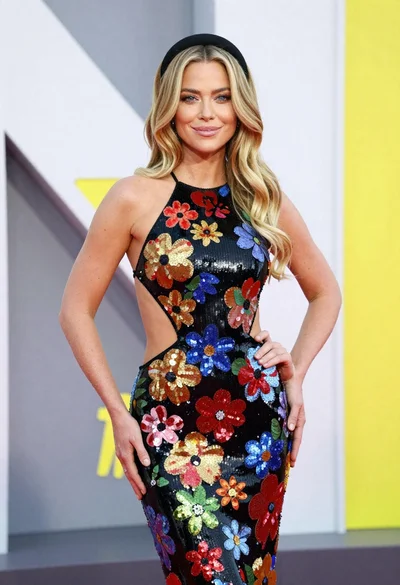
Glamorous blonde woman in sequined gown posing at an event
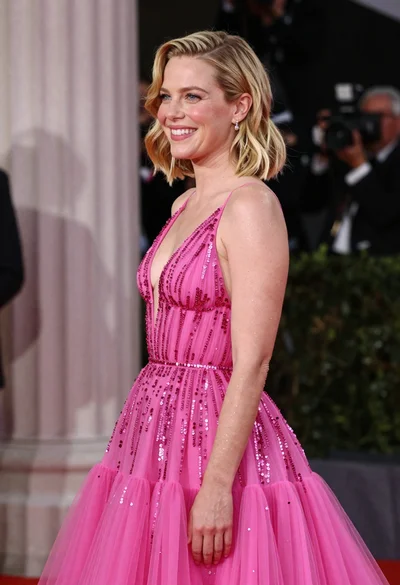
Smiling blonde woman in pink gown at an elegant outdoor evening event
Young woman in emerald gown on high rise balcony overlooking city

Fair blonde woman in slip dress seated in minimalist studio setting
Blonde woman in white halter gown standing against a neutral studio wall

Woman in rust gown posing on white step and repeat backdrop
