

Smiling blonde woman in silver sequin gown at dimly lit party
Prompt
A smiling woman in a sparkling silver halter-neck gown stands at a dimly lit social gathering, holding a glass of yellow liquid in one hand while the other rests on her hip.

Subject: A fair-skinned woman with blonde hair pulled back into an elegant updo, featuring a visible tattoo on her left upper arm and a ring on her finger.

Clothing: A floor-length, sleeveless gown entirely covered in dense silver sequins or rhinestones that catch the light, creating a shimmering texture.

Action: She is smiling broadly with teeth showing, looking directly at the camera, with a relaxed posture.

Environment: An indoor party setting with dark walls and blurred figures of other guests in the background, including a man in a tuxedo standing behind her.

Camera: A medium shot capturing the subject from the thighs up, taken with a slightly soft focus that blurs the background to emphasize the foreground figure.

Lighting: Low-key ambient lighting typical of an evening event, with highlights reflecting off the sequins and the woman's face while the background remains in shadow.

Style Details: Candid photography style with natural color grading, capturing a moment of celebration at a formal event.
Description
This prompt is useful for creating editorial party portraits, character concept art for nightlife scenes, and high-end fashion lookbooks depicting celebratory moments. The combination of 'low-key ambient lighting' with the 'sparkling silver halter-neck gown' ensures that only the subject's illuminated features and the sequins catch the light, preventing the entire scene from becoming washed out against the dark background.
Suggestions
- Change 'yellow liquid' to 'deep red cocktail' for a richer color contrast.
- Add 'bokeh effect' to enhance the blurred figures in the background.
- Swap 'blonde hair pulled back into an elegant updo' for 'loose, wavy blonde curls' for more movement.
Category
Tags
BlondeFair SkinFemaleFormal WearMedium ShotPortrait ShotRealistic
Date added
June 19, 2026
Added by
PromptDexter Team
Related Prompts
More prompts with similar categories and tags.

Portrait of woman with red hair in navy blouse and green skirt
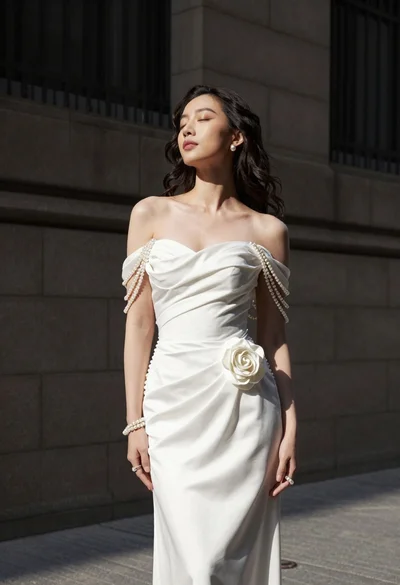
Woman in white gown standing against dark stone architectural wall outdoors

Blonde woman in striped swimsuit seated on sofa indoors studio shot
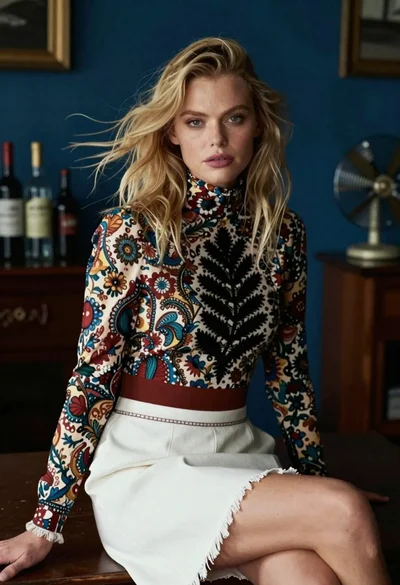
Blonde woman in floral blouse seated in moody blue interior setting
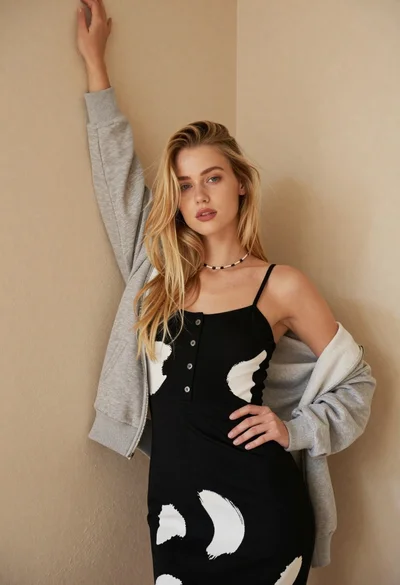
Fair blonde woman in patterned black dress against plain beige wall

Poised woman in black gown posing indoors with dramatic low key lighting

Portrait of woman in elaborate red feathered gown against vivid blue background

Medium close up portrait of blonde woman with blue eyes outdoors

Blonde woman in cream sweater sitting on beige couch

Blonde woman in victorian steampunk attire portrait
