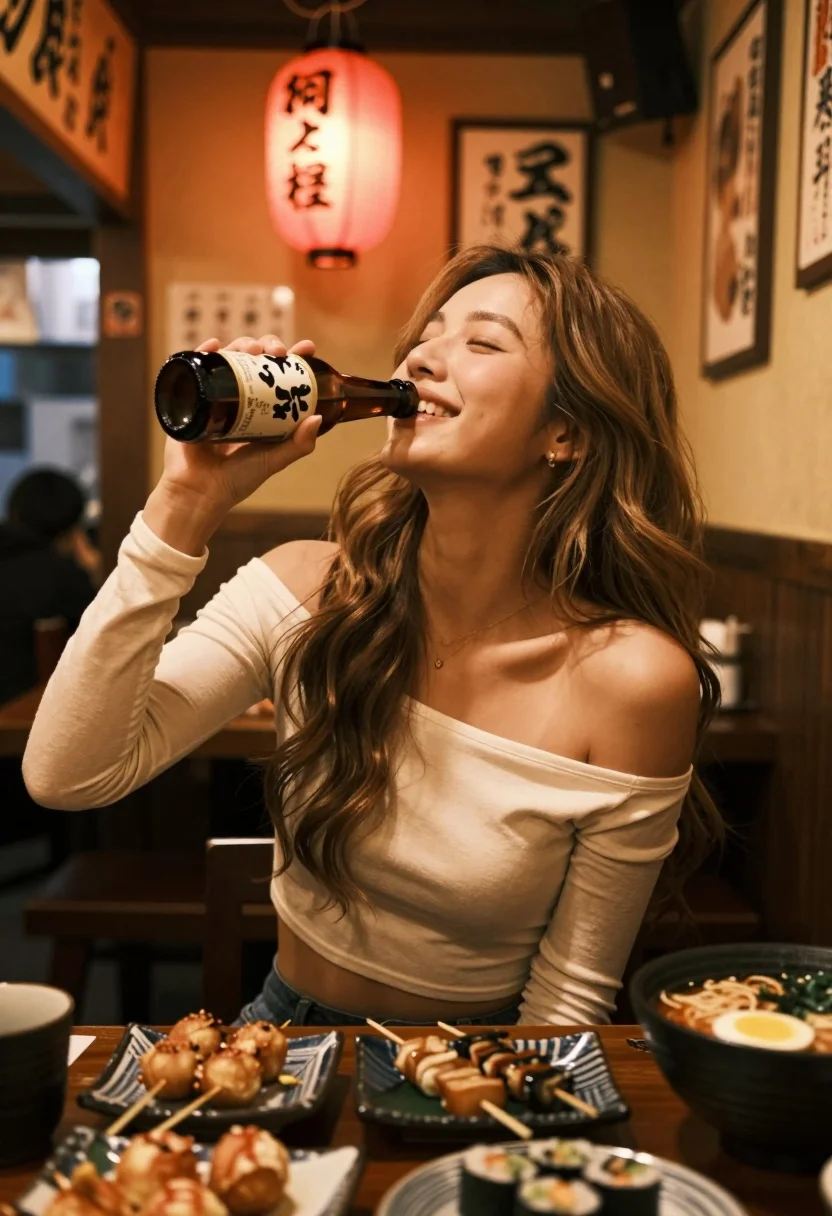
Smiling woman drinking beer in dimly lit japanese restaurant setting
Prompt
A smiling woman with long wavy hair sits at a table in a dimly lit Japanese restaurant, holding a beer bottle to her lips.

Subject: A young woman with long, light brown wavy hair and a warm smile, tilting her head back slightly as she drinks from a glass beer bottle.

Clothing: She wears a beige off-the-shoulder crop top with long sleeves that are pushed up to the elbows, revealing her midriff.

Action: The woman is in the act of drinking from a brown glass beer bottle held in her right hand, her eyes closed or looking upward in enjoyment.

Environment: The setting is a cozy, dimly lit Japanese restaurant or izakaya with wooden walls and warm ambient lighting. A red paper lantern hangs in the background, alongside framed calligraphy on the wall.

Camera: The shot is a medium close-up taken from a slightly low angle, emphasizing the subject against the warm background with a shallow depth of field that softens the surroundings.

Lighting: Warm, golden artificial light creates a cozy atmosphere, casting soft highlights on her skin and hair while leaving the corners in gentle shadow.

Objects: The table is filled with Japanese food including skewers, takoyaki, sushi rolls, and a bowl of ramen with a soft-boiled egg.

Text/Graphics: A red paper lantern in the background displays black Japanese calligraphy, and framed vertical signs with Japanese text hang on the wooden wall behind her.

Style Details: The image has a candid, slightly grainy aesthetic typical of smartphone photography in low light, with a warm color grade that enhances the cozy evening mood.
Description
This prompt is useful for creating intimate food photography spreads, atmospheric character portraits, and lifestyle blog content capturing local dining experiences. The combination of 'dimly lit Japanese restaurant' ambiance, 'warm, golden artificial light,' and a 'candid, slightly grainy aesthetic' grounds the subject in a specific, lived-in moment, preventing the image from looking like an overly polished advertisement.
Suggestions
- Change 'beige off-the-shoulder crop top' to 'dark knit sweater' for more contrast.
- Swap 'red paper lantern' for 'paper lanterns with soft glow' to adjust the light source.
- Adjust 'shallow depth of field' to 'moderate depth of field' if you want more background detail.
Category
Tags
Brown HairFemaleIndoorsLow AngleRealistic
Date added
July 12, 2026
Added by
PromptDexter Team
Related Prompts
More prompts with similar categories and tags.

Two smiling children holding red kitkat bars against a blue sky
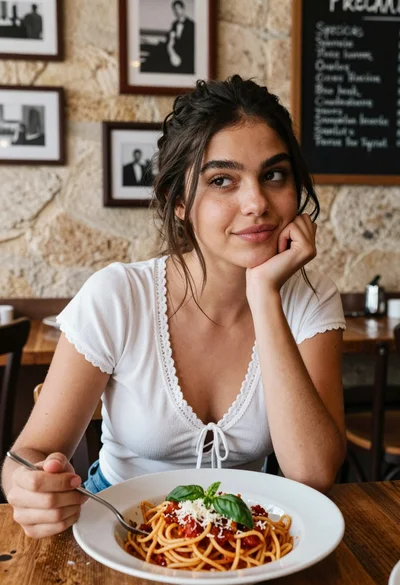
Young woman at rustic table with pasta in cozy italian restaurant setting
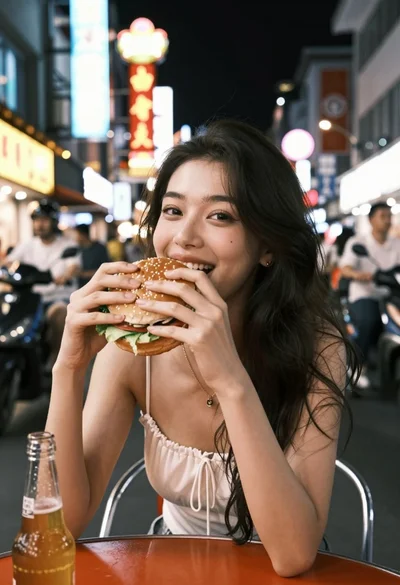
Young woman eating burger at crowded neon lit city street table
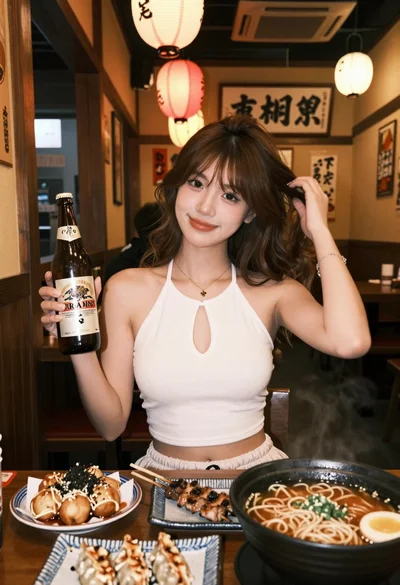
Young woman in white top at japanese restaurant with food and lanterns
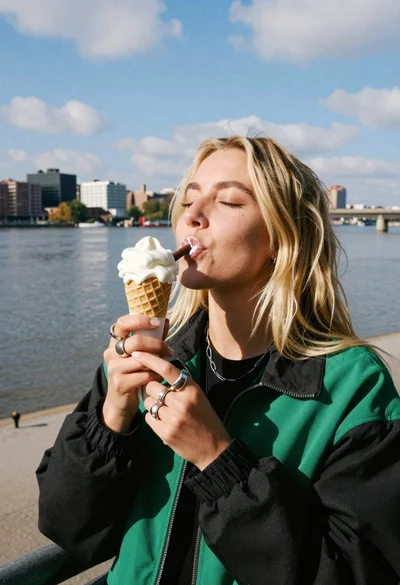
Blonde woman eating ice cream by riverbank with city skyline background
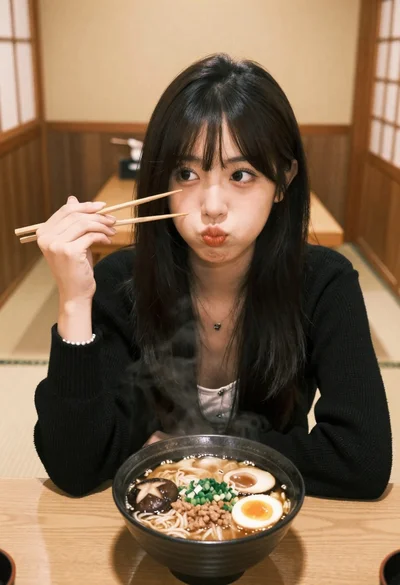
Young east asian woman eating ramen in traditional japanese restaurant setting
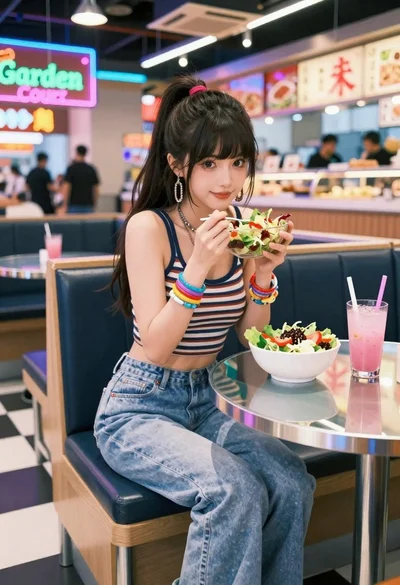
Anime woman in food court eating salad
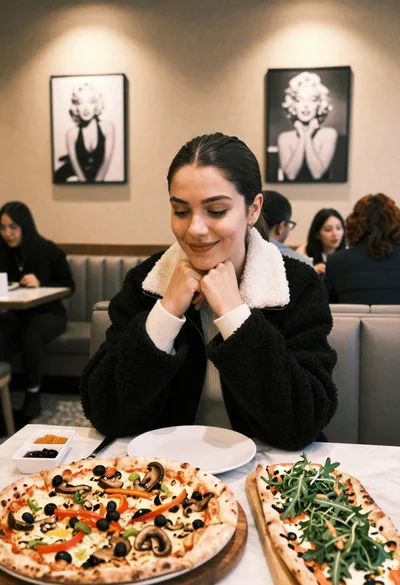
Young woman smiling at table with pizzas in modern restaurant setting
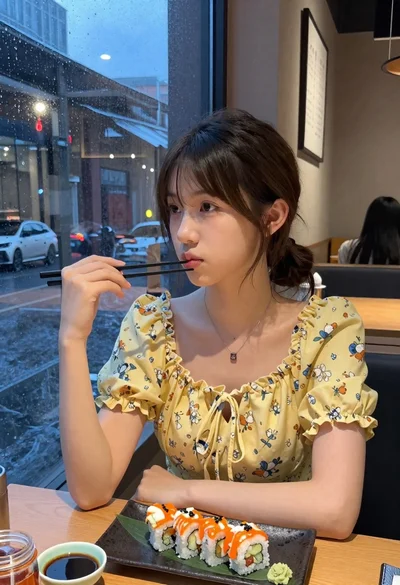
Young woman eating sushi at restaurant window with raindrops visible

Young woman in yellow dress on historic rooftop overlooking cobblestone street