
Smiling woman in floral mini dress holding microphone on concert stage
Prompt
A smiling woman with long wavy brown hair stands center stage holding a microphone in her right hand.

Subject: A young woman with long, dark wavy hair featuring reddish-brown highlights and a bright, open-mouthed smile looking off to the side.

Clothing: She wears a loose-fitting white mini dress with short puffed sleeves, featuring a delicate pink floral pattern, lace trim at the neckline and cuffs, and gathered smocking details across the bodice.

Action: Standing upright in a relaxed pose while holding a black microphone near her hip, her body angled slightly away from the camera but her head turned to look upward and to the left.

Environment: A concert stage setting with a large screen backdrop displaying a soft-focus image of pinkish rock formations or cliffs above greenery.

Objects: A professional drum kit is visible in the background, including a bass drum with the brand name "Pearl" written on it, along with cymbals and microphone stands.

Lighting: Bright stage lighting illuminates the subject from the front, creating soft shadows behind her and highlighting the texture of her dress against the darker, atmospheric background.

Camera: A medium shot capturing the subject from the thighs up, framed to include the immediate stage equipment in the background with a shallow depth of field that keeps the focus sharp on the woman while blurring the drummer and distant backdrop.

Style Details: High-quality photography with vibrant colors and a polished, professional aesthetic typical of live performance event coverage.
Description
This prompt is useful for creating concert promotional materials, album artwork featuring performers, and lifestyle editorial spreads documenting music events. The combination of 'bright stage lighting' from the front while using a shallow depth of field ensures the subject remains sharply focused against the blurred background elements like the drum kit, preventing the entire scene from looking flat or overly staged.
Suggestions
- Change 'pink floral pattern' to 'tropical hibiscus print' for more vibrancy.
- Swap 'black microphone' for 'vintage chrome microphone' for a retro feel.
- Adjust 'soft-focus image of pinkish rock formations' to 'abstract neon light patterns' for a modern concert vibe.
Category
Tags
Brown HairBrunetteCasual WearFemaleMedium ShotOutdoorsRealistic
Date added
June 19, 2026
Added by
PromptDexter Team
Related Prompts
More prompts with similar categories and tags.

Smiling young woman in white ruffled dress between green topiary bushes
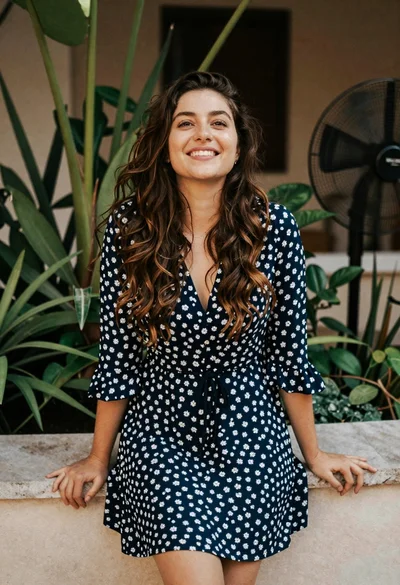
Smiling young woman in blue floral dress leaning against stone ledge

Smiling woman in red dress sitting in white macrame hanging chair
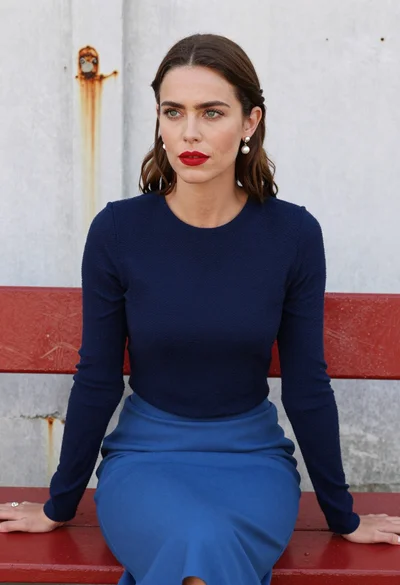
Woman with brown hair seated on red bench against weathered white wall

Smiling young woman in sweater vest within sunny autumn park setting

Young woman in olive saree leaning on railing outdoors during golden hour

Smiling young woman in maroon top standing outdoors with blurred background

Young woman with brown hair against white wall wearing denim jeans
Young woman embracing falling snow in a winter park at night
Young woman smiling against concrete wall on bright rooftop terrace