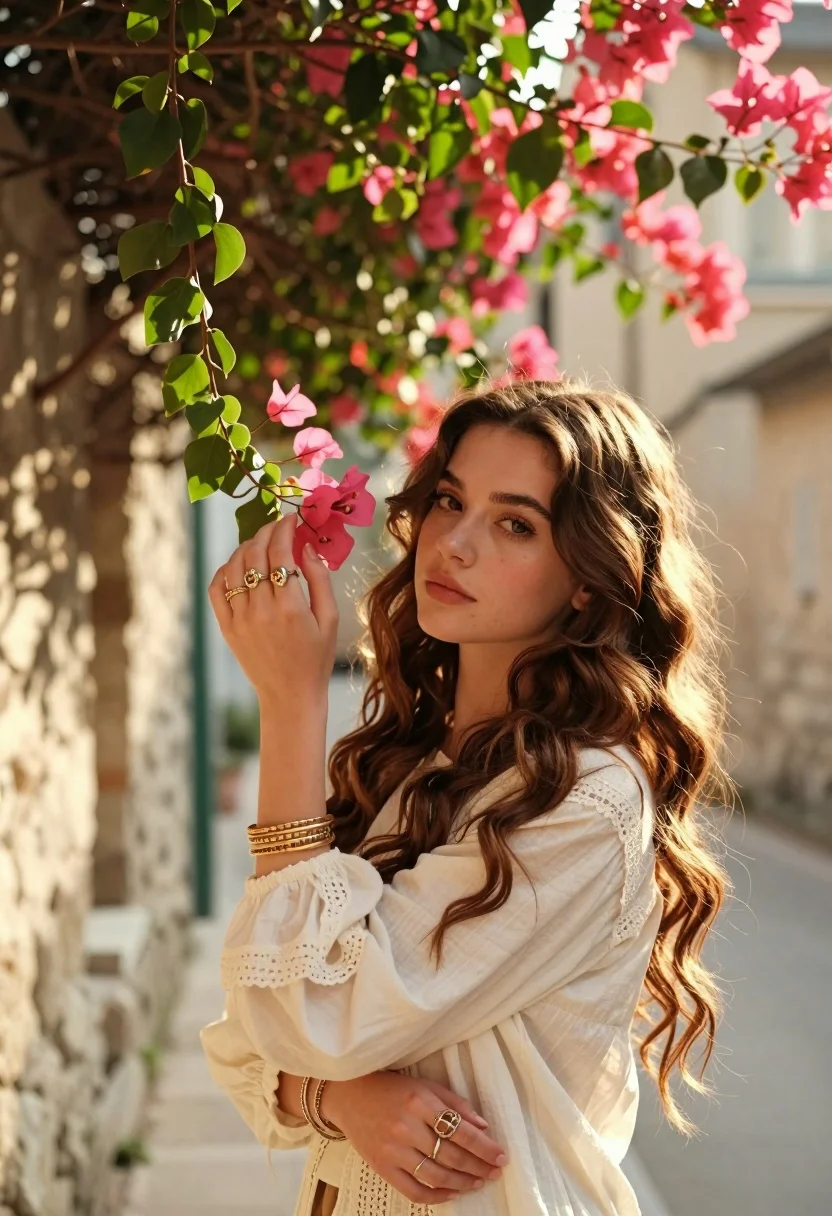
Young woman with brown hair holding pink bougainvillea in stone alleyway
Prompt
A young woman with long wavy brown hair stands in a narrow stone alleyway, gently holding a branch of vibrant pink bougainvillea flowers near her face.

Subject: A young woman with long, voluminous wavy brown hair and a soft, contemplative expression looking slightly away from the camera.

Clothing: She wears a loose-fitting cream-colored blouse with delicate lace detailing on the cuffs and neckline, accessorized with multiple gold bangles on one wrist and several large, ornate rings on her fingers.

Action: Her right hand is raised to gently touch or hold a cluster of pink flowers, while her left arm rests across her body; her expression is calm and serene.

Environment: The setting is a narrow alleyway lined with light-colored stone walls, with an overhead canopy of lush green leaves and bright pink bougainvillea flowers creating a natural archway above her.

Lighting: Warm golden sunlight filters through the foliage, casting soft highlights on her hair and face while leaving gentle shadows in the background, creating a dreamy and romantic atmosphere.

Camera: Shot from a medium close-up angle with a shallow depth of field that blurs the stone walls and distant alley to emphasize the subject and flowers.

Style Details: The image features a cinematic aesthetic with soft focus, warm color grading, and a gentle bokeh effect that enhances the ethereal quality of the scene.
Description
This prompt is useful for creating romantic portraiture, editorial lifestyle shoots featuring floral elements, and mood boards evoking Mediterranean romance. The combination of 'warm golden sunlight' filtering through foliage and the 'shallow depth of field' ensures that the focus remains tightly on the subject and the vibrant pink flowers, preventing the detailed stone alleyway from becoming a distracting background element.
Suggestions
- Change 'cream-colored blouse' to 'ivory silk blouse' for more sheen.
- Swap 'vibrant pink bougainvillea' for 'deep magenta bougainvillea' for richer color saturation.
- Adjust 'medium close-up angle' to 'waist shot' to incorporate more of the alleyway setting.
Category
Tags
AlleyBrown HairBrunetteCasual WearFemaleMedium ShotNatureOutdoorsRealistic
Date added
August 5, 2026
Added by
PromptDexter Team
Related Prompts
More prompts with similar categories and tags.

Smiling young woman in white ruffled dress between green topiary bushes
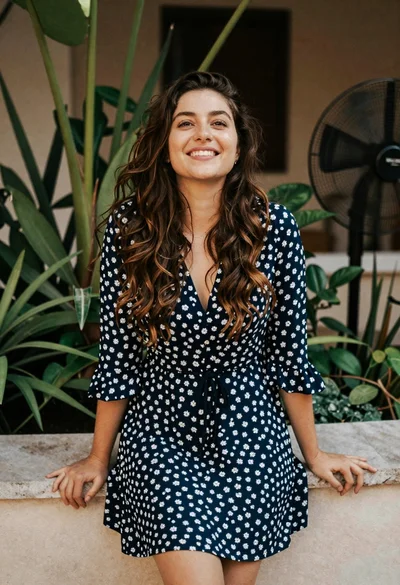
Smiling young woman in blue floral dress leaning against stone ledge

Young woman in olive saree leaning on railing outdoors during golden hour

Smiling woman in red dress sitting in white macrame hanging chair

Young woman in pink camisole standing in sunlit rolling hills
Woman with brown hair seated on red bench against weathered white wall

Blonde woman in black hat standing in misty green rolling hills

Smiling young woman in sweater vest within sunny autumn park setting

Young woman with dark hair at wooden table in open air setting

Young woman in patterned dress looking back over grassy hills