
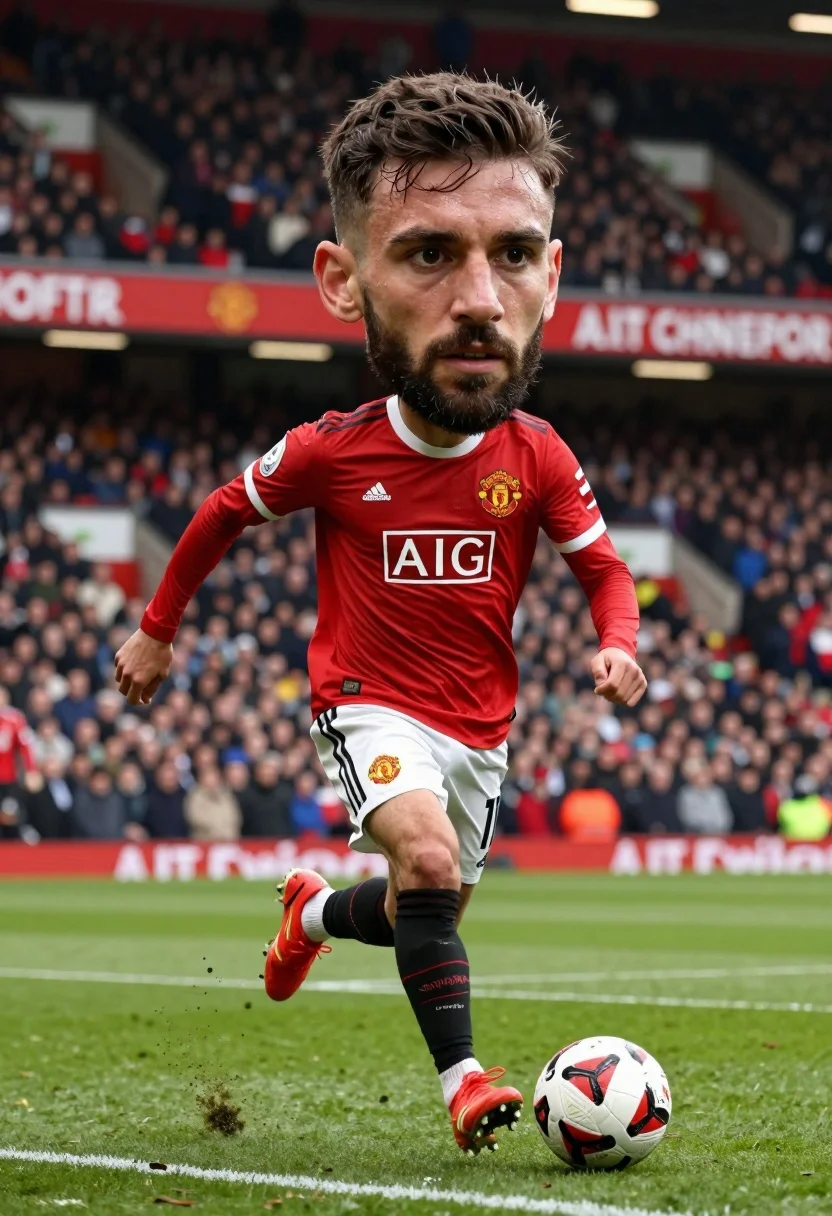
Soccer player with oversized head dribbling ball on professional stadium pitch
Prompt
A soccer player with a disproportionately large head and realistic facial features dribbling a ball on a grass pitch.

Subject: A male soccer player with dark brown hair, a full beard, and an intense focused expression, featuring a hyper-realistic human face that is comically oversized relative to his body.

Clothing: He wears a red long-sleeved jersey with white trim, the Nike swoosh logo on the right chest, the Manchester United crest on the left chest, and a large white rectangular sponsor patch reading "AIG" in the center. He wears white shorts with the number 10 visible on the left leg and the club crest on the right thigh, along with red soccer cleats and black socks pulled up to the knee.

Action: The player is captured mid-stride in a dynamic dribbling motion, kicking his right leg forward while his left arm is extended for balance, with dirt particles flying off the turf near his foot.

Environment: A professional football stadium filled with a dense crowd of spectators in the background, featuring advertising hoardings and red banners hanging from the stands.

Camera: The shot is taken from a low angle close to ground level, emphasizing the player's movement and the texture of the grass, with a shallow depth of field that blurs the crowd in the background.

Lighting: Bright natural daylight illuminates the scene evenly, casting soft shadows on the pitch and highlighting the sweat on the player's face.

Style Details: The image exhibits a surreal digital art style characterized by a "big head" distortion effect applied to the main subject while maintaining high-fidelity photorealism in the textures of the grass, dirt, and crowd.
Description
This prompt is useful for creating surreal sports advertising concepts, character studies emphasizing disproportionate anatomy, and avant-garde digital art pieces. The combination of 'hyper-realistic human face' with a 'big head' distortion effect allows the model to maintain believable skin texture while exaggerating the subject's primary feature, which grounds the absurdity in photorealistic detail.
Suggestions
- Change 'red long-sleeved jersey' to 'neon green athletic top' for a more vibrant contrast.
- Swap 'dirt particles flying off the turf' for 'water spray from a recent kick' to change the action element.
- Adjust 'low angle close to ground level' to 'eye-level perspective' if you want less emphasis on the pitch texture.
Category
Tags
Digital ArtLow AngleMaleRealistic
Date added
July 3, 2026
Added by
PromptDexter Team
Related Prompts
More prompts with similar categories and tags.
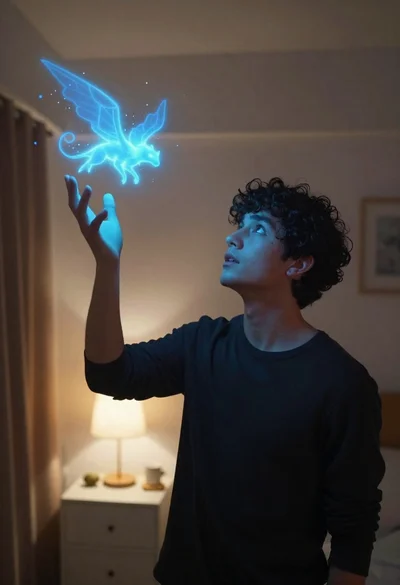
Young man looking up at glowing magical creature in dimly lit bedroom
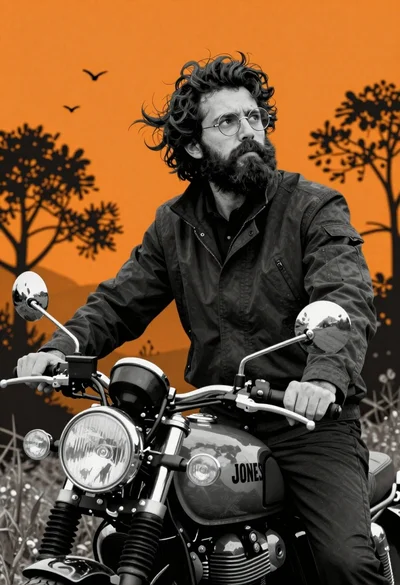
Man on motorcycle against vibrant orange background
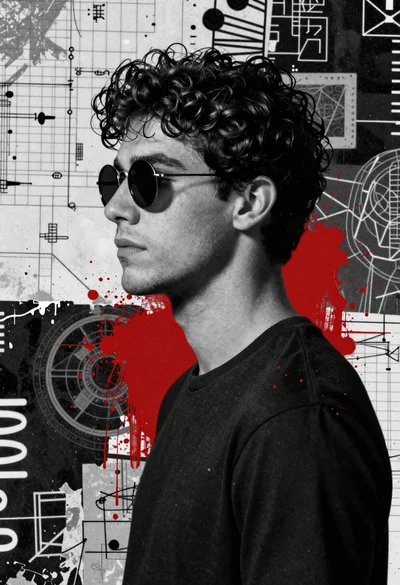
Profile portrait of young man in black tshirt against abstract grunge background
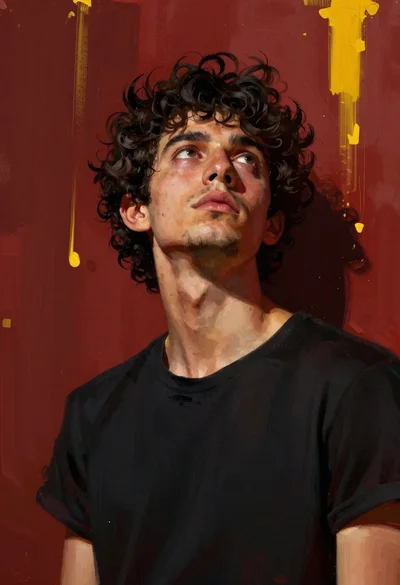
Low angle portrait of young man looking up against abstract red yellow
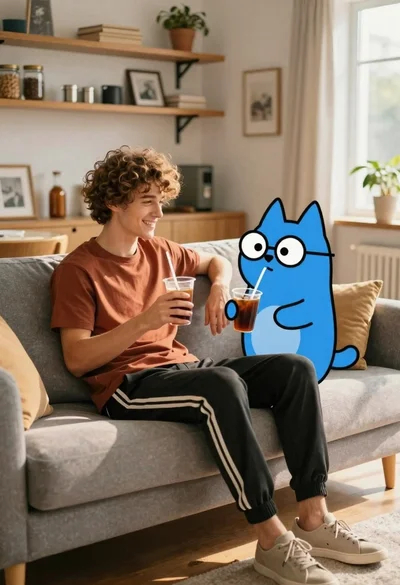
Young man with dog sitting on sofa in sunlit living room

Handsome man in black leather jacket against pink and black watercolor background
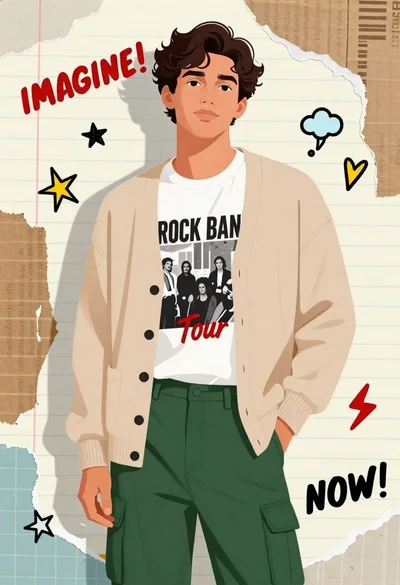
Digital illustration of young man in cardigan and cargo pants against scrap

Young man with brown hair sitting at desk with white robot
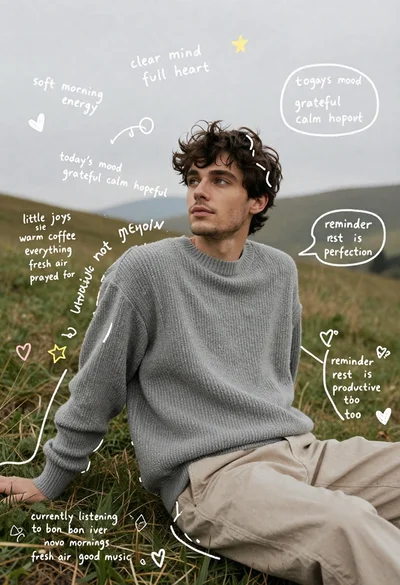
Young man in grey sweater sitting on a grassy hillside looking up
Man in black hooded jacket with yellow branding logos standing against dark