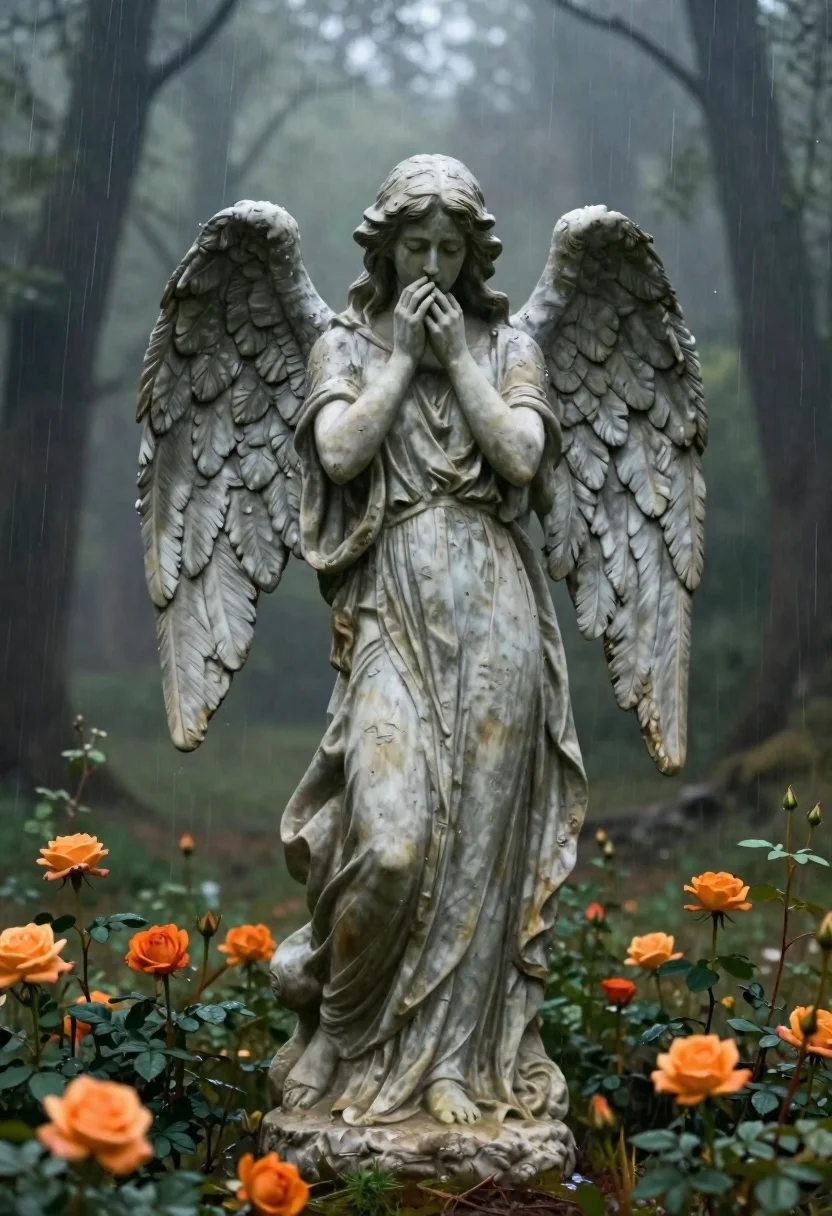
Stone angel statue in a misty rainy forest with roses
Prompt
A cinematic digital painting of a sorrowful stone angel statue standing in a misty forest during rain

Subject: A tall female angel with large feathered wings spread slightly outward, wearing draped fabric that covers her head and face except for hands pressed together over the mouth.

Clothing: Flowing robes made of rough-hewn stone texture, detailed folds cascading down to ground level.

Action: Standing still in a mournful pose, one hand covering eyes while other presses against lips as if stifling cries or grief-stricken expression visible through gesture only.

Environment: Dense foggy woodland background with blurred tree trunks fading into distance; vibrant orange roses bloom around base and scattered throughout foreground creating contrast between cool tones of statue versus warm flower hues.

Lighting: Soft diffused natural light filtering through canopy above, casting gentle shadows across figure's form while rain streaks add subtle motion blur effects enhancing melancholy atmosphere.

Camera: Medium shot framing entire statue fully from head to toes centered in composition; shallow depth-of-field blurring distant forest elements slightly but keeping main subject sharply focused against atmospheric backdrop.
Description
This prompt is useful for creating surreal fine art prints, gothic alt-fashion editorials, and moody book cover concepts. The combination of 'rough-hewn stone texture' on the robes with the 'vibrant orange roses' creates a striking juxtaposition between cold permanence and ephemeral life, while the 'soft diffused natural light' prevents harsh shadows that would detract from the statue's sorrowful presence.
Suggestions
- Change 'sorrowful' to 'serene' for a more contemplative mood.
- Swap 'orange roses' for 'deep purple irises' to deepen the cool tones.
- Adjust 'medium shot' to 'full body portrait' to better capture the cascading folds.
Category
Tags
Digital ArtFemaleForestFull BodyMacro ShotMedium ShotNature
Date added
June 19, 2026
Added by
PromptDexter Team
Related Prompts
More prompts with similar categories and tags.

Fairy woman in sunlit forest clearing with glowing wings
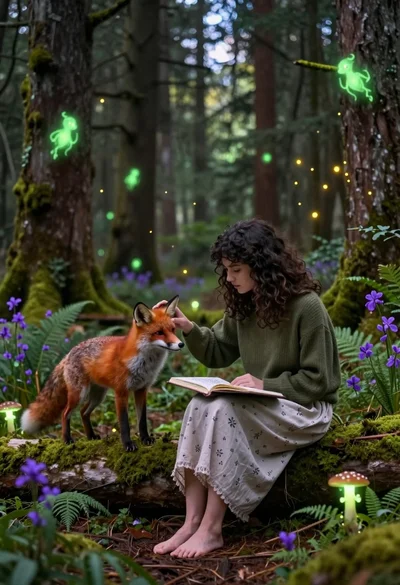
Young woman sketching red fox on mossy log in magical forest setting
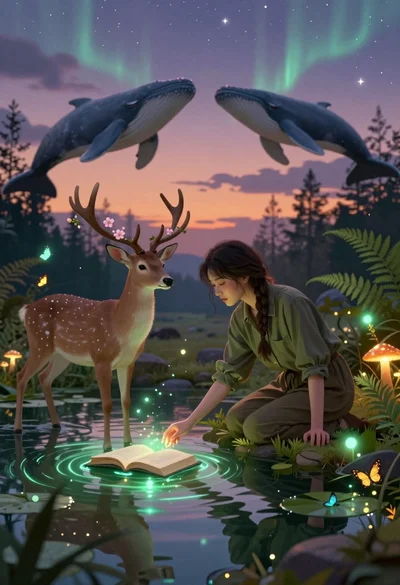
Young woman kneeling by mystical pond with deer and whales in forest

Angelic figure in white gown standing in mystical glowing forest clearing

Triumphant man summiting christ the redeemer statue at sunset
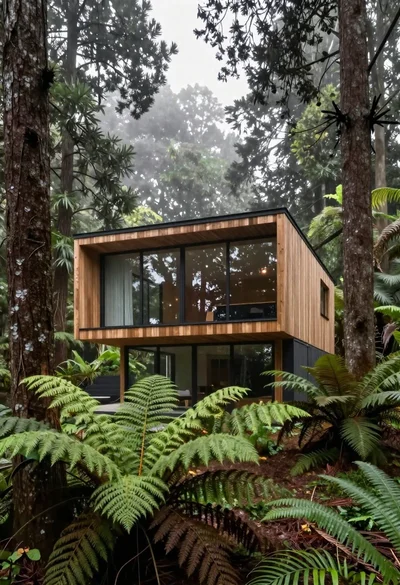
Modern wooden house in a dense forest setting
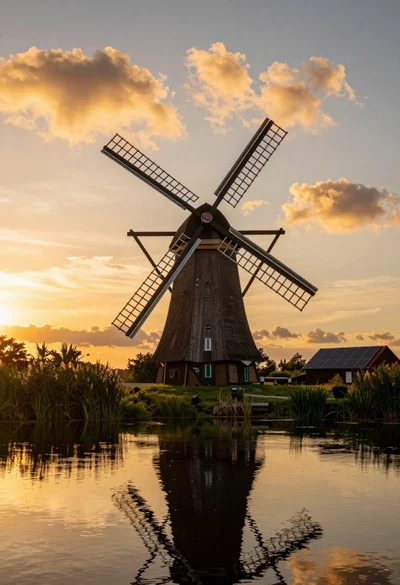
Traditional wooden windmill reflected in calm lake under vibrant sunset sky
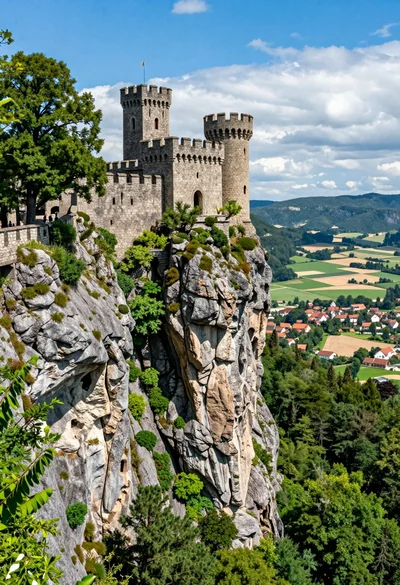
Majestic medieval castle on rocky cliff overlooking vast valley landscape