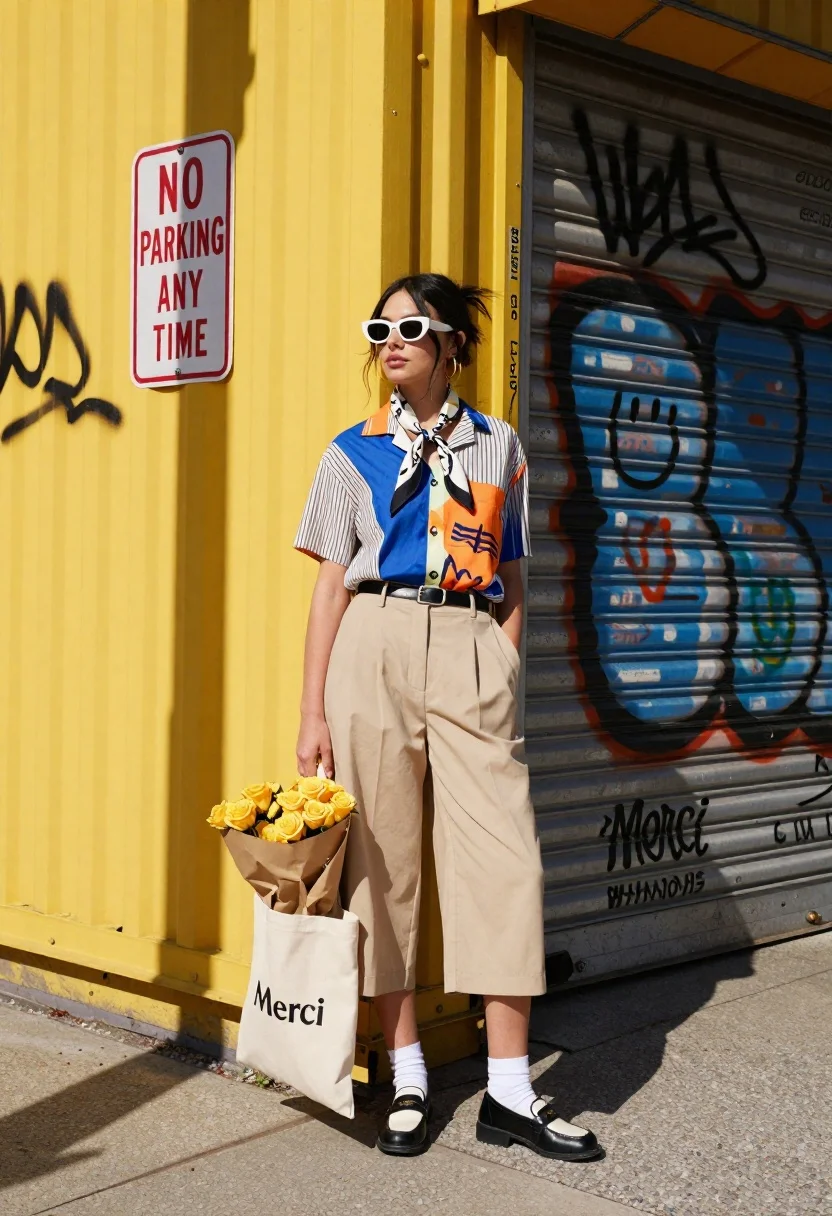
Stylish woman in graphic shirt and culottes stands on urban street corner
Prompt
A stylish woman stands confidently against a vibrant yellow corrugated metal wall covered in graffiti and shadows.

Subject: A young woman with dark hair pulled into a messy bun, wearing white sunglasses and gold hoop earrings.

Clothing: She wears a short-sleeved button-up shirt featuring a bold blue and orange graphic print on the front and vertical stripes on the sleeves, paired with high-waisted beige wide-leg culottes, a black belt, white crew socks, and black loafers with white accents. A patterned scarf is tied loosely around her neck.

Action: She stands in a relaxed pose with one hand in her pocket, looking off to the side with a calm expression.

Environment: The setting is an urban street corner featuring a bright yellow wall and a large metal shutter door with black graffiti tags and a smiley face drawing. A red and white "NO PARKING ANY TIME" sign hangs on the wall to the left.

Objects: She holds a large bouquet of yellow roses wrapped in brown paper, resting against a beige tote bag printed with the word "Merci".

Lighting: Strong, direct sunlight casts sharp, high-contrast shadows across the wall and the subject's face, creating a warm and sunny atmosphere.

Camera: The shot is taken at eye level with a medium-full framing that captures the subject from head to toe against the architectural background.

Style Details: The image has a vibrant, high-saturation color palette with a distinct street-style fashion editorial aesthetic.
Description
This prompt is useful for creating streetwear lookbooks, urban lifestyle editorials, and advertising campaigns for contemporary apparel. The combination of 'strong, direct sunlight' casting 'sharp, high-contrast shadows' against the 'vibrant yellow corrugated metal wall' emphasizes graphic patterns and textures, which is ideal for showcasing bold prints like the blue and orange shirt while grounding the subject in a gritty, real-world setting.
Suggestions
- Change 'bold blue and orange graphic print' to 'pastel floral pattern' for a softer editorial feel.
- Swap 'yellow roses' for 'deep red peonies' to increase color contrast against the wall.
- Adjust 'medium-full framing' to 'full body shot' to better capture the culottes.
Category
Tags
Casual WearFemaleFull BodyMedium ShotOutdoorsRealisticStreetwearUrban
Date added
June 26, 2026
Added by
PromptDexter Team
Related Prompts
More prompts with similar categories and tags.
Stylish woman in leather coat sitting at an outdoor cafe table
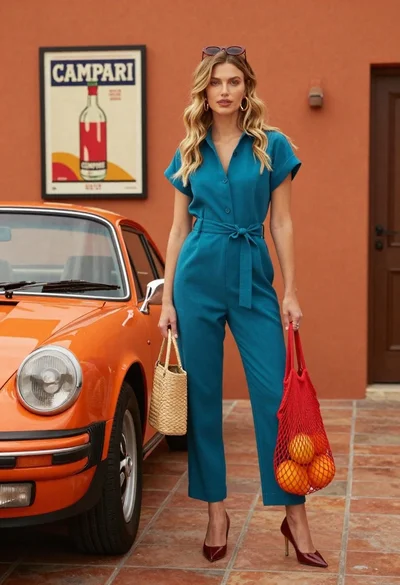
Stylish blonde woman in teal jumpsuit stands next to vintage orange porsche
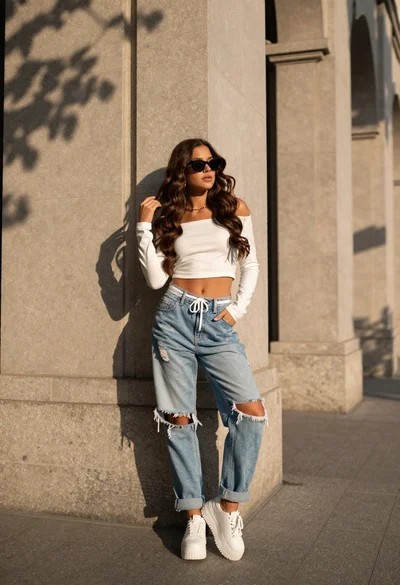
Stylish young woman in white crop top leaning against stone wall at
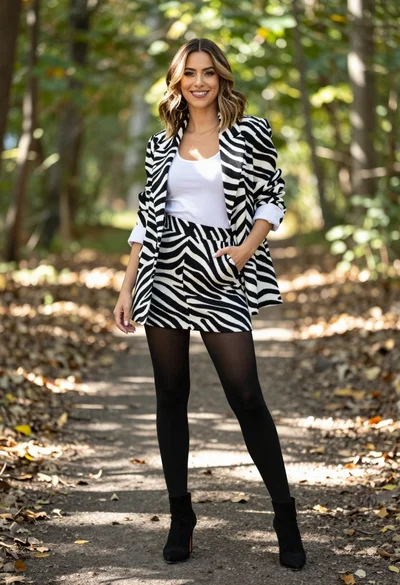
Stylish woman in zebra print suit standing on sun dappled forest path
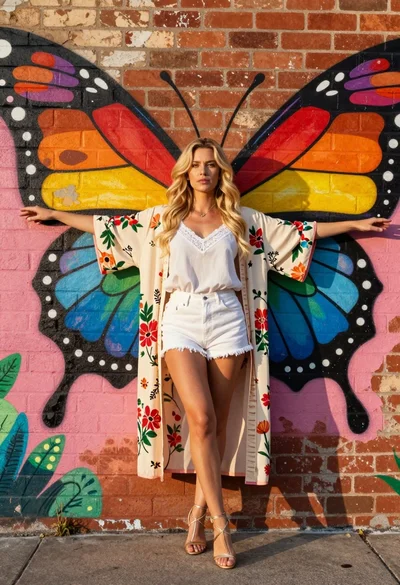
Blonde woman in kimono robe embracing vibrant rainbow butterfly mural on brick
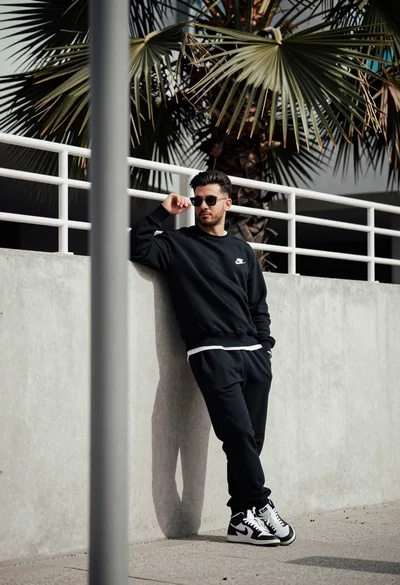
Stylish man leaning against concrete wall in an urban outdoor setting
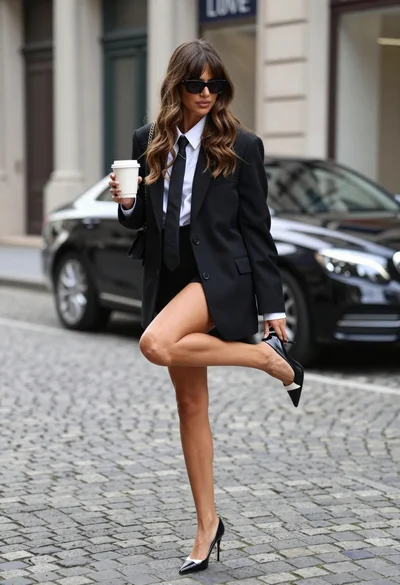
Stylish woman adjusting shoe on cobblestone street near luxury car facade

Black and white portrait of woman on urban street at night