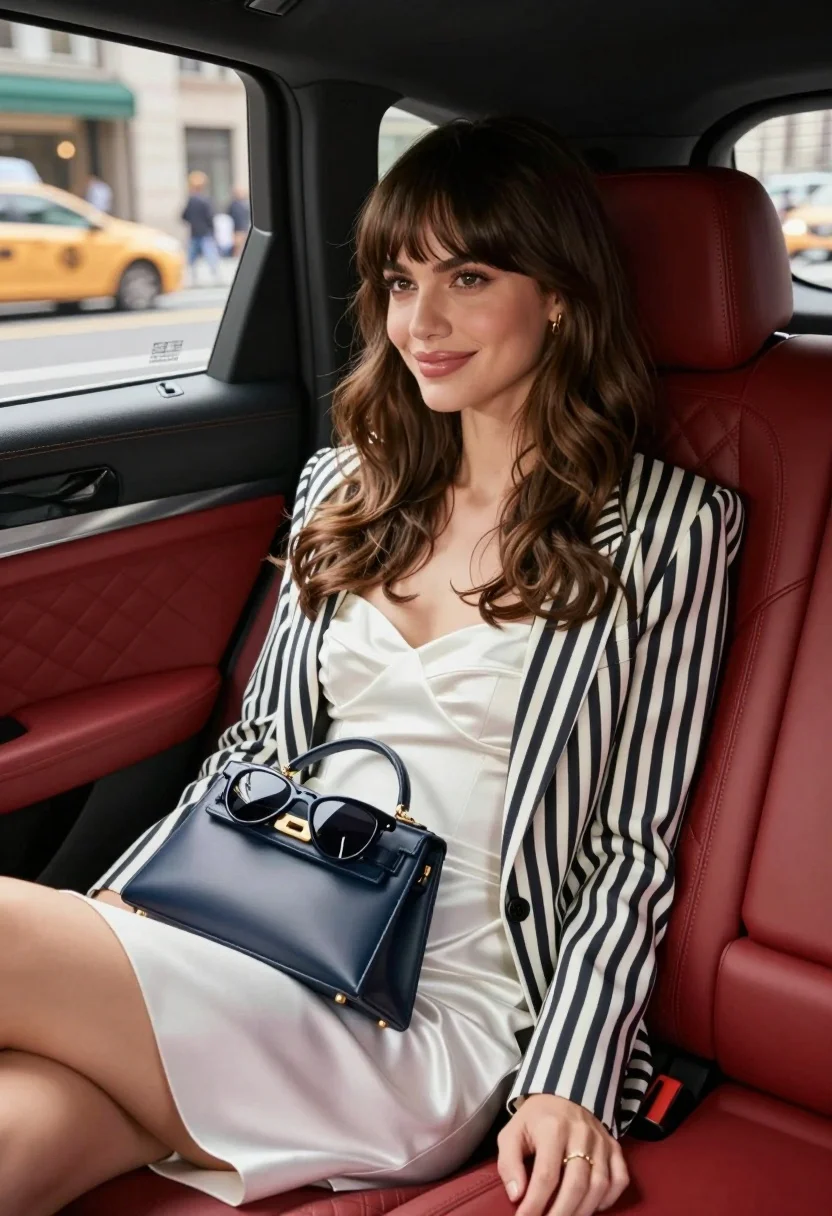
Stylish woman in white dress sitting inside luxury car overlooking city street
Prompt
A stylish woman with long wavy brown hair and bangs sits in the back seat of a luxury car.

Subject: A young woman with a warm smile, fair skin, and voluminous wavy brown hair featuring straight-cut bangs that frame her face.

Clothing: She wears a white satin strapless dress with a sweetheart neckline paired with an open black-and-white vertical striped blazer draped over her shoulders.

Action: She is seated comfortably on the red leather seat, looking slightly to her left with a relaxed and confident expression, holding a dark blue handbag in her lap.

Objects: A small rectangular navy blue handbag with gold hardware sits on her legs, topped with a pair of black sunglasses.

Environment: The interior features plush red diamond-stitched leather seats and black trim, while the background shows a blurred city street scene through the window with yellow taxis and pedestrians visible outside.

Camera: Shot from a medium close-up angle inside the vehicle with a shallow depth of field that keeps the subject sharp while softening the urban background.

Lighting: Soft natural daylight illuminates her face and hair, creating gentle highlights on the satin fabric and casting subtle shadows within the car interior.

Style Details: High-end fashion photography aesthetic with polished skin texture, vibrant color saturation, and a cinematic composition emphasizing elegance and luxury.
Description
This prompt is useful for creating high-end automotive editorial spreads, aspirational lifestyle advertisements, and sophisticated character portraits set in urban environments. The combination of 'white satin strapless dress' against the 'plush red diamond-stitched leather seats,' coupled with a 'shallow depth of field,' ensures the subject remains the focal point while using the blurred city street to establish immediate context and luxury.
Suggestions
- Change 'red leather seat' to 'deep emerald velvet' for a richer color contrast.
- Swap 'navy blue handbag' for 'metallic gold clutch' to match the hardware.
- Adjust 'Soft natural daylight' to 'late afternoon diffused sunlight' for warmer highlights.
Category
Tags
BlondeBrown HairBrunetteCasual WearFair SkinFemaleMedium ShotRealisticStreet
Date added
August 5, 2026
Added by
PromptDexter Team
Related Prompts
More prompts with similar categories and tags.
Young blonde woman in grey dress seated inside modern car interior
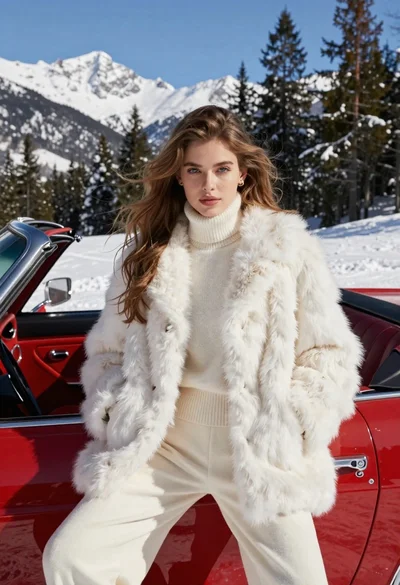
Woman in white fur coat seated in vintage red convertible car
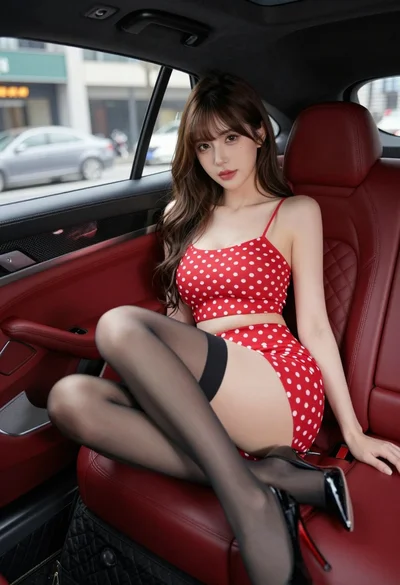
Young woman in red polka dot outfit seated inside luxury car cabin
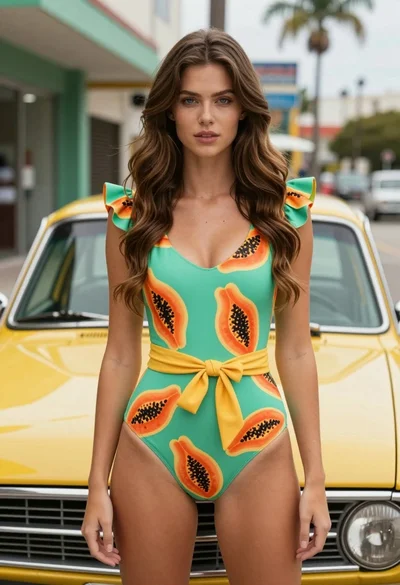
Fair skinned woman in green papaya swimsuit by vintage yellow car on

Young woman leaning against white wall with beige handbag under bright sunlight
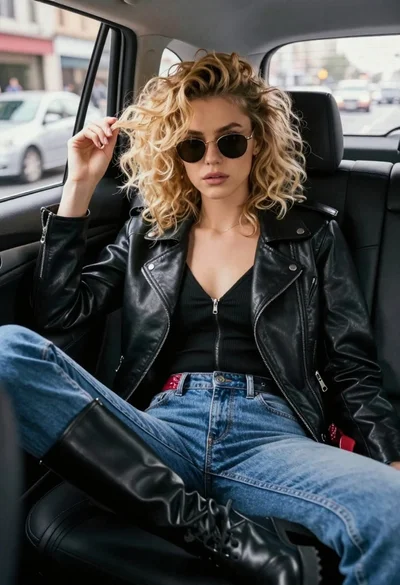
Young woman in black moto jacket sitting inside car looking at camera
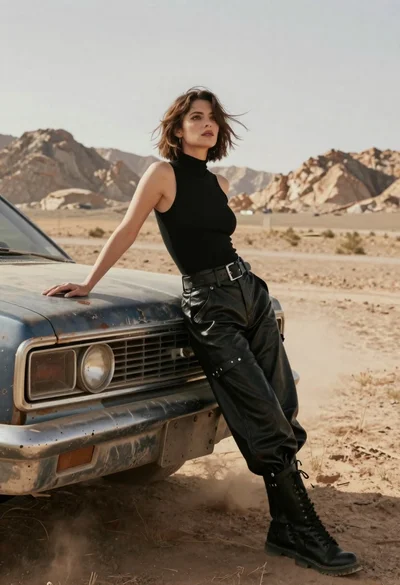
Woman in black leather outfit leaning on vintage car in desert
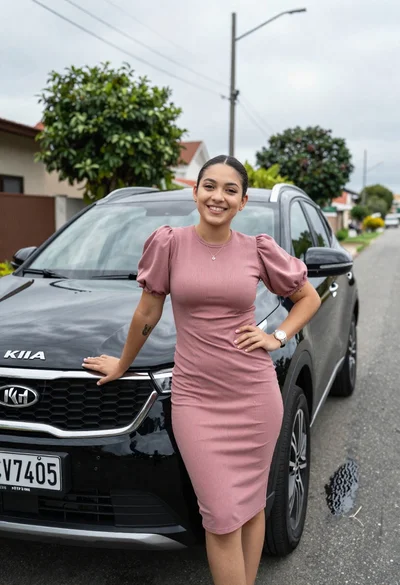
Smiling young woman leaning on black suv parked on paved street
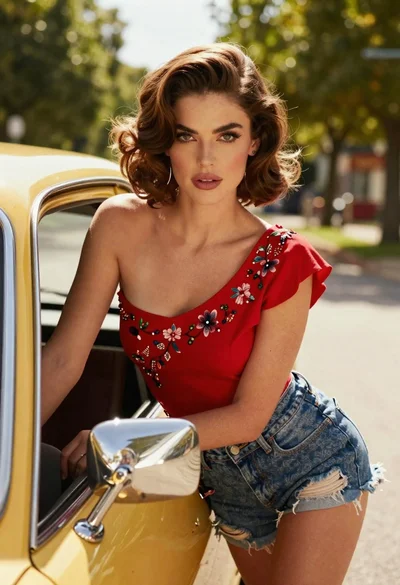
Woman in red embroidered top leaning from vintage yellow car window
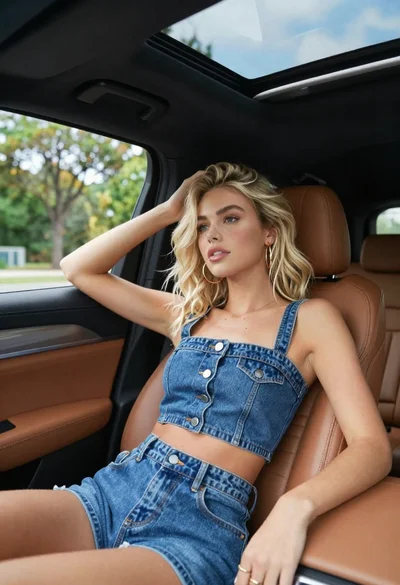
Blonde woman in denim outfit sitting inside car with open sunroof