
Woman in red embroidered top leaning from vintage yellow car window
Prompt
A woman with brown hair styled in a retro updo leans out of the open window of a vintage yellow car, looking directly at the camera with a confident expression.

Subject: A woman with fair skin and brown hair styled in a voluminous retro updo with loose strands framing her face. She has defined eyebrows, subtle eye makeup, and a neutral lip color.

Clothing: She wears a vibrant red one-shoulder top featuring elaborate floral embroidery and beadwork along the neckline and shoulder strap. The garment is cut low on one side. She pairs this with patterned denim shorts that have a distressed texture.

Action: She leans casually out of the car window, resting her left arm on the door frame while her right arm hangs down inside the vehicle. Her gaze is direct and engaging.

Environment: The setting is outdoors during the day, with a background of lush green trees suggesting a park or roadside location. The ground appears to be unpaved dirt or gravel.

Camera: The shot is a medium close-up framed from a slightly low angle, emphasizing the subject's upper body and face against the car door.

Lighting: Bright natural sunlight illuminates the scene from above and behind, creating a warm glow on her hair and highlighting the textures of her clothing while casting soft shadows.

Style Details: The image has a high-fashion editorial aesthetic with vibrant colors, sharp focus on the subject, and a polished, cinematic quality.
Description
This prompt is useful for creating vintage travel advertisements, retro fashion editorials, and lifestyle branding imagery evoking nostalgia. The combination of 'vibrant red one-shoulder top' against the 'vintage yellow car' immediately establishes a high-contrast, saturated palette suitable for eye-catching advertising, while the 'slightly low angle' composition forces the viewer to look up at the subject, enhancing her confident presence.
Suggestions
- Change 'patterned denim shorts' to 'high-waisted silk skirt' for a more elevated feel.
- Swap 'vintage yellow car' for '1950s turquoise sedan' to shift the color story.
- Adjust 'bright natural sunlight' to 'overcast daylight' for softer, less harsh shadows.
Category
Tags
Brown HairBrunetteCasual WearFair SkinFemaleLow AngleRealisticStreetwear
Date added
June 19, 2026
Added by
PromptDexter Team
Related Prompts
More prompts with similar categories and tags.
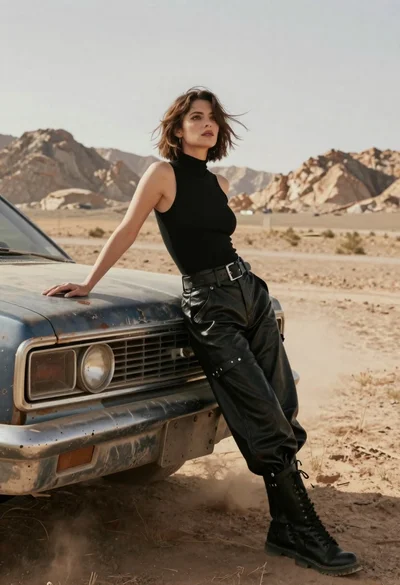
Woman in black leather outfit leaning on vintage car in desert
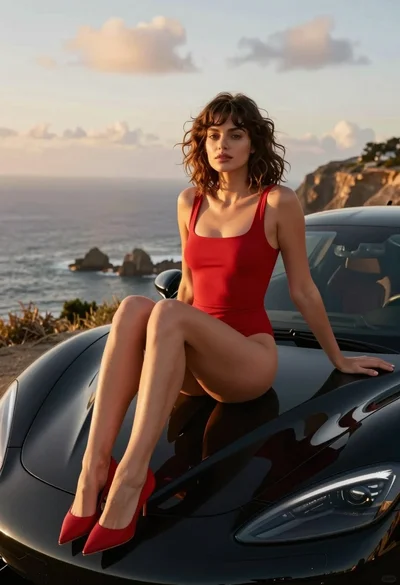
Woman in red swimsuit sitting on black sports car at coastal sunset
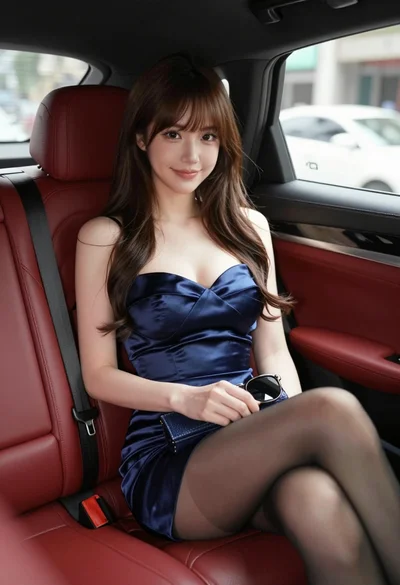
Glamorous woman in navy dress seated inside luxury car with red leather
Smiling woman in floral dress by rusty vintage pickup truck in dry
Young woman in red polka dot outfit seated inside luxury car cabin
Blonde woman in racing uniform holding umbrella at sunny pit lane
Stylish woman in white dress sitting inside luxury car overlooking city street
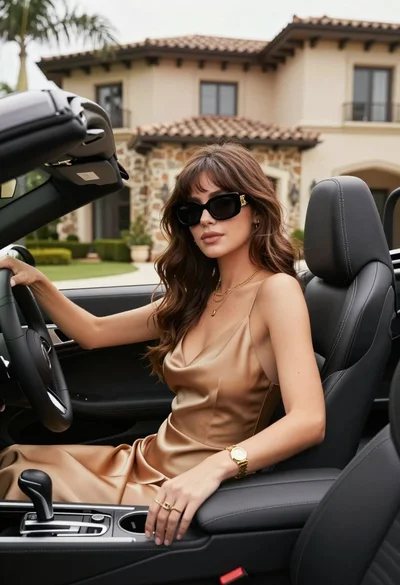
Stylish woman in satin slip dress driving convertible car outside luxury home
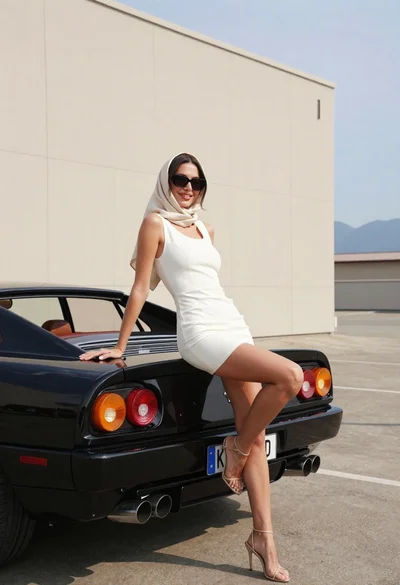
Woman in white dress leaning against classic black ferrari car outdoors
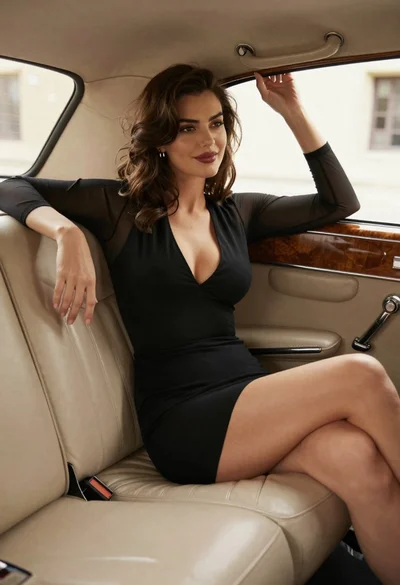
Woman in black dress sitting inside vintage car interior looking back