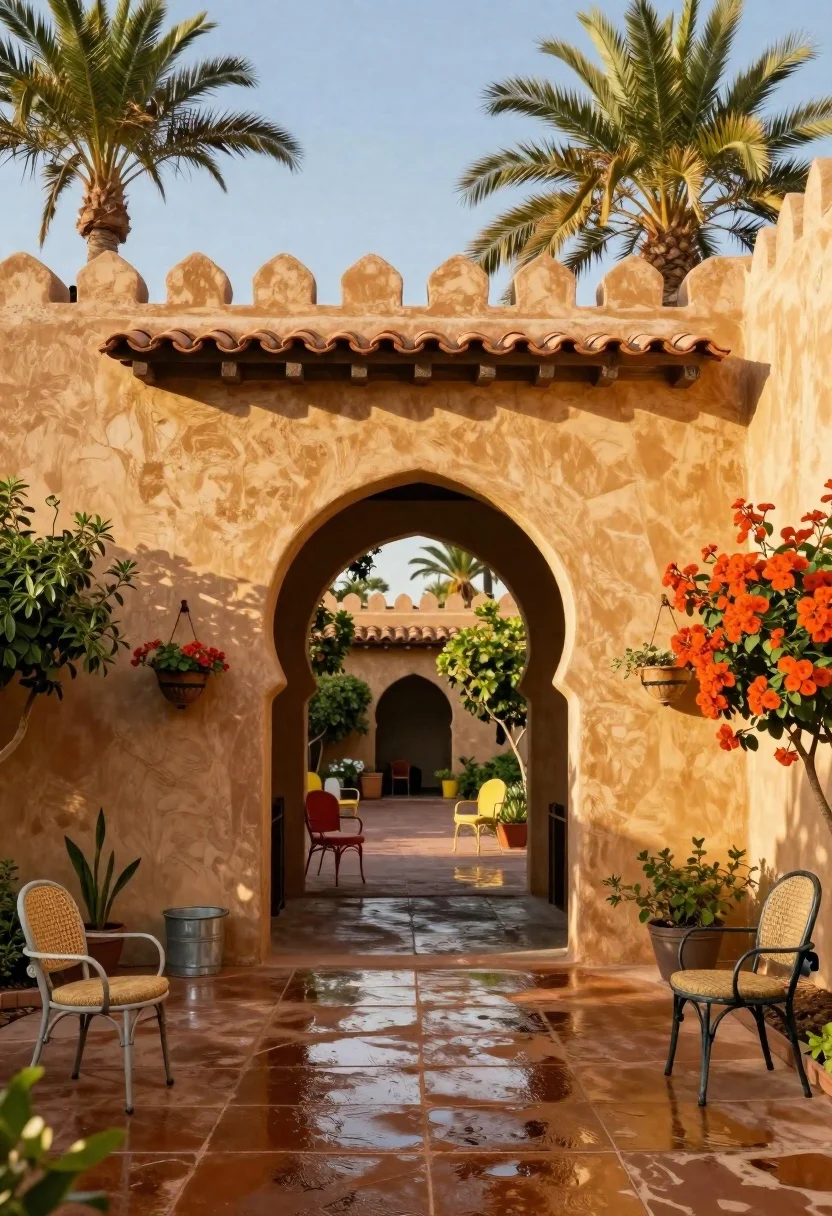
Sun drenched courtyard entrance with adobe walls and terracotta roof tiles
Prompt
A sun-drenched courtyard entrance framed by warm adobe walls with scalloped parapets and terracotta roof tiles.

Subject: A grand architectural archway leading into a patio area, featuring textured stucco walls in golden ochre tones.

Clothing: No people are visible in the scene.

Action: The scene is static, showcasing the architecture and garden setting.

Environment: An outdoor courtyard with wet pavement reflecting the sky, surrounded by lush greenery including tall palm trees and vibrant orange-red bushes on the right side.

Camera: A wide-angle perspective looking straight through the archway into the depth of the patio, capturing the symmetry of the entrance.

Lighting: Bright natural sunlight casting soft shadows, creating a warm, golden-hour glow that highlights the texture of the walls and the sheen on the wet ground.
Second

Subject: None.

Objects: Several vintage-style metal chairs with woven seats are scattered around the patio, including a red chair in the center and a yellow chair further back; decorative hanging flower baskets adorn the walls; a small metal bucket sits near the left wall.

Interaction: No interaction is present as there are no subjects.

Text/Graphics: None visible on the architecture or objects.

Style Details: Photorealistic rendering with high saturation, warm color grading emphasizing earth tones and vibrant foliage, and a slightly soft focus that enhances the dreamy atmosphere of the garden.
Description
This prompt is useful for creating architectural visualization concept art, Mediterranean-style interior design moodboards, and travel photography showcasing historical sites. The combination of 'golden ochre tones' on the stucco walls with 'wet pavement reflecting the sky' grounds the scene in a specific time and place, while the 'wide-angle perspective looking straight through the archway' emphasizes depth and symmetry necessary for grand architectural compositions.
Suggestions
- Change 'terracotta roof tiles' to 'aged slate roofing' for a cooler tone.
- Add 'volumetric light shafts' to enhance the sunlight effect.
- Swap 'vibrant orange-red bushes' for 'deep purple bougainvillea' for color contrast.
Category
Tags
OutdoorsRealisticWide Shot
Date added
June 19, 2026
Added by
PromptDexter Team
Related Prompts
More prompts with similar categories and tags.
Classical villa in lush garden under golden hour sunlight

Exhilarated tourist man at christ the redeemer statue in rio
Futuristic luxury resort carved into a massive limestone cave with skylight
Silhouette of india gate monument at sunset viewed from a low angle
Low angle view of massive historic gateway with towering minarets and arches
Solitary white house by reflective water under vibrant sunset sky
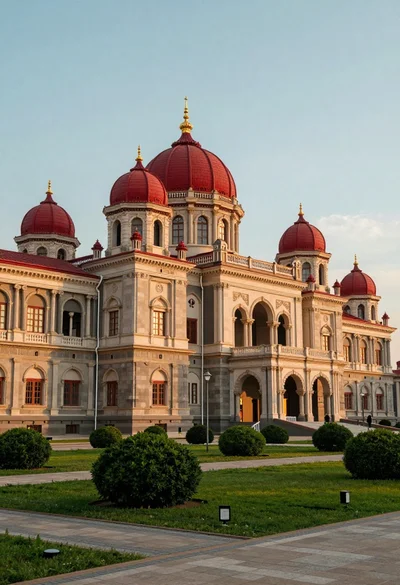
Majestic palace complex with red domes and golden spires under soft sky

Traditional wooden windmill reflected in calm lake under vibrant sunset sky
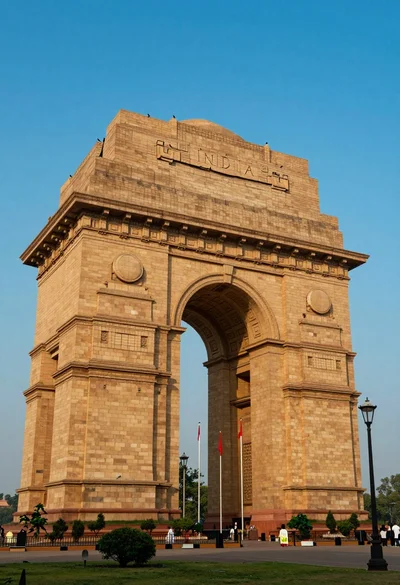
Low angle view of india gate war memorial under golden sunlight
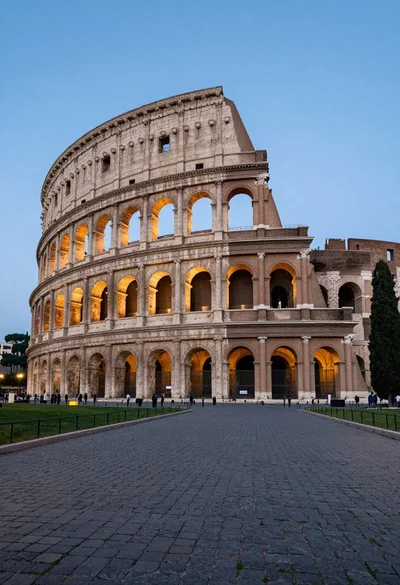
Majestic view of colosseum in rome at twilight with cypress trees