
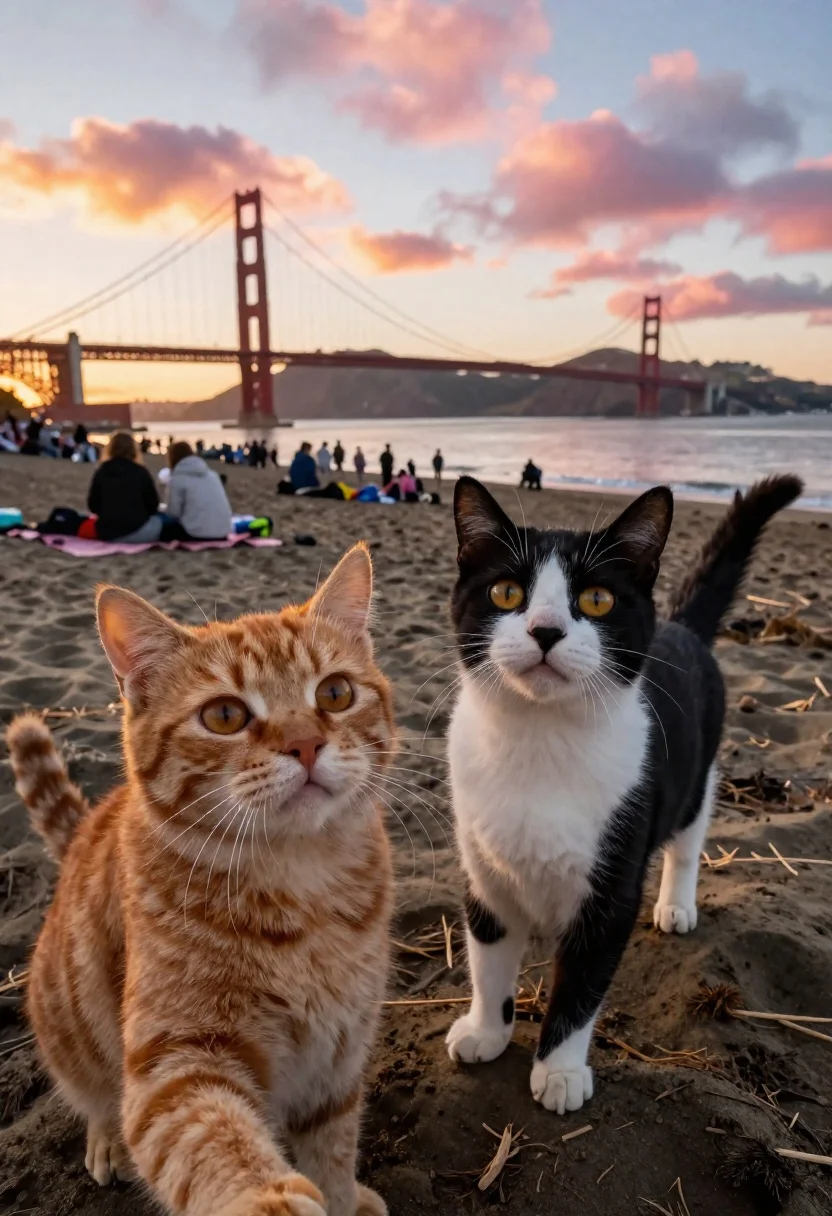
Two cats on a beach near golden gate bridge at sunset
Prompt
A wide-angle photo of two cats looking up at the camera on a crowded beach during sunset; golden hour lighting with warm pink and orange clouds above.

Subject: A fluffy ginger tabby cat in the left foreground, positioned slightly lower than its companion to imply holding the camera for a selfie perspective.

Subject: A black-and-white tuxedo cat standing upright next to it, gazing directly forward with wide yellow eyes.

Environment: The iconic Golden Gate Bridge spans the background over calm water under a dramatic sky; distant hills are visible across the bay. Background details include people sitting on picnic blankets and scattered beach gear, creating depth behind the foreground subjects.

Camera: Low-angle perspective emphasizing height difference between cats and viewer; slightly distorted wide-angle lens capturing both felines prominently in frame with shallow depth of field blurring the crowd softly.

Lighting: Soft directional backlighting from setting sun casts gentle highlights along fur edges while maintaining even facial illumination for expressive detail.

Style Details: Realistic photographic style mimicking high-end wildlife photography natural textures, authentic lighting dynamics, and immersive composition blending urban landmark charm with intimate pet portrait warmth; no stylization or fantasy elements present.
Description
This prompt is useful for creating whimsical pet portraits, travel blog content featuring pets, and highly detailed animal lifestyle photography. The combination of 'low-angle perspective' and 'wide-angle lens' exaggerates the foreground cats against the massive backdrop of the Golden Gate Bridge, while the 'soft directional backlighting' sculpts their fur edges to make them pop from the background detail.
Suggestions
- Change 'fluffy ginger tabby cat' to 'sleek black cat' for a different contrast.
- Swap 'warm pink and orange clouds' for 'deep indigo and violet hues' for a cooler sunset mood.
- Adjust 'shallow depth of field' to 'moderate depth of field' to keep the background bridge more recognizable.
Category
Tags
AnimalsBeachLow AngleRealisticWide Shot
Date added
June 19, 2026
Added by
PromptDexter Team
Related Prompts
More prompts with similar categories and tags.
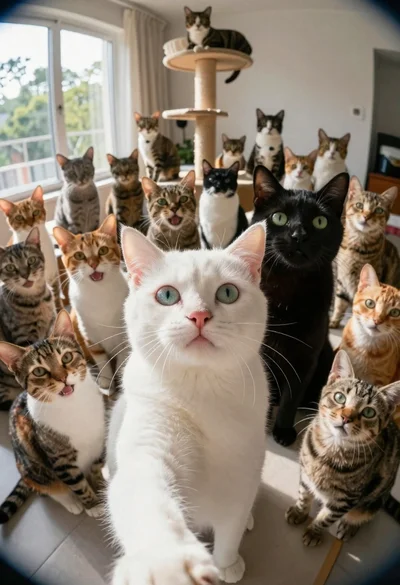
White cat taking a selfie with many other cats

Young woman holding fluffy dog in white top on wooden patio

Blonde woman in black bikini poses with dog on beach lounger

Smiling woman with cat ears holding orange tabby cat
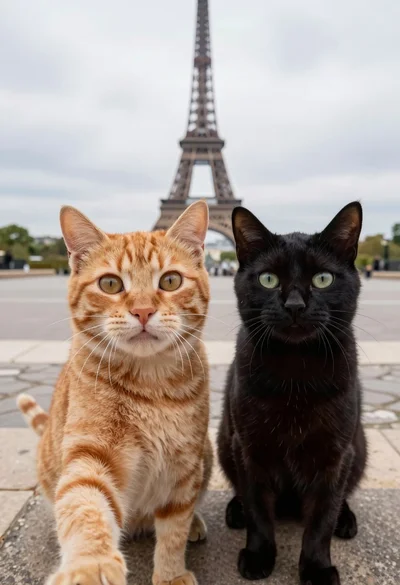
Two cats taking a selfie in front of eiffel tower paris promenade
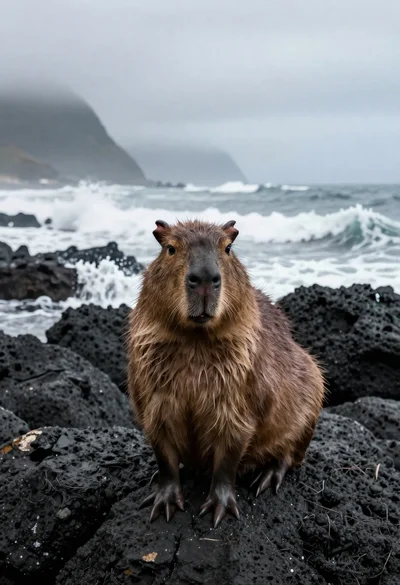
Capybara on volcanic rocks by crashing ocean waves
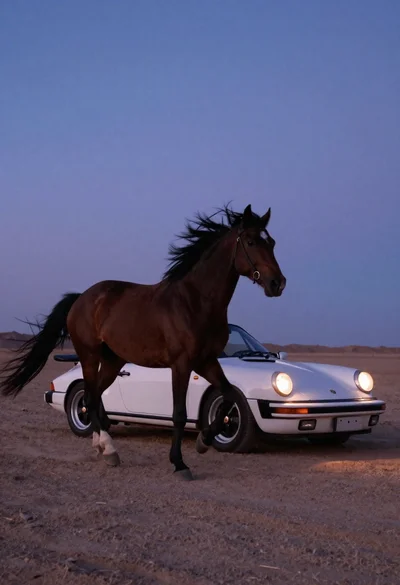
White porsche convertible near galloping dark horse at twilight
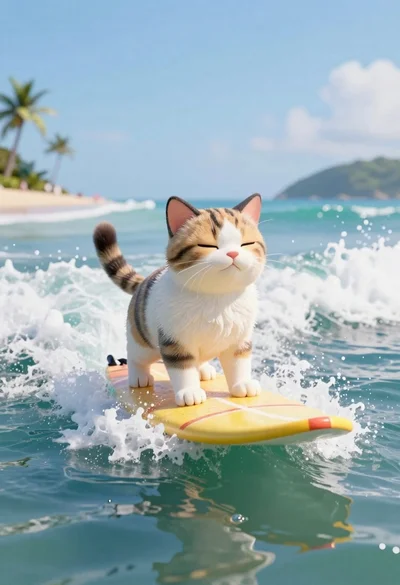
Cat surfing on yellow board in tropical ocean waves