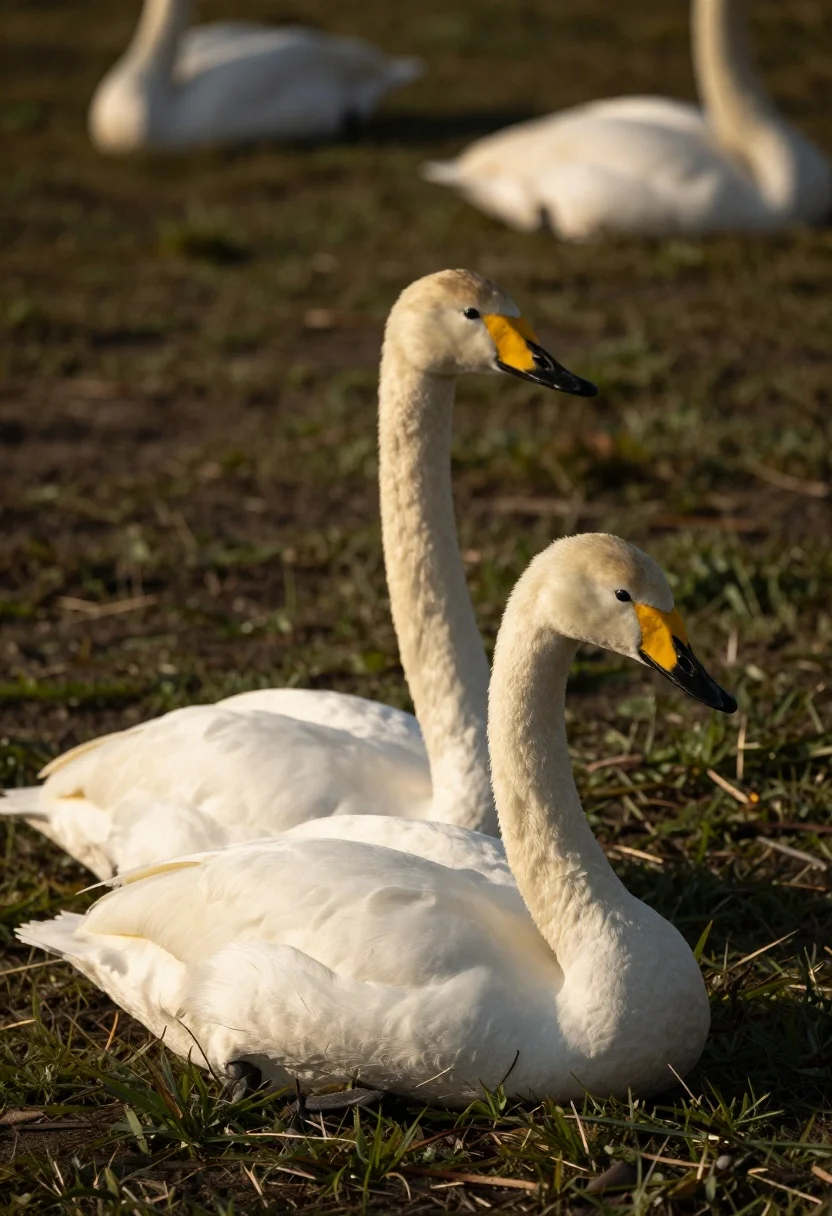
Two elegant white swans resting on green grass under golden sunlight
Prompt
Two elegant white swans rest on a patch of grass with one standing tall behind the other which is crouched low to the ground.

Subject: Two pristine white swans featuring long curved necks and distinctive black-tipped beaks with bright yellow facial markings.

Action: The swans are resting peacefully in a calm pose without any active movement or disturbance.

Environment: A grassy field with dark earth visible beneath the birds and a soft blurred background containing other indistinct white shapes suggesting a flock.

Camera: Shallow depth of field focusing sharply on the foreground pair while rendering the background into a smooth bokeh, framed from a slightly low angle to emphasize the swans' stature.

Lighting: Warm golden sunlight illuminating the scene from the side creating soft highlights on the feathers and casting gentle shadows that enhance the texture of the grass.

Style Details: Naturalistic wildlife photography with high detail in feather texture and a cinematic color palette emphasizing warm tones against dark backgrounds.
Description
This prompt is useful for creating nature documentary stills, fine art animal prints, and serene landscape compositions. The combination of 'shallow depth of field' and 'warm golden sunlight illuminating the scene from the side' ensures that the focus remains intensely sharp on the swans while the soft bokeh prevents background clutter, making the birds appear monumental against the muted setting.
Suggestions
- Change 'dark earth visible beneath the birds' to 'mossy riverbank' for more varied foreground texture.
- Swap 'warm golden sunlight' for 'midday overcast light' to achieve a flatter, portrait-style look.
- Adjust 'low angle' to 'eye level' to make the swans feel less imposing and more approachable.
Category
Tags
AnimalLow AngleNatureOutdoorsRealistic
Date added
August 5, 2026
Added by
PromptDexter Team
Related Prompts
More prompts with similar categories and tags.
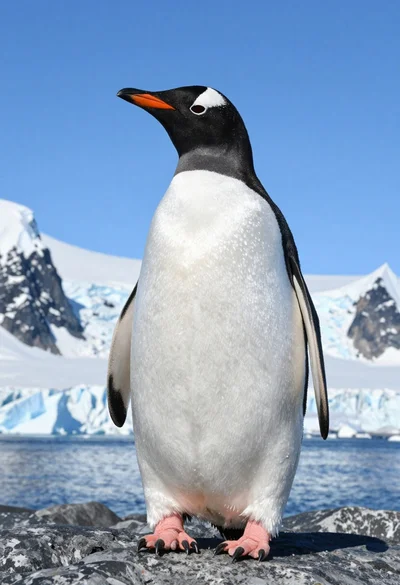
Majestic gentoo penguin standing on dark rock against snowy mountains
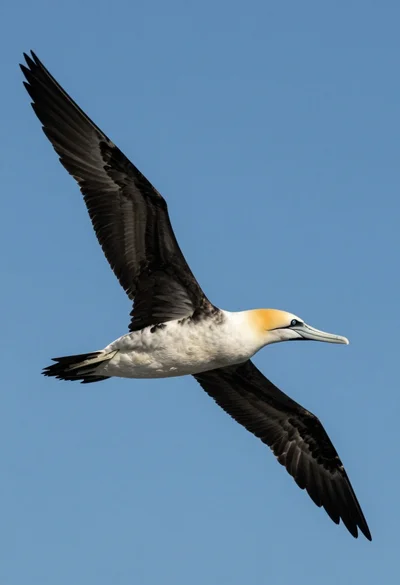
Large seabird soaring through clear blue sky from a low angle view
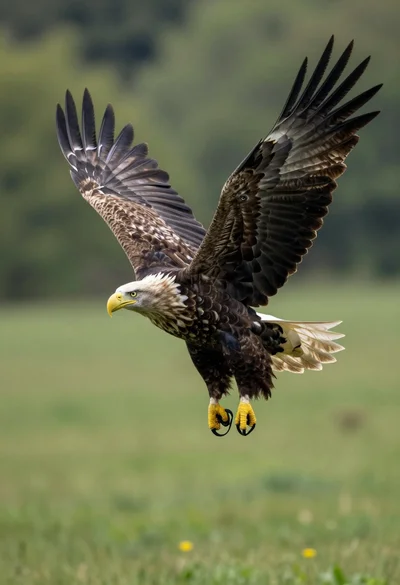
Majestic whitetailed eagle soaring through lush green forest landscape
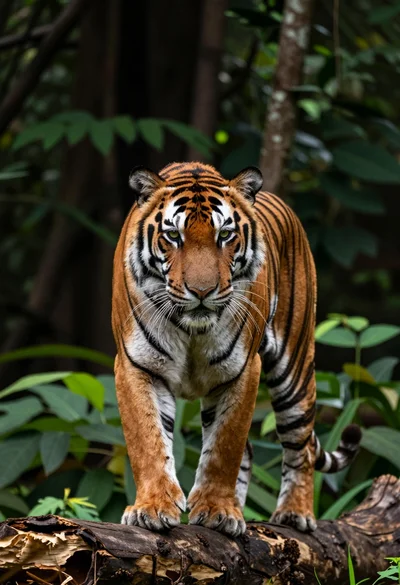
Majestic tiger midstride on a weathered log in a dense forest setting
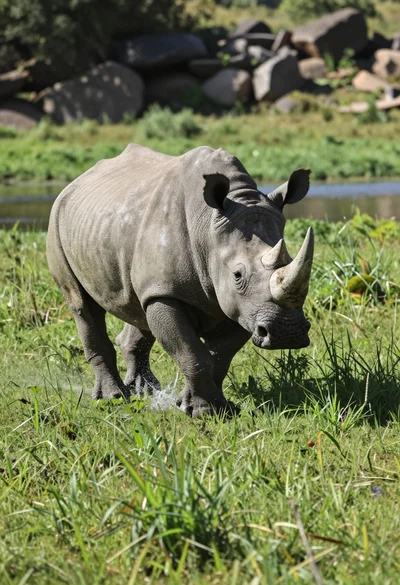
Low angle shot of rhinoceros running through lush green grassy field splashing
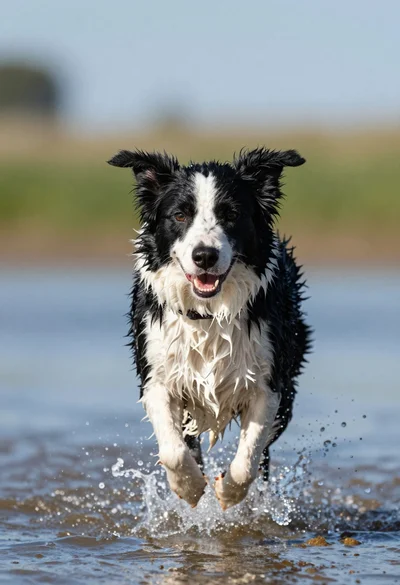
Wet black and white border collie running through splashing water close up
Majestic arctic fox standing alert on dark rocks in snowy landscape
Two majestic lionesses resting side by side in grassy savanna at sunset
Small grey tabby kitten walking on wet asphalt near fallen orange leaves
Dramatic silhouette of rearing horse against vibrant sunset over calm water