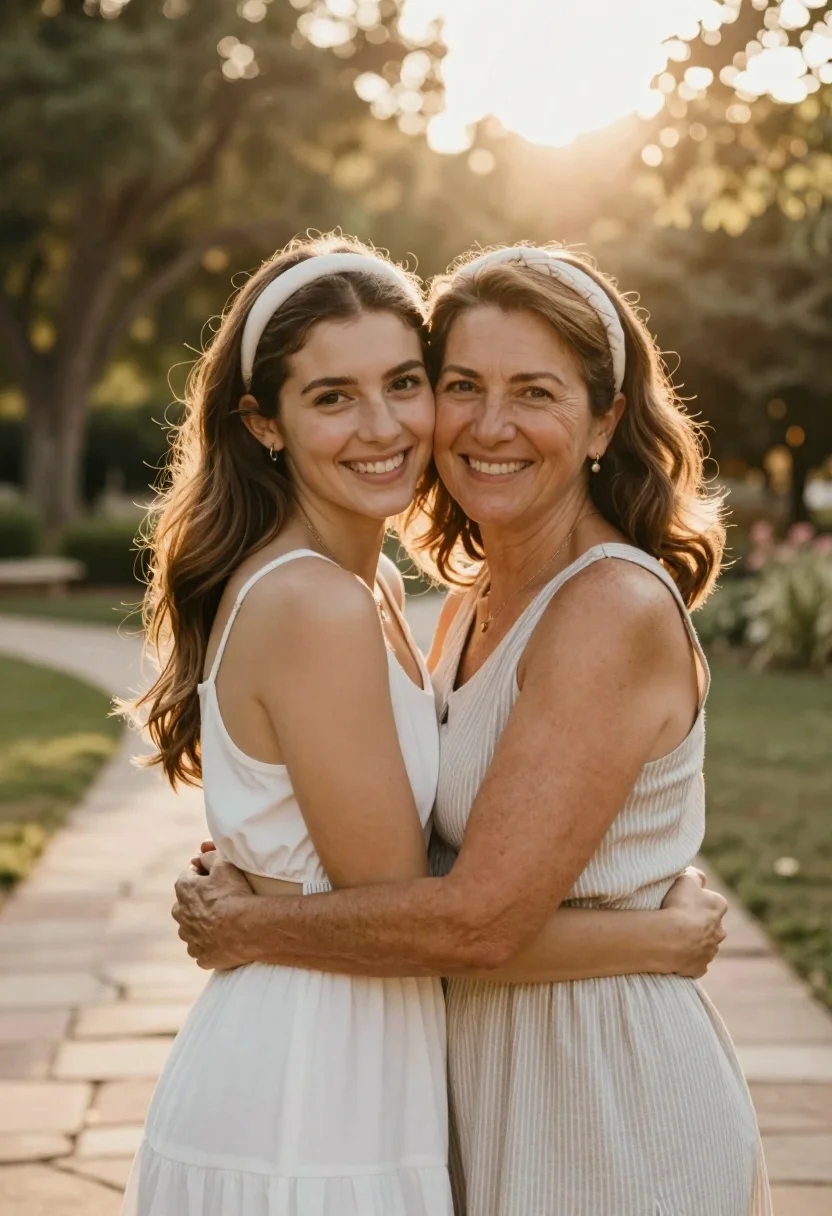
Two women embracing warmly in a sunlit garden setting with stone path
Prompt
Two women embrace warmly in a sun-drenched outdoor setting with a stone path behind them.

Subject: A younger woman with long wavy brown hair and a white headband stands facing the camera with a bright smile, while an older woman with shoulder-length wavy brown hair and a matching headband hugs her from behind, both looking directly at the viewer.

Clothing: The younger woman wears a simple white sleeveless dress with a cutout detail at the waist, while the older woman wears a light-colored sleeveless dress with thin vertical stripes; both wear delicate earrings.

Action: They are locked in an affectionate embrace with arms wrapped around each other's waists, smiling broadly and leaning their heads together.

Environment: A blurred background of trees and foliage suggests a garden or park setting with a stone pathway visible behind the subjects.

Camera: Shot from a medium distance with a shallow depth of field that keeps the subjects sharp while softening the background into a bokeh effect.

Lighting: Warm golden sunlight filters through the trees from above, creating a glowing backlight and highlighting the hair and shoulders of both women.

Objects: None visible other than the clothing accessories.

Text/Graphics: No text or graphics are present.

Style Details: High-quality portrait photography with soft focus background, warm color grading, and natural skin textures.
Description
This prompt is useful for creating sentimental family portraits, lifestyle advertising featuring friendship, and intimate editorial features about connection. The combination of 'warm golden sunlight' filtering through the trees provides a luminous rim light that accentuates the hair and shoulders, while the 'shallow depth of field' ensures the focus remains tightly on the subjects' affectionate embrace against the softened background.
Suggestions
- Change 'white headband' to 'silk ribbon' for a more delicate accessory.
- Swap 'light-colored sleeveless dress' for 'pastel floral print' to add pattern interest.
- Adjust 'warm golden sunlight' to 'soft overcast light' if you want less dramatic backlighting.
Category
Tags
Brown HairCasual WearFemaleMedium ShotNatureOutdoorsRealistic
Date added
July 12, 2026
Added by
PromptDexter Team
Related Prompts
More prompts with similar categories and tags.

Smiling young woman in white ruffled dress between green topiary bushes
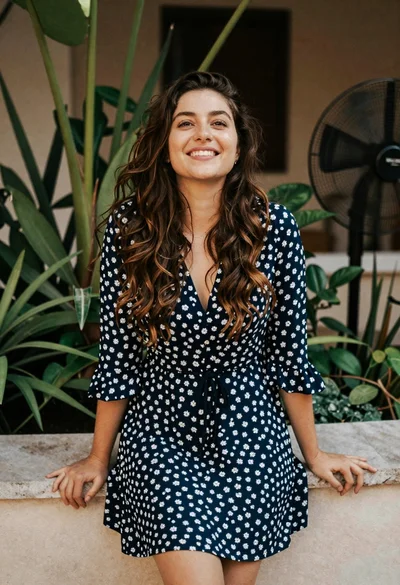
Smiling young woman in blue floral dress leaning against stone ledge

Young woman in pink camisole standing in sunlit rolling hills

Young woman in olive saree leaning on railing outdoors during golden hour

Young woman with dark hair at wooden table in open air setting

Young woman in patterned dress looking back over grassy hills
Young woman with brown hair in light blue top standing in sunny
Young woman in grey hoodie in an outdoor garden

Young woman holding pink smoothie outdoors near palm trees sunny day
Young woman with brown hair sitting on bench near green bushes outdoors