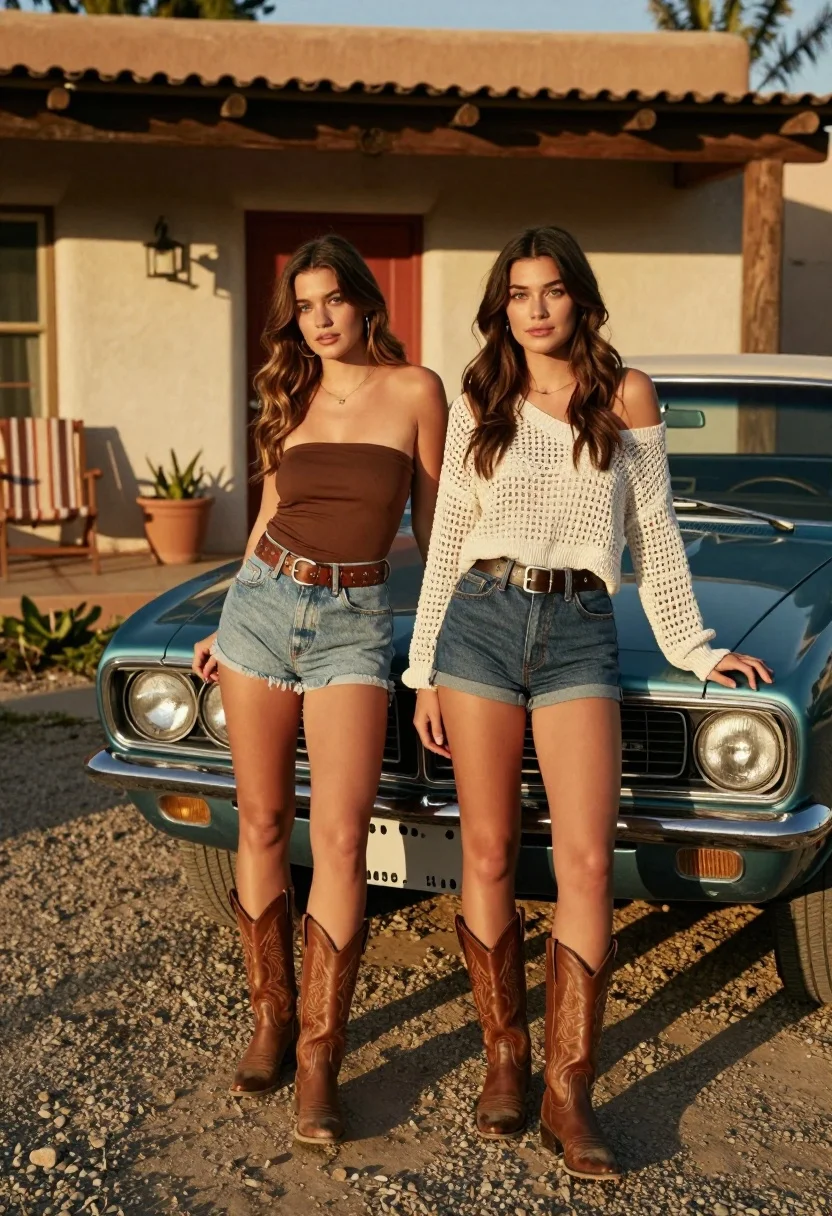
Two young women posing by a teal muscle car outside adobe building
Prompt
Two young women pose confidently in front of a vintage teal muscle car parked outside a rustic adobe-style building.

Subject: Two young women with long brown hair standing side by side, one leaning casually against the hood of a classic car while the other stands upright with hands at her sides.

Clothing: The woman on the left wears a brown strapless tube top, light blue denim shorts with a studded belt, and tall brown cowboy boots; the woman on the right wears a white off-the-shoulder crochet knit top, dark denim shorts with a wide belt, and matching brown cowboy boots.

Action: Both women face forward with relaxed postures, slight smiles, and natural expressions, exuding a cool, retro vibe.

Environment: A sunlit gravel driveway in front of a beige adobe-style house with a red wooden door, a striped patio chair to the left, and a potted plant near the entrance.

Camera: Eye-level medium shot capturing full-body poses with shallow depth of field that softly blurs the background building and car details.

Lighting: Warm golden-hour sunlight casting long shadows across the gravel, highlighting textures on clothing and skin with soft highlights and deep contrast.

Style Details: Retro 1970s aesthetic with earthy tones, vintage fashion, film-like grain, and a nostalgic color palette reminiscent of classic Americana photography.
Description
This prompt is useful for creating retro automotive lifestyle editorials, themed music video concepts, and rustic destination advertising campaigns. The combination of 'warm golden-hour sunlight' casting long shadows and the specified 'Retro 1970s aesthetic' ensures that the subjects and the teal muscle car are grounded in a specific, nostalgic time period rather than appearing merely placed against an unrelated backdrop.
Suggestions
- Change 'teal muscle car' to 'burnt orange vintage truck' for a warmer color story.
- Swap 'brown strapless tube top' for 'cream knit halter top' to match the other outfit better.
- Adjust 'shallow depth of field' to 'deep focus' if you want both the car and building details sharp.
Category
Tags
Brown HairBrunetteCasual WearFemaleFull BodyMedium ShotOutdoorsRealistic
Date added
August 5, 2026
Added by
PromptDexter Team
Related Prompts
More prompts with similar categories and tags.
Woman with brown hair sitting on a white vintage convertible at wet
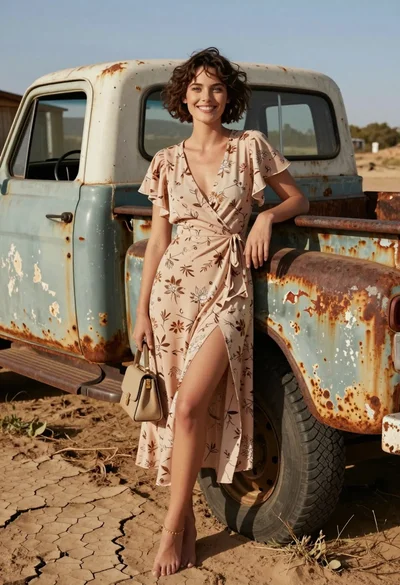
Smiling woman in floral dress by rusty vintage pickup truck in dry
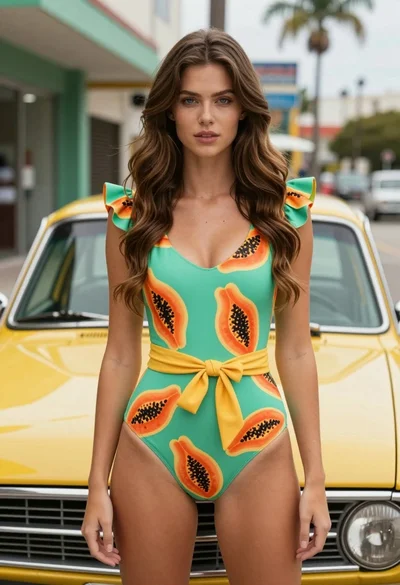
Fair skinned woman in green papaya swimsuit by vintage yellow car on
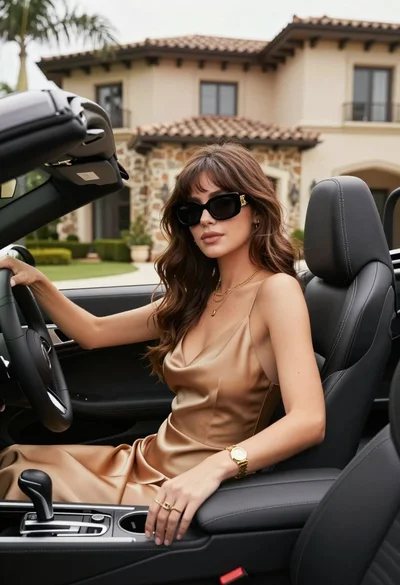
Stylish woman in satin slip dress driving convertible car outside luxury home
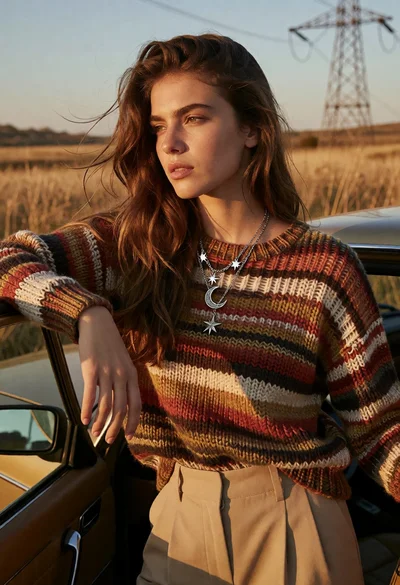
Young woman leaning by vintage car in golden field at sunset
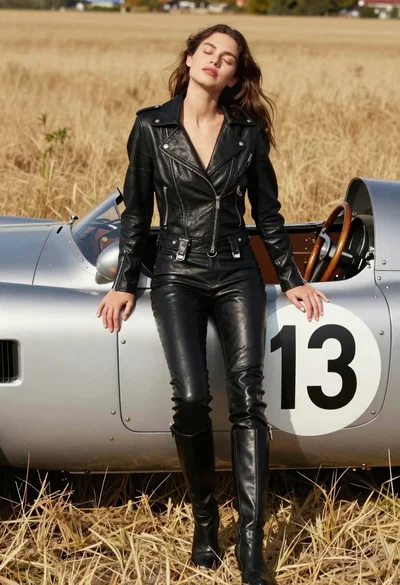
Woman leaning against vintage race car in golden grass field
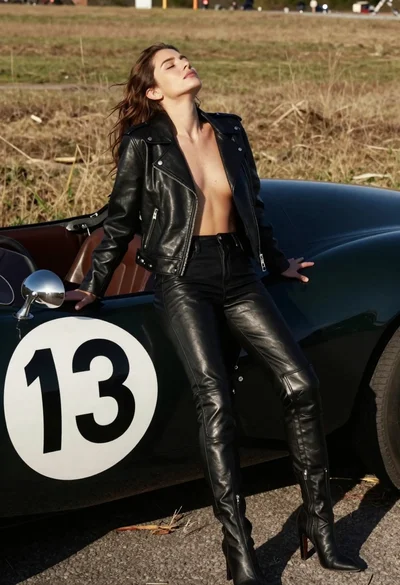
Woman leaning against vintage race car in dry grassy field
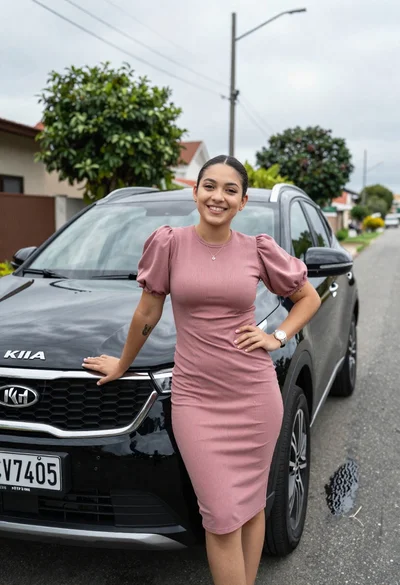
Smiling young woman leaning on black suv parked on paved street
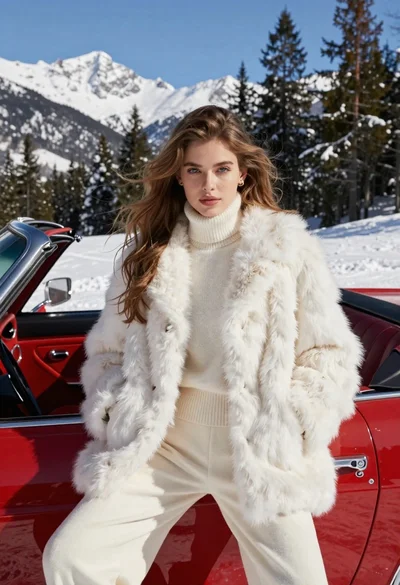
Woman in white fur coat seated in vintage red convertible car
Confident woman in black dress posing by luxury sedan at gas station