
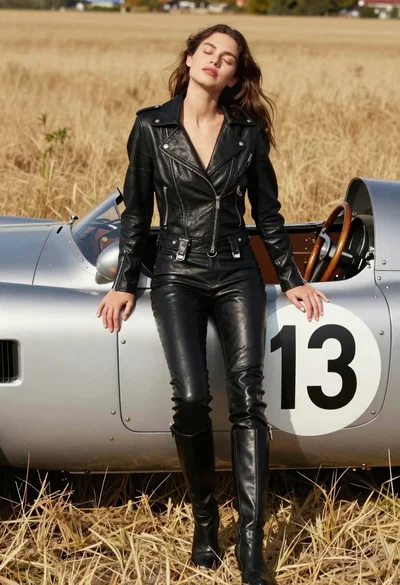
Woman leaning against vintage race car in dry grassy field
Prompt
A woman leans back against a vintage race car with her eyes closed and head tilted upward in a relaxed pose.

Subject: A woman with long brown hair leaning casually against the side of a vehicle.

Clothing: She wears a black leather biker jacket that is unbuttoned to reveal her chest, paired with matching black leather pants featuring knee pads and zippers, and high-heeled boots.

Action: The subject leans back with one leg crossed over the other, head tilted up toward the sky, eyes closed, and mouth slightly open in a serene expression.

Environment: A dry grassy field under bright sunlight serves as the background, with an asphalt surface beneath the car.

Camera: Shot from a medium-low angle looking up at the subject to emphasize her relaxed posture against the vehicle.

Lighting: Bright natural sunlight creates strong highlights on the leather textures and casts deep shadows, enhancing the contrast between light and dark areas.

Objects: A vintage race car with its hood open is positioned behind the woman, displaying a large white circle with the number 13 in black on its side panel.

Text/Graphics: The number 13 appears prominently on the side of the car within a white circular decal.

Style Details: High-fashion editorial aesthetic with sharp focus on textures and dramatic lighting typical of luxury automotive photography.
Description
This prompt is useful for creating high-fashion editorial moodboards, concept art for cinematic advertising campaigns, and gritty lifestyle magazine spreads. The combination of 'black leather biker jacket' against the 'vintage race car' under 'bright natural sunlight' establishes a dramatic contrast that emphasizes texture and attitude, which is crucial for luxury automotive photography where sharp highlights are needed to define materials.
Suggestions
- Change 'dry grassy field' to 'desert salt flats' for more uniform ground.
- Swap 'black leather biker jacket' for 'distressed suede jacket' to soften the edge.
- Adjust 'medium-low angle' to 'worm's eye view' for an even more imposing feel.
Category
Tags
Brown HairCasual WearFemaleLow AngleMedium ShotOutdoorsPortrait ShotRealisticVehicle
Date added
June 19, 2026
Added by
PromptDexter Team
Related Prompts
More prompts with similar categories and tags.
Woman leaning against vintage race car in golden grass field
Smiling young woman leaning on black suv parked on paved street
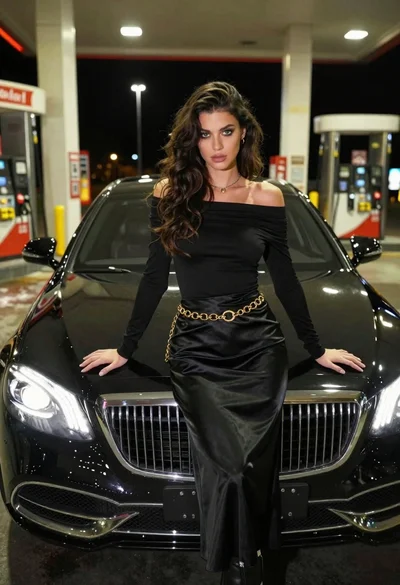
Confident woman in black dress posing by luxury sedan at gas station
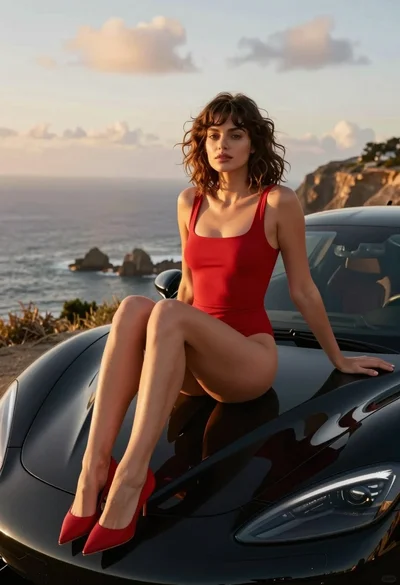
Woman in red swimsuit sitting on black sports car at coastal sunset
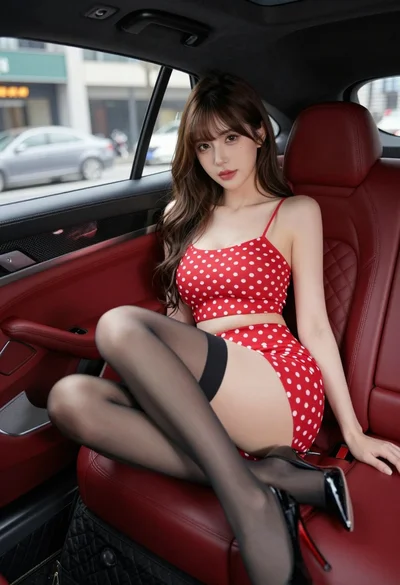
Young woman in red polka dot outfit seated inside luxury car cabin
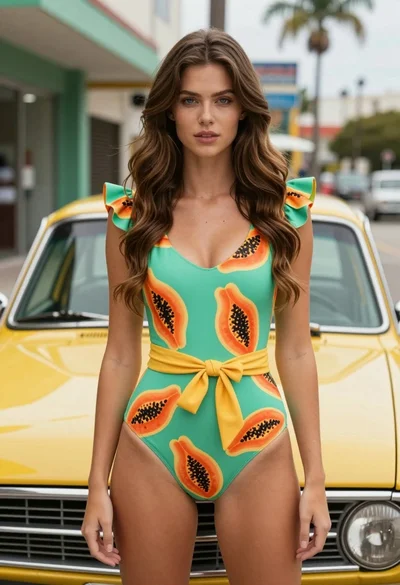
Fair skinned woman in green papaya swimsuit by vintage yellow car on
Woman in white dress leaning against classic black ferrari car outdoors
Young woman in knit top and boots sitting inside modern car at
Woman in black leather outfit leaning on vintage car in desert
Woman in white fur coat seated in vintage red convertible car