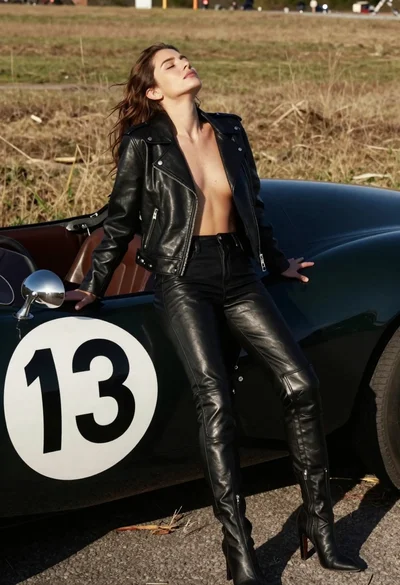

Woman leaning against vintage race car in golden grass field
Prompt
A woman leans against a vintage race car with her eyes closed and head tilted back in a relaxed pose.

Subject: A woman with long brown hair leaning casually against the side of a vehicle.

Clothing: She wears an unzipped black leather biker jacket that exposes her chest, matching black leather pants with zippers on the thighs, and tall black leather boots.

Action: Her head is tilted back with eyes closed, conveying a sense of relaxation or sunbathing while leaning against the car.

Environment: The setting is outdoors in a field of dry golden grass under bright daylight.

Camera: Medium shot capturing the subject from the waist up alongside the vehicle, with a shallow depth of field blurring the background slightly.

Lighting: Bright natural sunlight coming from above and behind, creating soft shadows and highlighting the texture of the leather clothing.
Second

Subject: A vintage silver race car with its hood open to reveal the engine compartment.

Objects: The car features a large white circle with the number 13 in black on the side panel and a wooden steering wheel visible inside.

Text/Graphics: The number 13 is displayed prominently on the side of the car within a white circular decal.

Style Details: High-fashion editorial photography style with sharp focus on textures, rich contrast between the dark leather and bright background, and a cinematic color palette.
Description
This prompt is useful for creating high-fashion automotive editorials, vintage lifestyle advertising, and moody portraiture featuring strong contrasts. The combination of 'black leather biker jacket' against the 'dry golden grass' under 'bright natural sunlight coming from above and behind' emphasizes the rich contrast between dark textures and bright surroundings, which prevents the subject from looking disconnected from the rustic environment.
Suggestions
- Change 'vintage silver race car' to 'weathered matte black race car' for a grittier feel.
- Swap 'dry golden grass' for 'sun-bleached wheat field' to enhance the texture.
- Adjust 'bright natural sunlight coming from above and behind' to 'harsh midday sun, high contrast' for more dramatic shadows.
Category
Tags
Brown HairCasual WearFemaleMedium ShotOutdoorsRealisticVehicle
Date added
June 19, 2026
Added by
PromptDexter Team
Related Prompts
More prompts with similar categories and tags.
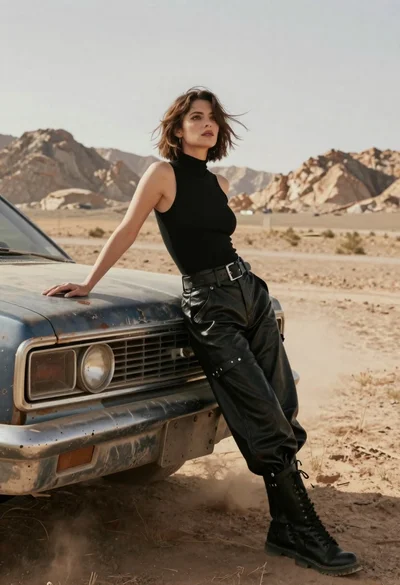
Woman in black leather outfit leaning on vintage car in desert

Smiling young woman leaning on black suv parked on paved street
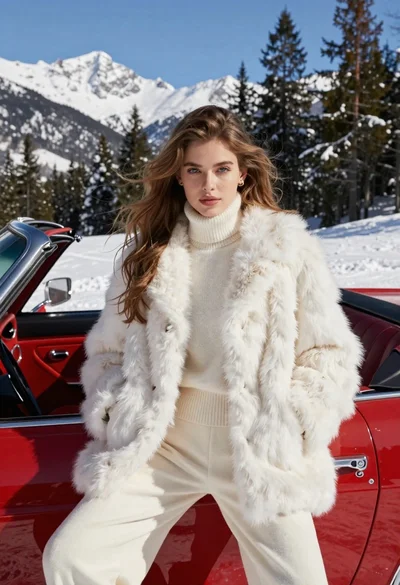
Woman in white fur coat seated in vintage red convertible car
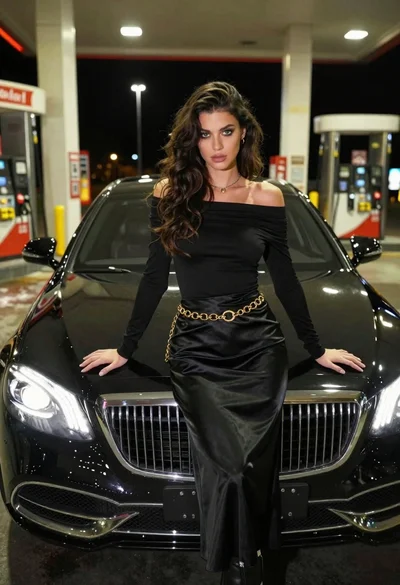
Confident woman in black dress posing by luxury sedan at gas station

Woman in red swimsuit sitting on black sports car at coastal sunset
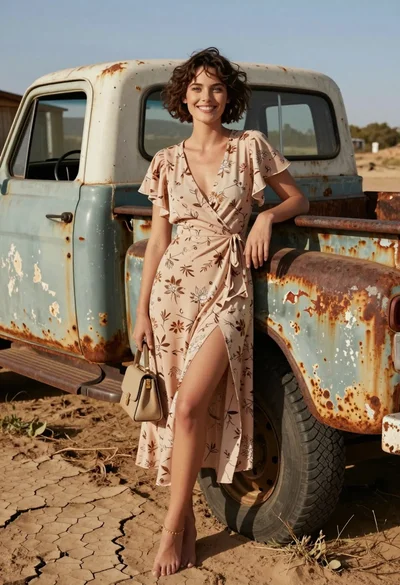
Smiling woman in floral dress by rusty vintage pickup truck in dry
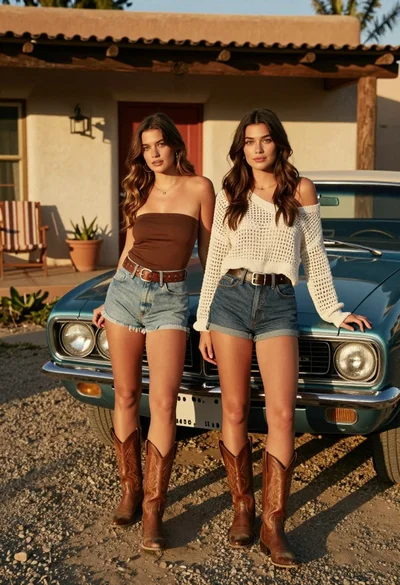
Two young women posing by a teal muscle car outside adobe building
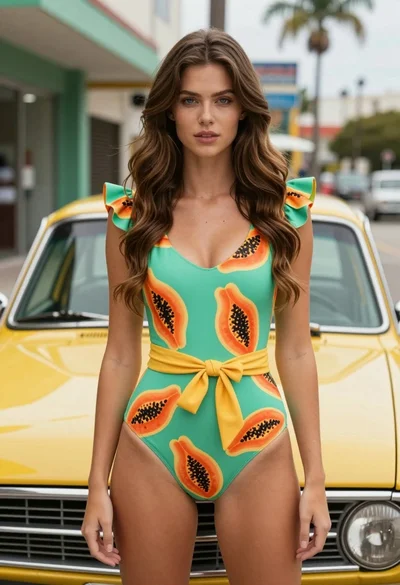
Fair skinned woman in green papaya swimsuit by vintage yellow car on
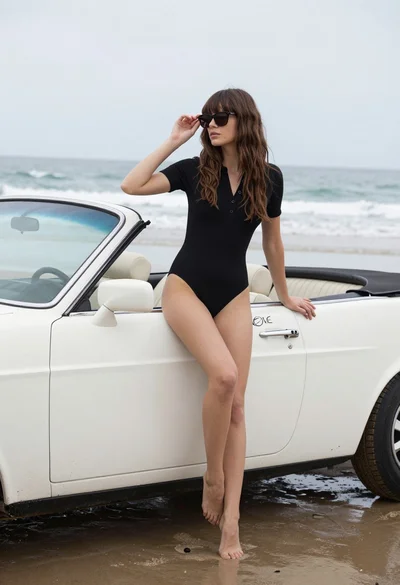
Woman with brown hair sitting on a white vintage convertible at wet

Stylish woman in satin slip dress driving convertible car outside luxury home