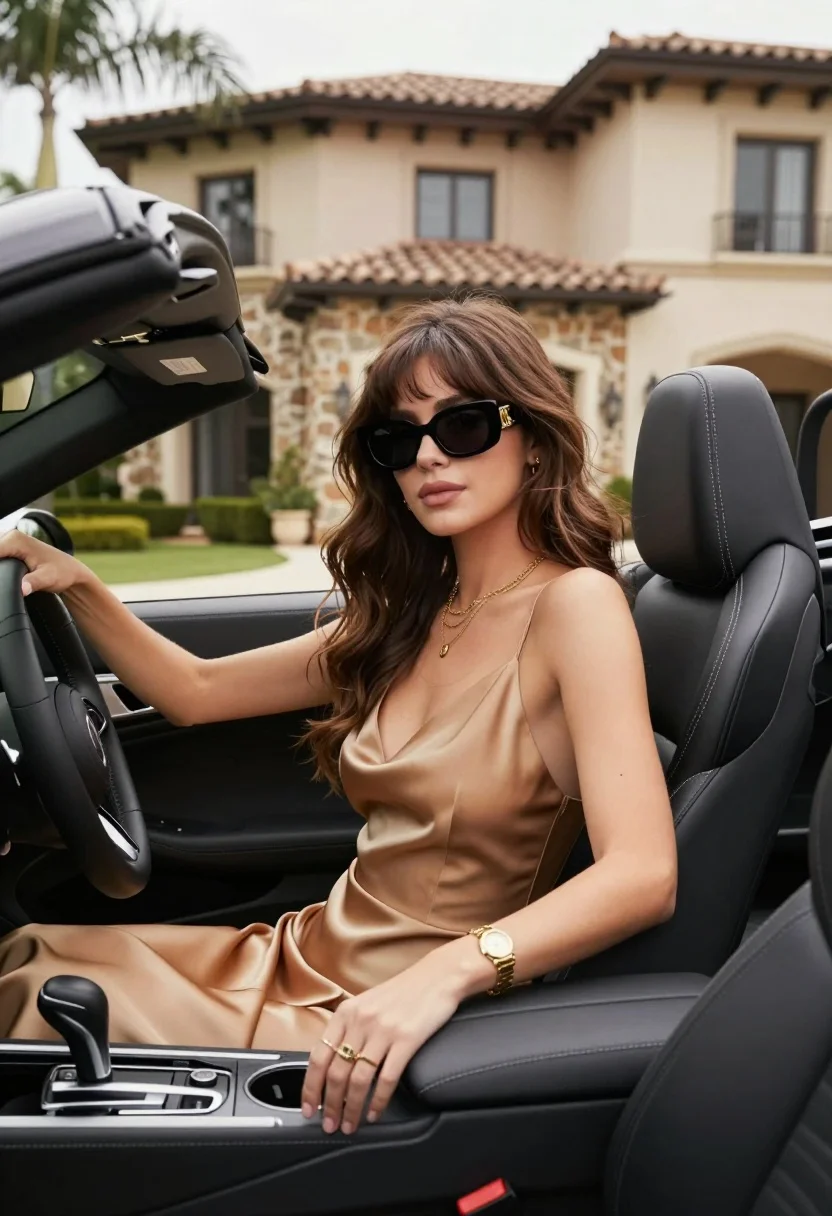
Stylish woman in satin slip dress driving convertible car outside luxury home
Prompt
A stylish woman sits in the driver's seat of a black convertible with the top down, gazing forward with a confident expression.

Subject: A young woman with long, wavy brown hair featuring bangs and wearing large black sunglasses with a gold logo on the temples.

Clothing: She wears a tan or beige satin slip dress with thin straps and a deep V-neckline, accessorized with a layered gold necklace, a gold watch on her left wrist, and a ring on her right hand.

Action: She sits in the driver's seat with her right hand resting on the steering wheel and her left hand placed near the center console cup holders.

Environment: The car is parked outdoors in front of a large, luxurious house featuring stone cladding and beige stucco walls. Palm trees are visible in the background under a bright sky.

Camera: Shot from a low angle inside the vehicle looking up at the subject, emphasizing the interior details like the dashboard and gear stick while keeping the background slightly blurred.

Lighting: Bright natural sunlight illuminates the scene from above, casting soft shadows inside the car and highlighting the texture of her hair and dress.

Style Details: High-resolution photography with a shallow depth of field that keeps the subject sharp while blurring the background architecture and foliage for a polished fashion aesthetic.
Description
This prompt is useful for creating luxury lifestyle advertisements, automotive editorial spreads, and high-end personal branding content. The combination of 'low angle inside the vehicle looking up at the subject' paired with 'shallow depth of field' ensures that the focus remains sharply on the woman and her attire while artfully softening the background architecture, preventing the scene from feeling flat or overly staged.
Suggestions
- Change 'tan or beige satin slip dress' to 'emerald green silk slip dress' for a richer color pop.
- Swap 'black convertible with the top down' for 'vintage red roadster' to change the vehicle vibe.
- Adjust 'Bright natural sunlight illuminates the scene from above' to 'late afternoon diffused light' for softer shadows.
Category
Tags
Brown HairBrunetteCasual WearFemaleLow AngleMedium ShotOutdoorsPortrait ShotRealisticRooftop
Date added
August 5, 2026
Added by
PromptDexter Team
Related Prompts
More prompts with similar categories and tags.
Young woman leaning by vintage car in golden field at sunset
Woman in black leather outfit leaning on vintage car in desert
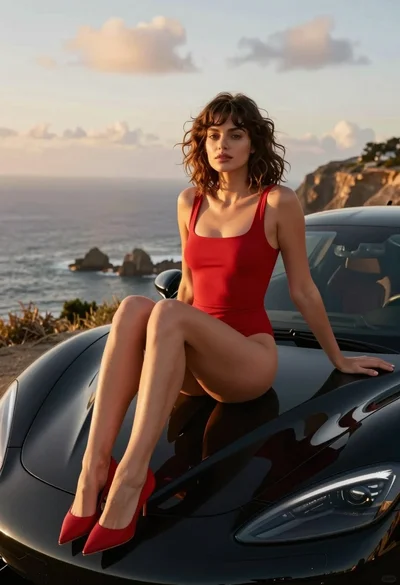
Woman in red swimsuit sitting on black sports car at coastal sunset
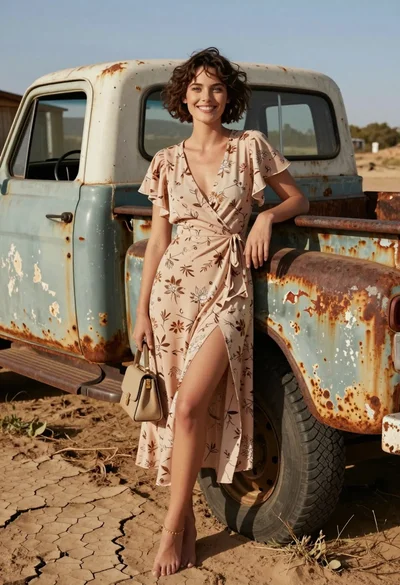
Smiling woman in floral dress by rusty vintage pickup truck in dry
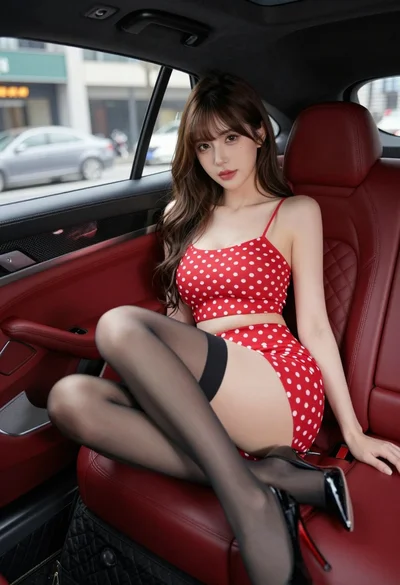
Young woman in red polka dot outfit seated inside luxury car cabin
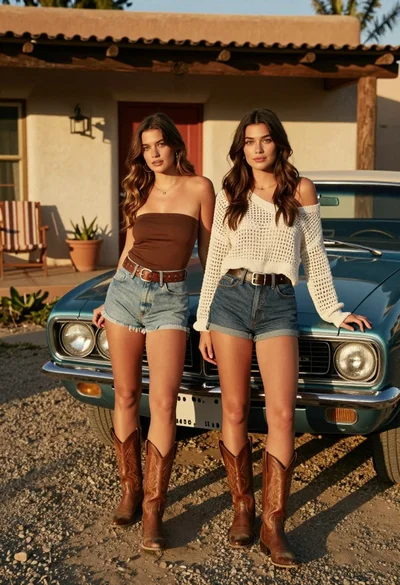
Two young women posing by a teal muscle car outside adobe building
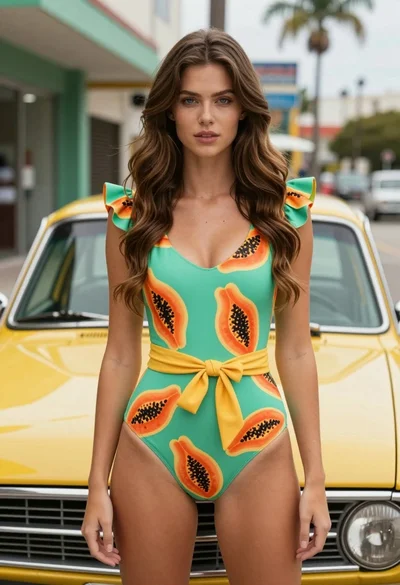
Fair skinned woman in green papaya swimsuit by vintage yellow car on
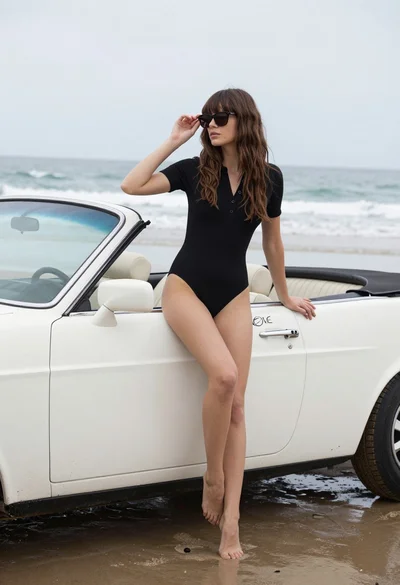
Woman with brown hair sitting on a white vintage convertible at wet
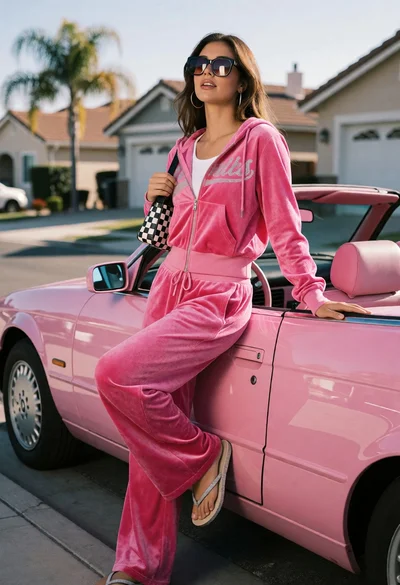
Young woman in pink tracksuit leaning on convertible car on sunny suburban

Woman in striped top and denim mini skirt leaning against white wall
