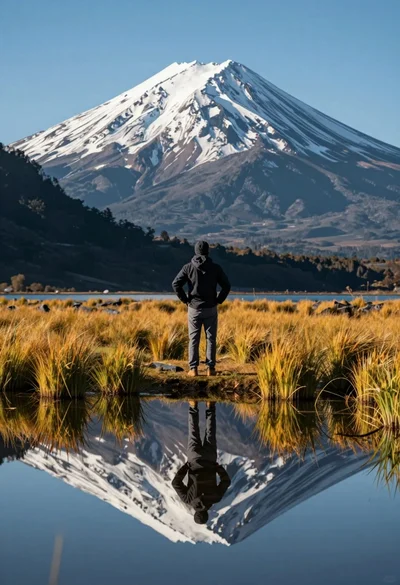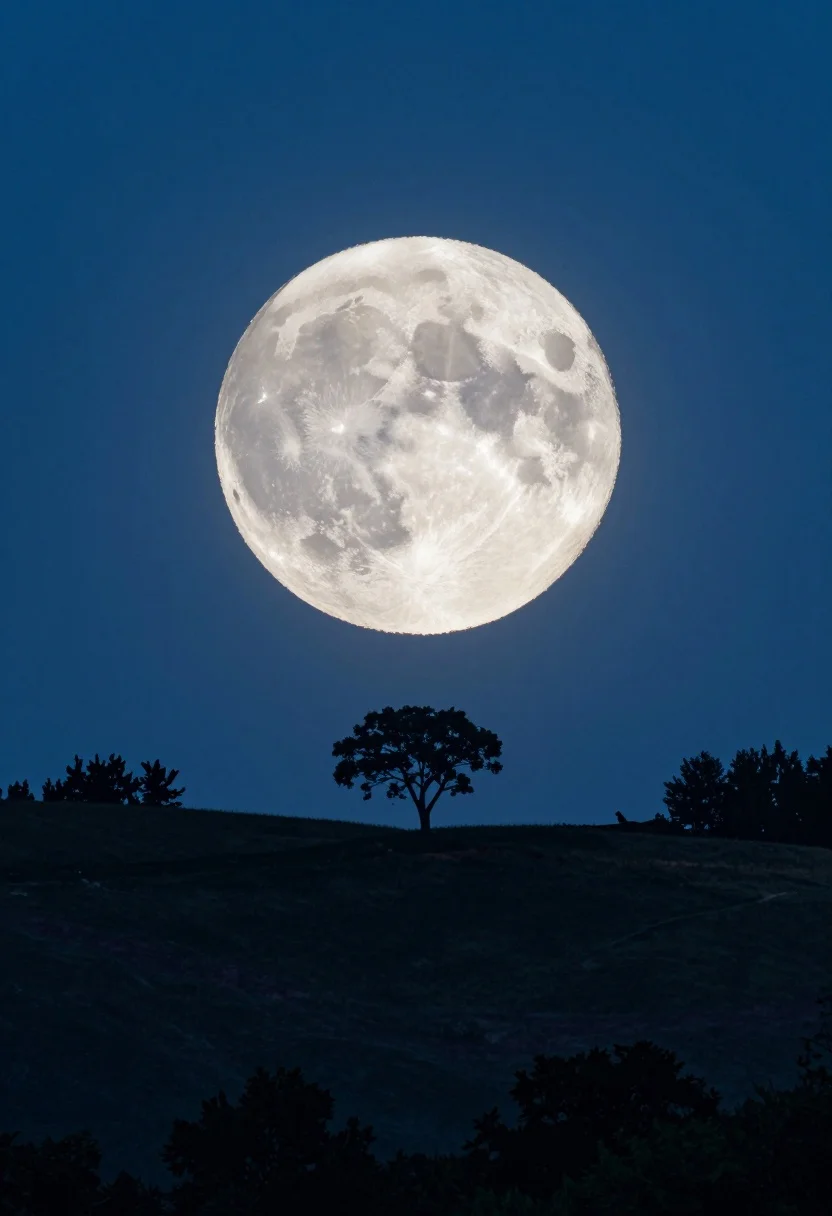
Vast luminous full moon over dark rolling hillside with silhouetted trees
Prompt
A vast, luminous full moon dominates the night sky above a dark, rolling hillside dotted with silhouetted trees.

Subject: A massive, bright white full moon serves as the central focal point, displaying visible craters and surface texture against a deep blue starry sky.

Action: The scene is static with no movement, capturing a serene stillness under the night sky.

Environment: The foreground features a dark, grassy hill or ridge line where several trees stand in silhouette, including a prominent single tree centered beneath the moon and smaller clusters to the sides.

Camera: The shot utilizes a wide-angle perspective to emphasize the scale of the moon relative to the landscape, with a low horizon line that places the viewer at ground level looking up.

Lighting: The scene is illuminated by the cool, ethereal glow of the full moon which casts a soft blue light across the landscape and highlights the texture of the lunar surface.

Style Details: The image has a dreamy, slightly surreal quality with a high-contrast look that emphasizes the silhouette against the bright celestial body.
Description
This prompt is useful for creating dramatic landscape concept art, ethereal album covers, and moody fine art prints. The combination of 'low angle' perspective and 'wide-angle perspective' forces the viewer to look up at the massive moon, while specifying a 'soft blue light' ensures that the high contrast emphasizes the deep black silhouettes against the luminous celestial body.
Suggestions
- Change 'deep blue starry sky' to 'indigo velvet sky' for richer color saturation.
- Add 'Milky Way visible' to increase background detail.
- Swap 'silhouetted trees' for 'sparse cypress trees' for a more dramatic shape.
Category
Tags
Full BodyLow AngleNatureRealisticWide Shot
Date added
August 5, 2026
Added by
PromptDexter Team
Related Prompts
More prompts with similar categories and tags.
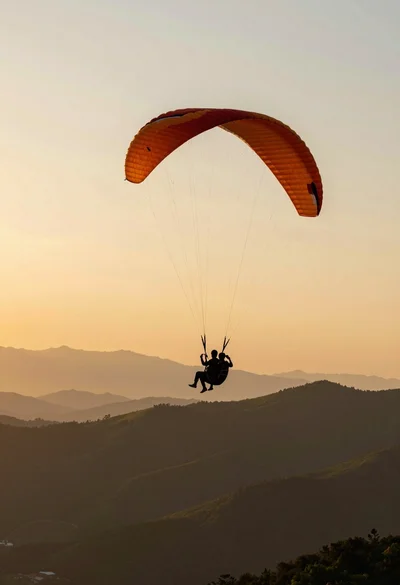
Silhouette of tandem paragliders soaring above green mountain range at sunset

Muscular man standing before massive waterfall in lush jungle setting

Solitary hiker silhouette atop mountain peak above sea of clouds at sunrise

Man standing in green field with outstretched arms facing snow capped mountain

Couple in white rowboat gazing at each other during vibrant sunset over
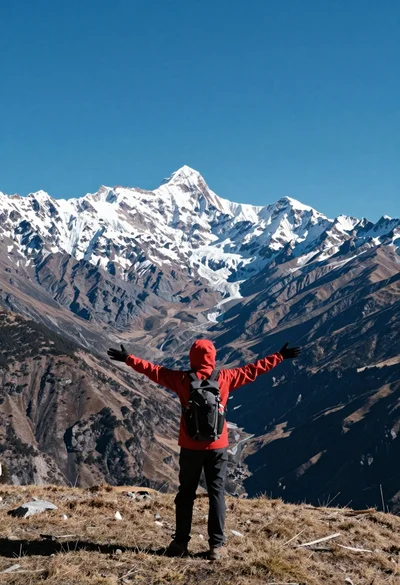
Hiker standing with outstretched arms on grassy ridge facing snowy mountains
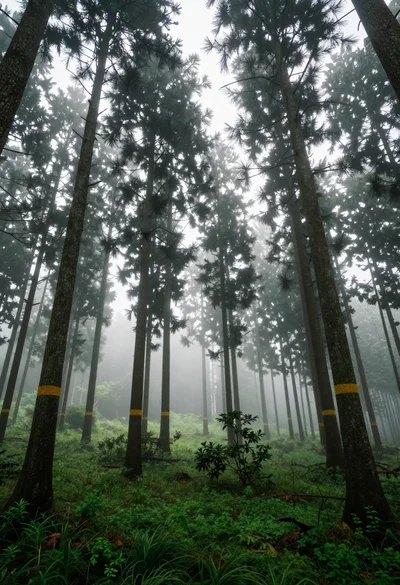
Low angle view of tall coniferous trees in a misty forest setting
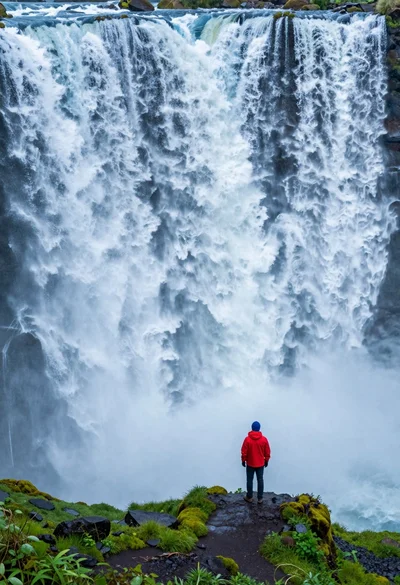
Hiker standing on ledge overlooking massive thundering waterfall at natural edge
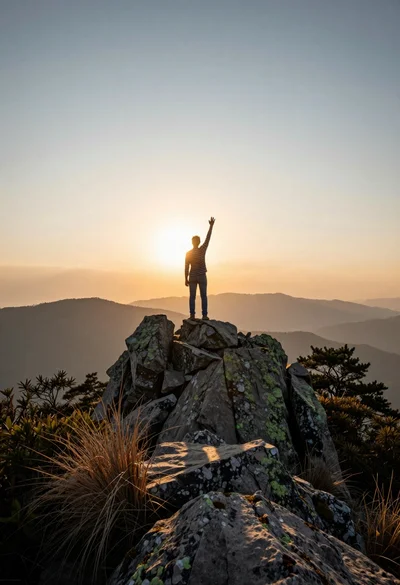
Solitary figure standing triumphantly on rugged mountain peak at golden sunset
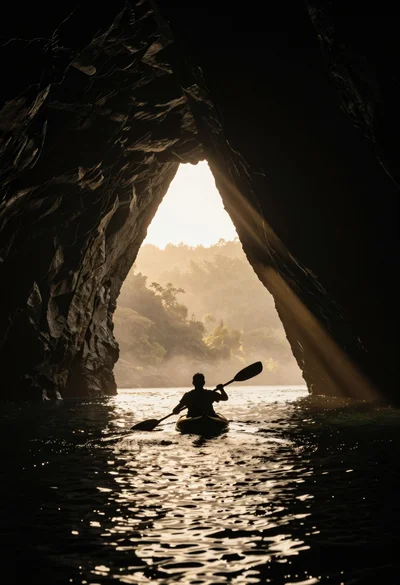
Silhouetted kayaker paddling through a massive cave opening at sunrise