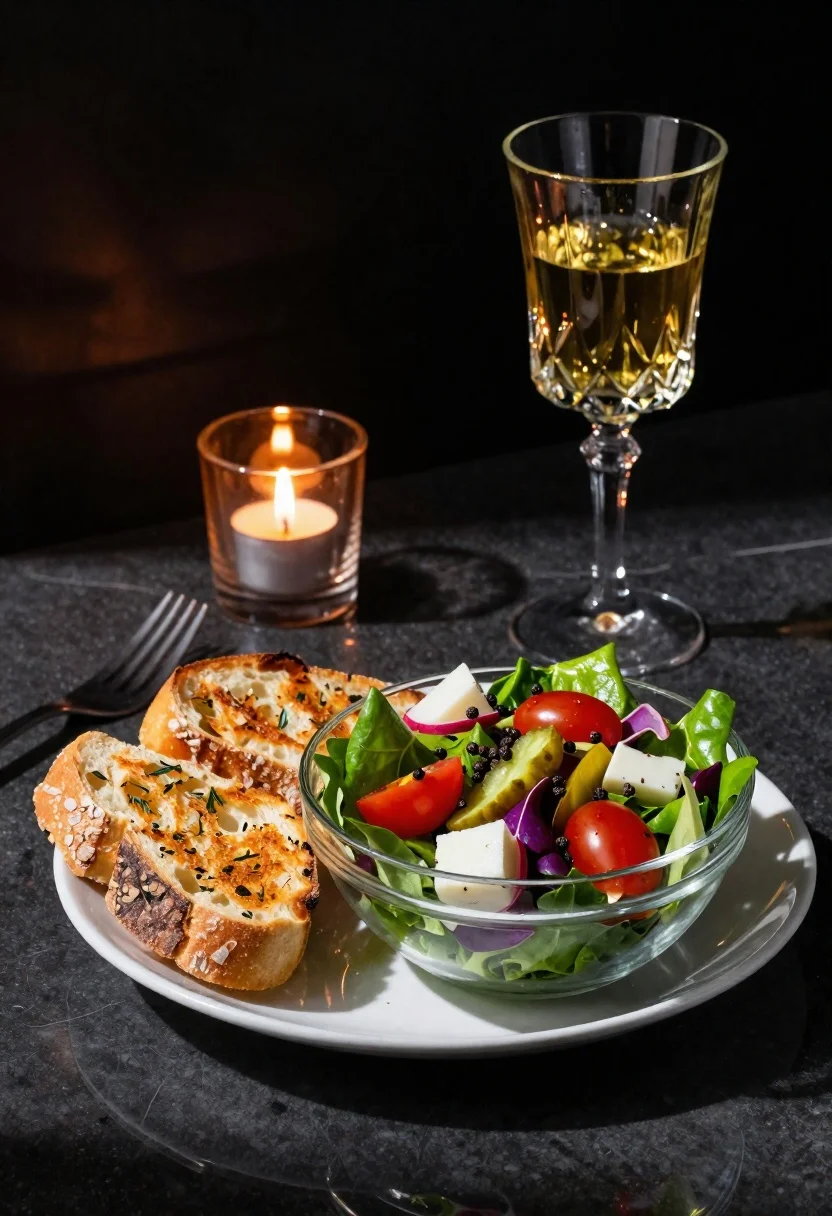
Vibrant salad and crusty bread on a dark table
Prompt
Photorealistic food still life featuring a vibrant salad and crusty bread on a dark table.

Subject: A fresh green salad in a clear glass bowl containing mixed greens, bright red cherry tomatoes, pale cheese chunks, pickled cucumbers, purple radishes, and black peppercorns; alongside two slices of golden-brown toasted sourdough with visible herbs sprinkled on top on a small white plate.

Objects: A tall crystal wine goblet filled with yellow liquid in the background right; a slender glass candle holder containing an active lit tea light flame in amber tones to the rear left; and a silver fork resting near the bread plate, partially obscured by shadows.

Environment: Dark reflective tabletop surface creating distinct mirror-like highlights from overhead lighting against a shadowy indistinct black wall with faint geometric texture.

Lighting: Dramatic high-contrast illumination casting sharp specular reflections on the glassware and deep soft shadows in corners to emphasize depth of field; warm amber tones surrounding the candle flame contrasted by cool daylight accents reflecting off the salad leaves and liquid surfaces.
Description
This prompt is useful for creating high-end restaurant menu photography, moody editorial food spreads, and artisanal recipe book layouts. The combination of 'dramatic high-contrast illumination' with 'deep soft shadows in corners' sculpts the ingredients, making the vibrant colors of the salad pop against the dark reflective tabletop while the specific contrast between 'warm amber tones' and 'cool daylight accents' adds visual complexity beyond simple overhead lighting.
Suggestions
- Change 'golden-brown toasted sourdough' to 'rustic ciabatta bread' for a different texture.
- Swap 'yellow liquid' in the goblet for 'deep red wine' to match the moodier palette.
- Add 'shallow depth of field, f/1.
Category
Tags
FoodIndoorsMacro Shot
Date added
June 19, 2026
Added by
PromptDexter Team
Related Prompts
More prompts with similar categories and tags.
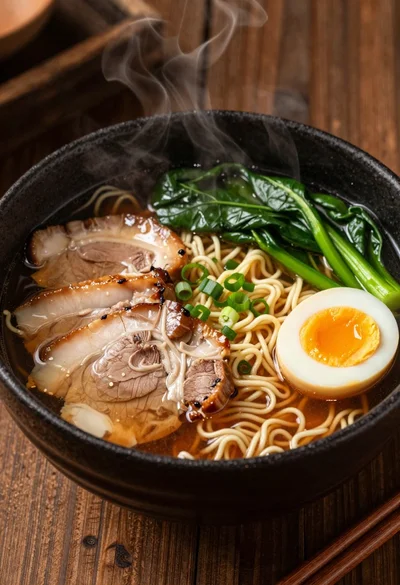
Close up macro shot of ramen bowl on dark wood table
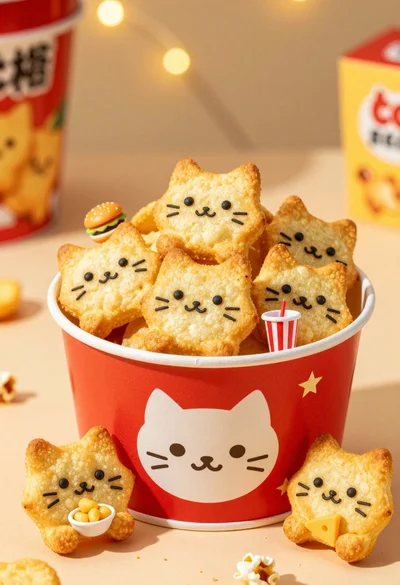
Close up of cat shaped potato chips in red bucket with bokeh
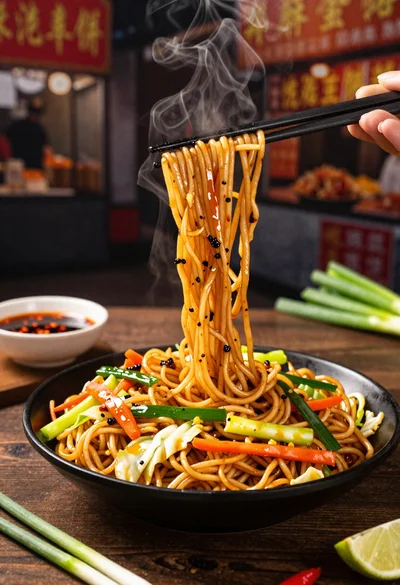
Close up shot of sizzling hakka noodles being lifted with chopsticks
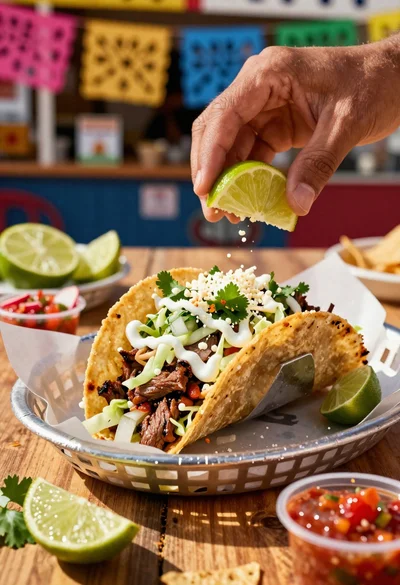
Close up of loaded street tacos with fresh mexican flavors

Mexican snacks arranged on a dark stone surface
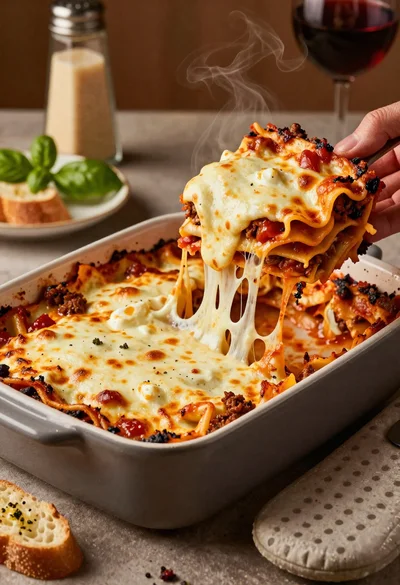
Close up of cheesy lasagna pull on rustic italian kitchen table

Close up of sizzling fajitas on a rustic wooden restaurant table
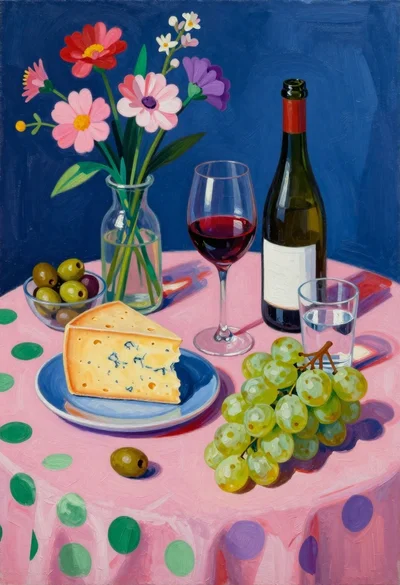
Still life painting with cheese grapes and wine on pink cloth
