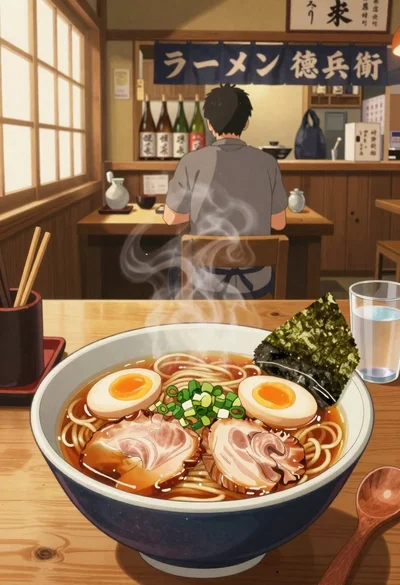
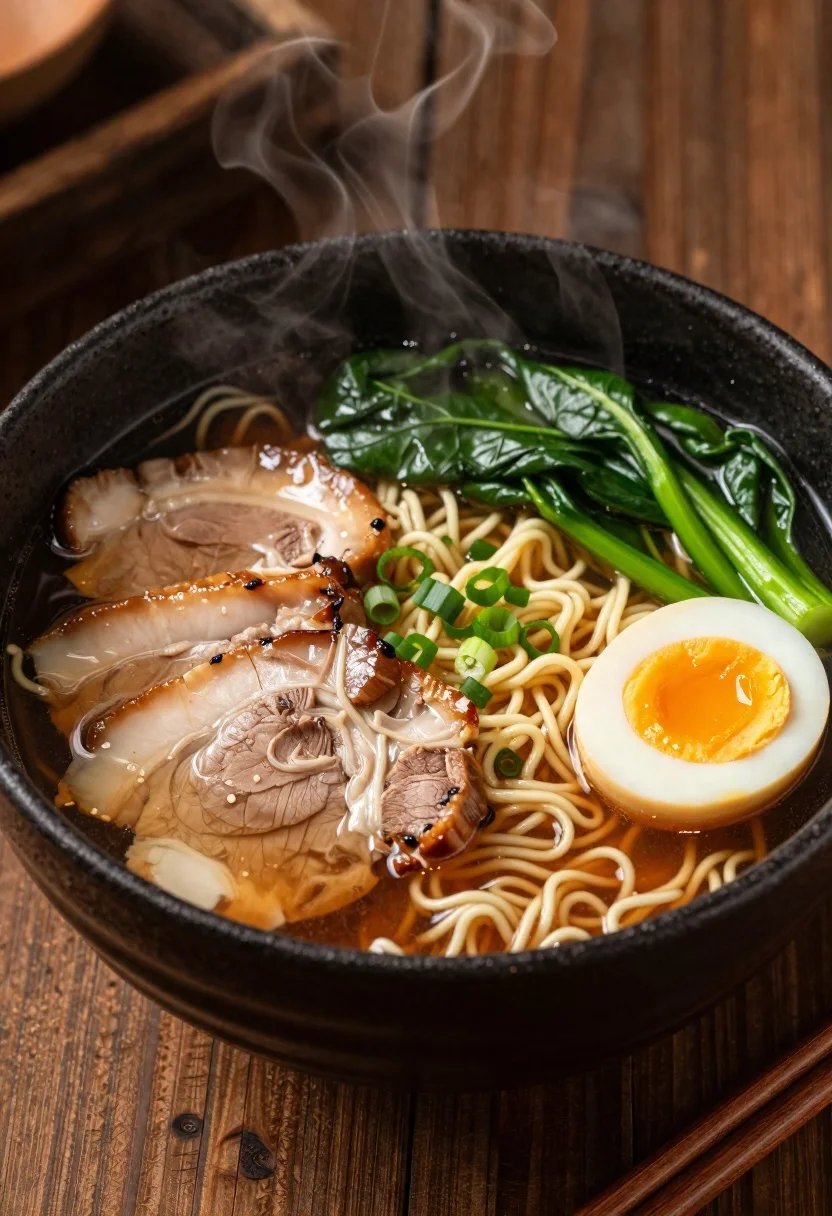
Close up macro shot of ramen bowl on dark wood table
Prompt
A steaming bowl of ramen broth filled with noodles and toppings sits centered on a dark wooden table

Subject: curly yellow noodles submerged in brown savory broth; sliced boiled pork belly (chashu) arranged neatly beside the meat, showing distinct layers of fat and lean flesh; halved soft-boiled egg with creamy white exterior and vibrant orange yolk center; bright green leafy vegetables resembling spinach or bok choy piled on one side; finely chopped scallions scattered over greens for garnish.

Action: steam rises gently from the hot broth, curling upward in thin wisps indicating warmth and freshness.

Environment: rustic dark wood table surface with visible grain texture surrounding the bowl; shallow depth of field blurs background softly into warm brown tones.

Camera: close-up macro shot emphasizing textures and ingredients; slightly elevated angle looking down at the bowl for full composition clarity; soft focus on edges to draw attention to center contents.

Lighting: warm ambient lighting casts gentle highlights on glossy broth, glistening meat surfaces, and egg yolk; subtle shadows enhance depth within bowl while maintaining rich color saturation without harsh contrast.

Objects: wooden chopsticks resting diagonally in bottom right corner near rim of black ceramic or stoneware bowl.

Interaction: steam rising creates dynamic visual connection between food and viewer; arrangement suggests careful plating typical of artisanal ramen presentation.

Style Details: hyper-realistic culinary photography with high detail on textures smooth broth, tender meat fibers, glistening egg whites, crisp greens all rendered with appetizing warmth and rich tonal palette reminiscent of professional restaurant menu imagery or fine dining editorial photos.
Description
This prompt is useful for creating artisanal food blog headers, gourmet recipe book spreads, and high-end restaurant marketing materials. The combination of 'hyper-realistic culinary photography' with specific details like the 'glistening meat surfaces' and 'shallow depth of field' ensures that the viewer's eye is immediately drawn to the textural contrast between the broth and toppings, mimicking professional editorial focus.
Suggestions
- Change 'dark wooden table' to 'slate countertop' for a cooler backdrop.
- Swap 'brown savory broth' for 'deep amber broth' to adjust the color tone.
- Add 'bokeh effect' to the camera section for more background separation.
Category
Tags
Close UpFoodIndoorsMacro Shot
Date added
June 19, 2026
Added by
PromptDexter Team
Related Prompts
More prompts with similar categories and tags.
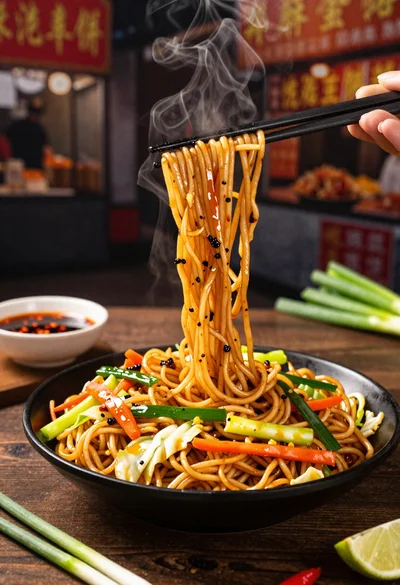
Close up shot of sizzling hakka noodles being lifted with chopsticks
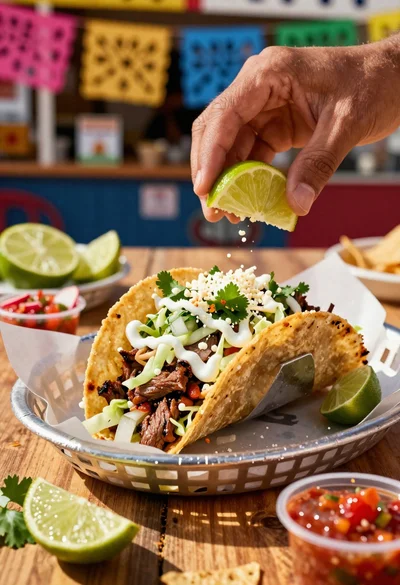
Close up of loaded street tacos with fresh mexican flavors
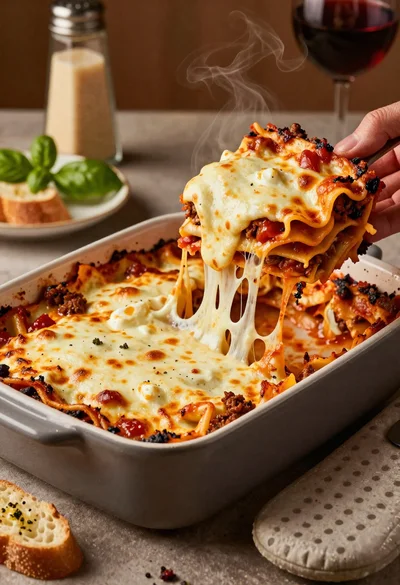
Close up of cheesy lasagna pull on rustic italian kitchen table

Close up of sizzling fajitas on a rustic wooden restaurant table

Close up of crispy chicken nuggets dipped in honey mustard sauce
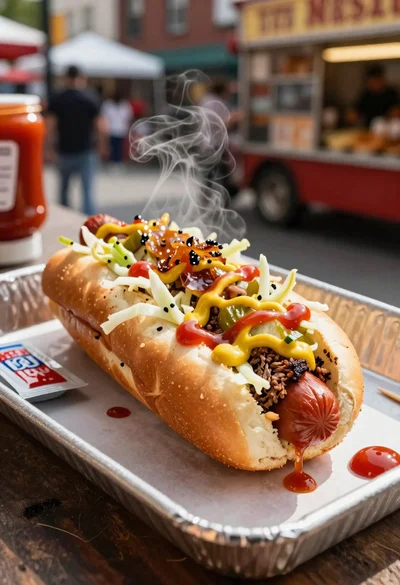
Close up of loaded hotdog with slaw mustard ketchup and onions

Close up overhead view of bread sushi rolls with colorful fillings

Ginger cat dressed as fast food worker holding cheeseburger