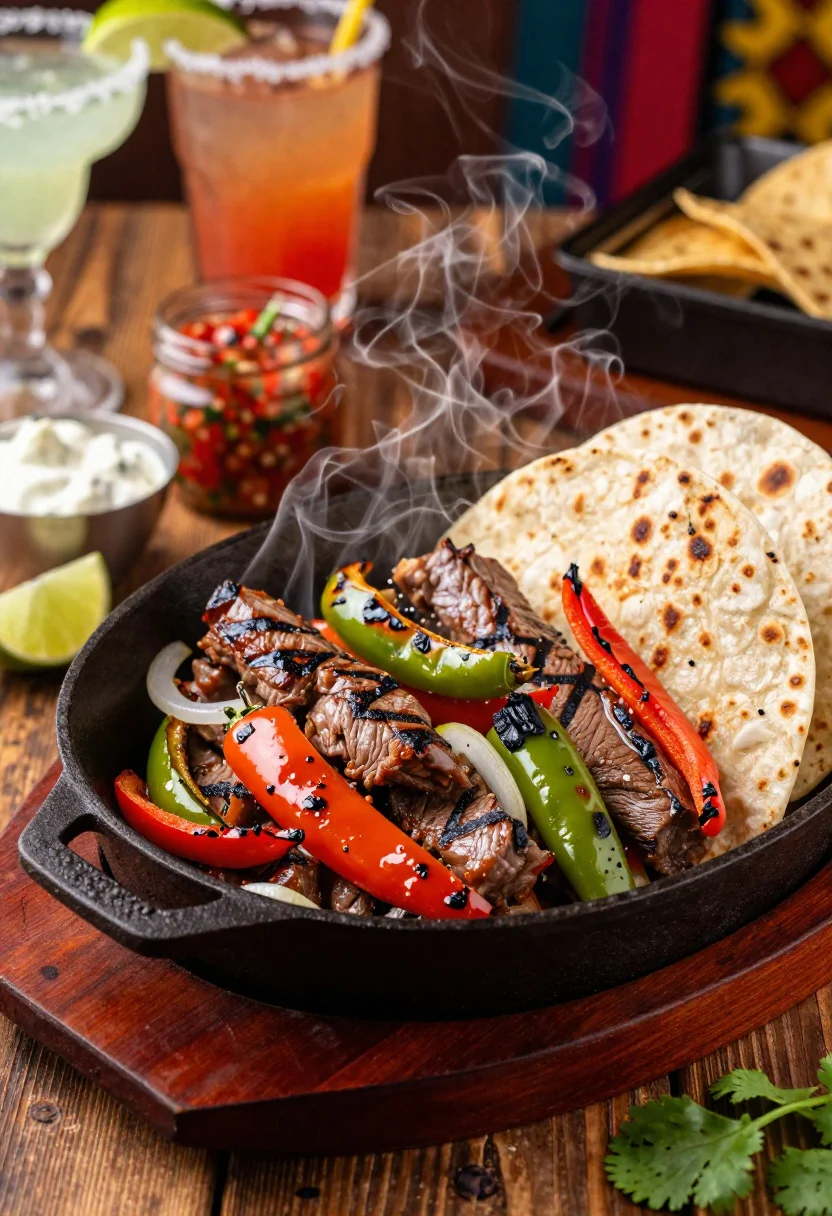
Close up of sizzling fajitas on a rustic wooden restaurant table
Prompt
Food photography shot of sizzling fajitas with smoky Tex-Mex appeal and colorful sizzling grill drama

Subject: cast iron skillet piled with grilled skirt steak strips, charred bell peppers, onions, and warm flour tortillas on the side

Action: steam rising from the hot skillet as steak juices mix with peppers, capturing dynamic sizzle and char marks

Environment: lively Tex-Mex restaurant table setting with a rustic wooden surface, blurred margarita glasses background, and festive cantina vibe

Camera: close-up three-quarter angle, tight composition focused on the sizzling skillet center, premium commercial food photography framing

Lighting: dramatic warm side lighting with flare, glossy highlights on meat juices and peppers, smoky atmosphere glow

Objects: lime wedges, sour cream dollop, guacamole bowl, salsa jar, fresh cilantro, and tortilla warmer

Style Details: ultra-realistic professional food photography, charred texture detail, bold colorful styling, rich smoky tones, and polished fajita platter presentation
Description
This prompt is useful for creating commercial restaurant advertising, menu board visuals, and vibrant lifestyle food blogs. The combination of 'dramatic warm side lighting with flare' and the focus on 'charred texture detail' ensures that the sizzling action remains the primary visual anchor, preventing the rich smoky tones from becoming muddy or losing definition against the rustic wooden surface.
Suggestions
- Change 'sizzling grill drama' to 'smoke wisps rising' for a more controlled look.
- Swap 'rustic wooden surface' for 'dark slate countertop' to change the background material.
- Add 'shallow depth of field, f/2.
Category
Tags
3/4 AngleClose UpFoodMacro ShotRealisticStudio
Date added
June 19, 2026
Added by
PromptDexter Team
Related Prompts
More prompts with similar categories and tags.

Close up of crispy chicken nuggets dipped in honey mustard sauce

Close up overhead view of bread sushi rolls with colorful fillings
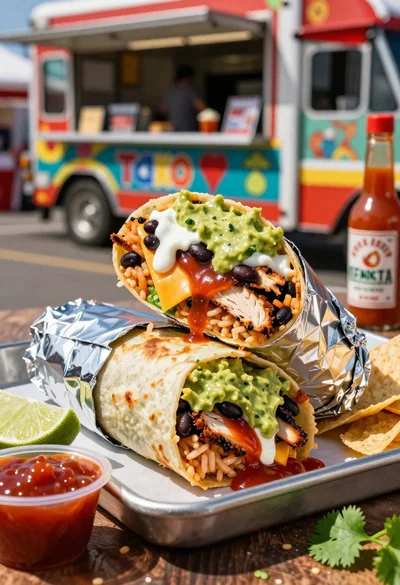
Close up of massive cross cut burrito with colorful tex mex fillings
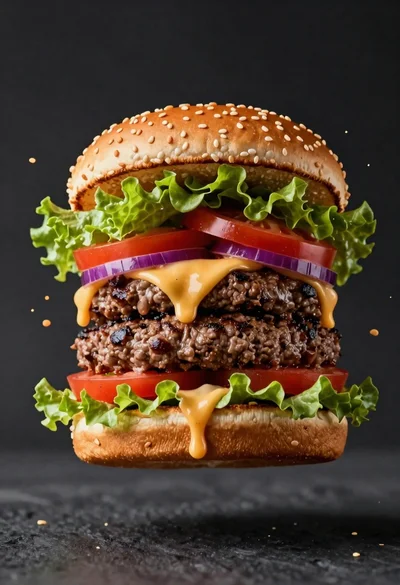
Hyperrealistic close up of a double patty burger mid air
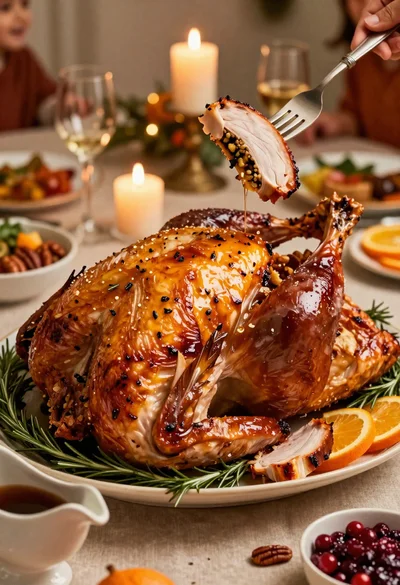
Close up of roasted turkey slice on elegant holiday dining table
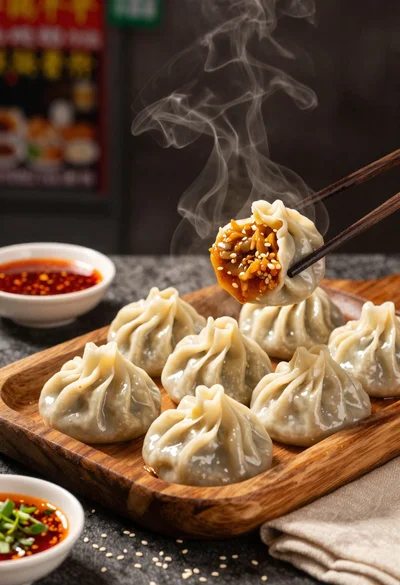
Close up view of steamed momos on rustic wooden tray with dipping
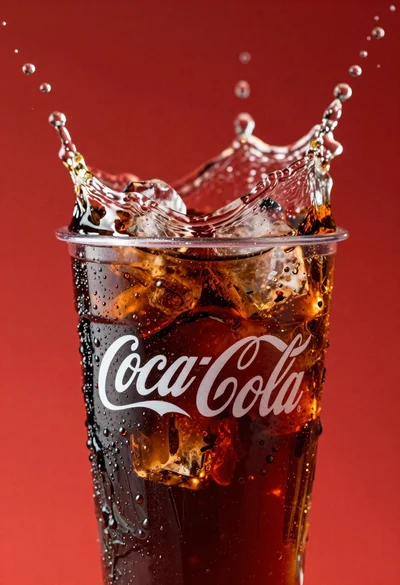
Refreshing coca cola glass with ice cubes splashing against red background
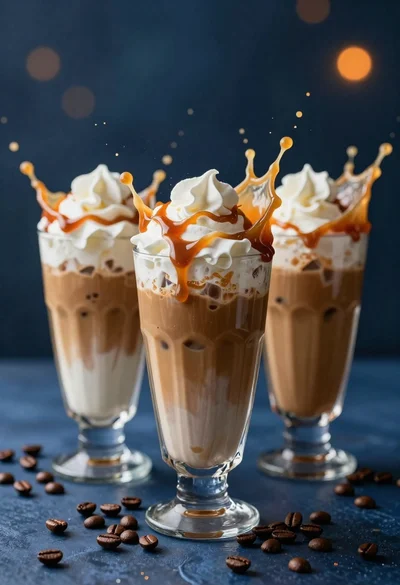
Three tall glasses of iced coffee with whipped cream and caramel drizzle
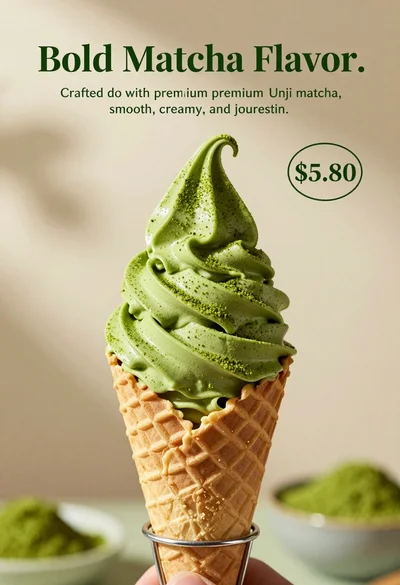
Close up shot of matcha soft serve ice cream in waffle cone
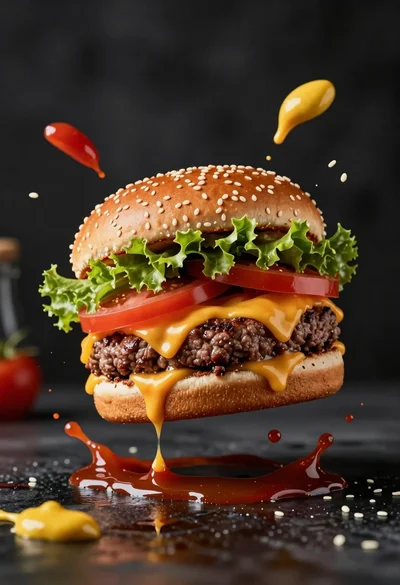
Hyperrealistic close up of cheeseburger exploding with condiments on wet surface