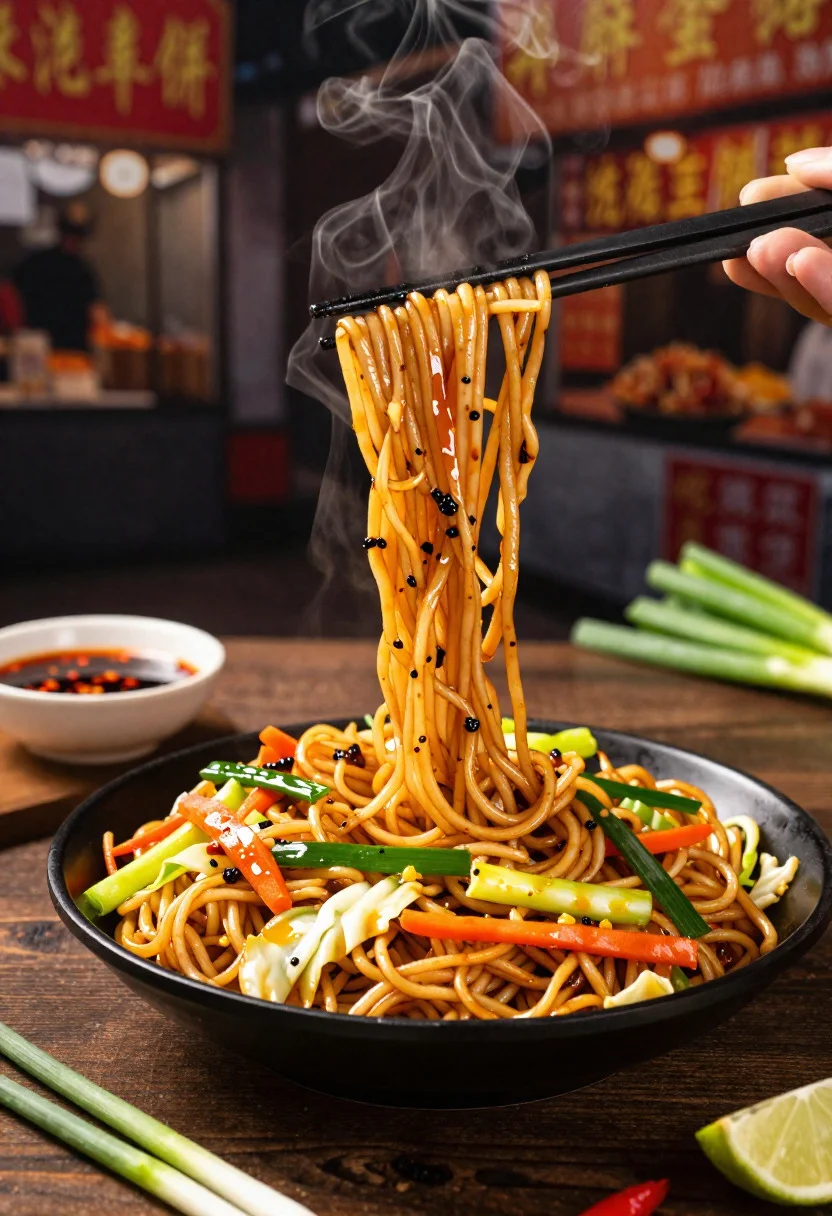
Close up shot of sizzling hakka noodles being lifted with chopsticks
Prompt
Food photography shot of sizzling hakka noodles with vibrant Indo-Chinese street-food appeal and rich savory aroma

Subject: glossy stir-fried hakka noodles tossed with colorful vegetables, cabbage shreds, carrots, green onions, and a glossy soy sauce sheen

Action: noodles being lifted with chopsticks, showing stretchy texture and clinging sauce in a dynamic steaming moment

Environment: casual street-food eatery table setting with a dark wooden surface, subtle urban night market background, and a lively authentic vibe

Camera: close-up three-quarter angle, tight composition focused on the noodles and chopstick action, premium commercial food photography framing

Lighting: warm dramatic side lighting, soft steam glow, highlights on the glossy sauce, and a bold appetizing contrast

Objects: black bowl, chopsticks, side of chili oil, fresh green onions scattered, lime wedge, and a small dipping sauce dish

Style Details: ultra-realistic professional food photography, mouthwatering stir-fry texture detail, vibrant color pop, warm tones, and polished restaurant advertisement aesthetic
Description
This prompt is useful for creating commercial menu advertisements, street food blog features, and recipe book spreads emphasizing action. The combination of 'warm dramatic side lighting' and the focus on 'stretchy texture' ensures that the glossy sauce catches highlights effectively, preventing the noodles from looking flat against the dark wooden surface.
Suggestions
- Change 'dark wooden surface' to 'slate tabletop' for a different background contrast.
- Add 'shallow depth of field' to blur the urban night market background further.
- Swap 'vibrant color pop' for 'earthy tones' if you want a more rustic feel.
Category
Tags
Close UpFoodMacro ShotRealistic
Date added
June 19, 2026
Added by
PromptDexter Team
Related Prompts
More prompts with similar categories and tags.
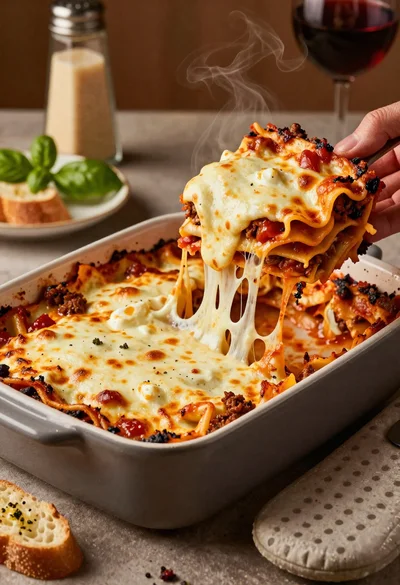
Close up of cheesy lasagna pull on rustic italian kitchen table

Close up of sizzling fajitas on a rustic wooden restaurant table

Close up of crispy chicken nuggets dipped in honey mustard sauce
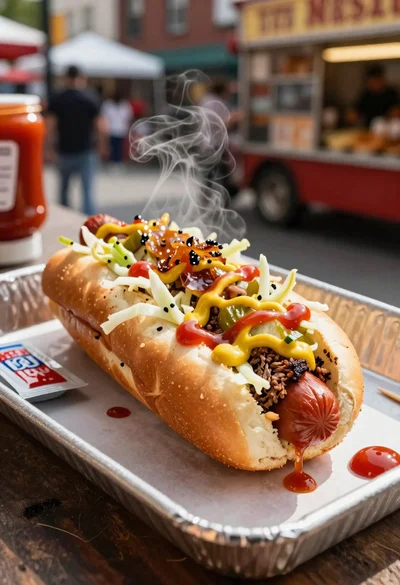
Close up of loaded hotdog with slaw mustard ketchup and onions

Close up overhead view of bread sushi rolls with colorful fillings
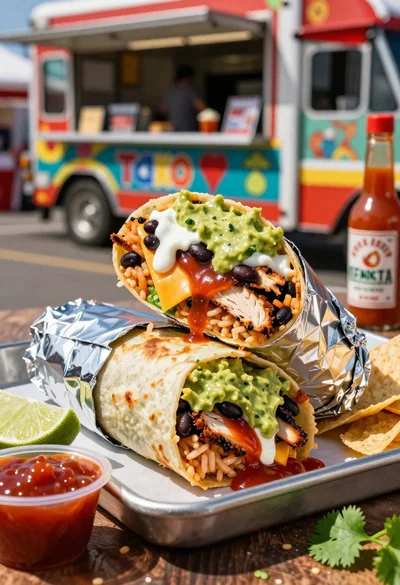
Close up of massive cross cut burrito with colorful tex mex fillings
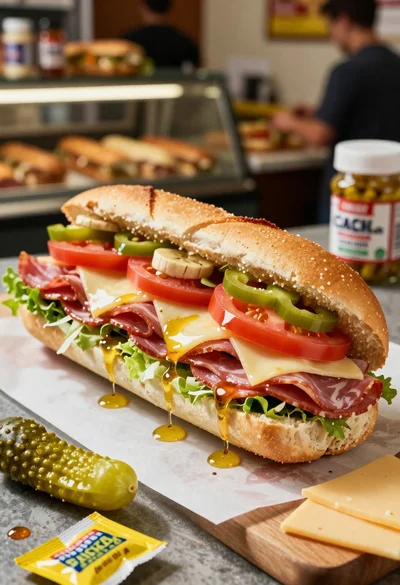
Close up of layered italian hoagie sandwich on butcher paper
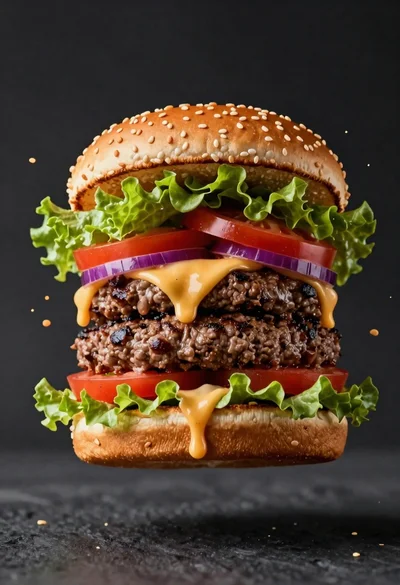
Hyperrealistic close up of a double patty burger mid air
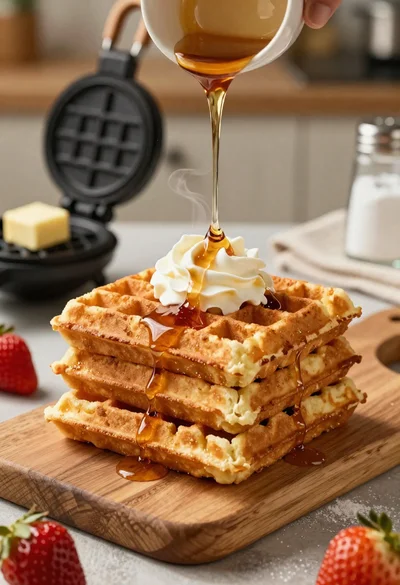
Close up of golden belgian waffles with maple syrup and whipped cream
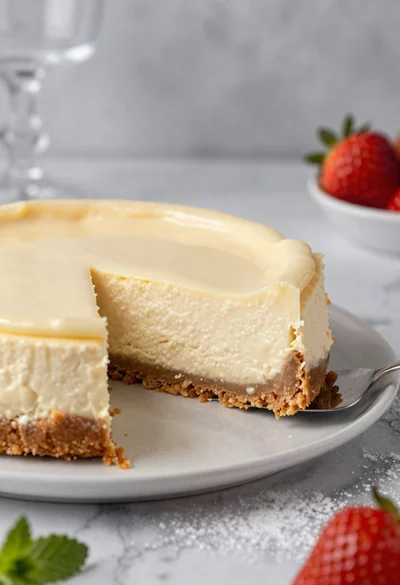
Close up of cheesecake slice on marble table with strawberry garnish