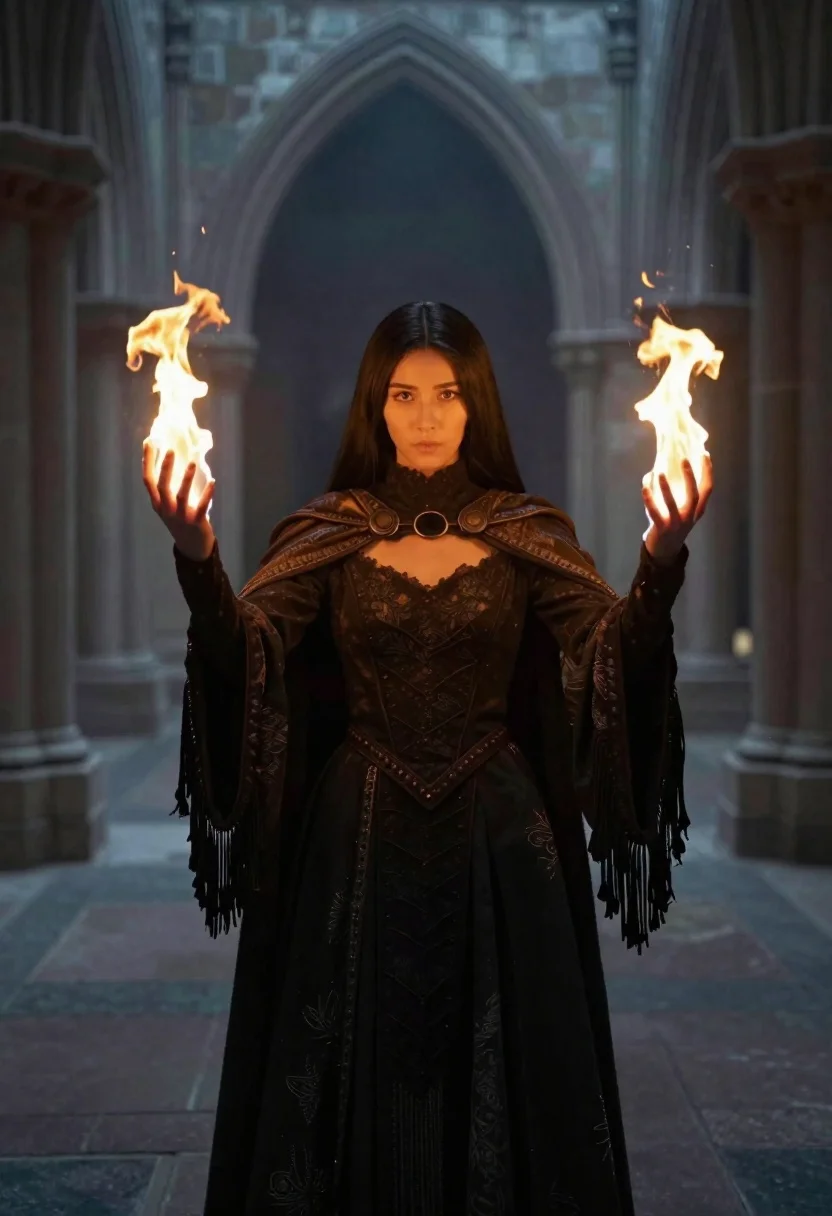
Woman conjuring flames in gothic cathedral interior
Prompt
A cinematic medium shot of a young woman in dark fantasy attire conjuring flames with both hands

Subject: Young woman with pale skin and long straight black hair parted down the middle, intense focused gaze looking directly forward

Clothing: Dark high-necked dress made of heavy fabric featuring intricate lace detailing on bodice and skirt panels, wearing an ornate textured cape draped over shoulders ending in long dark fringe along sleeves and hem.

Action: Standing upright with arms extended outward at shoulder height palms open upward, channeling magical fire into both hands forming twisting flames rising from fingertips

Environment: Gothic cathedral interior or cloistered courtyard featuring tall stone arches framing background space filled with soft misty blue atmospheric haze creating depth through layered architectural columns and distant structural details.

Lighting: Dramatic chiaroscuro lighting where warm golden glow emanates primarily from the magical fire in her hands illuminating surrounding area while cool muted ambient light fills rest of scene casting deep shadows across face, dress folds, and floor textures enhancing moody atmosphere

Camera: Medium framing capturing full upper body within composition showing gesture clearly against architectural backdrop suggesting telephoto lens compression keeping background slightly blurred for focus on subject.
Description
This prompt is useful for creating dark fantasy concept art, dramatic character portraits, and narrative scene illustrations for role-playing games. The combination of 'dramatic chiaroscuro lighting' with the 'warm golden glow' from the fire against the cool ambient light sculpts the subject by emphasizing deep shadows across the dress folds and face, which is essential for establishing a moody atmosphere appropriate to the gothic setting.
Suggestions
- Change 'dark fantasy attire' to 'velvet and obsidian armor' for a harder edge.
- Swap 'soft misty blue atmospheric haze' for 'thick smoke tendrils' to increase visual drama.
- Adjust 'telephoto lens compression' to 'wide-angle lens perspective' to emphasize the cathedral's height.
Category
Tags
Black HairFemaleFull BodyIndoorsMedium ShotRealistic
Date added
June 19, 2026
Added by
PromptDexter Team
Related Prompts
More prompts with similar categories and tags.
Young woman in school uniform looking at reflection in full length mirror
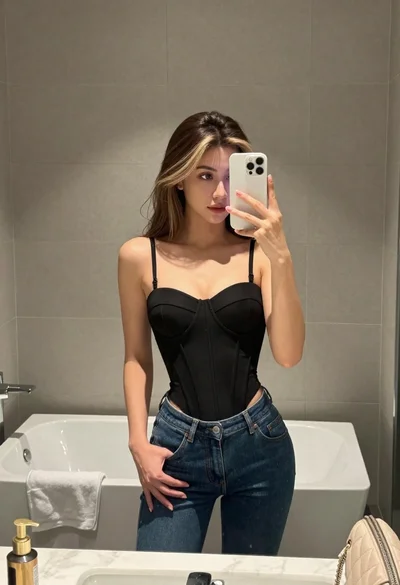
Young woman taking mirror selfie in bathroom wearing black corset and blue jeans
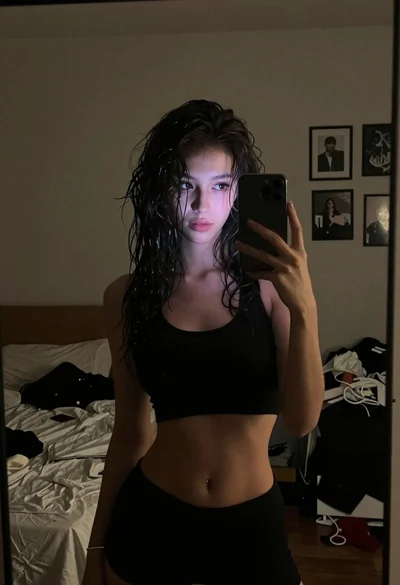
Woman with dark wavy hair taking mirror selfie in bedroom
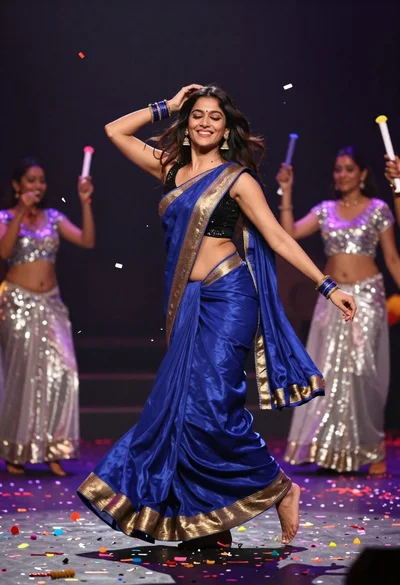
Joyful woman in blue silk saree dancing amidst falling colorful confetti

Woman in black dress holding cocktail glass at dimly lit restaurant table

Young woman with dark hair smiling in doorway of cozy bedroom at
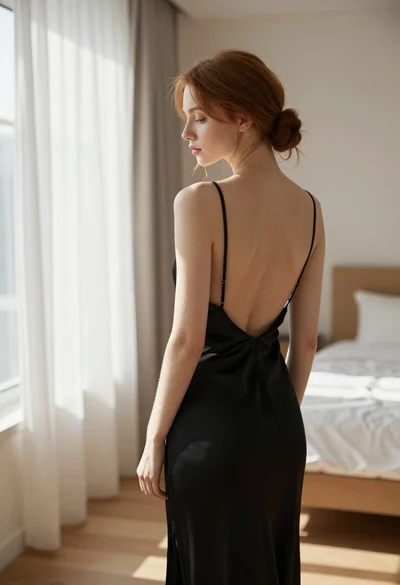
Young woman in black slip dress standing by window in bright bedroom
Blonde woman in black lace lingerie and robe in a theater aisle