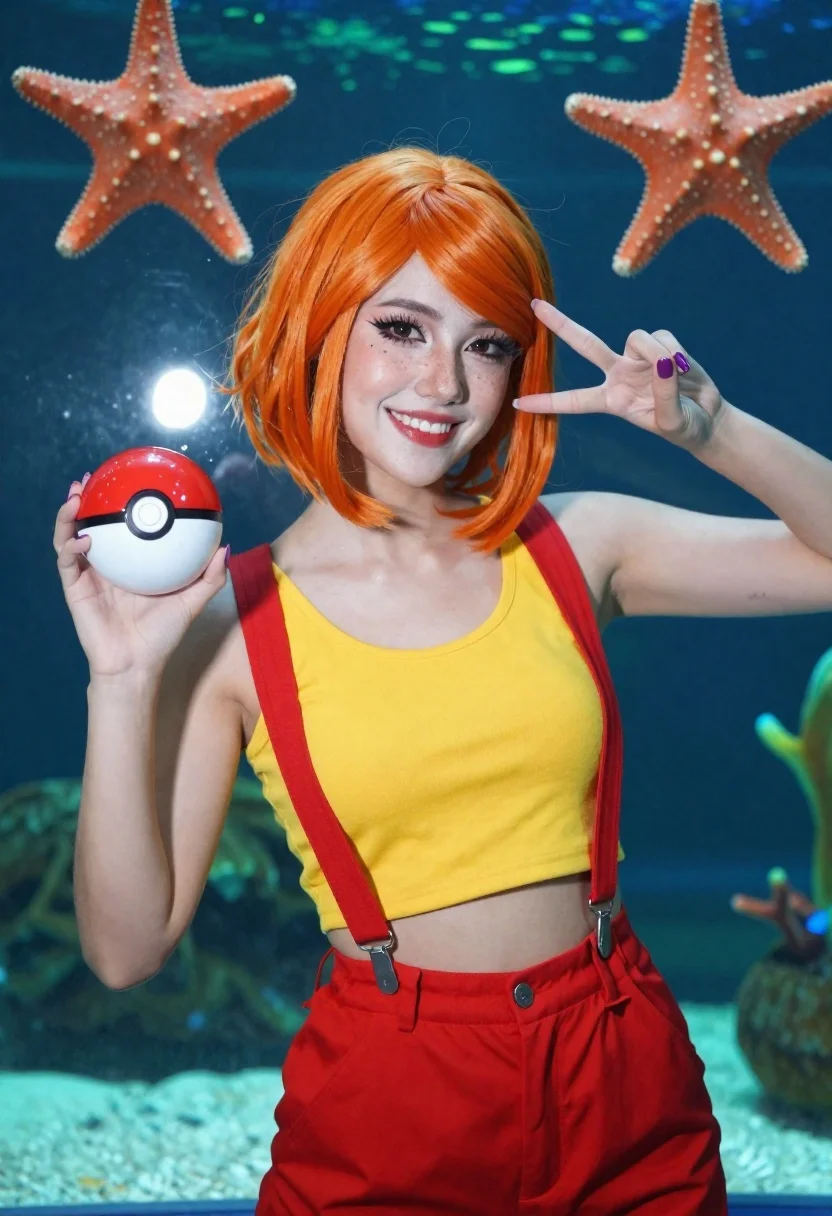
Woman cosplaying as misty in front of an aquarium
Prompt
Medium and scene: A medium close-up portrait of a woman cosplaying as Misty from Pok mon in front of an aquarium backdrop

Subject: A smiling young woman with bright orange bob wig, heavy winged eyeliner, glossy red lips, freckles on her nose.

Clothing: Yellow cropped tank top under wide red suspenders clipped at the hips, matching high-waisted shorts or pants (partially visible).

Action: Holding a Pok  Ball in right hand making peace sign; left hand also forming peace sign near face; playful confident pose with slight head tilt and direct gaze.

Environment: Large aquarium tank behind subject filled with green underwater lighting, two large orange starfish mounted on glass above her shoulders, blurred aquatic plants or coral visible below.

Lighting: Bright frontal flash creating soft shadows under chin and nose, highlights on skin and hair; cool blue-green ambient light from tank contrasts warm tones of costume and makeup.

Objects: Red-and-white Pok  Ball held in right hand; purple nail polish matching overall vibrant color palette.

Style Details: High-saturation cosplay photography with sharp focus on subject against softly blurred aquarium background, shallow depth of field enhancing pop-art aesthetic reminiscent of Pok mon franchise visuals.
Description
This prompt is useful for creating character concept art, themed promotional materials, and vibrant fan gallery pieces. The combination of 'bright frontal flash' against the 'cool blue-green ambient light' creates a high-contrast visual pop that emphasizes the subject's costume details while allowing the 'softly blurred aquarium background' to maintain focus on the cosplay elements.
Suggestions
- Change 'bright orange bob wig' to 'vibrant yellow bob wig' for better color harmony.
- Swap 'red suspenders' for 'teal suspenders' to complement the underwater lighting.
- Adjust 'shallow depth of field' to 'bokeh effect' for a more dreamy feel.
Category
Tags
BlondeCosplay CostumeFemaleMedium ShotPortrait ShotRealisticRed HairUnderwater
Date added
June 19, 2026
Added by
PromptDexter Team
Related Prompts
More prompts with similar categories and tags.

Blonde woman playing violin on ornate chair in grand palace hall
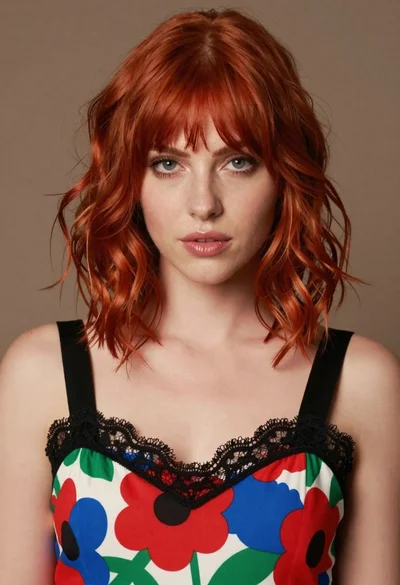
Close up portrait of woman with red hair in floral dress
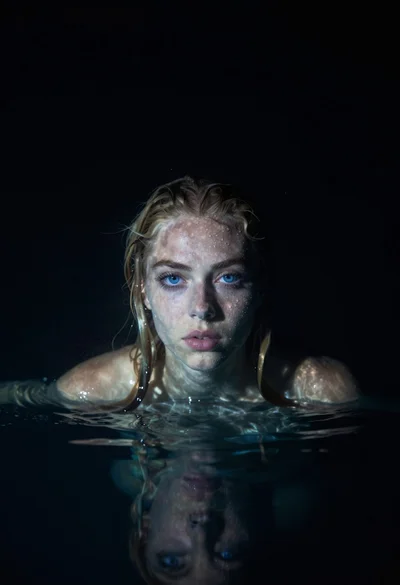
Woman emerging from dark water with wet blonde hair
Young woman with blonde hair posing against gray wall
Blonde woman in black hat standing in misty green rolling hills
Blonde woman at a bar counter in dimly lit pub

Blonde woman smiling with green lollipop in brightly lit candy store
Woman submerged in water in a mossy forest
