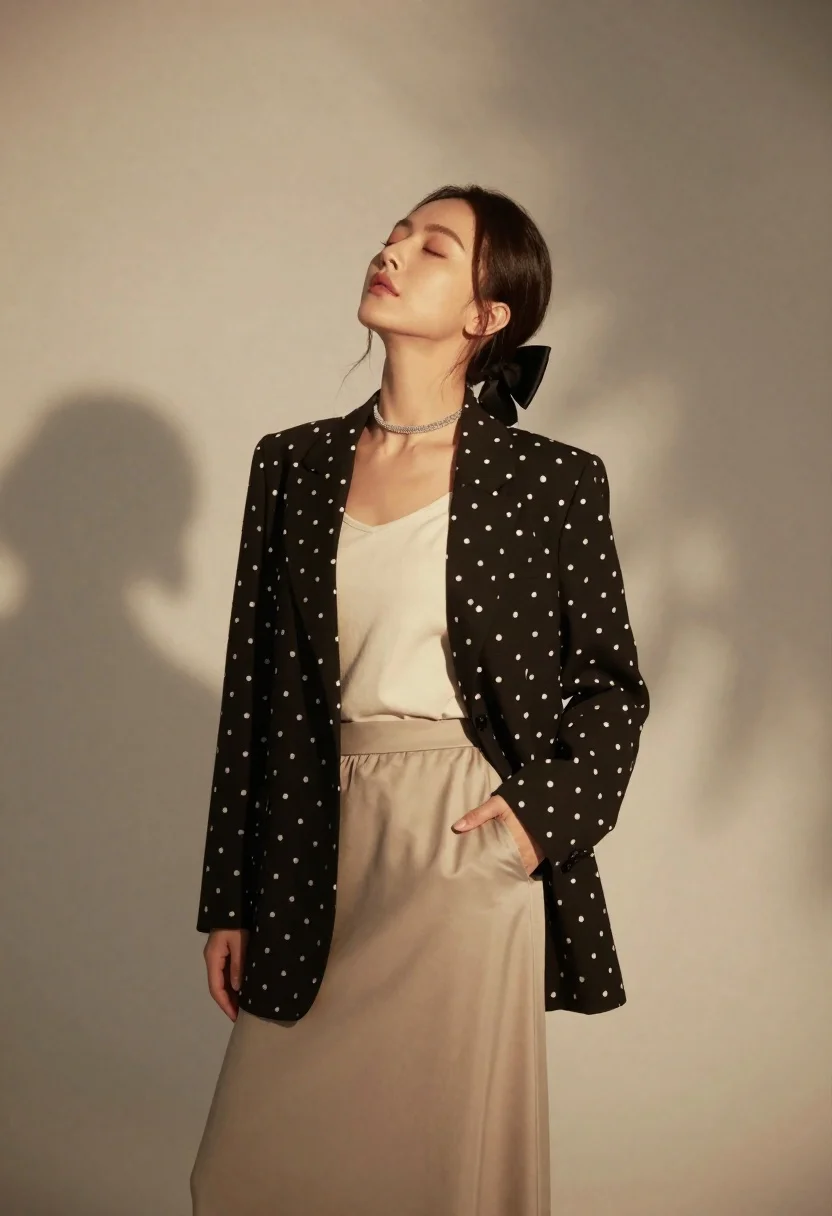
Woman in black blazer and beige skirt against textured studio backdrop
Prompt
A confident woman stands with her head tilted back and eyes closed, bathed in soft, warm light against a neutral backdrop.

Subject: A woman with dark hair pulled back by a black bow, wearing a relaxed expression with her eyes gently closed.

Clothing: She wears a loose-fitting black blazer with white polka dots over a cream-colored top, paired with a flowing beige skirt and a sparkling choker necklace.

Action: Her head is tilted upward toward the light, one hand rests casually in her pocket while the other hangs by her side.

Environment: A minimalist studio setting with a plain, textured wall that catches dappled shadows.

Camera: Shot from a low angle looking up at the subject, emphasizing her silhouette against the background.

Lighting: Soft, directional light filters from above and behind, creating a warm glow and casting gentle, leaf-like shadows on the wall.

Style Details: High-fashion editorial aesthetic with a muted color palette, smooth skin texture, and a polished, cinematic finish.
Description
This prompt is useful for creating high-fashion editorial moodboards, character portraits emphasizing emotion, and sophisticated advertising campaigns for apparel. The combination of 'low angle looking up at the subject' with 'soft, directional light filters from above and behind' sculpts the figure by exaggerating vertical lines and casting dramatic shadows that prevent the composition from feeling flat against the 'textured wall'.
Suggestions
- Change 'black bow' to 'silk ribbon' for a softer accessory.
- Swap 'beige skirt' for 'charcoal wool' to deepen the contrast.
- Add '85mm lens, f/2.
Category
Tags
BrunetteCasual WearFemaleLow AnglePortrait ShotRealisticStudio
Date added
June 19, 2026
Added by
PromptDexter Team
Related Prompts
More prompts with similar categories and tags.

Portrait of woman with red hair in navy blouse and green skirt

Young woman in blue denim jacket posing against pale pink seamless background

Blonde woman in striped swimsuit seated on sofa indoors studio shot
Confident woman in embellished denim jumpsuit against a gray studio backdrop
Smiling young woman in red satin dress against a plain white wall
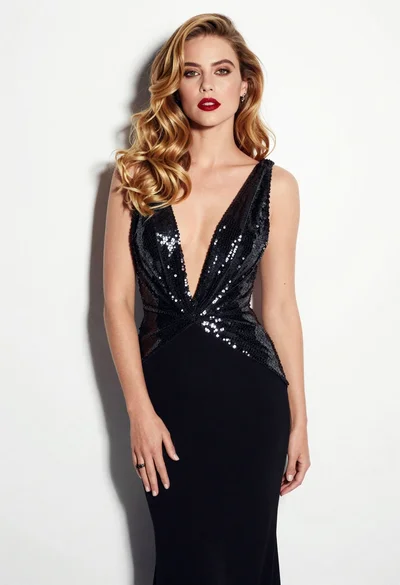
Glamorous woman in black sequined gown against a white studio background

Young woman in black graphic tshirt against white paneled wall

Glamorous woman posing in shimmering two piece outfit against green backdrop
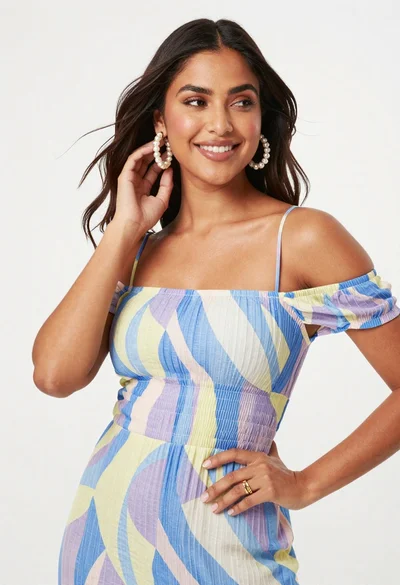
Smiling woman in patterned off shoulder dress against white studio backdrop
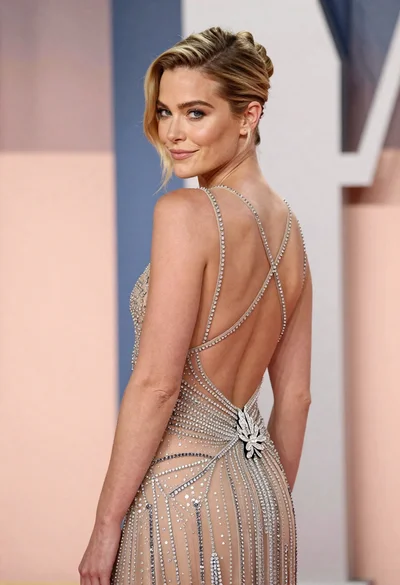
Woman in sheer crystal gown looking over shoulder at event backdrop