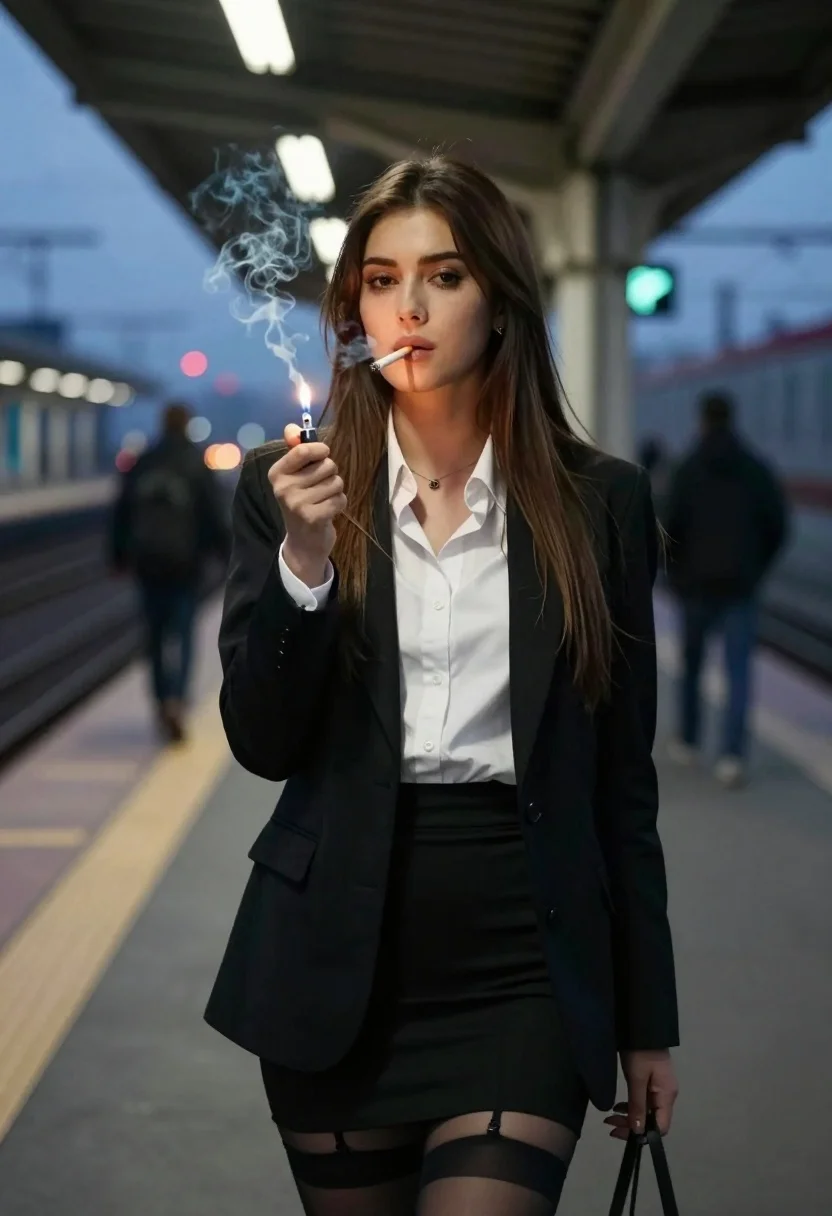
Stylish woman on train platform at dusk smoking cigarette under city lights
Prompt
A stylish woman stands on a train platform at dusk, holding a lit cigarette to her lips with smoke curling upward.

Subject: A young woman with long straight brown hair and dark eyes, wearing a confident expression as she looks directly at the camera.

Clothing: She wears a black blazer over a white button-down shirt, paired with a tight black pencil skirt and sheer black thigh-high stockings.

Action: She holds a cigarette in her mouth while using a lighter to light it, with smoke rising from the cigarette.

Environment: The setting is an outdoor train station platform at twilight, featuring overhead fluorescent lights, blurred figures of people waiting in the background, and distant city lights.

Camera: Shot with a medium close-up framing that emphasizes the subject against the depth of field, using a shallow depth of field to blur the background elements.

Lighting: The scene is lit by cool ambient blue light from the evening sky mixed with warm artificial station lighting, creating soft shadows on her face and highlighting the smoke.

Style Details: High-quality cinematic photography with realistic textures, atmospheric smoke effects, and a moody urban aesthetic.
Description
This prompt is useful for creating neo-noir character portraits, dramatic editorial spreads, and cinematic stills evoking mid-century film noir. The combination of 'cool ambient blue light' mixed with 'warm artificial station lighting' creates the necessary high contrast to define the smoke against the subject while the 'shallow depth of field' ensures that the background city lights remain atmospheric rather than distracting from her confident expression.
Suggestions
- Change 'black blazer' to 'tweed blazer' for a more period feel.
- Swap 'fluorescent lights' for 'sodium vapor lamps' to intensify the color cast.
- Adjust 'medium close-up framing' to 'over the shoulder shot' to change the narrative focus.
Category
Tags
Brown HairFemaleMedium ShotOutdoorsPortrait ShotRealisticUrban
Date added
August 5, 2026
Added by
PromptDexter Team
Related Prompts
More prompts with similar categories and tags.
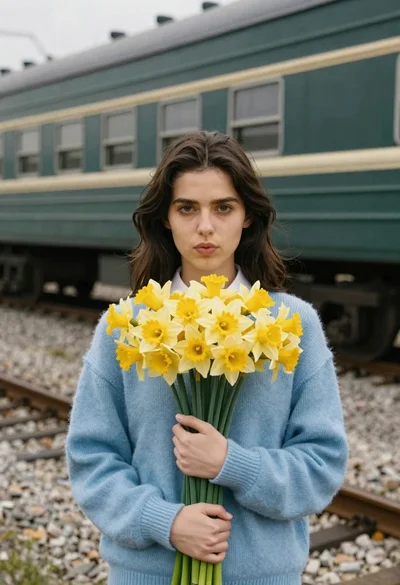
Young woman in blue sweater holding yellow daffodils by railway tracks
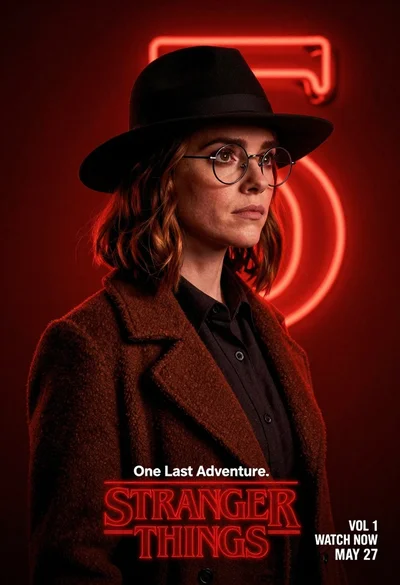
Woman in black fedora and wool coat against red neon background
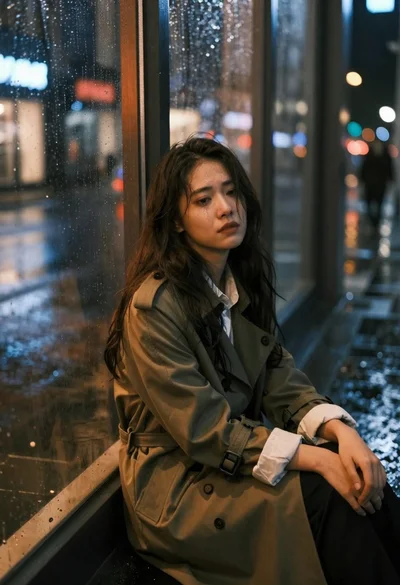
Sad young woman in trench coat leaning against glass door at night
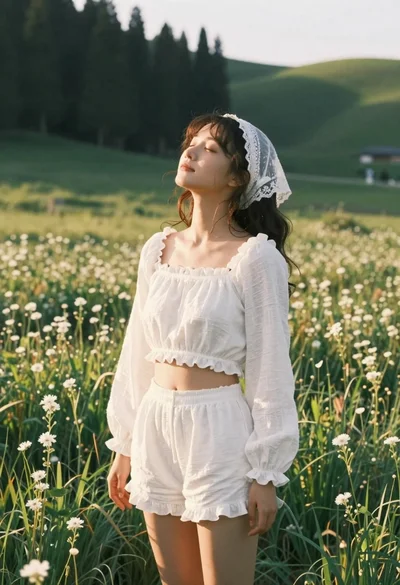
Young woman in white lace outfit standing in sunlit meadow
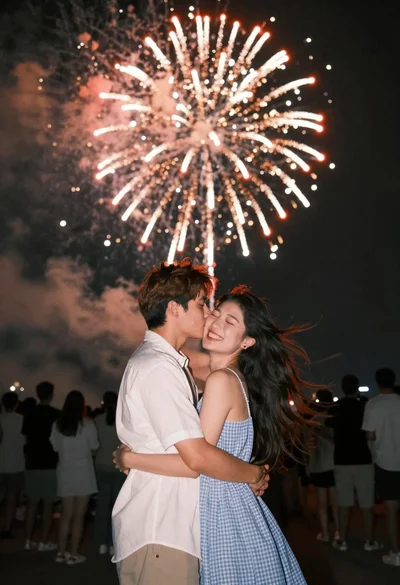
Romantic couple embracing under a large firework display at night
Woman in white dress holding lotus flower in shallow pool with fish
Young woman in leather jacket standing on subway platform at night
Young woman in blue tulle gown standing with eyes closed in wind
Young woman in pink lace gown standing in misty wildflower field
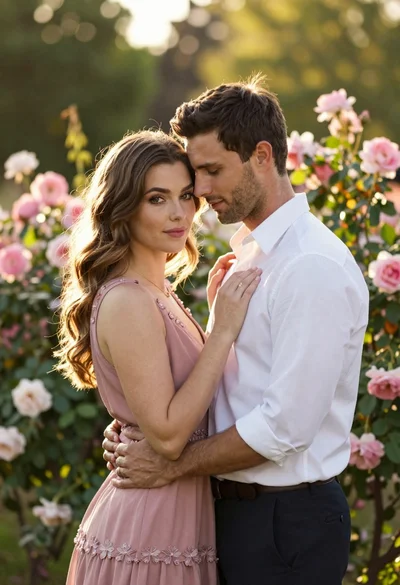
Young couple embracing in a lush rose garden during golden hour