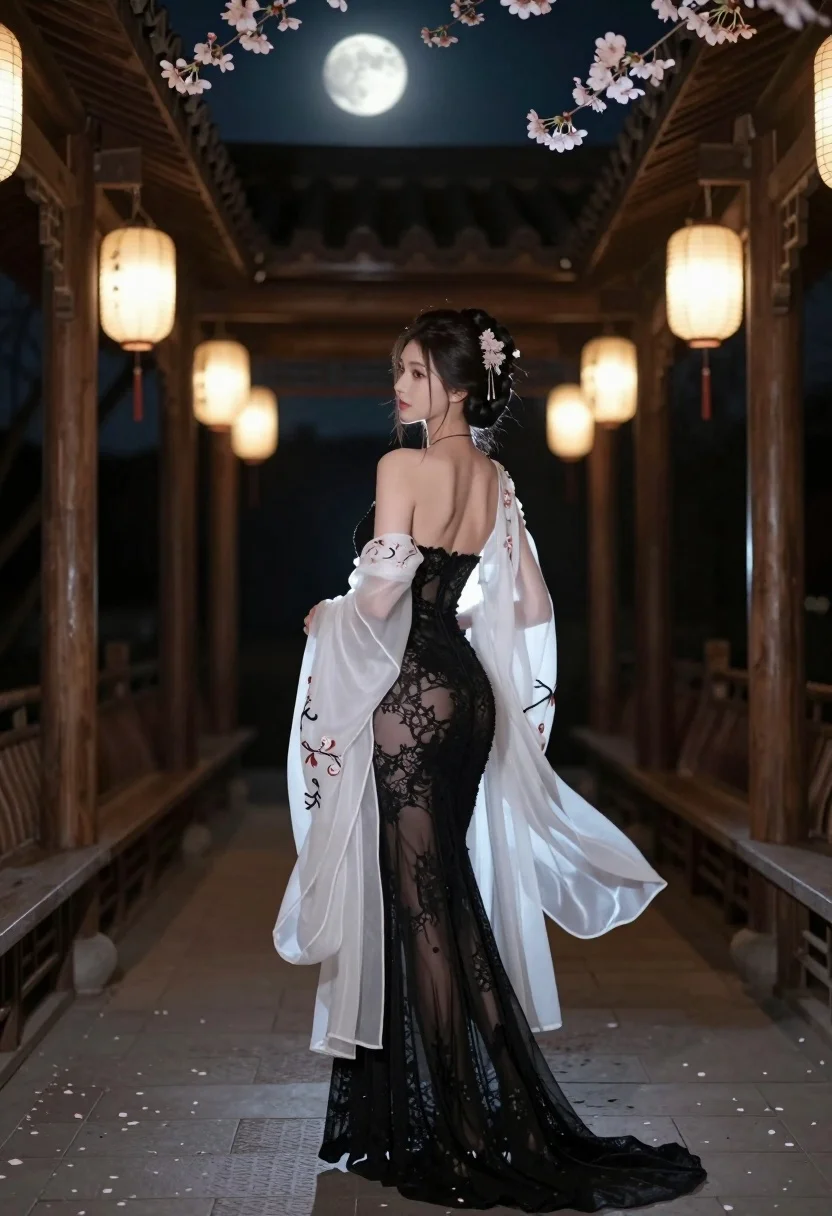
Woman in black lace gown standing in traditional wooden corridor at night
Prompt
A woman stands in a traditional wooden corridor at night under a full moon and blooming cherry blossoms.

Subject: A young woman with dark hair styled in an elegant updo adorned with delicate floral hairpins, viewed from behind as she looks over her left shoulder.

Clothing: She wears a form-fitting black backless gown made of sheer lace that reveals the curve of her spine and legs, draped with a flowing, translucent white outer robe featuring embroidered patterns.

Action: Standing still in a poised pose with one hand gently holding the fabric of her robe near her hip, gazing back over her shoulder with a soft expression.

Environment: A traditional East Asian wooden corridor or pavilion at night, lined with dark pillars and railings, illuminated by hanging lanterns that cast warm light on the stone floor scattered with fallen petals.

Camera: Shot from a low rear angle looking up slightly to emphasize the subject’s silhouette against the moonlit sky, with a shallow depth of field blurring the background structures.

Lighting: Dramatic contrast between cool moonlight and warm ambient lantern glow, creating soft shadows and highlighting the texture of her dress and robe.

Style Details: Cinematic composition with high dynamic range, ethereal atmosphere, detailed textures, and a blend of realism and fantasy aesthetics reminiscent of digital art or film stills.
Description
This prompt is useful for creating cinematic costume concept art, romantic narrative scene illustrations, and editorial fashion spreads evoking historical drama. The combination of 'dramatic contrast between cool moonlight and warm ambient lantern glow' ensures the sheer lace and translucent white outer robe catch light beautifully, preventing them from appearing flat against the dark pillars while emphasizing the subject’s silhouette.
Suggestions
- Change 'full moon' to 'single glowing paper lantern' for a more contained light source.
- Swap 'black backless gown' for 'velvet black gown' to change the material reflectivity.
- Adjust 'low rear angle looking up slightly' to 'eye-level medium shot' for a more intimate portrait.
Category
Tags
Back ViewBrunetteFemaleFormal WearFull BodyLow AngleOutdoorsRealisticTraditional Art
Date added
July 3, 2026
Added by
PromptDexter Team
Related Prompts
More prompts with similar categories and tags.
Woman in white gown looking over shoulder in misty garden setting
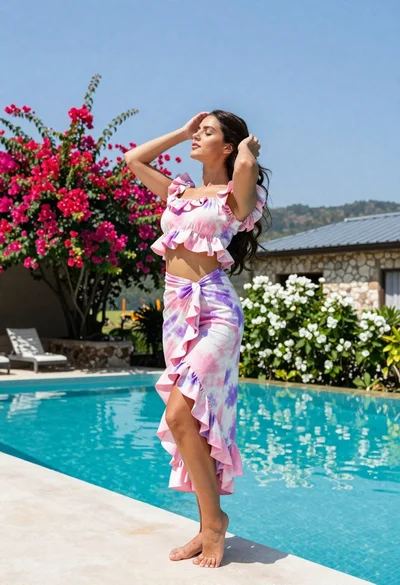
Young woman in tie dye outfit by turquoise pool under blue sky
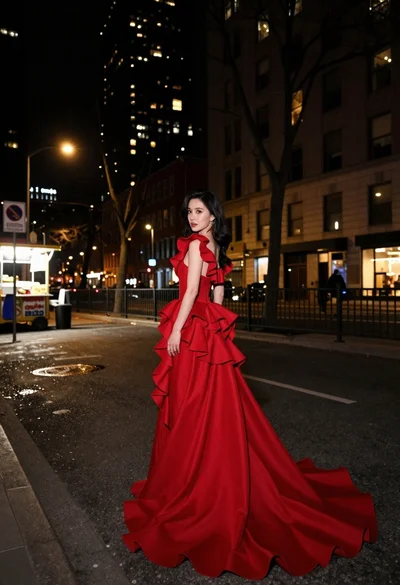
Woman in flowing red gown standing on a city street at night
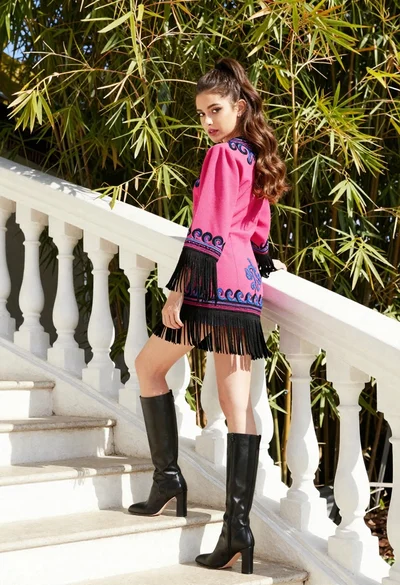
Young woman in pink embroidered dress on white stone staircase outdoors
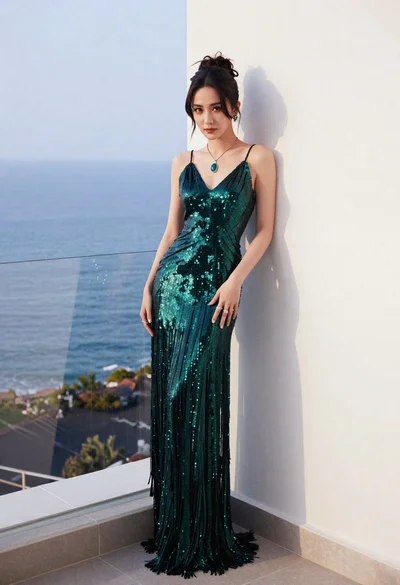
Woman in emerald gown on balcony overlooking calm blue ocean sea
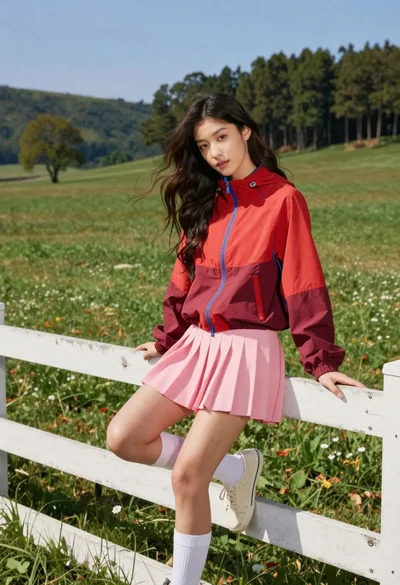
Young woman in red jacket on white fence in green meadow
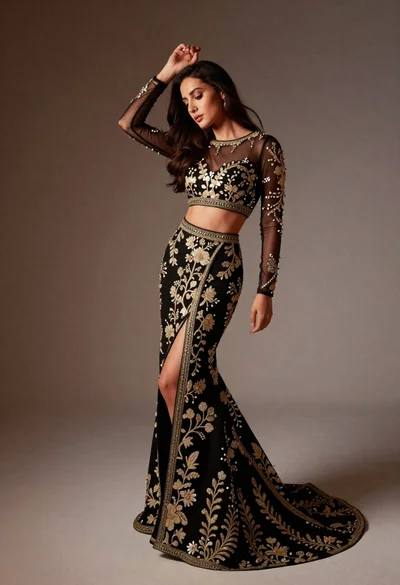
Full length studio portrait of woman in elaborate black and gold ensemble
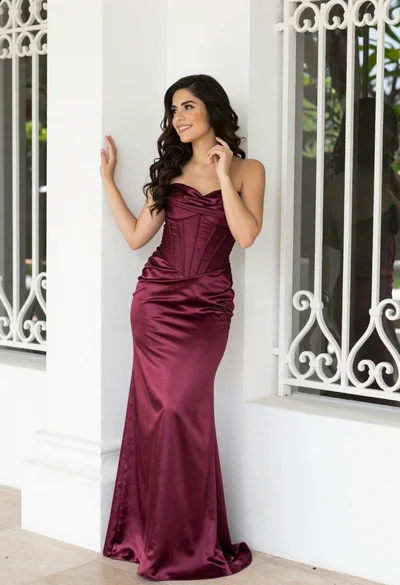
Smiling woman in burgundy satin gown by white architectural pillar
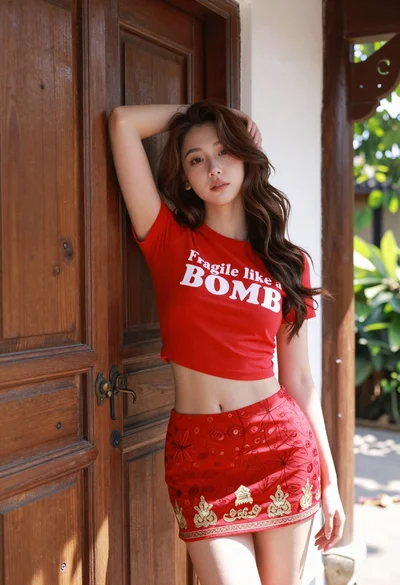
Young woman leaning against ornate wooden door with green foliage background
Woman in green outfit leaning on tree in lush garden at golden