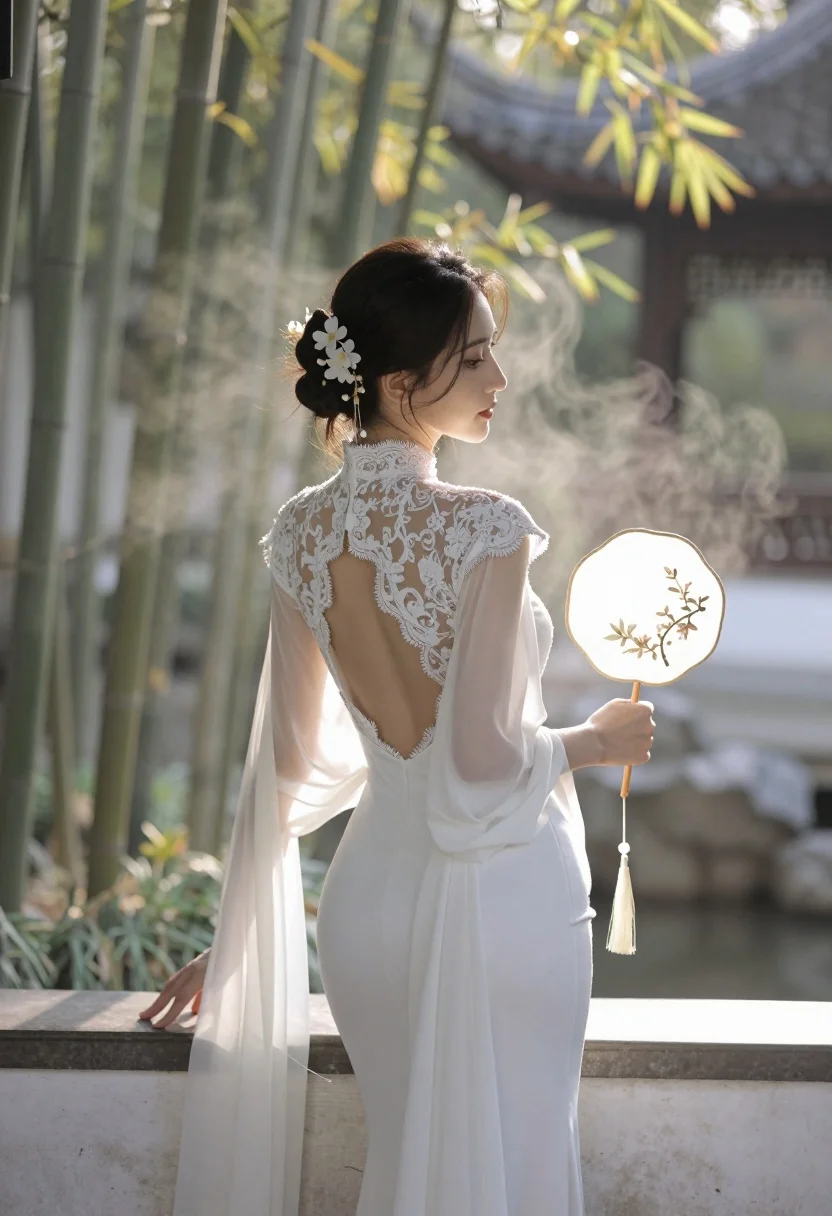
Woman in white gown looking over shoulder in misty garden setting
Prompt
A graceful woman stands in a serene garden setting, viewed from behind as she gazes over her shoulder.

Subject: A woman with dark hair styled in an elegant updo adorned with white flowers and gold ornaments.

Clothing: She wears a form-fitting white gown featuring intricate lace detailing along the high neck and open back, paired with sheer, flowing sleeves that drape elegantly from her arms.

Action: She holds a traditional round fan decorated with floral patterns in her left hand while resting her right hand on a wooden surface.

Environment: The scene is set in a tranquil garden filled with bamboo stalks, misty atmosphere, and ornate stone structures in the background.

Camera: Shot from a rear three-quarter angle that emphasizes the curve of her back and the silhouette against the soft light.

Lighting: Warm golden sunlight filters through the trees, creating a hazy glow and highlighting the delicate textures of her dress and hair.

Style Details: The image features a soft-focus aesthetic with dreamy lighting and a painterly quality reminiscent of classical oil painting.
Description
This prompt is useful for creating ethereal bridal editorials, historical costume concept art, and high-end perfume advertisements that require a sense of mystery. The combination of 'misty atmosphere' and 'warm golden sunlight' achieves the desired soft-focus aesthetic by diffusing harsh edges, while specifying the 'rear three-quarter angle' ensures the viewer focuses on the gown's silhouette rather than just the face.
Suggestions
- Change 'white flowers' to 'peonies' for a more dramatic floral element.
- Swap 'bamboo stalks' for 'wisteria vines' to add color variation.
- Adjust 'soft-focus aesthetic' to 'shallow depth of field' for greater subject isolation.
Category
Tags
Back ViewBrunetteFemaleFormal WearFull BodyOutdoorsRealistic
Date added
July 3, 2026
Added by
PromptDexter Team
Related Prompts
More prompts with similar categories and tags.
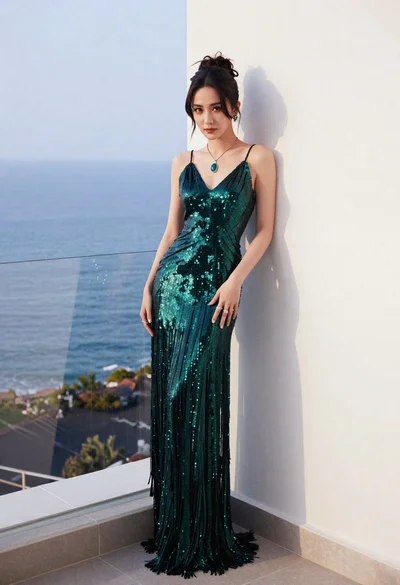
Woman in emerald gown on balcony overlooking calm blue ocean sea
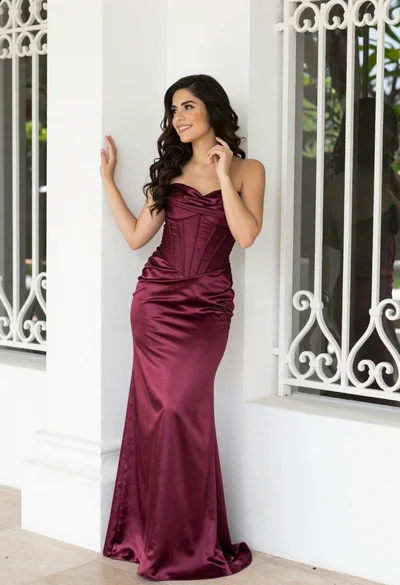
Smiling woman in burgundy satin gown by white architectural pillar
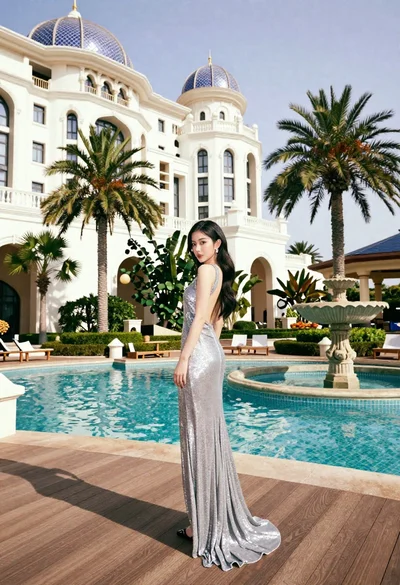
Woman in silver gown on wooden deck by turquoise pool at palace
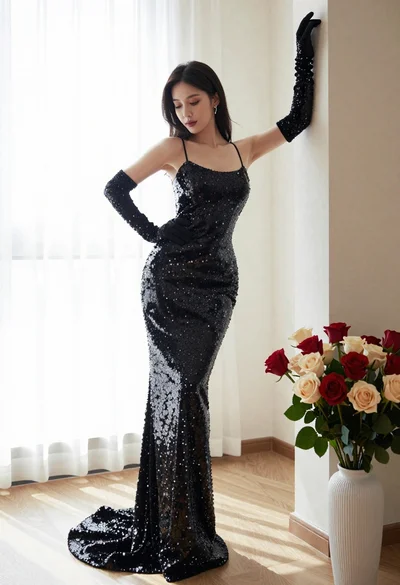
Woman in sparkling black sequin gown posing indoors with red roses
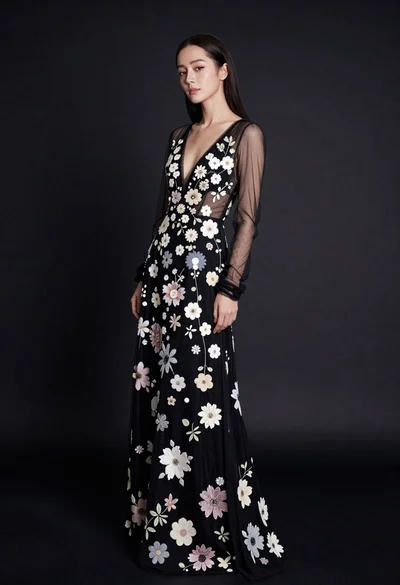
Full body portrait of woman in embellished black gown against dark studio
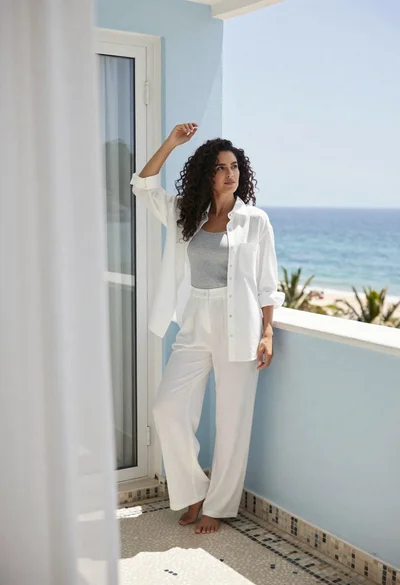
Woman on balcony overlooking ocean in white shirt and trousers

Confident woman in silver beaded saree on a night balcony setting
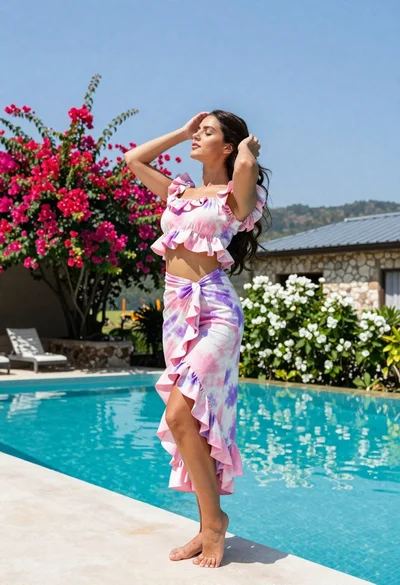
Young woman in tie dye outfit by turquoise pool under blue sky
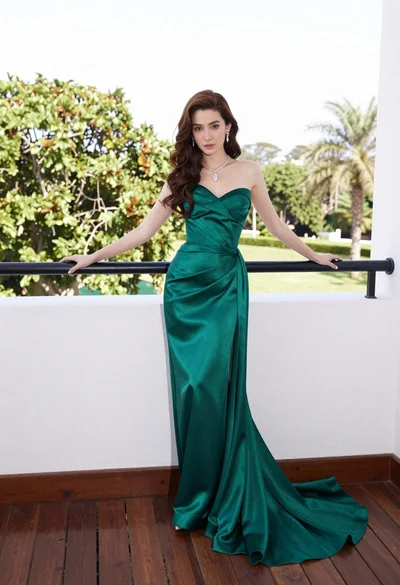
Woman in emerald green gown standing on an outdoor balcony overlooking trees
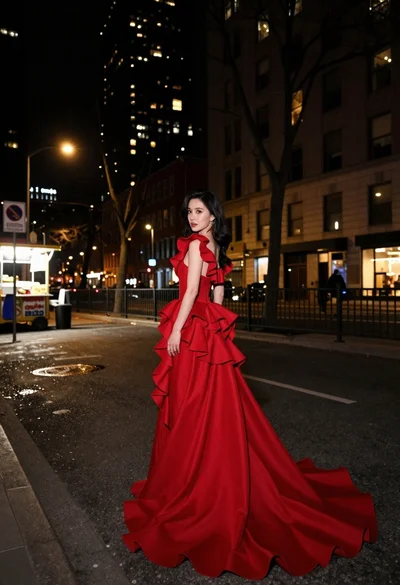
Woman in flowing red gown standing on a city street at night