

Woman in black suit sitting on chair near burning grand piano by
Prompt
A woman sits calmly on a wooden chair in front of a grand piano engulfed in flames under a stormy sky with rain falling over a city skyline across the water.

Subject: A poised woman with short dark hair, pale skin, and a serious expression, seated upright with one leg crossed over the other.

Clothing: She wears an all-black ensemble consisting of a tailored blazer, a black button-down shirt, matching trousers, and polished black leather dress shoes.

Action: She sits still with a relaxed posture, her left arm resting on the back of the chair and her right hand resting on her thigh, gazing directly forward.

Environment: The scene is set outdoors on a wet, reflective pier or dock next to a body of water, with a dark city skyline visible in the distance under heavy storm clouds.

Camera: Shot from a medium-low angle looking slightly up at the subject, emphasizing the height of the burning piano and the dramatic sky above.

Lighting: Dramatic high-contrast lighting where bright orange fire illuminates the front of the scene against the cool blue tones of the rain and dark background.

Objects: A large black grand piano is positioned directly behind the woman, actively burning with intense flames rising from its top and sides.

Style Details: Cinematic composition with a hyper-realistic rendering style, featuring wet surfaces reflecting light, volumetric fire effects, and a moody color palette mixing fire orange with stormy blue-grey.
Description
This prompt is useful for creating dramatic movie poster concepts, dark editorial photography spreads, and conceptual fine art prints. The combination of 'dramatic high-contrast lighting' from the burning piano against the cool tones of the 'stormy sky' ensures that the subject remains visible while the fire provides a necessary focal point, preventing the scene from becoming uniformly dark.
Suggestions
- Change 'wooden chair' to 'ornate velvet chair' for more contrast.
- Add 'smoke tendrils' near the woman for added atmosphere.
- Swap 'polished black leather dress shoes' for 'heeled boots' to change the silhouette.
Category
Tags
FemaleFormal WearLow AngleMedium ShotOutdoorsRealistic
Date added
June 26, 2026
Added by
PromptDexter Team
Related Prompts
More prompts with similar categories and tags.

Fair skinned woman with platinum blonde hair in black coat at christmas
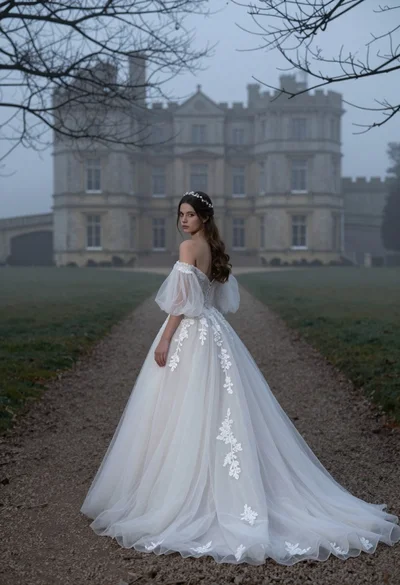
Woman in white wedding gown on gravel path before misty castle
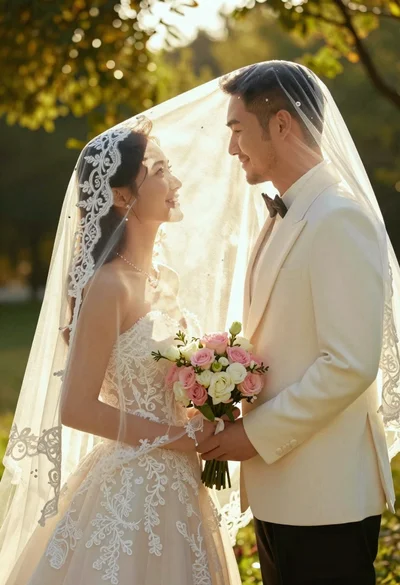
Bride and groom under lace veil in sunlit garden holding roses

Young woman in denim jacket holding vintage camera in a forest

Young woman in blue sweater holding yellow daffodils by railway tracks
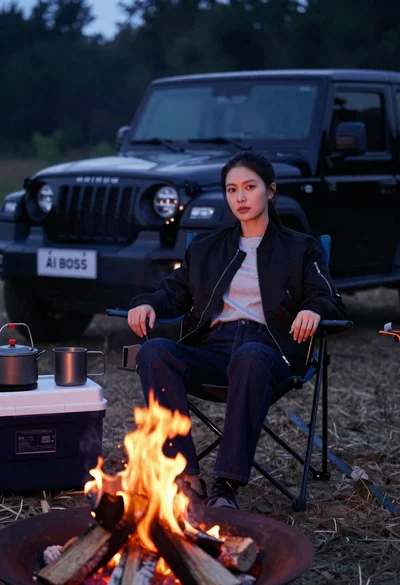
Woman sitting in camping chair by campfire with suv at night

Young woman in green shirt standing under trees against blue sky
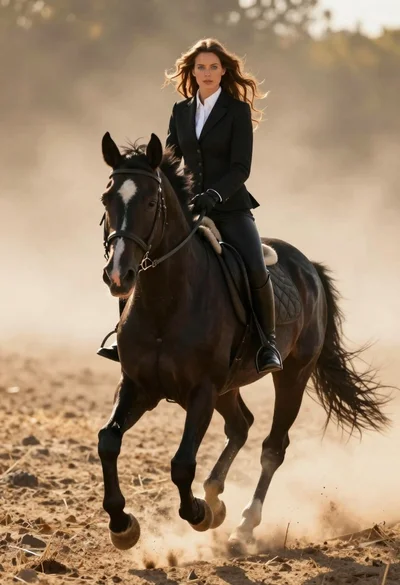
Woman in black riding suit on horse through dusty sunlit landscape