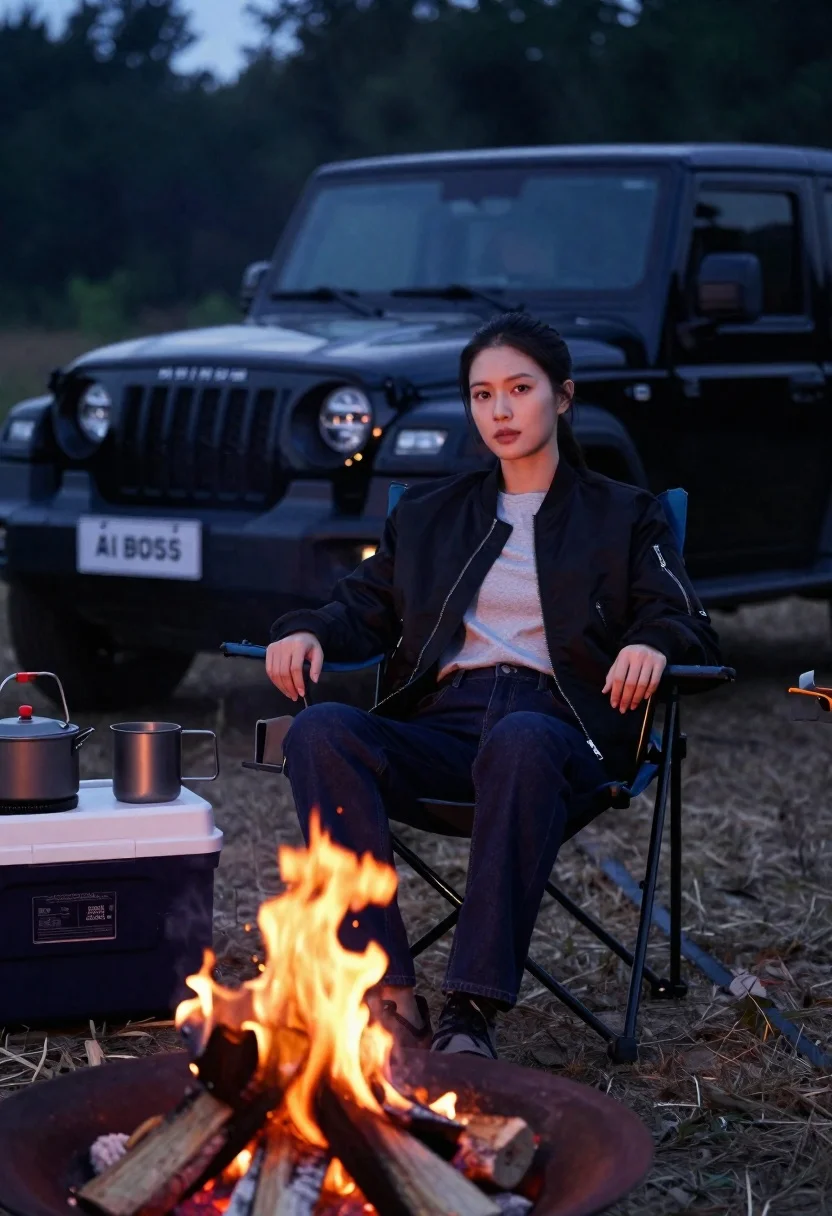
Woman sitting in camping chair by campfire with suv at night
Prompt
A woman sits in a blue camping chair by a crackling campfire with a black Mahindra SUV parked behind her.

Subject: A young woman with dark hair pulled back into a ponytail, featuring a calm and contemplative expression while gazing slightly to the side.

Clothing: She wears a black bomber jacket with silver zippers over a light grey t-shirt, paired with dark blue jeans and dark shoes.

Action: She is seated in a relaxed posture with her hands resting on her thighs, looking away from the camera towards the left.

Environment: The setting is an outdoor campsite at dusk or night, featuring a large fire pit with burning logs in the foreground, a cooler box to the left holding cooking pots and mugs, and a dark forest background.

Camera: Shot from a low angle looking up at the subject, utilizing a shallow depth of field that keeps the woman sharp while blurring the vehicle and background trees.

Lighting: The scene is illuminated by the warm, flickering glow of the campfire reflecting on her face and clothing, contrasted against the cool ambient light of the evening sky.

Objects: A black Mahindra SUV with a license plate reading "AI BOSS" is parked directly behind her, alongside camping gear including a cooler, metal mugs, and cooking pots near the fire.

Style Details: The image has a cinematic quality with high contrast between the warm firelight and cool shadows, rendered in photorealistic detail with a soft focus on the background elements.
Description
This prompt is useful for creating automotive lifestyle advertisements, moody travel blog features, and cinematic narrative stills. The combination of 'warm, flickering glow' from the campfire against the 'cool ambient light of the evening sky' establishes a high contrast that draws focus to the subject while using the shallow depth of field to keep the woman sharp against the blurred vehicle and background trees.
Suggestions
- Change 'black Mahindra SUV' to 'vintage Jeep Wrangler' for a different automotive feel.
- Adjust 'dark forest background' to 'desert scrubland' for a change in environment.
- Modify 'low angle looking up at the subject' to 'eye-level medium shot' for a more direct portrait.
Category
Tags
Black HairFemaleFull BodyLow AngleMedium ShotOutdoorsPortrait ShotRealistic
Date added
June 21, 2026
Added by
PromptDexter Team
Related Prompts
More prompts with similar categories and tags.
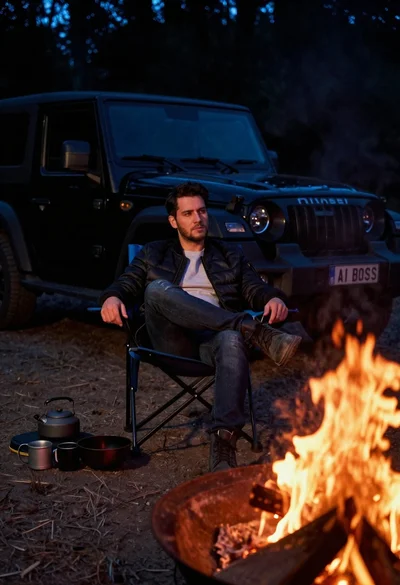
Man in bomber jacket sitting by campfire with suv at night
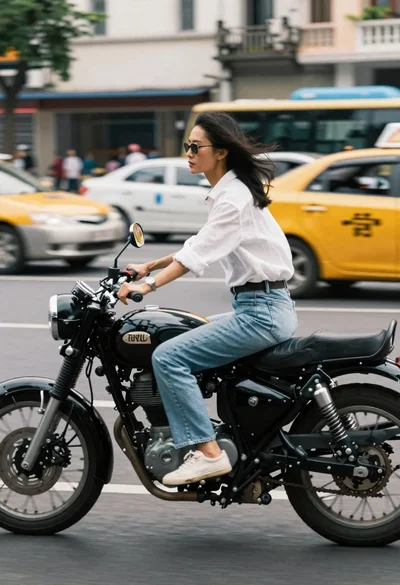
Woman riding a black motorcycle on a busy city street
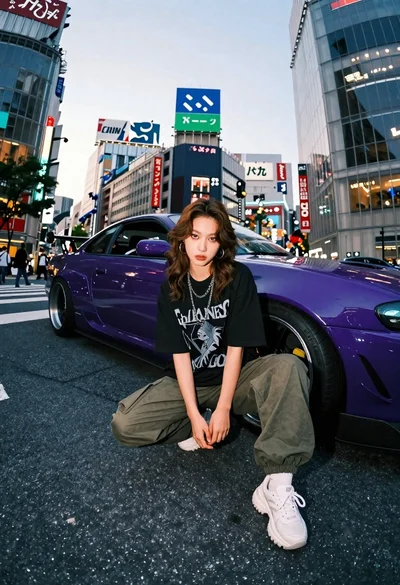
Young woman in oversized shirt crouching by purple car in city
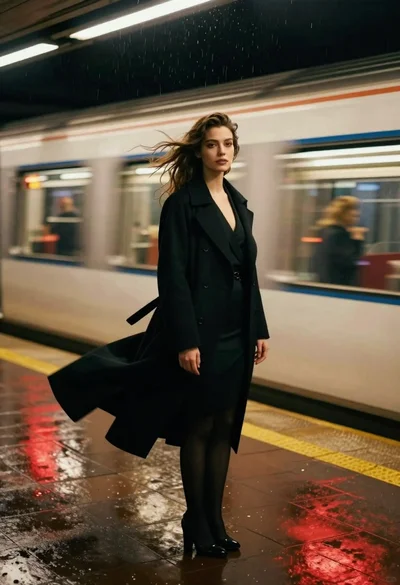
Woman in black coat standing on wet subway platform as train passes
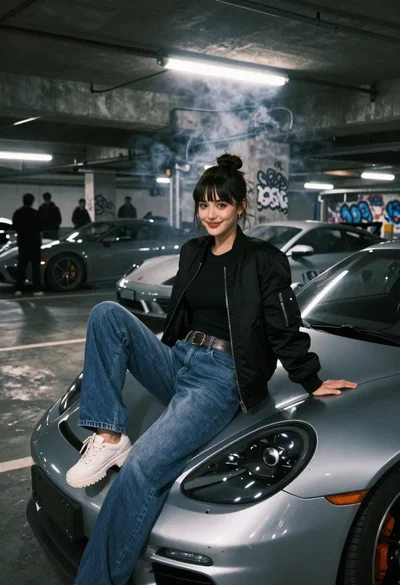
Young woman in black bomber jacket sitting on silver sports car hood
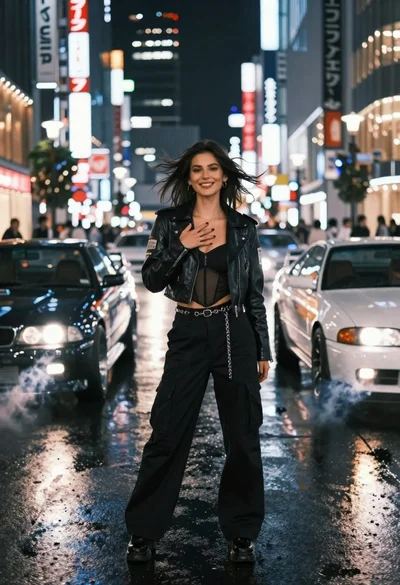
Confident woman in black leather jacket stands on wet city street at
Fit male cyclist in black gear stands next to mountain bike on
Confident woman standing in front of a yellow suv on sand dunes