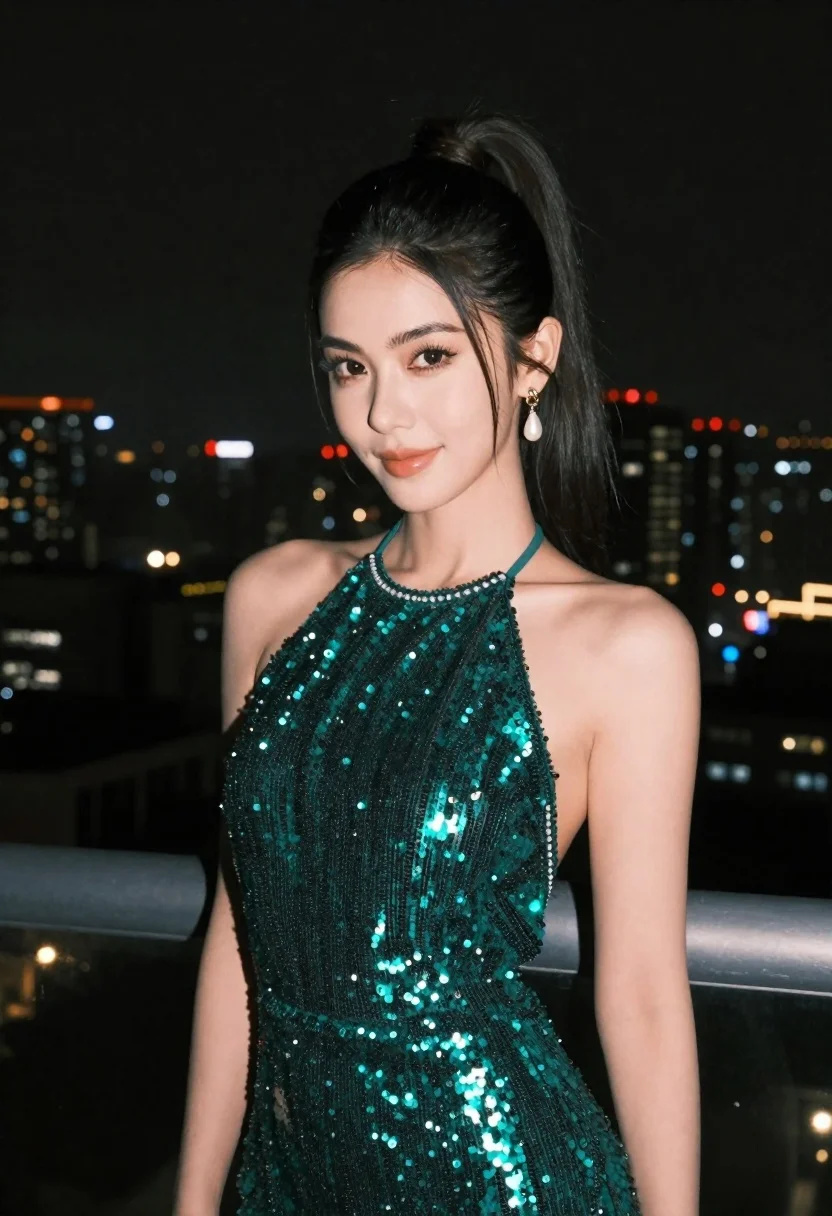
Woman in emerald green sequin dress on balcony at night
Prompt
A woman with dark hair styled in a high ponytail stands on a balcony at night against a backdrop of a city skyline filled with bokeh lights.

Subject: A woman with fair skin and a soft, confident expression looking slightly to the side. Her dark hair is pulled back into a sleek high ponytail with loose strands framing her face. She has defined eyebrows, subtle eye makeup, and glossy lips.

Clothing: She wears a shimmering emerald green halter-neck dress covered in dense sequins that catch the light. The neckline is high and fitted around the neck.
Accessories: She wears a dangling pearl earring with a gold setting on her left ear.

Environment: The setting is an outdoor balcony at night, indicated by a grey railing visible behind her right shoulder. The background features a sprawling cityscape with numerous illuminated windows creating a soft, out-of-focus bokeh effect against a dark sky.

Lighting: The scene is lit by ambient city light reflecting off the sequins of her dress and illuminating her face softly from the front, creating a warm glow on her skin while the background remains dark.

Camera: The shot is a medium close-up framed at eye level with a shallow depth of field that blurs the distant city lights to emphasize the subject in the foreground.

Style Details: High-fashion portrait photography with a focus on texture and sparkle, utilizing night-time urban lighting for contrast.
Description
This prompt is useful for creating high-end editorial fashion spreads, dramatic character portraits, and luxury advertisement mockups. The combination of 'shimmering emerald green halter-neck dress' against the 'bokeh lights' ensures that the sequins catch artificial illumination dramatically, while the 'shallow depth of field' isolates the subject from the busy city backdrop, preventing visual clutter.
Suggestions
- Change 'emerald green' to 'sapphire blue' for a cooler tone.
- Add 'rim lighting from above' to enhance the ponytail silhouette.
- Swap 'medium close-up' for 'full body shot' to show more of the dress.
Category
Tags
Fair SkinFemaleFormal WearMedium ShotOutdoorsPortrait ShotRealisticUrban
Date added
June 23, 2026
Added by
PromptDexter Team
Related Prompts
More prompts with similar categories and tags.
Fair skinned woman in brown leather jacket outside shop window

Smiling young woman in pink top and white skirt before sandstone palace
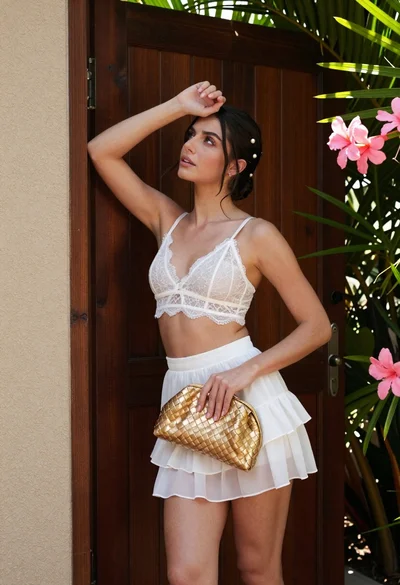
Young woman in white lace outfit standing by tropical leaves and flowers

Young woman in green jacket holding plush toy at festive carousel
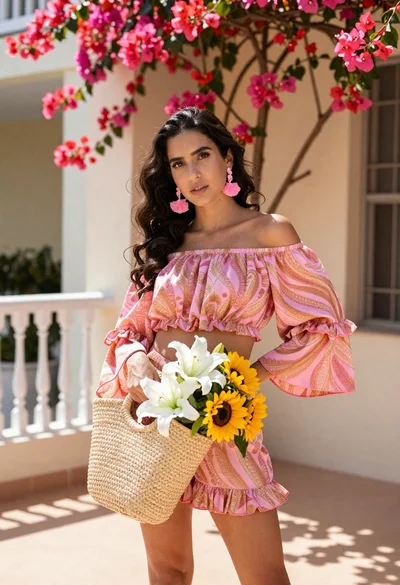
Young woman in pink outfit holding flower basket near bougainvillea flowers
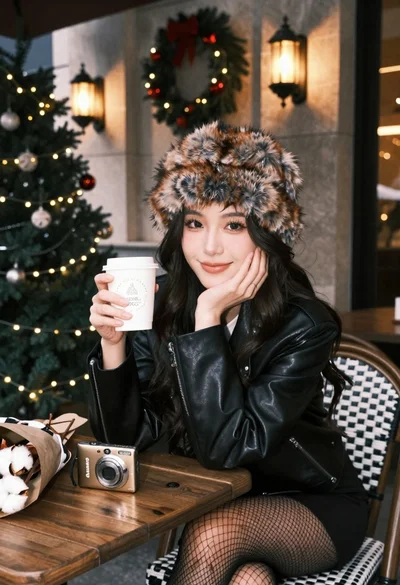
Young woman in fur hat at cozy outdoor cafe during christmas
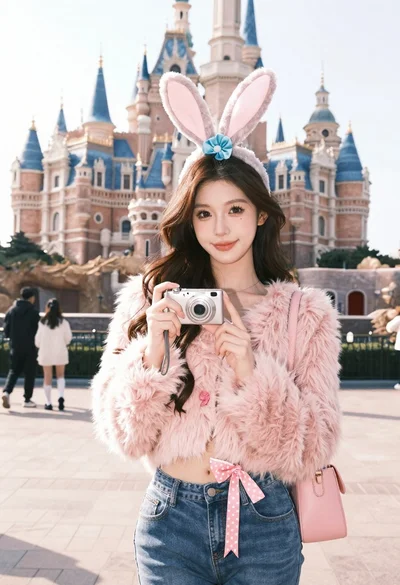
Young woman in pink cardigan holding camera in front of castle

Fair blonde woman touching hair outdoors overlooking hazy cityscape