
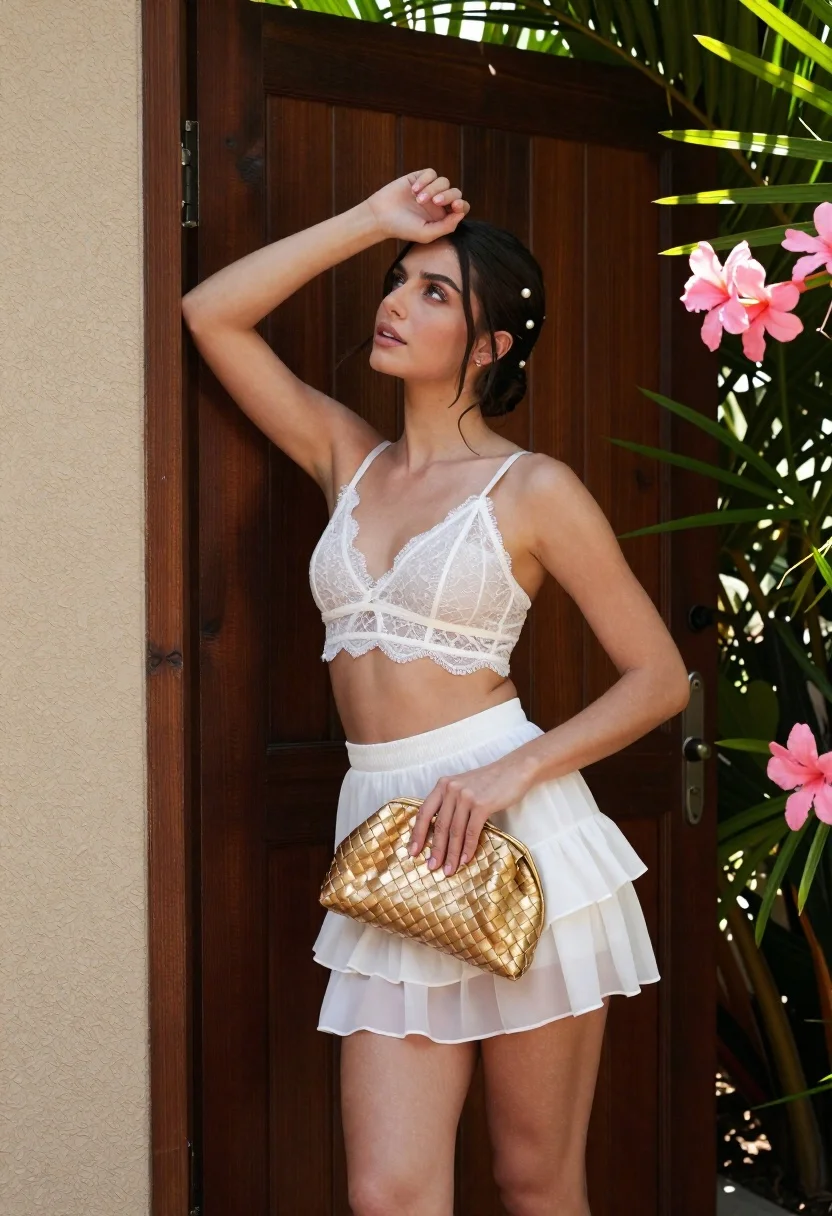
Young woman in white lace outfit standing by tropical leaves and flowers
Prompt
A young woman stands in a relaxed pose against a dark wooden door frame, framed by lush green tropical leaves and pink flowers on either side.

Subject: A beautiful young woman with fair skin and dark hair styled in an elegant updo adorned with small pearl-like hairpins. Her expression is soft and contemplative as she gazes upward and to the left.

Clothing: She wears a delicate white lace bralette with thin straps and a scalloped hemline, paired with a matching white ruffled mini skirt made of sheer fabric.

Action: Her right arm is raised with her hand resting gently on top of her head, while her left hand holds a gold woven clutch purse against her hip.

Environment: The background features a dark brown wooden door or paneling behind her, flanked by a textured beige wall on the left and vibrant tropical foliage including palm fronds and pink flowers on the right.

Objects: A shiny gold woven clutch bag held in her left hand.

Lighting: Soft, natural daylight illuminates the scene from the front-left, casting gentle shadows and highlighting the texture of her skin and clothing.

Camera: Medium shot capturing the subject from the thighs up, with a shallow depth of field that keeps the focus sharp on the woman while slightly blurring the background foliage.

Style Details: High-fashion editorial photography style with vibrant colors, crisp details, and a polished, commercial aesthetic.
Description
This prompt is useful for creating high-end bridal lookbooks, magazine feature spreads showcasing delicate textiles, and romantic portraiture for wedding stationery. The combination of 'soft, natural daylight' with the 'white lace bralette' ensures that the intricate lacework remains visible without harsh highlights, while the 'shallow depth of field' isolates the subject against the busy tropical foliage.
Suggestions
- Change 'dark brown wooden door' to 'weathered stone wall' for a different backdrop texture.
- Swap 'pink flowers' for 'deep purple orchids' to shift the color palette.
- Adjust 'soft, natural daylight' to 'golden hour sidelight' for more dramatic shadows.
Category
Tags
Black HairFair SkinFemaleMedium ShotOutdoorsPortrait ShotRealisticUrban
Date added
June 21, 2026
Added by
PromptDexter Team
Related Prompts
More prompts with similar categories and tags.
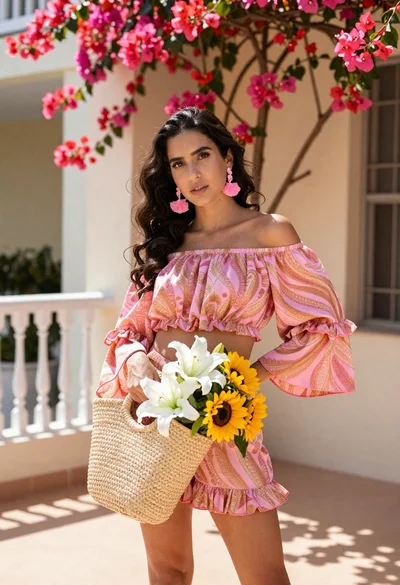
Young woman in pink outfit holding flower basket near bougainvillea flowers
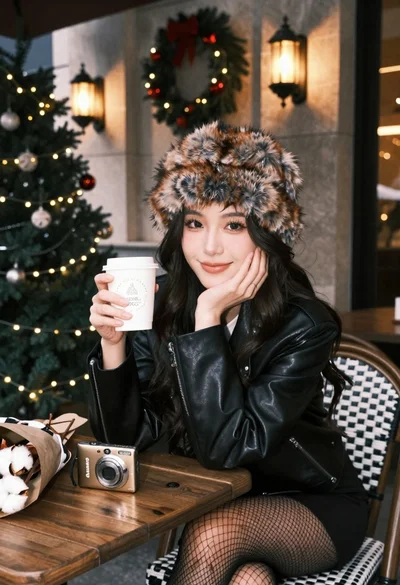
Young woman in fur hat at cozy outdoor cafe during christmas
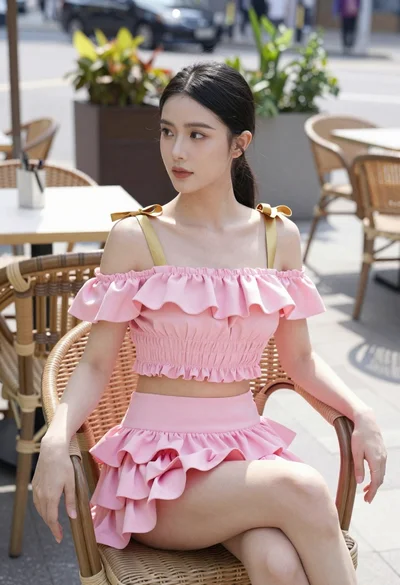
Young woman in pink ruffled outfit sitting at an outdoor cafe
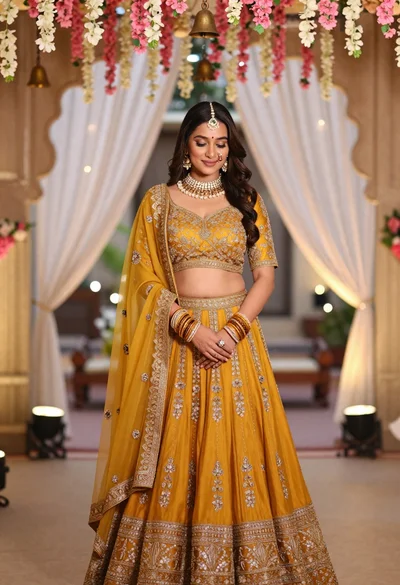
Young indian woman in mustard yellow lehenga standing under floral archway
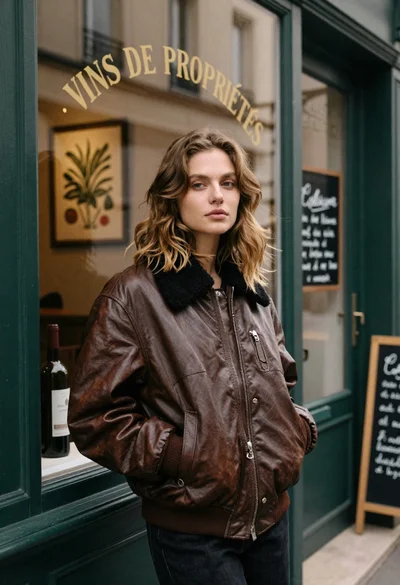
Fair skinned woman in brown leather jacket outside shop window
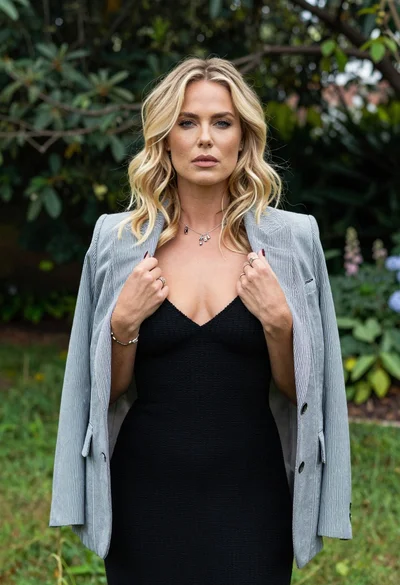
Blonde woman in striped blazer standing in lush green garden setting
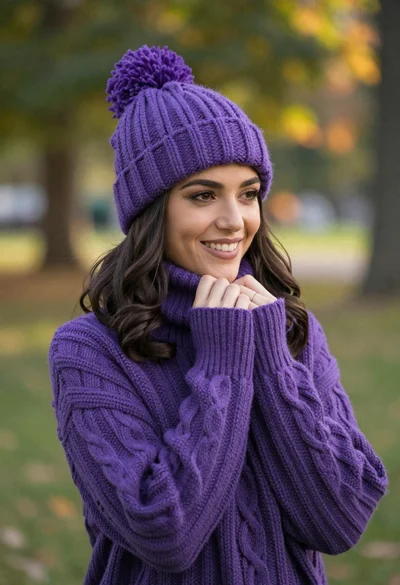
Smiling young woman in purple knit beanie and sweater in sunny park

Woman in black dress by window overlooking ocean at golden hour
