
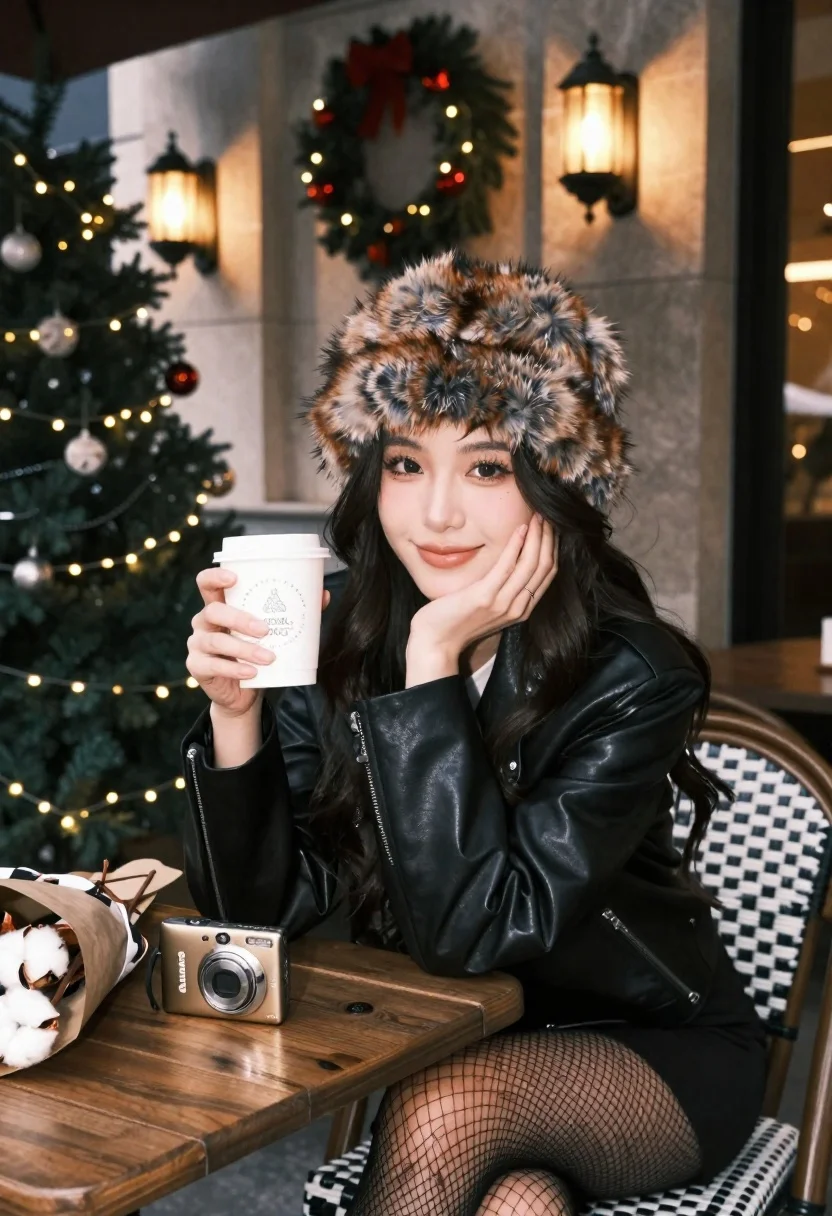
Young woman in fur hat at cozy outdoor cafe during christmas
Prompt
A young woman with long dark hair sits at a wooden table in a cozy outdoor café setting, wearing a large brown fur hat and smiling gently at the camera.

Subject: A young woman with long dark wavy hair, fair skin, and a soft smile resting her chin on her hand.

Clothing: She wears a black leather jacket over a white top, a black skirt, and black fishnet stockings.

Action: She is seated in a relaxed pose, holding a festive paper cup in one hand while looking directly at the viewer with a calm expression.

Environment: The setting is an outdoor café patio decorated for Christmas, featuring a lit Christmas tree with ornaments, hanging wreaths on marble walls, and warm ambient lighting from wall sconces.

Objects: On the table sits a gold Canon IXUS digital camera and a bouquet of cotton stems wrapped in brown paper.

Lighting: Warm artificial light from lanterns and string lights creates a cozy atmosphere, highlighting her face and casting soft shadows against the stone background.

Camera: Medium close-up shot with a shallow depth of field that keeps the subject sharp while softly blurring the festive background elements.

Style Details: The image has a cinematic, high-quality aesthetic with rich colors, smooth skin texture, and a warm holiday mood reminiscent of professional lifestyle photography.
Description
This prompt is useful for creating seasonal advertising campaigns, intimate portraiture for holiday cards, and lifestyle blog features about winter outings. The combination of 'warm artificial light from lanterns and string lights' with the 'shallow depth of field' ensures that the subject remains sharply focused against a softly blurred backdrop, which directs the viewer's eye immediately to her expression while establishing the desired cozy, festive mood.
Suggestions
- Change 'brown fur hat' to 'faux fur beret' for a different silhouette.
- Swap 'black leather jacket' for 'tweed blazer' to adjust the formality.
- Add 'bokeh effect' to enhance the background blur.
Category
Tags
Black HairCafeFair SkinFemaleMedium ShotOutdoorsPortrait ShotRealisticUrban
Date added
June 21, 2026
Added by
PromptDexter Team
Related Prompts
More prompts with similar categories and tags.
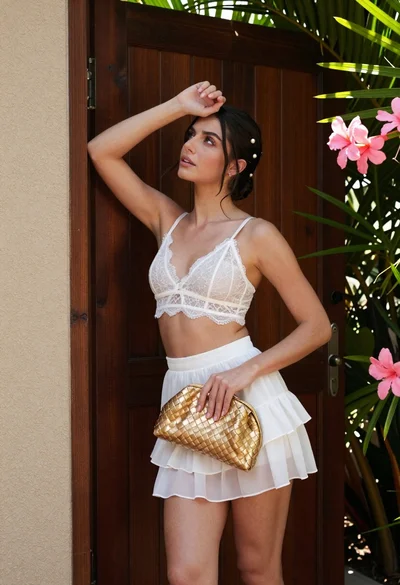
Young woman in white lace outfit standing by tropical leaves and flowers
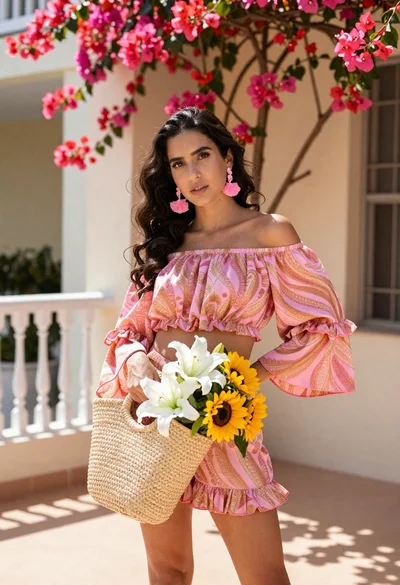
Young woman in pink outfit holding flower basket near bougainvillea flowers
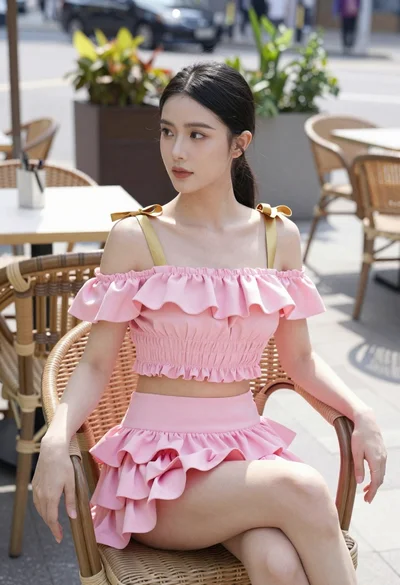
Young woman in pink ruffled outfit sitting at an outdoor cafe
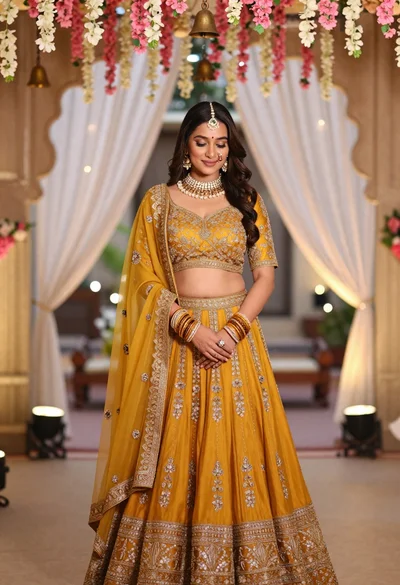
Young indian woman in mustard yellow lehenga standing under floral archway
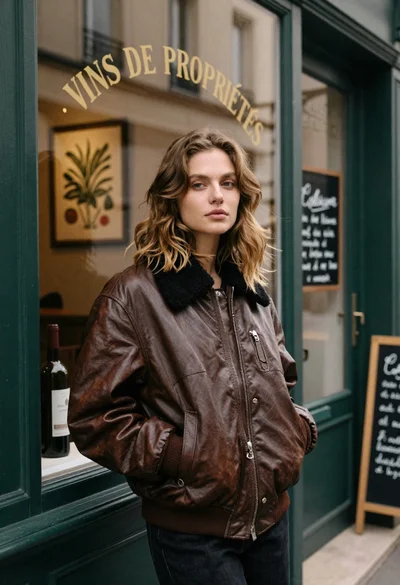
Fair skinned woman in brown leather jacket outside shop window
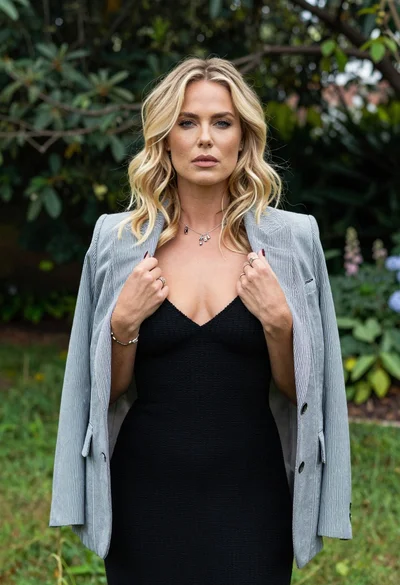
Blonde woman in striped blazer standing in lush green garden setting
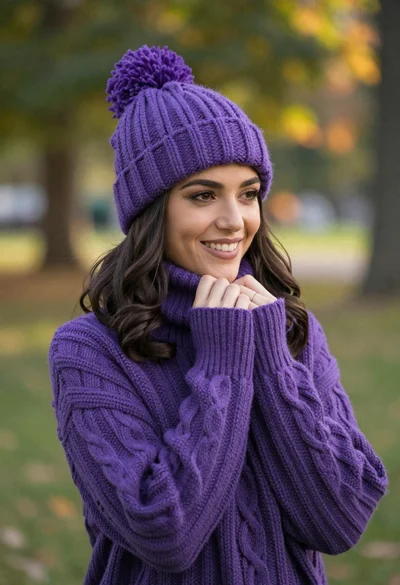
Smiling young woman in purple knit beanie and sweater in sunny park

Woman in black dress by window overlooking ocean at golden hour
