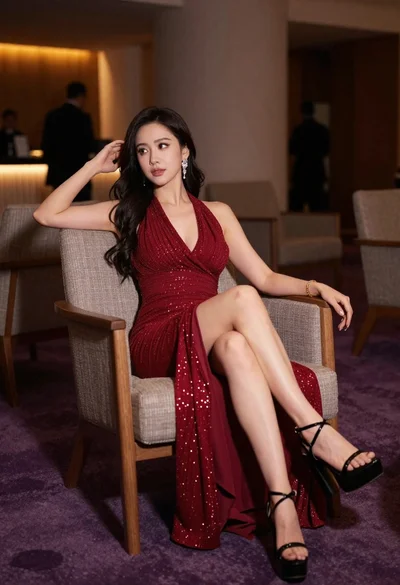
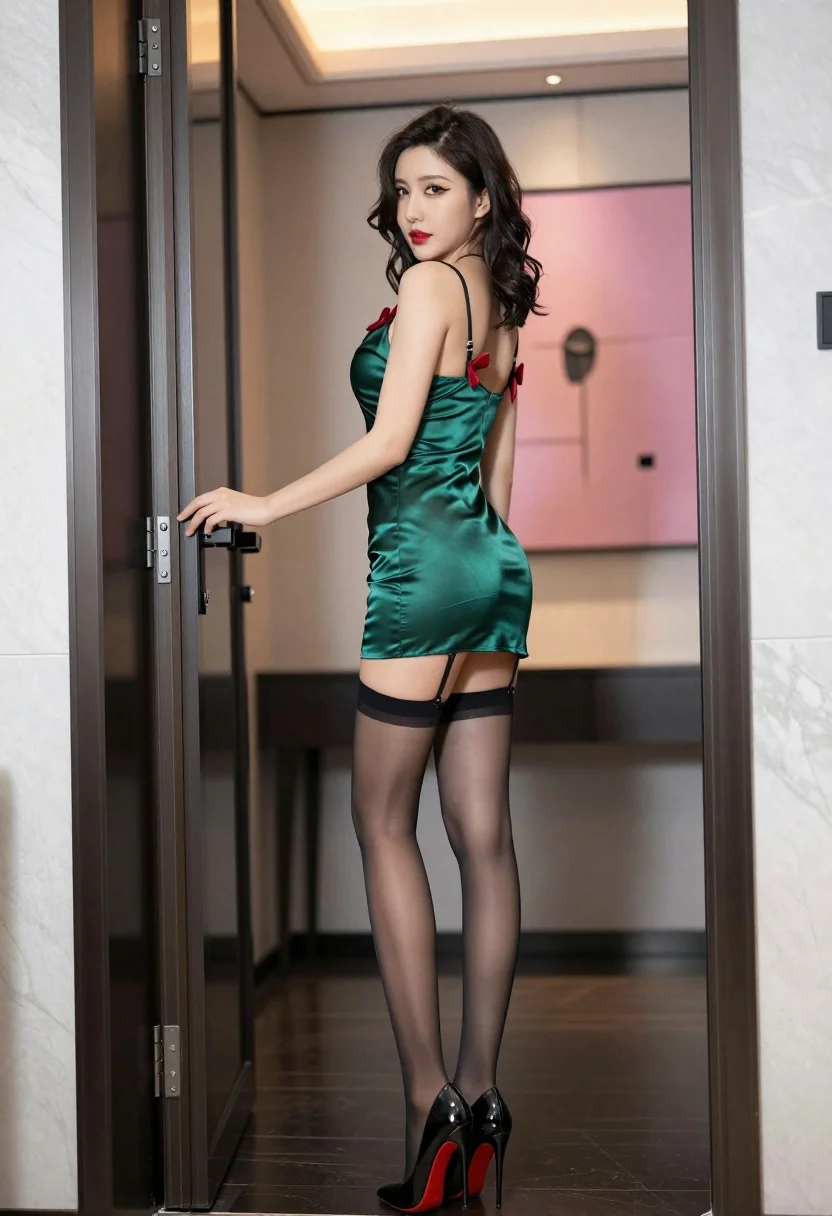
Woman in green slip dress looking back over shoulder in modern interior
Prompt
A woman stands in a modern interior doorway, looking back over her shoulder with a confident expression.

Subject: A woman with dark wavy hair pulled up loosely, wearing heavy winged eyeliner and bright red lipstick.

Clothing: She wears a short, satin green slip dress with black straps and small red bows at the shoulders, paired with sheer black stockings held up by garters and black high-heeled pumps with red soles.

Action: She stands in profile facing left but turns her head to look back at the viewer, with one hand resting on a glass door handle.

Environment: The setting is a sleek modern interior with marble walls, dark flooring, and a large pink abstract painting visible in the background.

Camera: A medium-full shot taken from a slightly low angle that emphasizes the subject's height and posture.

Lighting: Soft indoor lighting creates a polished look with gentle highlights on the satin fabric and smooth skin tones.

Style Details: High-fashion photography style with sharp focus, rich colors, and a cinematic composition.
Description
This prompt is useful for creating editorial fashion editorials, character concept art for film stills, and high-end beauty lookbooks. The combination of 'satin green slip dress' against the 'marble walls' and 'soft indoor lighting' ensures that the fabric catches just enough sheen to read as luxurious, while the 'slightly low angle' elevates the subject's posture for dramatic impact.
Suggestions
- Change 'bright red lipstick' to 'deep burgundy lipstick' for a moodier tone.
- Swap 'marble walls' for 'polished concrete' to modernize the setting further.
- Adjust 'medium-full shot' to 'full body shot' to better showcase the heels.
Category
Tags
BrunetteFemaleIndoorsLow AngleMedium ShotRealistic
Date added
July 3, 2026
Added by
PromptDexter Team
Related Prompts
More prompts with similar categories and tags.
Glamorous woman in metallic dress seated on an ornate interior staircase
Glamorous woman in magenta gown sitting on wooden bench indoors
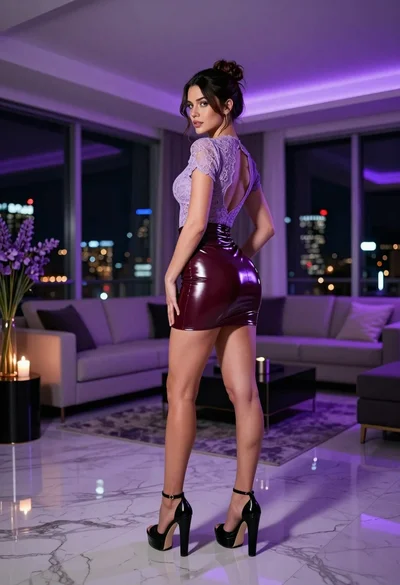
Brunette woman in purple lace top and burgundy latex mini skirt indoors
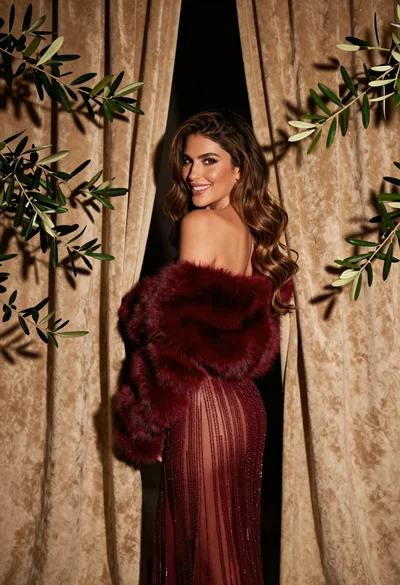
Glamorous woman in red dress framed by beige curtains and olive branches

Glamorous woman in gold sequin gown holding white cup in modern kitchen
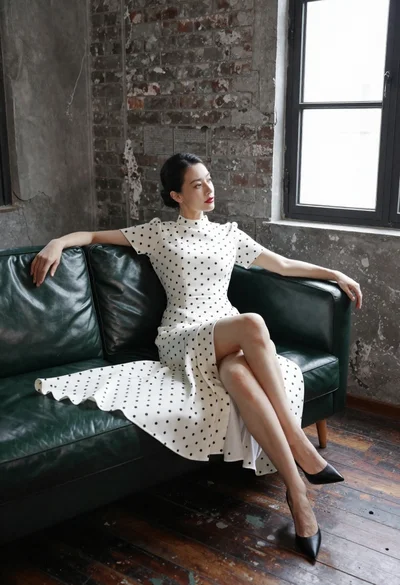
Woman in white polka dot dress seated on green leather sofa
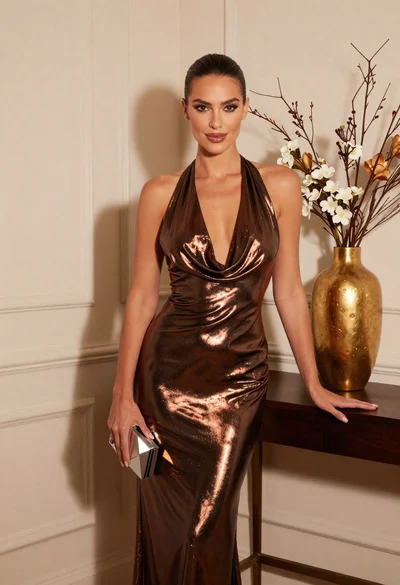
Glamorous woman in metallic bronze gown standing indoors at an elegant setting

Woman sitting gracefully indoors wearing yellow skirt and top

Fair skinned woman in black sequined outfit sitting elegantly indoors
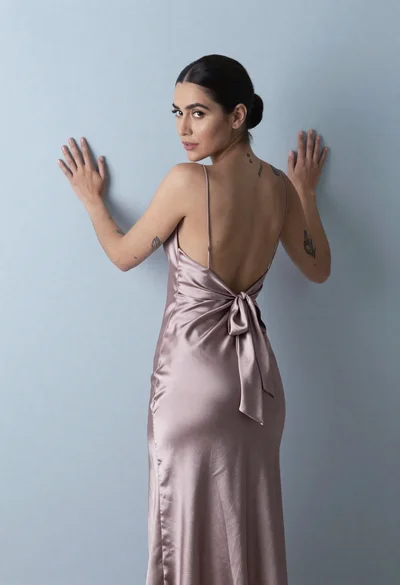
Woman in dusty rose slip dress looking over shoulder against light blue