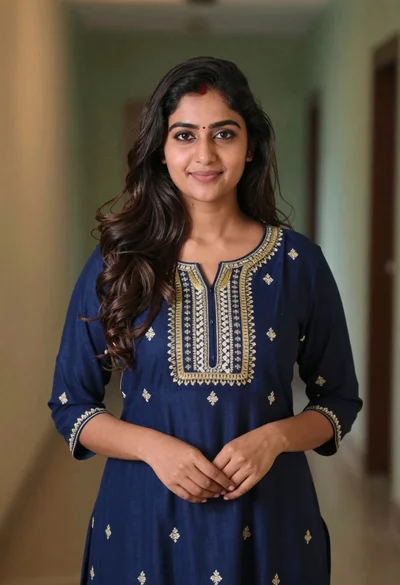
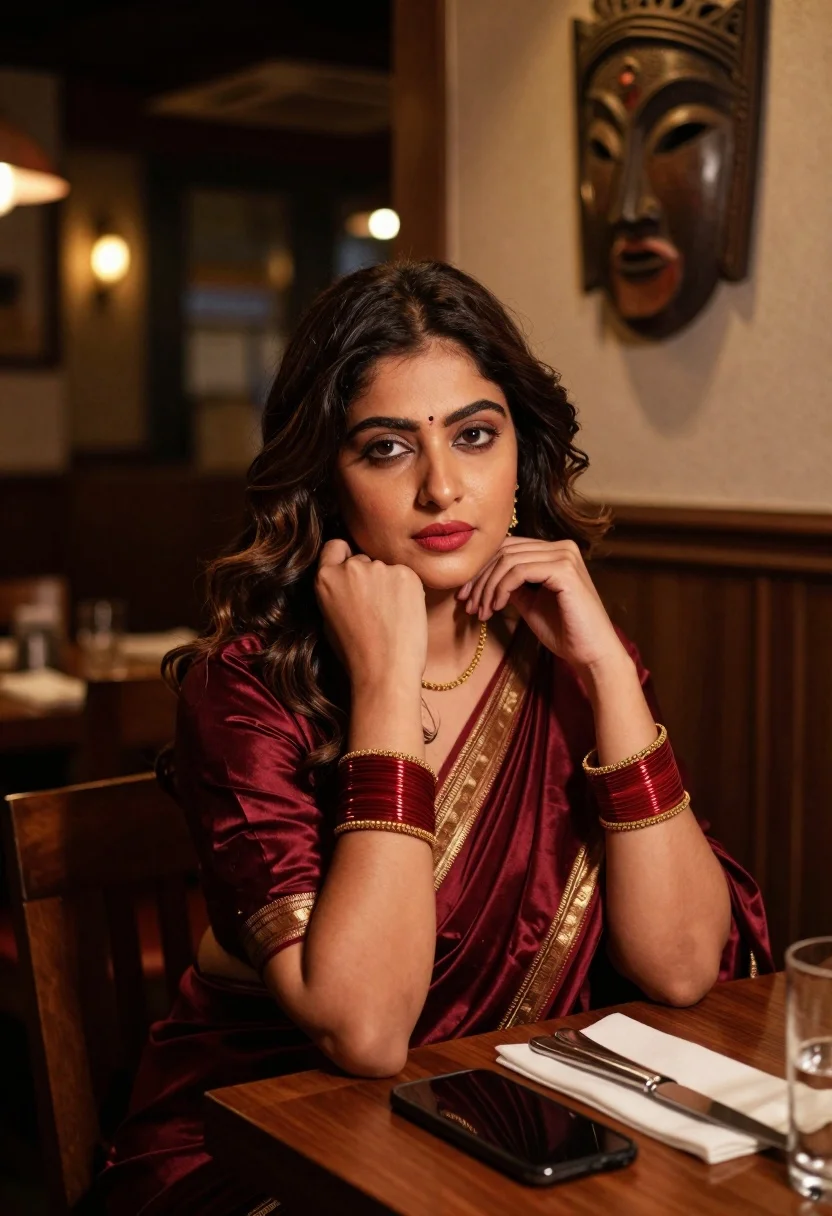
Woman in maroon silk saree resting chin on hand at dimly lit
Prompt
A woman with dark wavy hair sits at a wooden table in a dimly lit restaurant, looking off to the side with a contemplative expression.

Subject: A woman with voluminous dark brown wavy hair, fair skin, and red lipstick, wearing a bindi on her forehead.

Clothing: She wears a deep maroon silk saree with gold woven borders and embroidery, paired with matching red and gold bangles on both wrists and a delicate gold necklace.

Action: She rests her chin on her right hand while her left hand touches the fabric of her shoulder, gazing away from the camera with a pensive look.

Environment: The setting is an intimate restaurant interior featuring dark wood furniture, warm ambient lighting in the background, and a large carved wooden mask mounted on the wall behind her.

Camera: Shot from a slightly low angle at eye level, utilizing a shallow depth of field to keep the subject sharp while blurring the background into soft bokeh.

Lighting: The scene is lit by warm, low-key ambient light that highlights her face and the sheen of her saree, creating soft shadows and a cozy atmosphere.

Objects: A black smartphone lies flat on the dark wooden table in front of her, alongside a folded white napkin, silver cutlery, and a clear drinking glass.

Style Details: The image has a cinematic, high-contrast aesthetic with rich deep reds and gold tones, resembling a polished editorial photograph or film still.
Description
This prompt is useful for creating cinematic character portraits, luxury brand storytelling visuals, and moody editorial spreads evoking classic cinema. The combination of 'deep maroon silk saree' against the 'dark wood furniture' under 'warm, low-key ambient light' establishes a rich, high-contrast aesthetic that focuses all attention on the subject's pensive expression while allowing the background bokeh to suggest an expensive, intimate setting.
Suggestions
- Change 'deep maroon silk saree' to 'emerald green velvet saree' for a different color story.
- Replace 'black smartphone' with 'antique brass cigarette case' to enhance the vintage feel.
- Adjust 'low-key ambient light' to 'single overhead spotlight' for more dramatic shadows.
Category
Tags
BrunetteFair SkinFemaleIndoorsLow AngleMedium ShotRealisticTraditional Wear
Date added
August 5, 2026
Added by
PromptDexter Team
Related Prompts
More prompts with similar categories and tags.
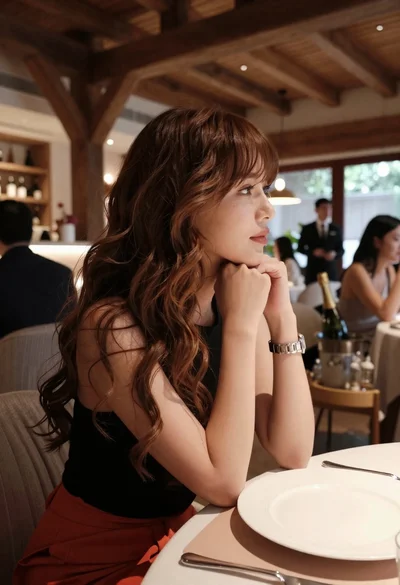
Profile portrait of woman at dining table in upscale restaurant setting
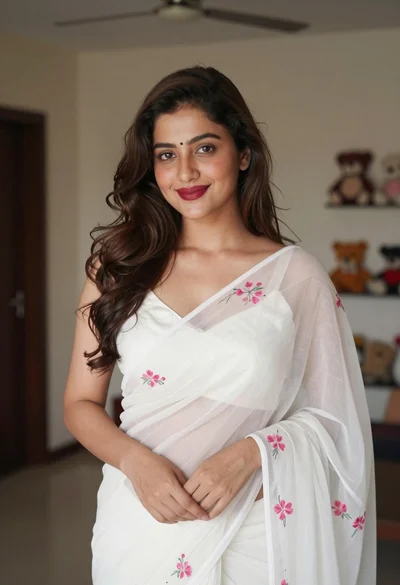
Young woman in white embroidered saree smiling indoors with soft natural light

Young woman with brown hair in beige cardigan smiling indoors at camera
Young woman in dark teal slip dress sitting on wooden stool in
Young woman in green saree by window looking at camera indoors
Young woman smiling indoors wearing embroidered lehenga choli against red sofa

Blonde woman at a bar counter in dimly lit pub

Smiling young woman in maroon top standing outdoors with blurred background
Profile portrait of woman in black silk saree near bokeh lights
Young woman in purple embroidered saree standing indoors with warm smile