
Woman in pink dress standing among ancient stone pillars in water
Prompt
A woman stands waist-deep in calm water surrounded by ancient stone pillars under a bright sky.

Subject: A fair-skinned woman with wet, slicked-back blonde hair and a solemn, direct gaze.

Clothing: She wears a deep V-neck, sleeveless dusty pink dress that clings to her form, revealing wet skin on her thighs.

Action: Her hands rest gently on the sides of her hips as she stands still in the water.

Environment: Tall, weathered stone columns rise from the water behind her, suggesting an ancient ruin or temple setting.

Camera: The shot is a medium view framed with a shallow depth of field that blurs the background pillars to emphasize the subject.

Lighting: Bright natural sunlight illuminates the scene from above, creating soft highlights on the wet skin and dress while casting gentle reflections in the water.

Style Details: The image features a photorealistic aesthetic with high fidelity textures, smooth color grading, and a cinematic composition reminiscent of high-end fashion photography.
Description
This prompt is useful for creating editorial fashion moodboards, historical drama concept art, and luxury resort advertising featuring classical architecture. The combination of 'dusty pink dress' against the 'ancient stone pillars' anchors the scene in a specific romanticized past, while the 'shallow depth of field' ensures that even with the dramatic setting, the focus remains tightly on the subject's wet skin and solemn gaze.
Suggestions
- Change 'dusty pink dress' to 'ivory silk gown' for a more ethereal feel.
- Add 'volumetric god rays' to the lighting description for increased drama.
- Swap 'medium view' for 'full body shot' to better incorporate the water depth.
Category
Tags
BlondeFair SkinFemaleFull BodyMedium ShotOutdoorsPortrait ShotRealistic
Date added
June 21, 2026
Added by
PromptDexter Team
Related Prompts
More prompts with similar categories and tags.
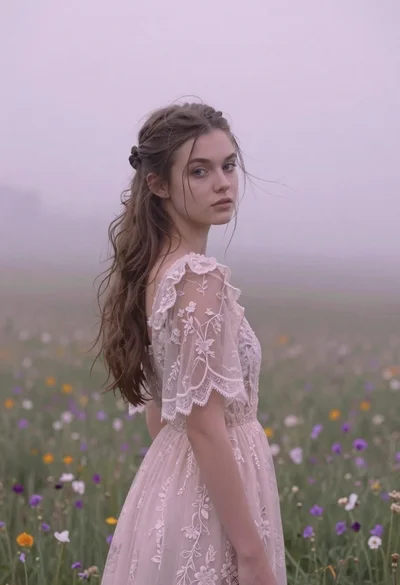
Young woman in pink lace gown standing in misty wildflower field
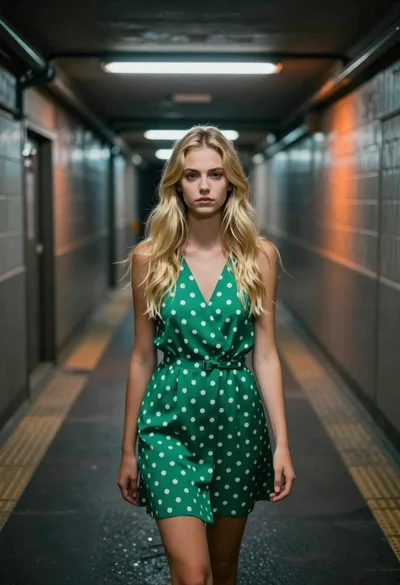
Young blonde woman in green polka dot dress standing in subway tunnel

Young woman blonde hair leaning from vintage maroon car window at golden
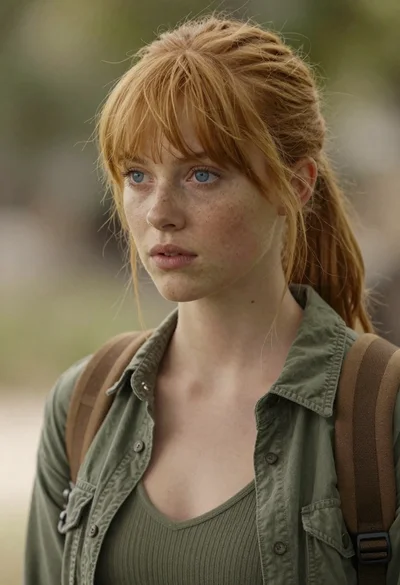
Photorealistic close up portrait of young woman with blonde hair
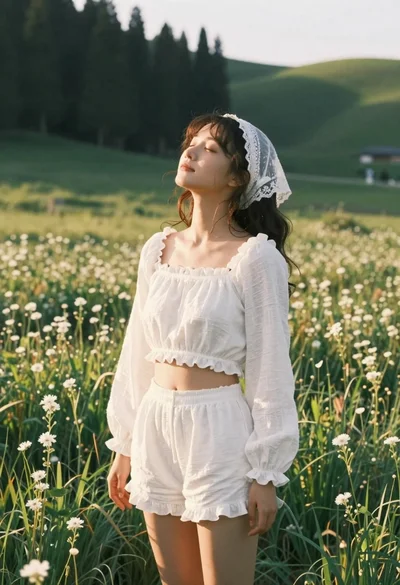
Young woman in white lace outfit standing in sunlit meadow
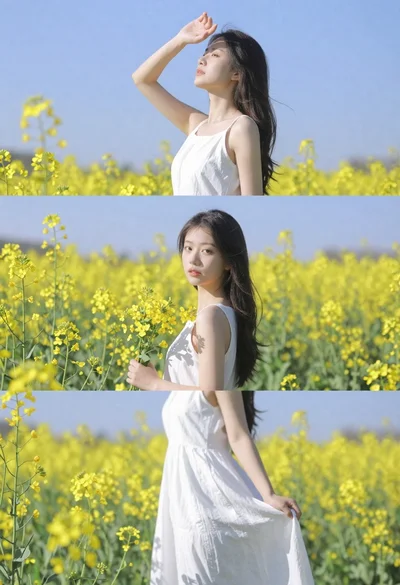
Woman in white dress standing in a field of yellow flowers
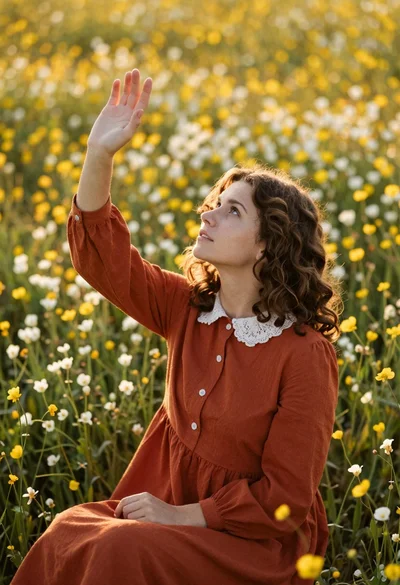
Young woman in rust dress reaching toward sky in wildflower meadow

Woman submerged in water in a mossy forest
