
Photorealistic close up portrait of young woman with blonde hair
Prompt
A close-up portrait of a young woman with fair skin and striking blue eyes looking slightly to the left with a serious expression.

Subject: A young woman with reddish-blonde hair styled in a half-up ponytail with straight bangs covering her forehead, featuring natural texture and flyaway strands around the face.

Clothing: She wears an olive green button-up shirt worn open over a matching ribbed V-neck top, with brown backpack straps visible on her shoulders.

Action: Her head is turned slightly to the left while maintaining a neutral, focused gaze, with soft natural lighting highlighting her facial features and collarbone.

Environment: The background is softly blurred with bokeh effects showing hints of green foliage and warm light tones suggesting an outdoor setting.

Camera: Shot with a shallow depth of field using a medium telephoto lens to isolate the subject against the out-of-focus background.

Lighting: Soft, diffused natural daylight illuminates her face from the front-left, creating gentle shadows and a realistic skin texture.

Style Details: Photorealistic cinematic portrait with high detail in facial features and fabric textures, rendered in a natural color palette with subtle film grain.
Description
This prompt is useful for generating character concept art for indie films, editorial beauty spreads focusing on naturalism, and detailed book covers needing an intimate portrait feel. The combination of 'soft, diffused natural daylight' and the 'shallow depth of field using a medium telephoto lens' ensures that while the subject remains highly visible with its 'natural texture,' the background bokeh prevents any distracting elements from pulling focus away from her face.
Suggestions
- Change 'olive green button-up shirt' to 'cream linen shirt' for a brighter contrast.
- Swap 'reddish-blonde hair' for 'ash blonde hair' to match the cool lighting.
- Add 'anamorphic lens flare' to enhance the cinematic quality.
Category
Tags
BlondeBrown HairFair SkinFemaleMedium ShotOutdoorsRealisticRed Hair
Date added
June 19, 2026
Added by
PromptDexter Team
Related Prompts
More prompts with similar categories and tags.
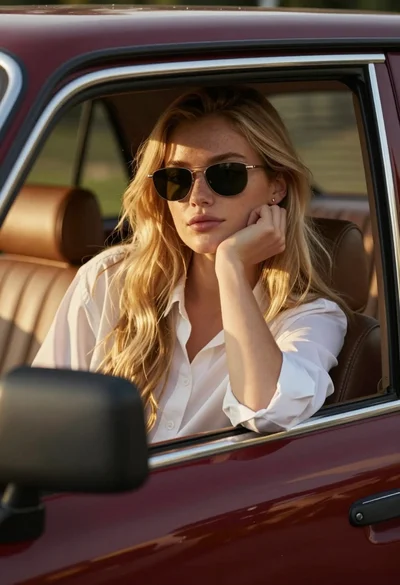
Young woman blonde hair leaning from vintage maroon car window at golden
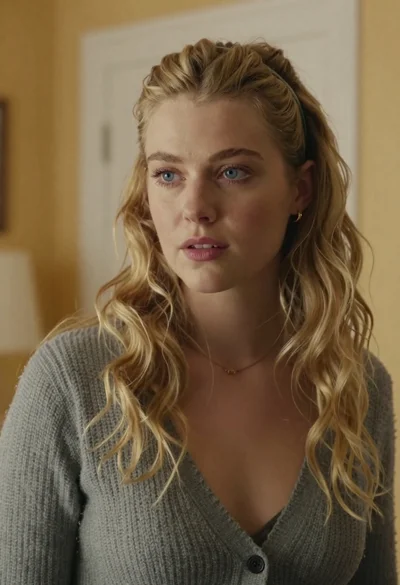
Medium close up portrait of blonde woman in grey cardigan indoors
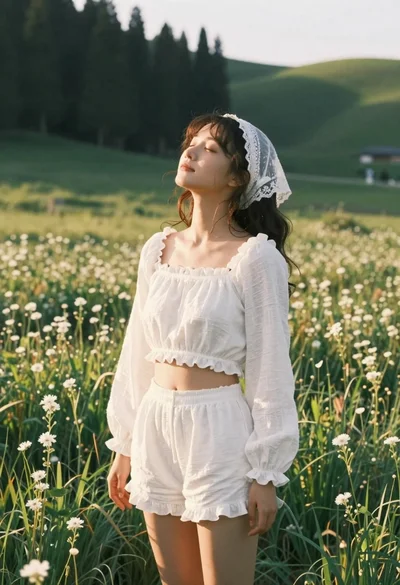
Young woman in white lace outfit standing in sunlit meadow
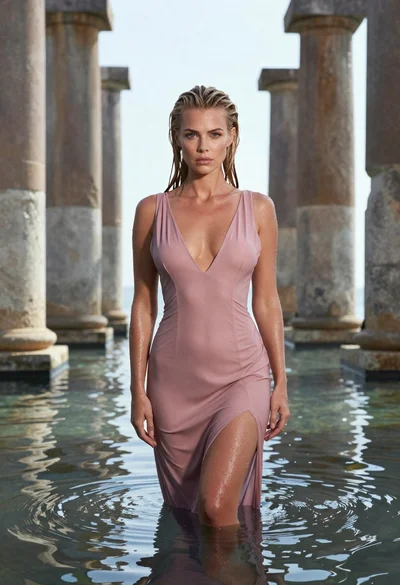
Woman in pink dress standing among ancient stone pillars in water
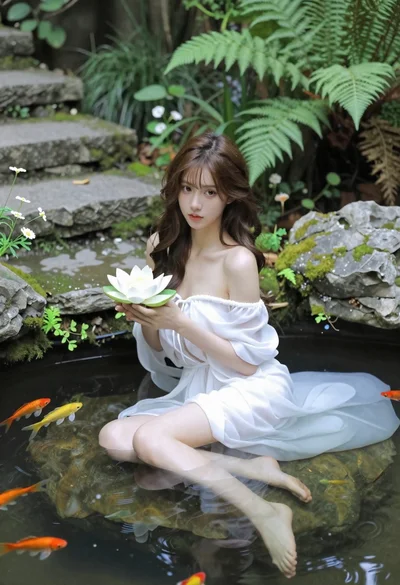
Woman in white dress holding lotus flower in shallow pool with fish
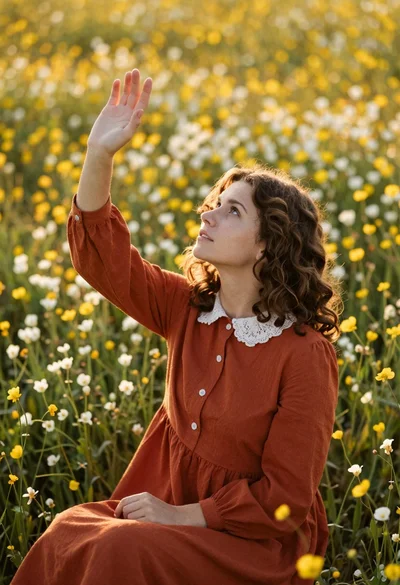
Young woman in rust dress reaching toward sky in wildflower meadow
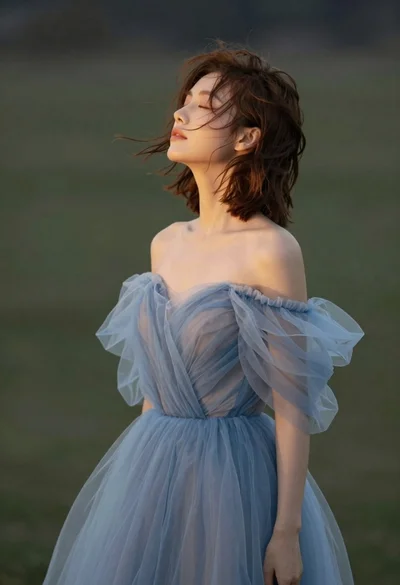
Young woman in blue tulle gown standing with eyes closed in wind
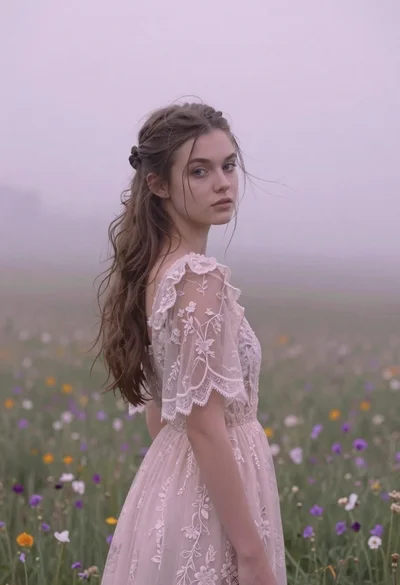
Young woman in pink lace gown standing in misty wildflower field
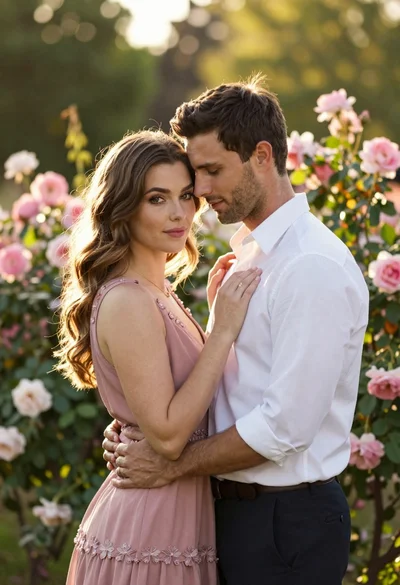
Young couple embracing in a lush rose garden during golden hour
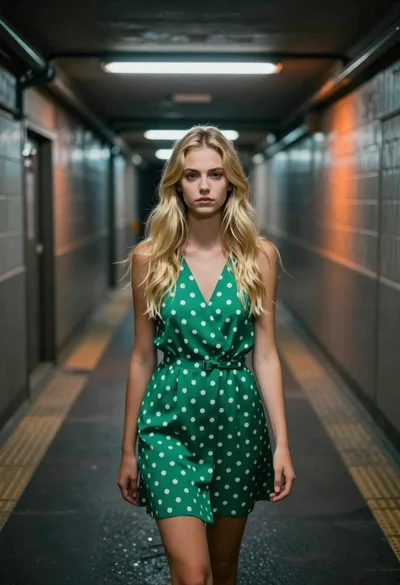
Young blonde woman in green polka dot dress standing in subway tunnel