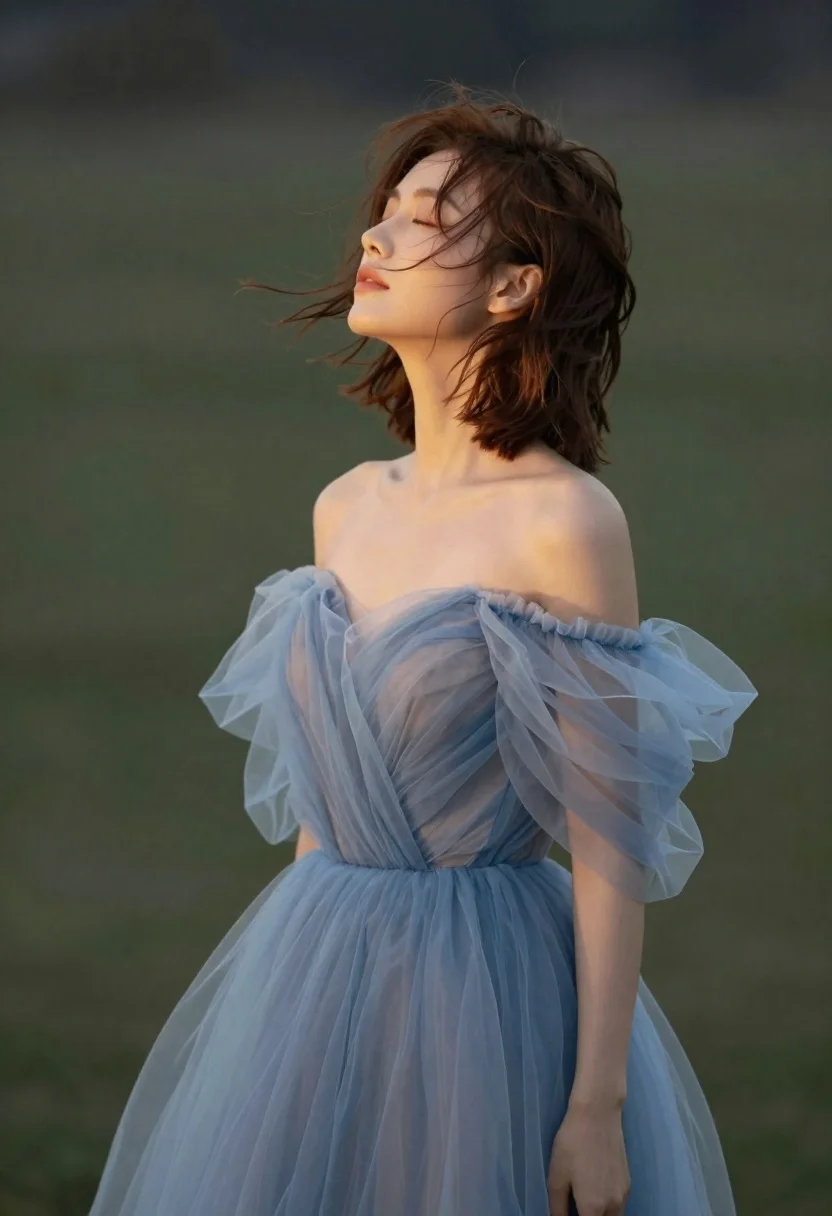
Young woman in blue tulle gown standing with eyes closed in wind
Prompt
A woman with short brown hair stands in profile with her eyes closed and head tilted back as wind blows through her hair.

Subject: A young woman with fair skin, a slender neck, and shoulder-length wavy brown hair that is blowing in the wind. Her expression is serene with her eyes gently closed and lips slightly parted.

Clothing: She wears an elegant off-the-shoulder gown made of layers of sheer, light blue tulle fabric that drapes voluminously around her body.

Action: The woman stands still while her hair flows dynamically to the left, suggesting a breeze; she tilts her head back and looks upward with a peaceful expression.

Environment: A dark, muted green background that is softly blurred to keep focus on the subject.

Lighting: Soft, warm light illuminates her face and shoulders from the side, creating gentle highlights on her skin and hair while casting subtle shadows.

Style Details: The image has a dreamy, ethereal quality with soft focus and smooth textures resembling high-end fashion photography.
Description
This prompt is useful for creating cinematic album covers, ethereal portraiture, and luxury bridal editorial spreads. The combination of 'sheer, light blue tulle fabric' against a 'dark, muted green background' establishes the desired contrast, while specifying 'soft focus and smooth textures' ensures the resulting image avoids harsh details that would distract from the subject's serene, wind-swept pose.
Suggestions
- Change 'light blue tulle fabric' to 'iridescent silk chiffon' for a different sheen.
- Add 'bokeh effect' to enhance the soft focus quality.
- Swap 'dark, muted green background' for 'foggy forest backdrop' to increase atmosphere.
Category
Tags
Brown HairFair SkinFemaleMedium ShotOutdoorsPortrait ShotRealisticSide Profile
Date added
June 21, 2026
Added by
PromptDexter Team
Related Prompts
More prompts with similar categories and tags.

Woman in green satin slip dress standing in sunlit elegant interior room
Fair blonde woman in red dress and floral jacket indoors
Woman in green dress looking over shoulder in bright ballroom setting
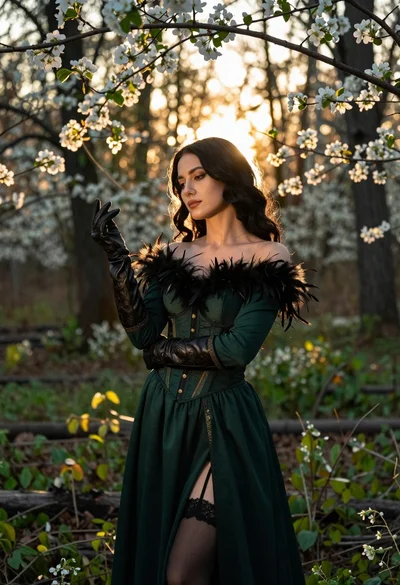
Woman in green gown stands in sunlit forest with blooming trees
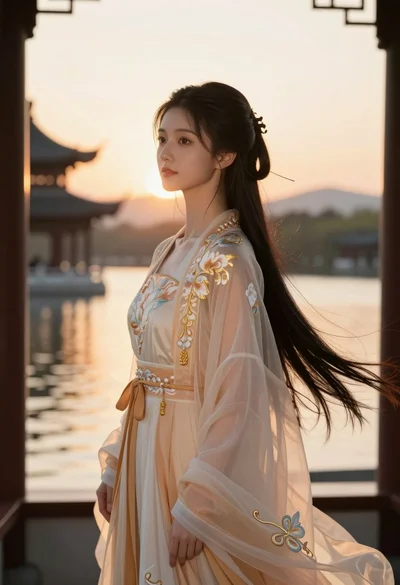
Young woman in traditional chinese gown on balcony at golden hour sunset
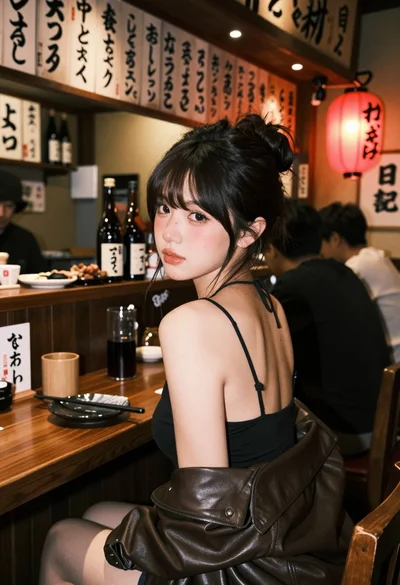
Young woman at wooden counter in dimly lit japanese izakaya bar setting
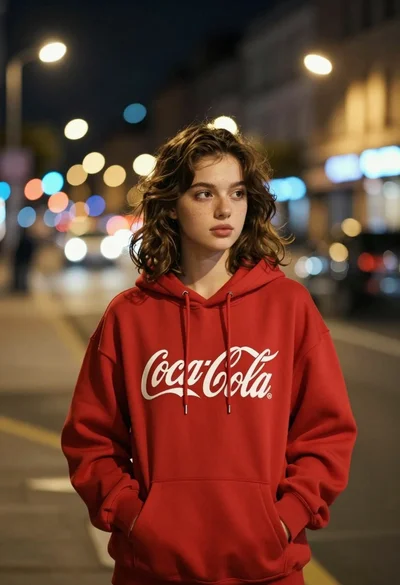
Young woman in red sweatshirt standing on blurred city street at night

Woman in gold sequin slip dress looking over shoulder in forest
