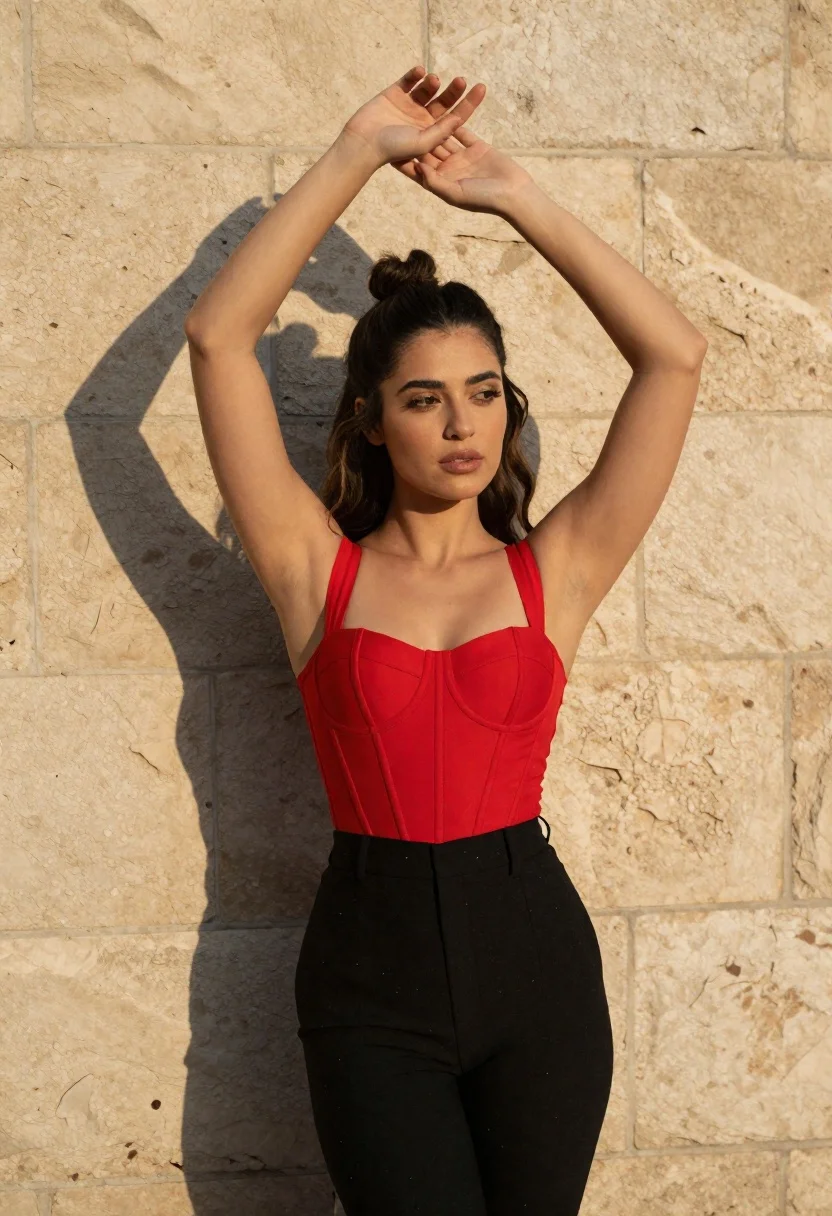
Woman in red corset top posing against a beige stone wall outdoors
Prompt
A woman stands against a textured beige stone wall with her arms raised above her head, framing her face with her hands.

Subject: A woman with long dark hair styled in a half-up bun and loose waves cascading over her shoulders. She has a fair complexion, defined eyebrows, and a neutral, confident expression while looking slightly off-camera.

Clothing: She wears a structured red corset top with boning details and square straps, paired with high-waisted black trousers that have subtle white speckles or paint splatters on the fabric.

Action: Her arms are extended straight up, palms facing each other near her head in a framing gesture. Her posture is upright and poised.

Environment: The background consists of a rough-hewn stone wall made of large beige blocks with visible mortar lines. A sharp, dark shadow of her raised arms and head is cast against the wall to her left.

Lighting: Strong, directional sunlight hits her from the right side, creating high contrast and highlighting the texture of her skin and hair while casting deep shadows on the opposite side of her face and body.

Camera: The shot is a medium close-up framed vertically, capturing her from the upper thighs up to just above her head, with a shallow depth of field that keeps the focus sharp on her face and torso.

Style Details: High-contrast photography with warm color grading, emphasizing the golden tones of the sunlight against the cool shadows and the vibrant red of the corset.
Description
This prompt is useful for creating editorial fashion moodboards, dramatic portraiture studies, and high-contrast lifestyle imagery. The combination of 'strong, directional sunlight' casting a 'sharp, dark shadow' against the 'textured beige stone wall' achieves a graphic quality that emphasizes form and color separation, which is ideal for showcasing the structure of the red corset top.
Suggestions
- Change 'beige stone wall' to 'limestone wall' for a different tonal variation.
- Swap 'red corset top' for 'deep emerald velvet corset' to shift the primary accent color.
- Adjust 'strong, directional sunlight' to 'late afternoon sidelight' for softer shadow edges.
Category
Tags
Black HairCasual WearFair SkinFemaleHalf BodyHigh AngleMedium ShotOutdoorsRealistic
Date added
June 23, 2026
Added by
PromptDexter Team
Related Prompts
More prompts with similar categories and tags.
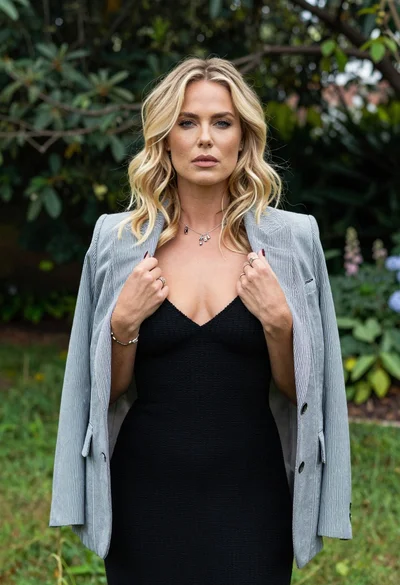
Blonde woman in striped blazer standing in lush green garden setting
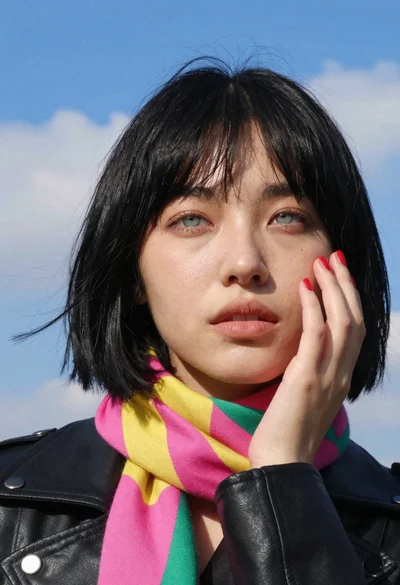
Young woman in black leather jacket with colorful scarf against blue sky
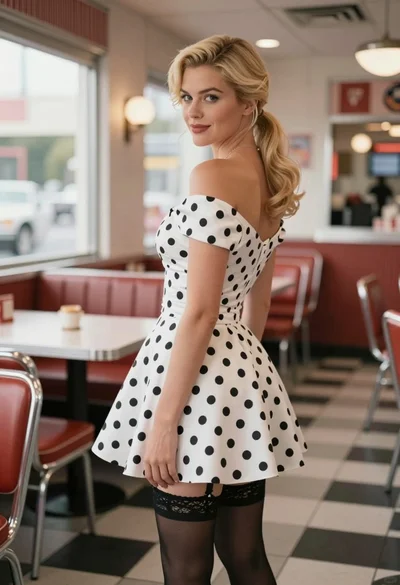
Blonde woman in polka dot dress standing in a vintage diner setting
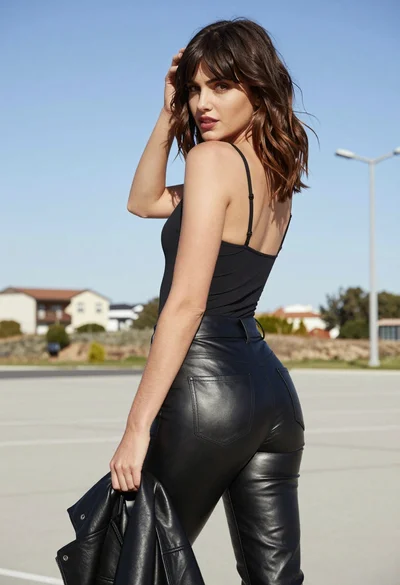
Young woman in black camisole and leather pants outdoors under bright daylight

Woman standing barefoot in dry autumn field at golden hour

Young woman in black and white patterned outfit on urban rooftop
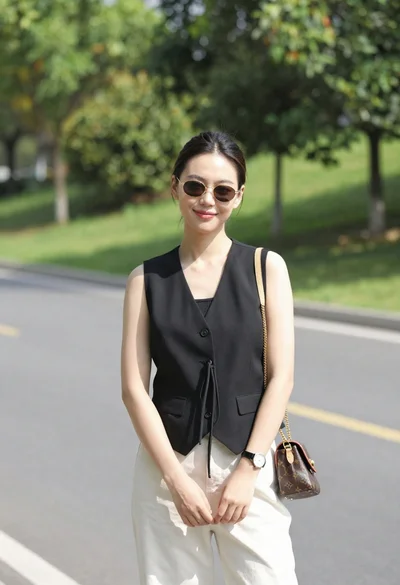
Stylish young woman in black vest standing on paved road near green

Woman in black dress by window overlooking ocean at golden hour
