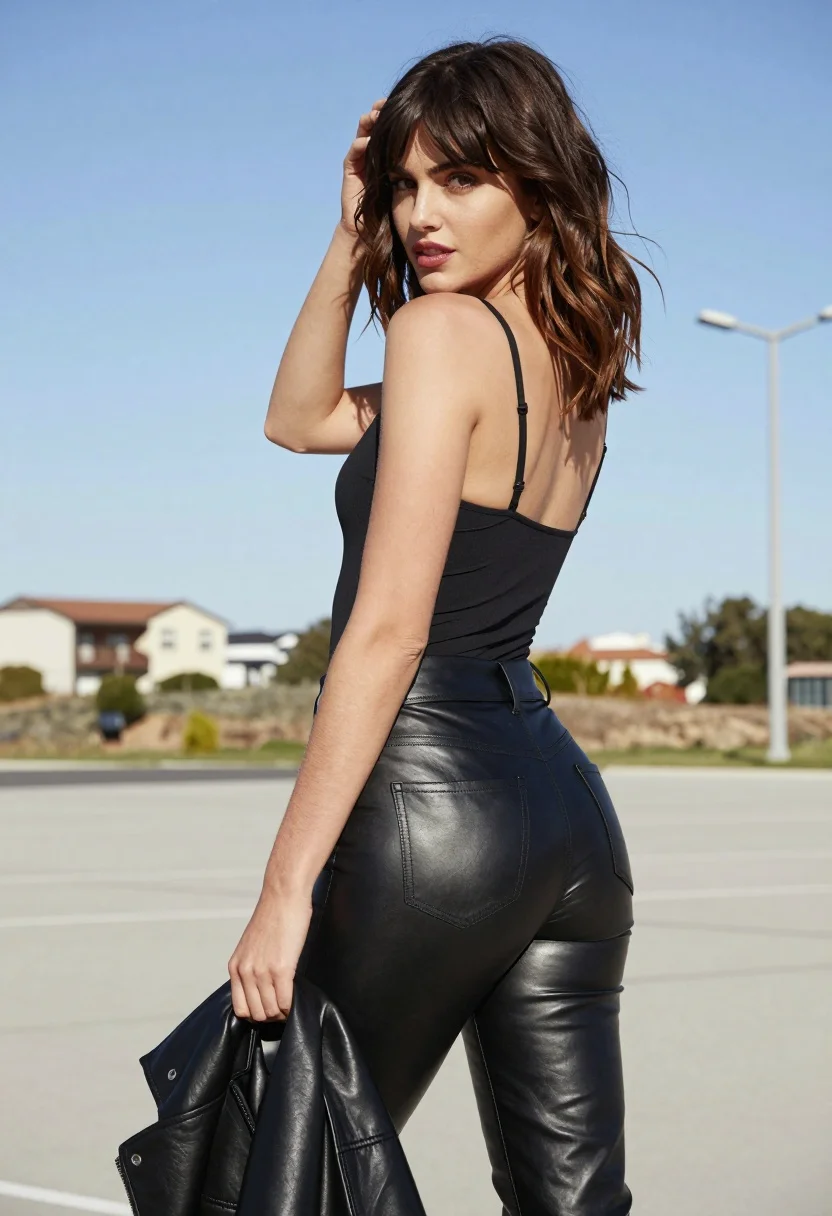
Young woman in black camisole and leather pants outdoors under bright daylight
Prompt
A woman with shoulder-length wavy brown hair and bangs stands outdoors in a sunlit setting, looking back over her left shoulder at the camera.

Subject: A young woman with fair skin, defined facial features, and a confident expression as she glances backward.

Clothing: She wears a black spaghetti-strap camisole top that reveals her upper back and a pair of high-waisted, shiny black leather pants with visible stitching on the rear pockets.

Action: Her right hand is raised to touch her hair near her temple while her left hand holds a crumpled black leather jacket or coat at her side; she stands in a relaxed pose with one leg slightly forward.

Environment: The background features a bright blue sky, distant low-rise buildings, sparse vegetation, and tall streetlights under clear daylight conditions.

Camera: Shot from a medium-full body angle with a slight over-the-shoulder perspective, capturing the subject against a wide open backdrop.

Lighting: Bright natural sunlight illuminates the scene from above and slightly behind, casting soft shadows and highlighting the texture of her skin and clothing.

Style Details: The image has a high-fashion editorial aesthetic with sharp focus on the subject, smooth color grading, and a clean composition that emphasizes style and silhouette.
Description
This prompt is useful for creating edgy street fashion editorials, character concept art for film stills, and modern portrait photography showcasing strong silhouettes. The combination of 'shiny black leather pants' against the 'bright blue sky' backdrop ensures that the material reflects light dramatically, preventing the outfit from looking flat under the specified 'bright natural sunlight,' while the 'over-the-shoulder perspective' draws immediate attention to her confident expression.
Suggestions
- Change 'black spaghetti-strap camisole top' to 'mesh black camisole' for more texture.
- Swap 'high-waisted, shiny black leather pants' for 'distressed matte black trousers' to soften the look.
- Adjust 'bright blue sky' to 'overcast concrete backdrop' for a moodier feel.
Category
Tags
Black HairBrown HairBrunetteCasual WearFair SkinFemaleMedium ShotOutdoorsOver The ShoulderRealisticStreetWide Shot
Date added
August 5, 2026
Added by
PromptDexter Team
Related Prompts
More prompts with similar categories and tags.

Young woman leaning against white wall with beige handbag under bright sunlight

Woman standing barefoot in dry autumn field at golden hour

Young woman in black and white patterned outfit on urban rooftop
Stylish woman looking back over shoulder on narrow cobblestone street at night

Young woman with braided hair in misty woodland setting
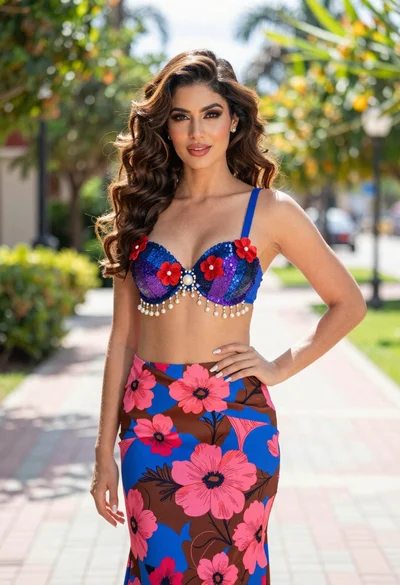
Confident woman in floral twopiece outfit on paved outdoor walkway

Young woman in green jacket holding plush toy at festive carousel

Woman in rust dress looking back over shoulder on stone staircase at
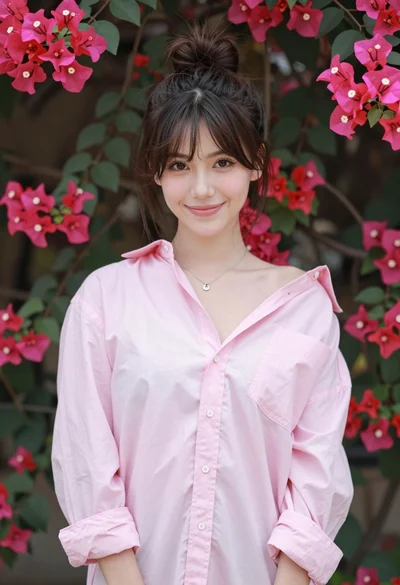
Young woman in pink shirt against vibrant bougainvillea flowers portrait

Smiling young woman in floral mini dress against soft textured beige wall