
Woman in red gown crouching near decorated christmas tree indoors
Prompt
A woman in a red dress crouching next to a Christmas tree.

Subject: A woman with long wavy brown hair and green eyes looking directly at the camera with a soft smile.

Clothing: She wears a vibrant red strapless gown that drapes over her legs, paired with black strappy high-heeled sandals.

Action: She is crouching low to the floor with one hand resting on her hip and the other gently touching her chin.

Environment: The setting is an indoor living room featuring a large decorated Christmas tree with warm lights and ornaments, surrounded by wrapped gifts. A grey sofa with a white fluffy cushion sits in the background against a plain wall.

Lighting: The scene is illuminated by the warm glow of the Christmas tree lights which cast a soft golden hue on the subject and floor.

Camera: The shot is taken from a low angle looking up at the subject, emphasizing her pose and the height of the tree.

Style Details: The image has a polished, high-quality aesthetic with smooth skin textures and rich color saturation typical of professional portrait photography.
Description
This prompt is useful for creating holiday catalog imagery, festive editorial features, and stylized seasonal advertising campaigns. The combination of 'low angle looking up' and the 'warm glow of the Christmas tree lights' directs attention upward toward the subject's face while ensuring the rich color saturation keeps the vibrant red gown from clashing with the background ornaments.
Suggestions
- Change 'vibrant red strapless gown' to 'velvet red ballgown' for a heavier drape.
- Add 'bokeh effect on lights' to enhance the festive atmosphere.
- Swap 'plain wall' for 'dark wood paneling' to ground the scene.
Category
Tags
Brown HairFemaleLow AnglePortrait ShotRealistic
Date added
June 19, 2026
Added by
PromptDexter Team
Related Prompts
More prompts with similar categories and tags.

Smiling blonde woman in black dress at sports illustrated event backdrop
Fit woman in pink bodysuit singing on stage under red lights
Glamorous woman in sequined jumpsuit on grand red carpet staircase
Smiling woman in champagne satin gown against light blue floral backdrop
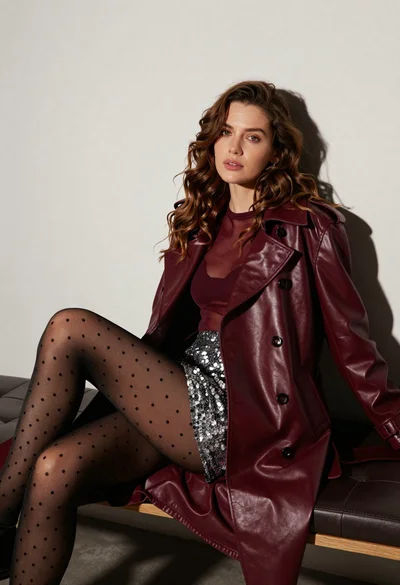
Stylish woman in burgundy coat seated on dark leather bench studio portrait
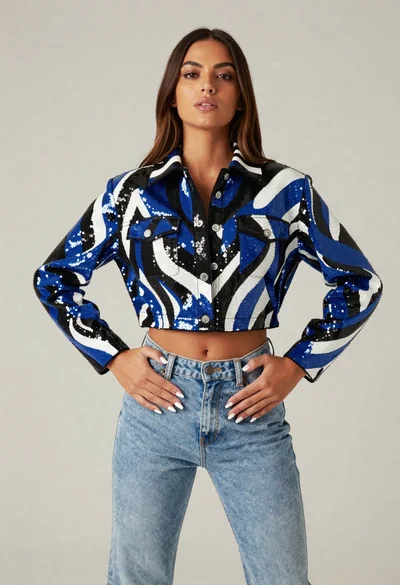
Young woman in sequined jacket and denim jeans posing in studio
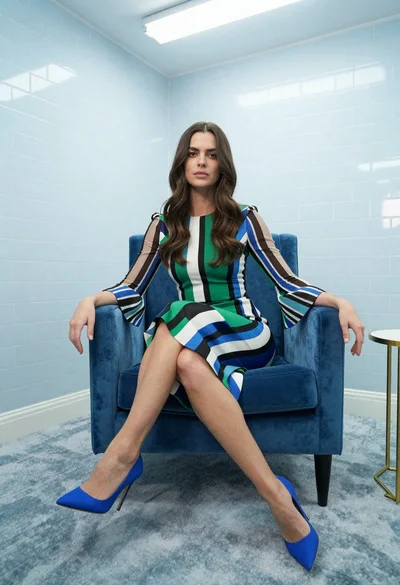
Woman in striped dress sitting on blue velvet armchair indoors
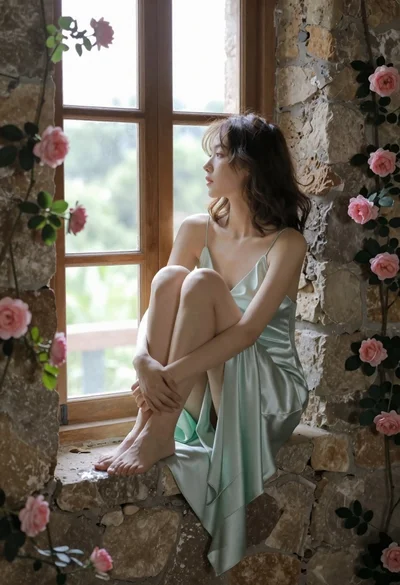
Young woman in mint green satin dress sitting on stone window ledge
Woman in orange suit leaning against geometric wall in minimalist studio
Young woman in magenta tank top and headphones sitting by graffiti wall