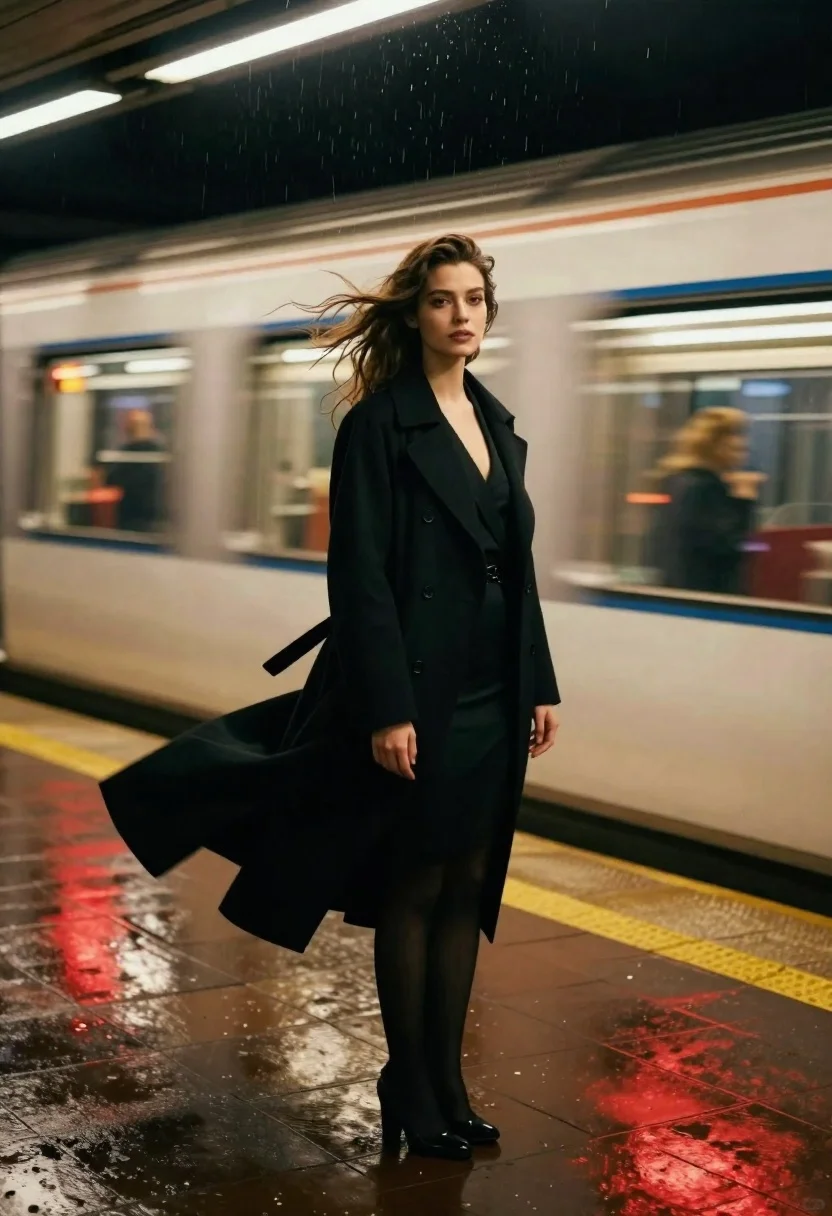
Woman in black coat standing on wet subway platform as train passes
Prompt
A cinematic portrait of a woman standing on a wet subway platform as a train rushes past in the background.

Subject: A young woman with wavy brown hair blowing in the wind, looking directly at the camera with a serious expression and defined makeup.

Clothing: She wears a long black coat over a dark dress, with the fabric flowing dramatically around her legs.

Action: The woman stands still while her hair and coat are caught in motion by strong wind, creating a dynamic contrast with the blurred train behind her.

Environment: A dimly lit underground subway station with wet tiled floors reflecting red and yellow lights, and a moving train visible in the background.

Camera: Shot with a shallow depth of field that keeps the woman sharp while blurring the fast-moving train to emphasize speed.

Lighting: Moody artificial lighting from overhead fixtures and reflections on the wet ground, creating high contrast between dark shadows and bright highlights.

Style Details: Cinematic photography style with vibrant color grading, motion blur effects, and a dramatic atmosphere enhanced by rain or moisture in the air.
Description
This prompt is useful for creating cinematic movie stills, moody editorial portraits, and high-contrast urban narrative sequences. The combination of 'shallow depth of field' keeping the subject sharp against the motion blur of the train effectively isolates the woman within a dynamic environment, while the 'wet tiled floors reflecting red and yellow lights' grounds the scene with specific, dramatic color information.
Suggestions
- Change 'long black coat' to 'trench coat' for a more defined silhouette.
- Swap 'red and yellow lights' for 'neon blue and cyan lights' for a different urban mood.
- Add 'film grain, 35mm' to the style details for an aged cinematic feel.
Category
Tags
Brown HairDark SkinFair SkinFemaleFull BodyMedium ShotPortrait ShotRealisticStreetUrbanVehicle
Date added
June 21, 2026
Added by
PromptDexter Team
Related Prompts
More prompts with similar categories and tags.

Young woman with wet dark hair smiling inside car during rainy night
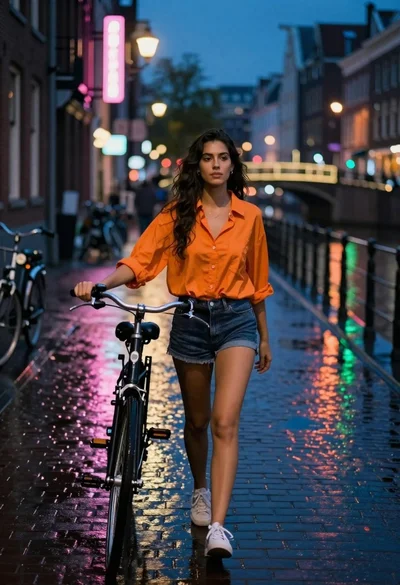
Young woman walking bicycle down wet cobblestone street at night

Young woman in blue sweater holding yellow daffodils by railway tracks
Young woman blonde hair leaning from vintage maroon car window at golden
Sad young woman in trench coat leaning against glass door at night
Confident woman in red top standing on wet cobblestone city street
Cinematic street portrait of young woman standing still in busy city intersection
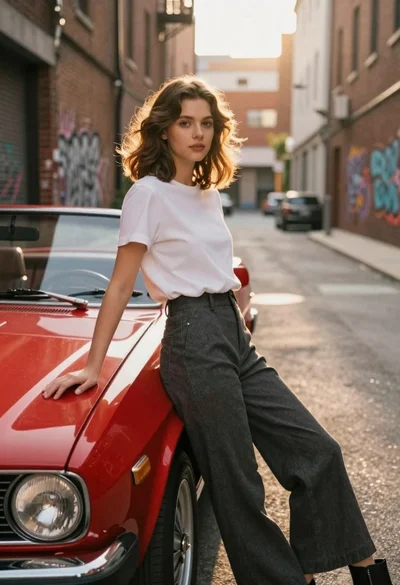
Young woman in white tshirt leaning against vintage red convertible car