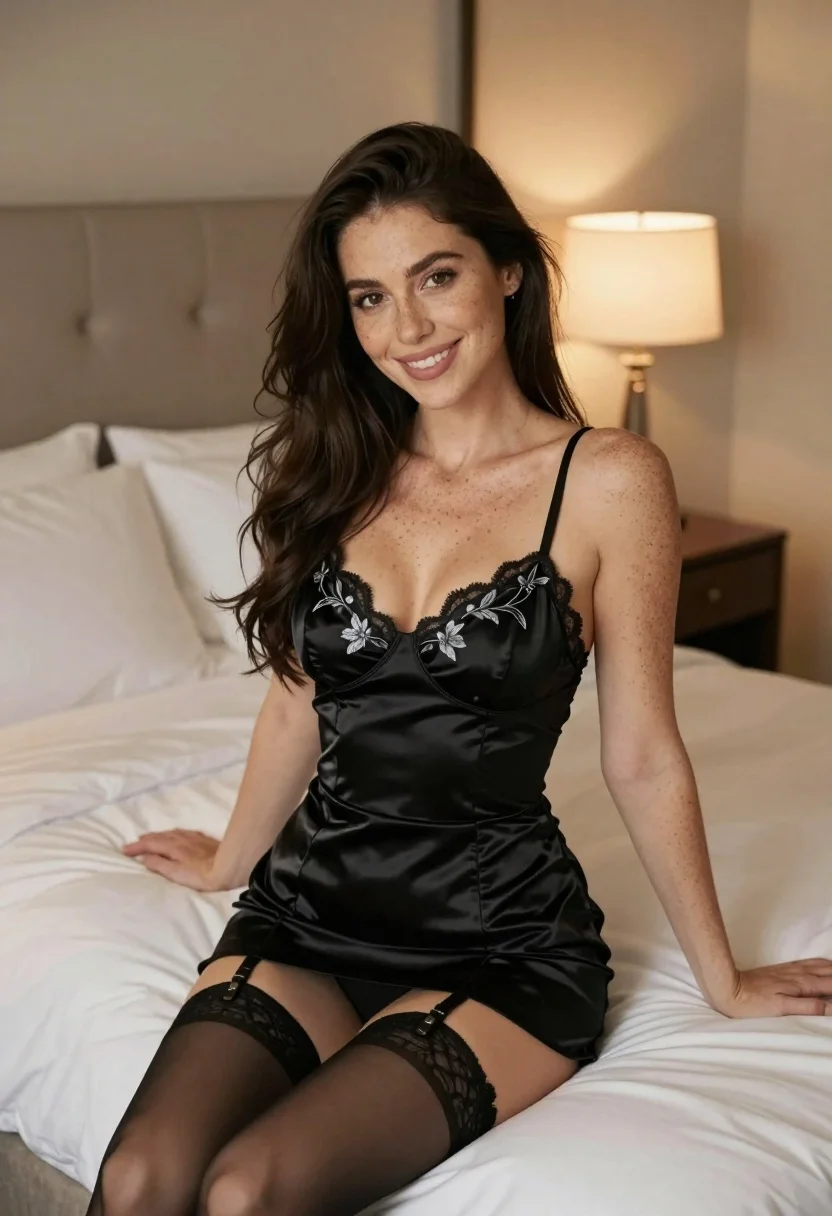
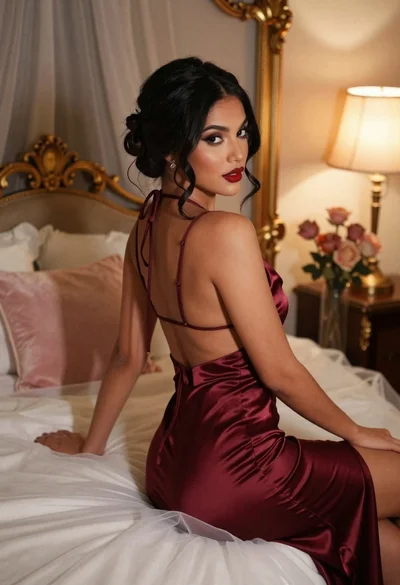
Woman with dark hair in black satin slip dress sitting on bed
Prompt
A woman with long dark hair sits smiling on a bed in a softly lit bedroom.

Subject: A woman with long dark hair and freckles across her arms and shoulders.

Clothing: She wears a black satin slip dress featuring silver floral embroidery, paired with sheer black stockings held up by a garter belt.

Action: She is seated on the edge of the bed, leaning slightly forward with one hand resting on the mattress and looking directly at the camera with a warm smile.

Environment: The setting is a bedroom featuring a large bed with white linens and a tufted headboard, alongside a dark wooden nightstand with a lamp in the background.

Lighting: Warm ambient light emanates from a bedside lamp, casting soft glows and creating gentle shadows that highlight the satin texture of her dress.

Camera: The shot is framed as a medium close-up at eye level, utilizing a shallow depth of field to keep the subject sharp while blurring the background.

Style Details: The image exhibits a high-quality photographic style with rich color grading and a smooth, polished finish.
Description
This prompt is useful for creating intimate portrait photography, boudoir editorial spreads, and character concept art for literary projects. The combination of 'black satin slip dress' and 'warm ambient light' ensures the fabric catches highlights beautifully without appearing overly glossy, while the 'shallow depth of field' isolates the subject's expression against the softly blurred background elements.
Suggestions
- Change 'silver floral embroidery' to 'gold baroque embroidery' for a richer tone.
- Swap 'white linens' for 'velvet throw' to add texture contrast.
- Adjust 'warm ambient light' to 'rim lighting from window' for more dramatic separation.
Category
Tags
BedroomFemaleIndoorsPortrait ShotRealistic
Date added
July 3, 2026
Added by
PromptDexter Team
Related Prompts
More prompts with similar categories and tags.

Glamorous blonde woman in black satin dress inside softly lit bedroom
East asian woman in floral lingerie sitting on bed

Woman in black satin slip dress holding champagne flute in luxurious bedroom
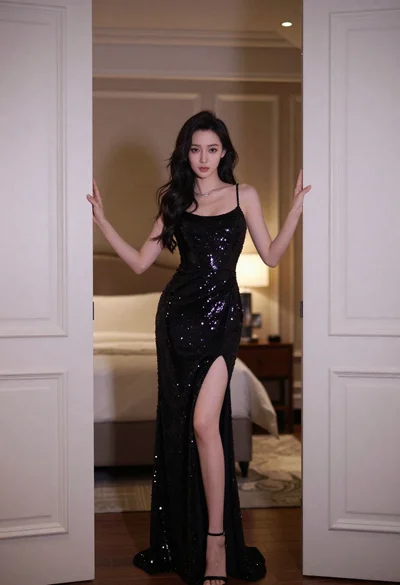
Woman in black gown framed by open white doors in softly lit
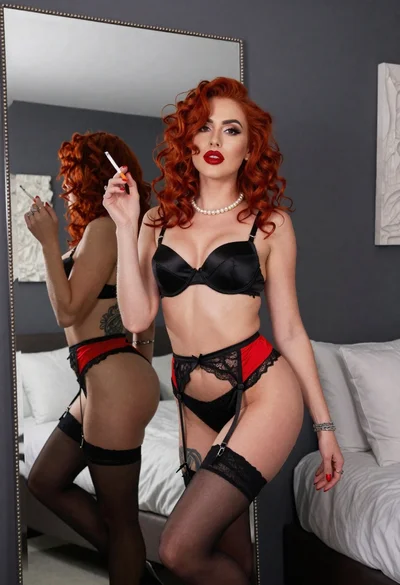
Woman with red curly hair posing in black lingerie near large mirror
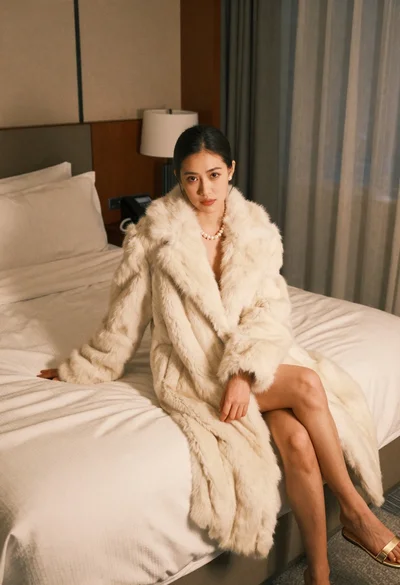
Woman in cream fur coat seated on bed looking at camera

Young woman in white crop top and sequined skirt in decorated bedroom

Young woman in mustard yellow outfit looking over shoulder in bedroom
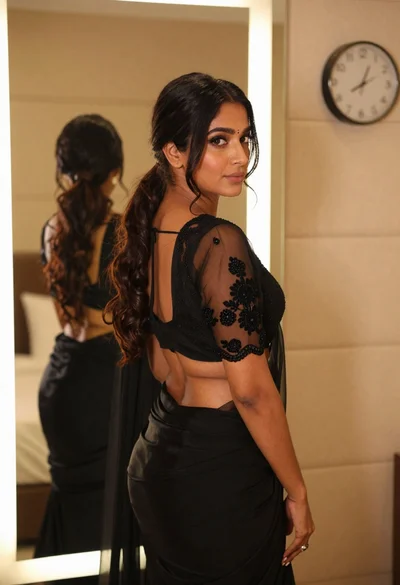
Woman in black embroidered blouse looking over shoulder in bedroom
Woman in burgundy satin dress sitting on bed looking over shoulder