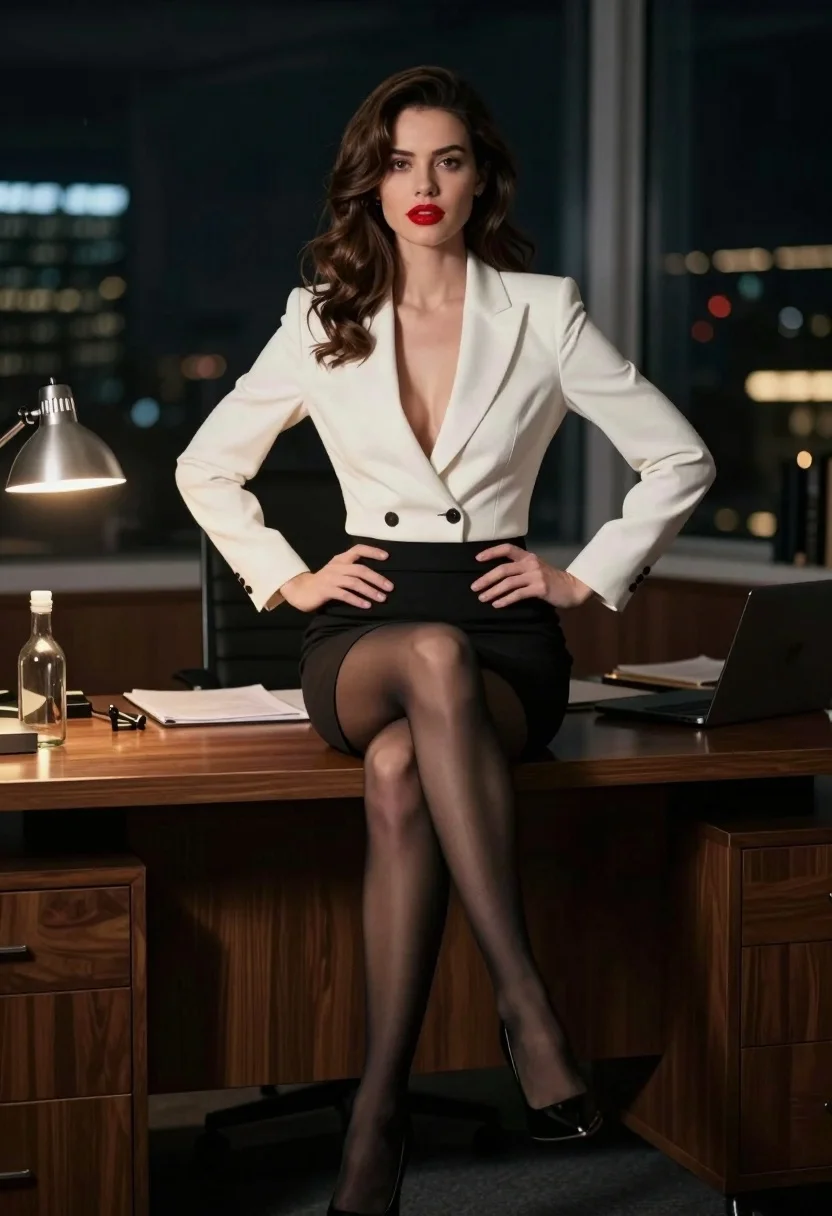
Confident woman with brown hair sitting at dark desk in dimly lit
Prompt
A confident woman with wavy brown hair and red lipstick sits on the edge of a dark wooden desk in a dimly lit office at night.

Subject: A poised woman with wavy brown hair, fair skin, and bright red lips looking directly at the camera.

Clothing: She wears a white blazer with a deep V-neck over a black pencil skirt, sheer black stockings, and black high heels.

Action: She sits on the edge of a desk with her hands resting on her hips in a confident pose.

Environment: A dark office setting with a large window showing blurred city lights outside at night.

Camera: Medium shot capturing the subject from the knees up with a shallow depth of field that blurs the background.

Lighting: Warm artificial light from a desk lamp illuminates the left side of her face and body while the rest remains in shadow.

Objects: A glass bottle, papers, and office supplies are visible on the wooden desk surface.

Style Details: Cinematic photography style with high contrast, soft focus background, and moody atmosphere.
Description
This prompt is useful for creating cinematic character portraits, editorial mood pieces for mystery genres, and sophisticated advertising campaigns requiring dramatic lighting. The combination of 'warm artificial light' illuminating only the left side against deep shadows establishes a high-contrast, moody atmosphere that focuses intense attention on the subject's expression while allowing the blurred city lights to suggest an untold narrative.
Suggestions
- Change 'red lipstick' to 'deep burgundy lipstick' for a more mature feel.
- Swap 'dark wooden desk' for 'mahogany desk' to specify the wood tone.
- Add 'film grain, 35mm' to enhance the cinematic texture.
Category
Tags
Brown HairFair SkinFemaleIndoorsMedium ShotPortrait ShotRealistic
Date added
August 5, 2026
Added by
PromptDexter Team
Related Prompts
More prompts with similar categories and tags.
Young woman at wooden counter in dimly lit japanese izakaya bar setting
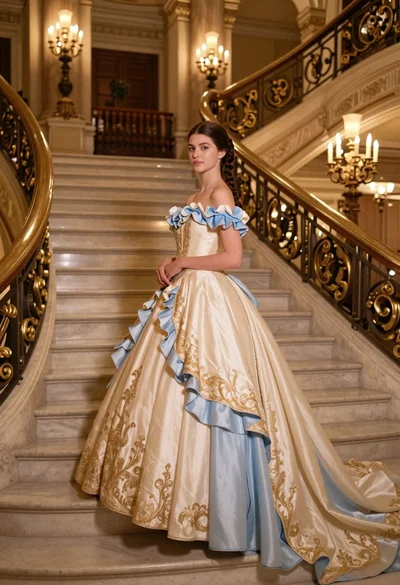
Young woman in elaborate ballgown on grand marble staircase interior
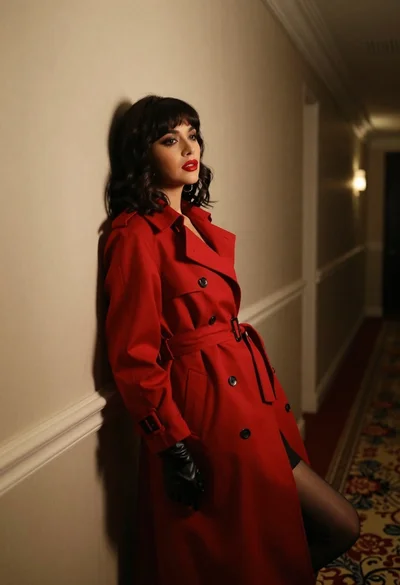
Woman in red trench coat leaning against hallway wall cinematic portrait
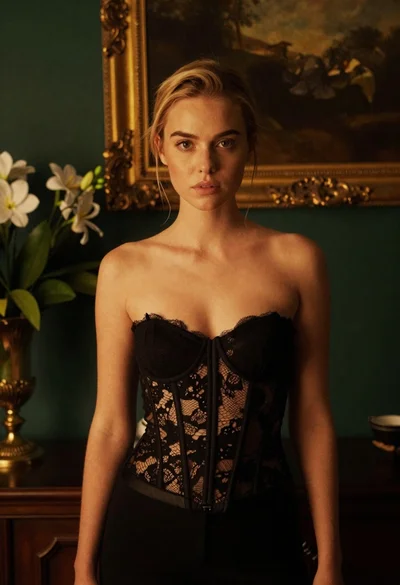
Blonde woman in black lace corset top against dark green wall
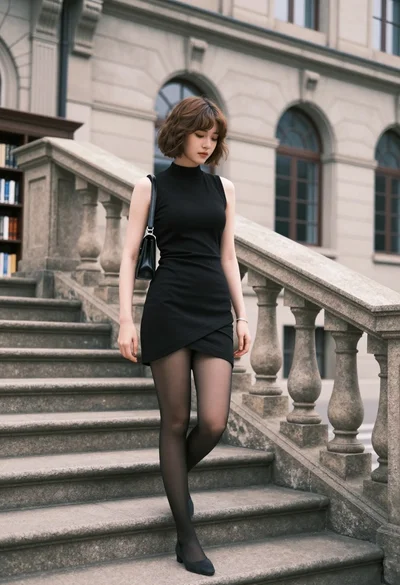
Young woman in black dress standing on stone steps before classical building
Woman in black gown standing amidst shattered glass in grand hall

Woman in green satin slip dress standing in sunlit elegant interior room
Confident woman in black dress walks through elegant museum hallway adjusting sunglasses
Woman in red ballgown spinning in elegant museum hall

Blonde woman in black gown posing on city street near ritz london