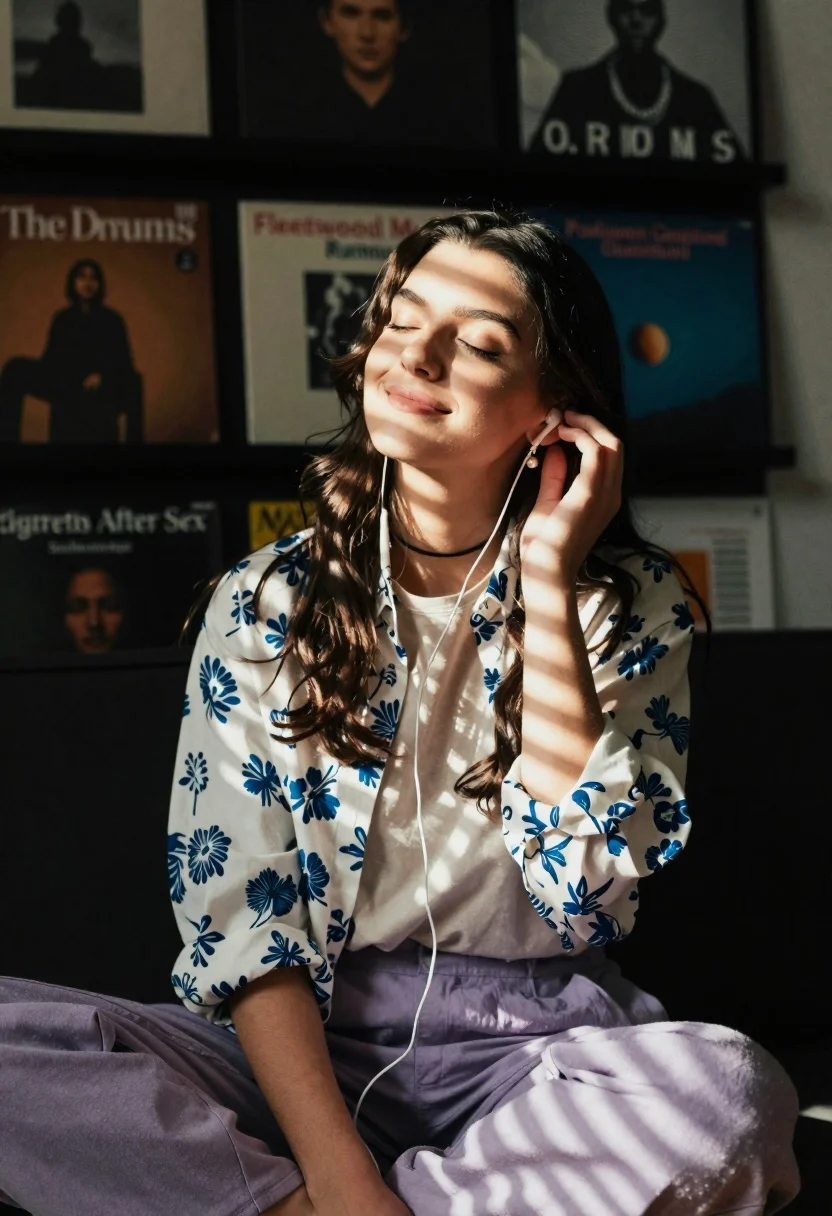
Young woman in floral shirt listening to music with closed eyes in
Prompt
A young woman sits in a dimly lit room with her eyes closed and a serene smile while listening to music through wired earphones.

Subject: A young woman with long dark brown hair, fair skin, and a peaceful expression.

Clothing: She wears a white button-up shirt featuring a blue floral pattern over a plain beige t-shirt, paired with loose-fitting light purple trousers. She has a black choker necklace around her neck and wears pearl drop earrings.

Action: She is seated in a relaxed pose, leaning slightly back with one hand gently touching her cheek near her ear. Her eyes are closed and she has a soft smile on her face.

Environment: The background consists of a dark wall covered with framed album covers, including titles like "The Drums," "Fleetwood Mac Rumours," "Paul Simon Graceland," and "Cigarettes After Sex."

Lighting: Strong diagonal beams of warm sunlight cut through the room, casting striped shadows across her face, hair, and clothing. The light creates a high-contrast look with bright highlights on her skin and deep shadows in the background.

Camera: A medium shot captures the subject from the waist up, utilizing a shallow depth of field to keep the focus sharp on her while softly blurring the album covers behind her.

Style Details: The image features a cinematic aesthetic with warm color grading, soft film grain, and a dreamy atmosphere enhanced by the interplay of light and shadow.
Description
This prompt is useful for creating intimate portraiture, music-themed editorial spreads, and moody lifestyle photography. The combination of 'strong diagonal beams of warm sunlight' casting 'striped shadows' against a background of framed album covers establishes a high-contrast, cinematic mood that emphasizes the subject's internal moment while grounding it in cultural context.
Suggestions
- Change 'blue floral pattern' to 'tropical hibiscus print' for more vibrancy.
- Adjust 'light purple trousers' to 'charcoal grey trousers' for a deeper contrast.
- Swap 'soft film grain' for 'Kodak Portra 400 grain' for a specific analog feel.
Category
Tags
Brown HairCasual WearFair SkinFemaleIndoorsMedium ShotRealistic
Date added
June 26, 2026
Added by
PromptDexter Team
Related Prompts
More prompts with similar categories and tags.
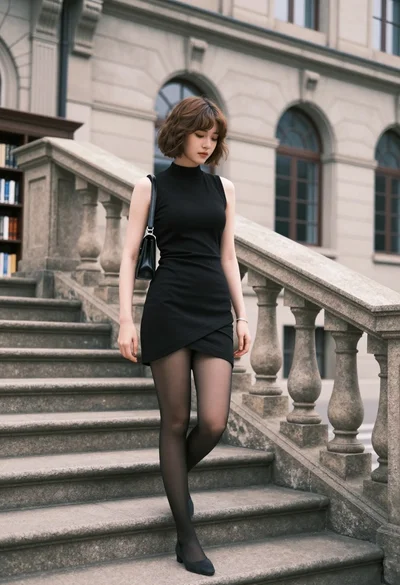
Young woman in black dress standing on stone steps before classical building

Confident woman with brown hair sitting at dark desk in dimly lit
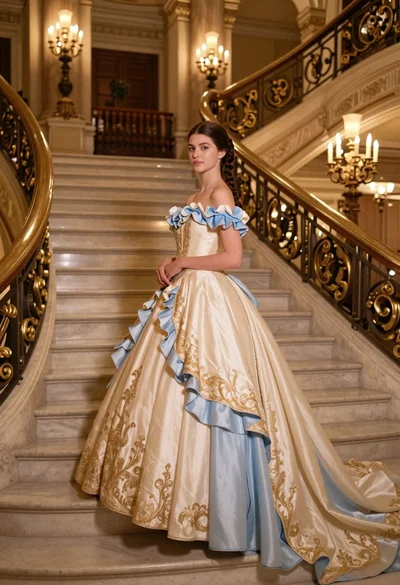
Young woman in elaborate ballgown on grand marble staircase interior
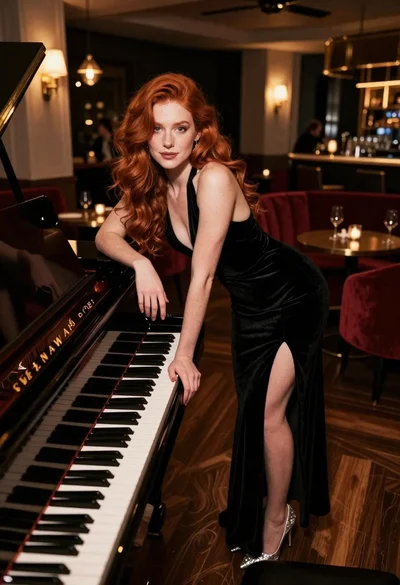
Woman with red hair leaning on black grand piano in upscale lounge
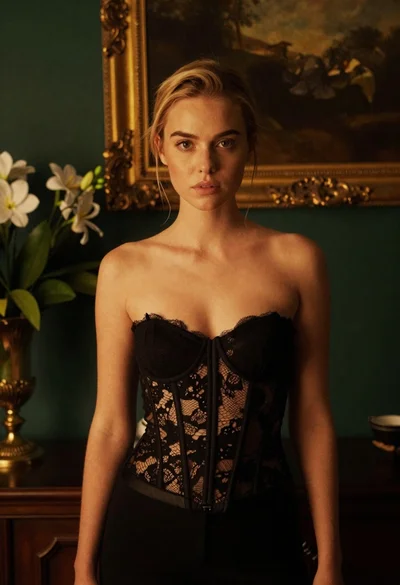
Blonde woman in black lace corset top against dark green wall

Woman in white dress holding lotus flower in shallow pool with fish
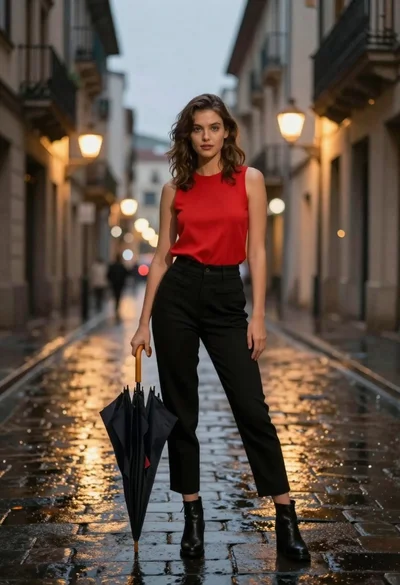
Confident woman in red top standing on wet cobblestone city street

Young blonde woman in brown top seated in modern living room setting