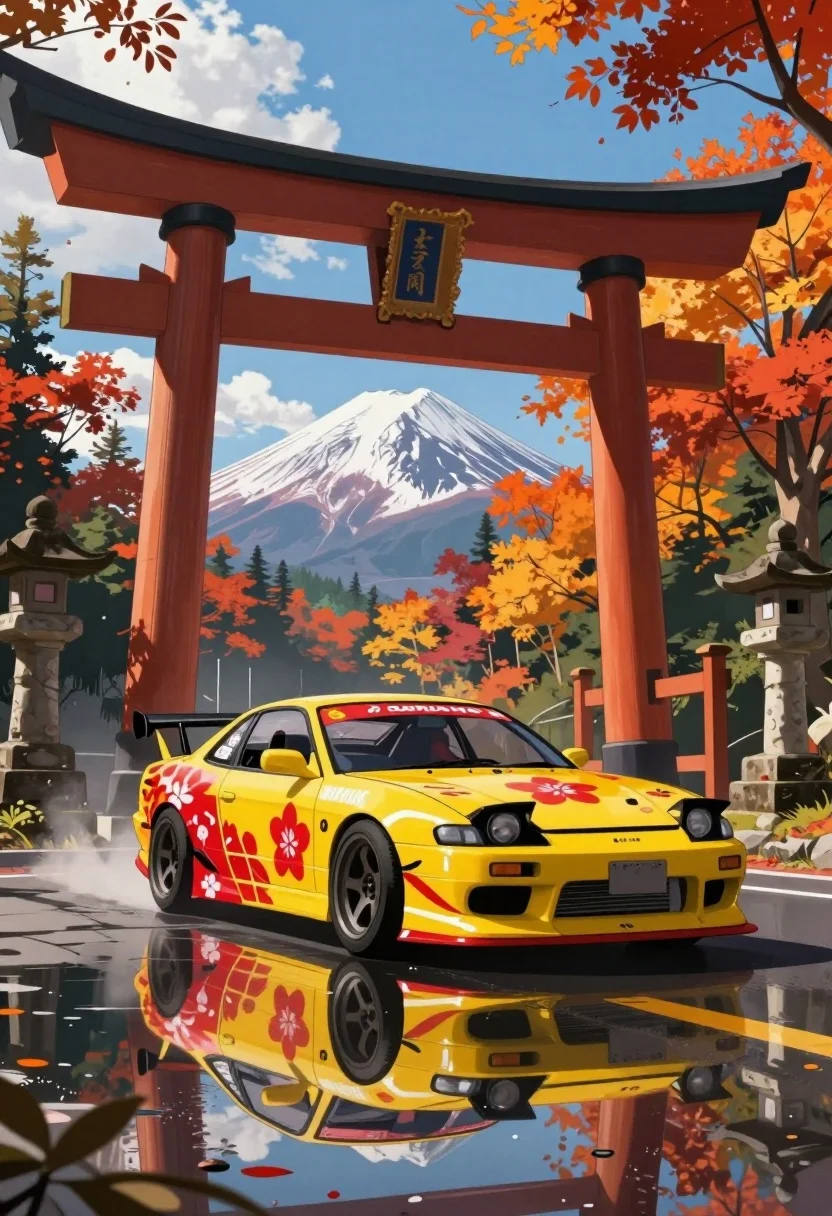
Yellow japanese drift car parked under torii gate near mount fuji
Prompt
A vibrant yellow Japanese drift car with red floral decals and racing livery parked on a wet asphalt road beneath a large traditional torii gate, with Mount Fuji visible in the distance through autumnal forest foliage.

Subject: A bright yellow modified sports car featuring bold red cherry blossom graphics and Japanese text decals across its bodywork.

Clothing: Not applicable as the subject is a vehicle; however, the car displays racing-style livery with sponsor logos and stylized typography.

Action: The car is stationary, angled slightly toward the viewer, reflecting clearly on the wet road surface beneath it.

Environment: A winding mountain road lined with trees displaying vivid autumn colors—reds, oranges, yellows—and flanked by traditional stone lanterns and smaller torii gates; Mount Fuji rises majestically in the background under a blue sky with scattered white clouds.

Camera: Low-angle shot emphasizing the car’s stance and reflection, wide framing to capture both foreground detail and distant mountain vista, suggesting a moderate telephoto lens for depth compression.

Lighting: Bright daylight with soft shadows cast by the torii gate and trees; sunlight enhances saturation of fall foliage and creates glossy reflections on the wet pavement.

Style Details: Anime-inspired digital illustration style with clean lines, saturated colors, dynamic composition, and painterly texture blending realism with stylized aesthetics reminiscent of manga or anime backgrounds.
Description
This prompt is useful for creating automotive concept art, travel posters emphasizing Japanese culture, and vibrant video game background assets. The combination of 'low-angle shot' and 'wet asphalt road' forces the model to emphasize the car’s aggressive stance and glossy reflections, while the 'Anime-inspired digital illustration style' keeps the saturated colors from feeling too photorealistic for a stylized poster.
Suggestions
- Change 'red floral decals' to 'gold kanji script' for a more traditional feel.
- Swap 'bright yellow' for 'electric lime green' to increase visual pop against the autumn leaves.
- Adjust 'moderate telephoto lens' to 'wide-angle lens' to exaggerate the foreground car size.
Category
Tags
Digital ArtLow AngleTraditional WearVehicleWide Shot
Date added
July 3, 2026
Added by
PromptDexter Team
Related Prompts
More prompts with similar categories and tags.
Man on motorcycle against vibrant orange background
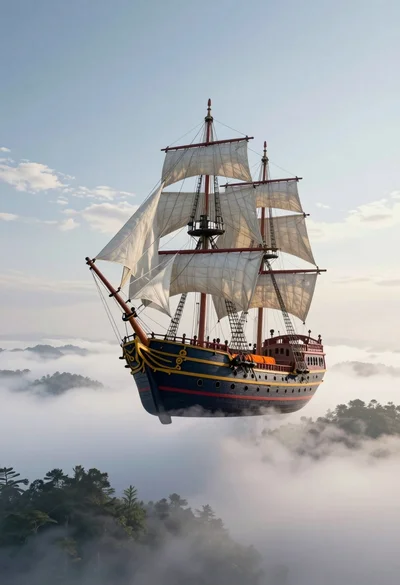
Majestic pirate ship suspended in the sky above misty landscape
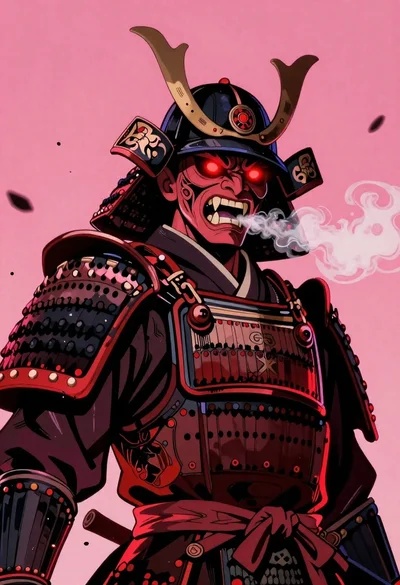
Samurai warrior roaring in dark armor against pink background
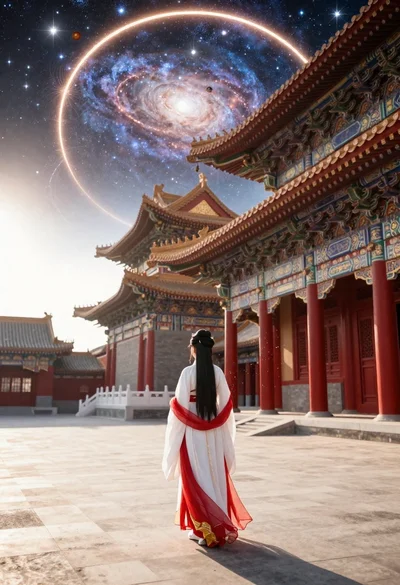
Figure in hanfu dress before cosmic portal in courtyard
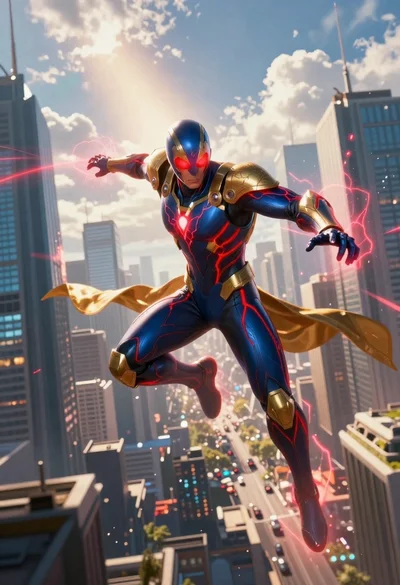
Superhero leaping through a futuristic cityscape under cloudy sky
Warrior in dark armor within ancient overgrown stone archway

Child holding glowing balloon in dimly lit alleyway

Cosmic spirit standing in water viewed by small child
Supernatural entity in stone archway with blue lightning

Warrior woman riding wolf through snowy mountains